How Does a URL Shortener Work? 7 Steps From Long URL to Short Link
September 30, 2026 · Web Development
How does a URL shortener work? Every time you click a bit.ly/… link, a small but elegant piece of machinery runs: the service looks up a short key in a database, finds the long URL it points to, and fires an HTTP redirect that sends your browser onward — logging your click along the way. In this guide we walk through the 7 steps a URL shortener performs from paste to redirect, how the short keys are generated (with real key-space math), which redirect codes are used, what gets tracked, and the catches nobody tells you about.
What is a URL shortener, really?
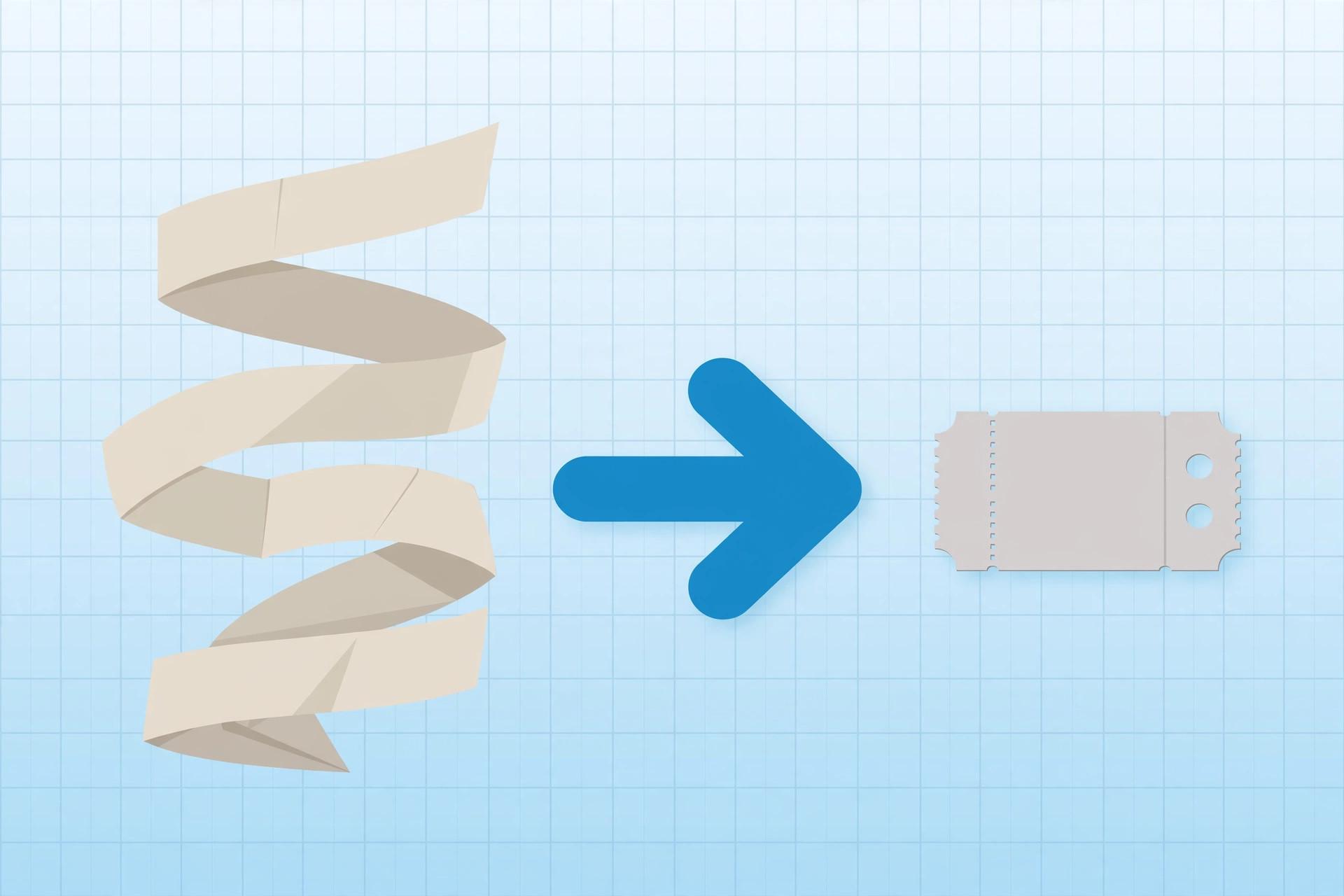
A URL shortener is a web service that converts a long web address into a short alias that redirects to it. The "shortening" is a slight misnomer: nothing about your URL is compressed. Instead, the service stores the full URL in its own database under a short, unique identifier, then gives you a link containing only that identifier. Clicking the short link asks the service "what does this key point to?" and the service answers with a redirect.
Why do long URLs exist in the first place? Because modern URLs carry baggage: tracking parameters, session tokens, and filter states all get bolted onto the address. A URL is made of scheme, domain, path, query string, and fragment — our URL encoding explainer breaks that anatomy down. Shorteners strip all the visual noise down to a domain plus a handful of characters.
The idea is old: TinyURL launched in 2002, back when links were shared by email and every character counted. Google's own goo.gl ran from 2009 until its August 2025 retirement broke countless links across the web (more on that below).
How a URL shortener works: the 7 steps
Strip away the dashboards and branding, and every URL shortener runs the same core pipeline:
- You paste the long URL. Into a form, an API call, or a browser extension.
- The service validates it. It checks the URL is well-formed with a real
http/httpsscheme, and often runs a quick safety scan. Dangerous schemes likejavascript:are rejected. - A short key is generated. A unique identifier, typically 5–8 characters from the 62 URL-safe characters (details below). Some services let you pick a custom alias.
- The mapping is stored. One database row: short key → long URL, plus metadata (creation time, owner, expiry). This table is the entire product.
- You get the short link. Domain + key, e.g.
sho.rt/3xYzAbC. - A click triggers a lookup. Someone opens the short link; the server extracts the key from the path and queries the database — a single indexed read.
- The server redirects and logs. It answers with an HTTP redirect (301 or 302) and the long URL in the
Locationheader, while recording the click: time, referrer, device, approximate location. The browser then loads the destination directly — the shortener's job is done.
How short keys are actually made
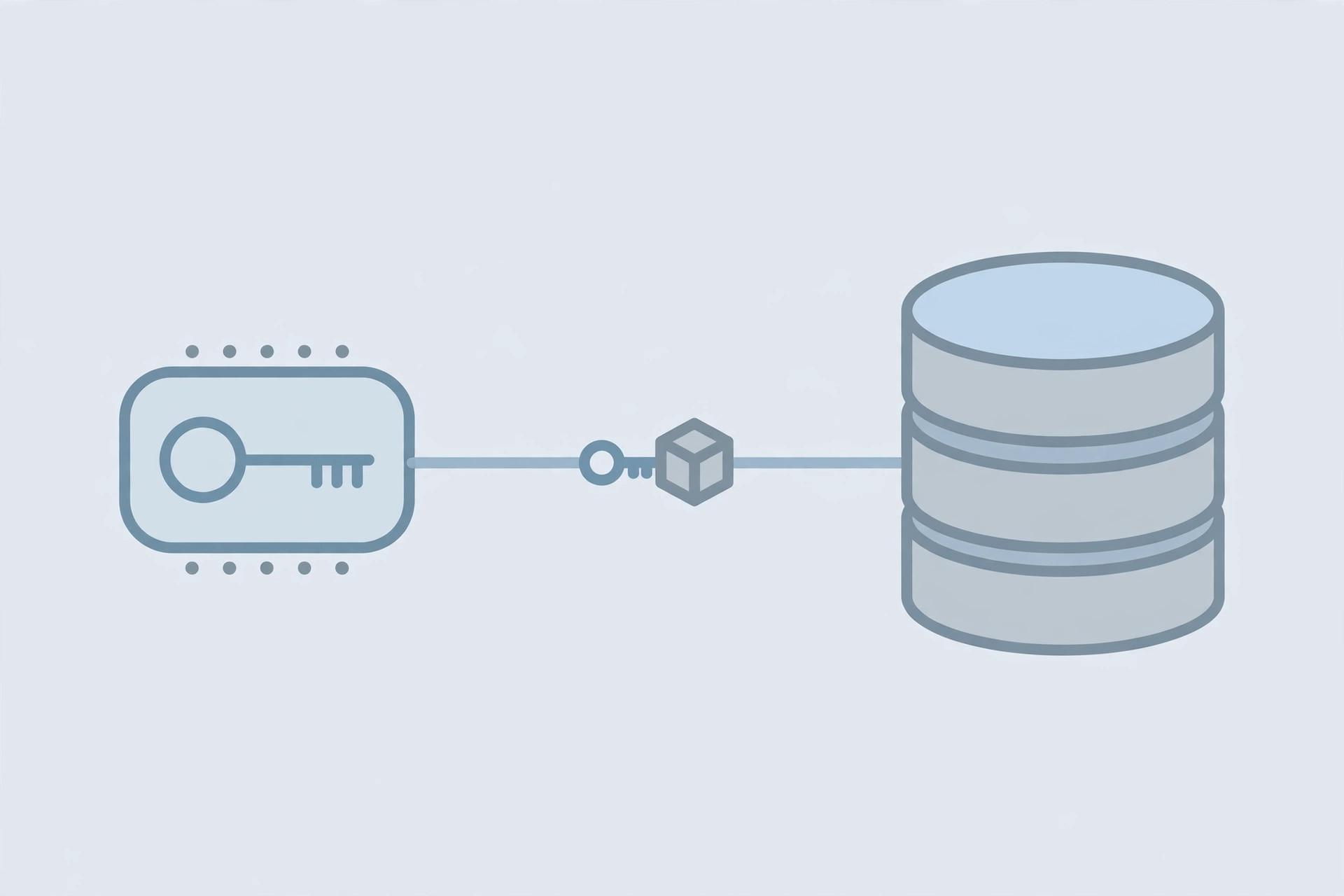
The short key is the only clever bit of the system, and there are three standard ways to mint one:
- Auto-increment counter + base62. The database hands each new link the next integer and encodes it in base62 (0–9, A–Z, a–z) — all 62 characters URL-safe without escaping. Deterministic, provably collision-free, and dead simple. ID 1,000,000 becomes
4C92. - Random string. Generate 7 random base62 characters and check the database: taken? Generate again. Simple, but needs a uniqueness check on every insert.
- Hash truncation. Hash the long URL (hash algorithm comparison) and keep the first few characters. The catch: truncation invites collisions via the birthday paradox, so you still need a collision check — and then it has no advantage over a random string.
The key-space math is what makes short links viable. With 6 base62 characters there are 626 = 56.8 billion possible keys; 7 characters gives 3.5 trillion. Even a shortener issuing millions of links a day won't exhaust 6 characters for decades — and adding one character multiplies capacity by 62. This is the same character-efficiency thinking behind base64 encoding: pack maximum identity into minimum characters. (For random IDs, UUIDs are the heavyweight alternative — but at 36 characters they defeat the point of a short link.)
// Base62-encoding a counter: the classic short-key generator
const CHARS = '0123456789ABCDEFGHIJKLMNOPQRSTUVWXYZabcdefghijklmnopqrstuvwxyz';
function toBase62(n) {
  let out = '';
  do { out = CHARS[n % 62] + out; n = Math.floor(n / 62); } while (n > 0);
  return out;
}
toBase62(1000000); // → '4C92'  (verify: 4×62³ + 12×62² + 9×62 + 2 = 1000000)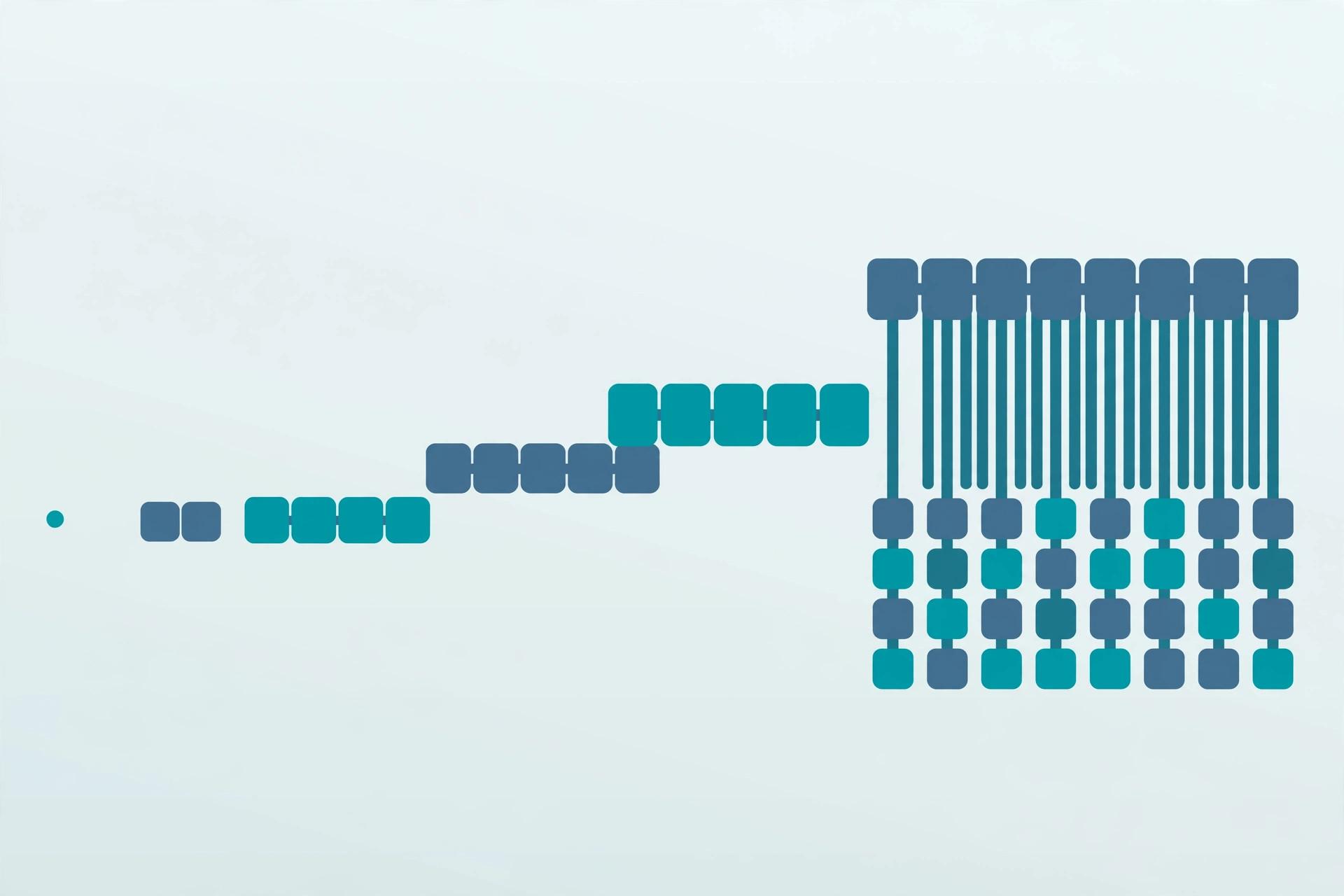
What happens when you click: the redirect
The click-time flow is pure HTTP. Your browser requests the short URL; the shortener's server finds the destination and answers with a 3xx redirect status plus a Location header carrying the long URL:
HTTP/1.1 302 Found
Location: https://www.example.com/some/very/long/page?utm_source=newsletter
The browser immediately requests the Location URL. The shortener never proxies your traffic — it just points you elsewhere, and the address bar shows the final destination.
Which status code? 301 (Moved Permanently) lets browsers and crawlers cache the mapping — faster, but the destination is frozen. 302 (Found) forces every click through the shortener, keeping click counts exact and the destination editable. 307 works like 302 but preserves the request method. Analytics-focused services favor 302; speed-focused ones favor 301. See our HTTP status codes cheat sheet and MDN's redirections in HTTP guide.
What a shortener tracks about every click
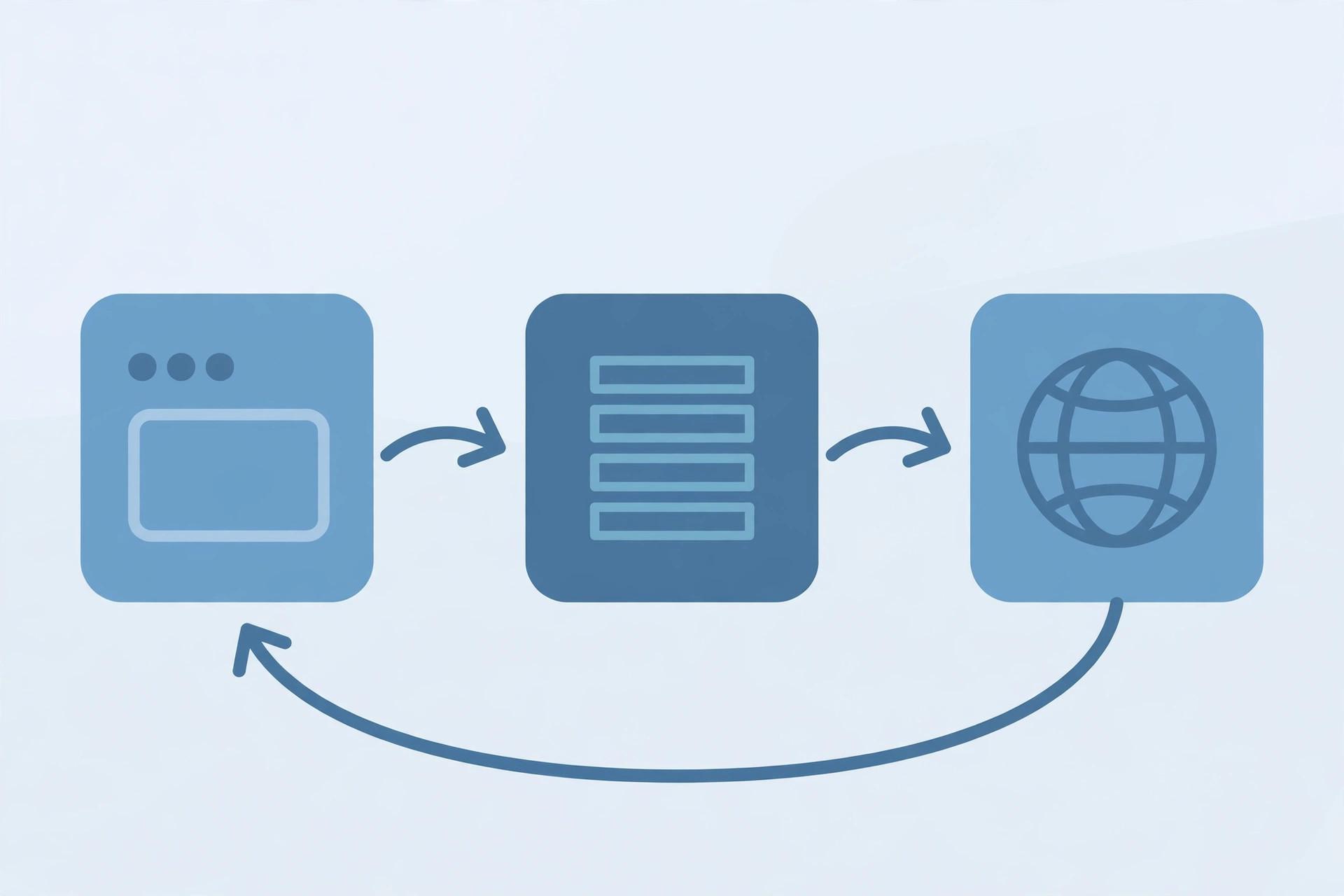
The redirect is also the perfect observation point, and it's why shorteners are free: you're paying with click data. A typical service records timestamp, referrer, device/browser (from the User-Agent), approximate location (from the IP), and passes UTM parameters through untouched so campaign tracking survives the hop. Aggregated, that's the click dashboard: totals, time series, top referrers, geography.
Note the privacy trade-off: the shortener sees every click on your links. For sensitive campaigns, self-hosted shorteners exist — you keep the mapping table and the analytics.
Inspect a short link's machinery live: paste any shortened URL into our free HTTP Header Checker and you'll see the exact redirect status and Location header the shortener returns — step 7 of the pipeline, exposed. And if your URLs carry messy query strings worth cleaning up first, our URL Encoder/Decoder handles the encoding side.
The catches: phishing, abuse, and link rot
Short links have three structural weaknesses worth knowing before you trust one:
- Opacity enables phishing. A short link hides its destination — exactly what a scammer wants. Preview before clicking: appending
+to a bit.ly link shows its info page, and URL expander tools follow the redirect chain to reveal the final destination. - They're abused as open redirectors. Attackers shorten malicious links to borrow the shortener's reputable domain. Reputable services scan destinations against blocklists, but scanners are reactive — brand-new phishing pages pass until reported.
- Link rot is the big one. Your short link is only as durable as the company behind it. When Google retired goo.gl in August 2025, documents, videos, and archived emails went dead overnight. For links that must survive years, own the domain or print the full URL.
Build a mini shortener in 30 lines
The whole pipeline compresses into a tiny script. Here's the core — generate, store, redirect — in JavaScript:
const store = new Map();          // the "database": key -> long URL
let counter = 1;

function shorten(longUrl) {
  if (!/^https?:\/\//.test(longUrl)) throw new Error('Only http(s) URLs');
  const key = toBase62(counter++); // base62 from the section above
  store.set(key, longUrl);
  return 'https://sho.rt/' + key;
}

function handleClick(key) {
  const longUrl = store.get(key);
  if (!longUrl) return { status: 404 };
  logClick(key);                    // timestamp, referrer, device…
  return { status: 302, location: longUrl };
}

shorten('https://www.example.com/some/very/long/page'); // → 'https://sho.rt/1'
That's it: validation, key generation, one lookup, one redirect, one log line. Production adds a real database, rate limiting, malware scanning, custom domains, and expiry — but the architecture never changes. If you can explain those 30 lines, you understand how every URL shortener on the internet works.
So: how does a URL shortener work? It stores your long URL under a short key, hands you the short link, and on every click looks the key up and redirects the browser to the real page — logging the click as it goes. The redirect mechanics lean on HTTP status codes, the keys lean on compact character encodings and hashing, and the addresses follow the URI rules in RFC 3986. Simple machinery — but remember goo.gl's 2025 retirement every time you shorten a link you can't afford to lose.
Frequently asked questions
- How does a URL shortener work in simple terms?
- A URL shortener stores your long URL in a database under a short, unique key — then gives you a short link containing just that key. When someone clicks the short link, the shortener looks up the key, finds the original URL, and sends back an HTTP redirect (usually 301 or 302) pointing the browser at it. The click is logged for analytics at the same moment. Nothing is compressed: the short link is just a pointer.
- What is a short URL actually made of?
- Three parts: the shortener's domain (bit.ly, t.co, or a branded domain), a slash, and the short key — sometimes called the slug or back-half. Example: in bit.ly/3xYzAbC, "bit.ly" is the domain and "3xYzAbC" is the 7-character key. Some services let you customize the key ("/summer-sale"); those custom versions are called vanity or branded short links.
- Which HTTP redirect code do URL shorteners use — 301 or 302?
- It varies by service. 301 (permanent) lets browsers and search engines cache the mapping, which is faster but freezes the destination — you can't easily repoint the link later. 302 (temporary) forces every click through the shortener's server, keeping click tracking accurate and letting you change the destination. Services that sell analytics lean toward 302; services optimized for speed lean toward 301. Our <a href="/blog/http-status-codes-cheat-sheet">HTTP status codes cheat sheet</a> covers what each code means.
- How are the short codes in a shortened URL generated?
- Three common methods. Auto-increment counter: the database assigns each new link the next number and encodes it in base62 (0–9, A–Z, a–z) — deterministic, never collides, and a 6-character key holds 56.8 billion IDs. Random string: generate random characters and check the database for collisions first. Hash truncation: hash the long URL and keep the first few characters (with a collision check, since truncation makes collisions likely). Counters are the simplest correct choice for a new service.
- Can shortened links expire or stop working?
- Yes — this is called link rot, and it's the biggest structural risk of short links. Your short link depends on the shortener staying alive: if the service shuts down, changes policy, or deletes your link, every short URL you shared breaks at once. Google's goo.gl shortener stopped accepting new links in 2019 and was retired in August 2025 (only actively used links were preserved). For links that must survive years — print, documentation, legal references — use the full URL or a domain you control.
- Are URL shorteners safe to click?
- They're a mixed bag. The whole point of a short link is hiding the destination, which makes them a favorite tool for phishing — the link gives no hint whether it leads to your bank or a lookalike scam site. Mitigations: hover or long-press to preview where available, use a URL expander (a tool that follows the redirect chain and shows the final destination), and treat short links in unsolicited messages with extra suspicion. Reputable shorteners also scan destinations for malware, but no scanner catches everything.
- Do shortened URLs hurt SEO?
- A single redirect is standard web plumbing, not a penalty. Search engines follow 301 redirects and treat the destination as the real URL; 302s are understood as temporary and don't transfer ranking signals the same way. What actually hurts is redirect chains (a short link that redirects to another short link), slow redirect responses, and cloaking — showing search engines a different destination than users. One hop, one 301, minimal latency: that's the clean setup.
- Can I build my own URL shortener?
- Yes — it's a classic weekend project and a common system-design interview question. The minimum viable version needs three things: a key-value store mapping short keys to long URLs, an endpoint that takes a long URL, generates a unique key (a base62-encoded counter is the simplest collision-free approach), and a redirect handler that looks up the key and returns a 301 or 302 with the long URL in the Location header. Production additions come later: rate limiting, abuse scanning, custom domains, and click analytics.
Related articles
HTTP Status Codes Cheat Sheet: 28 Codes Explained With Real-World Examples
HTTP status codes cheat sheet: 28 codes every developer meets — from 100 Continue to 503 Service Unavailable — with real examples and practical debugging tips.
Web DevelopmentJSON vs CSV: 7 Questions That Decide Which Format to Use
JSON vs CSV — which should you use? Compare structure, size, types, and tooling with a 7-question decision framework and real scenarios. Includes examples.
Web DevelopmentBase64 Encoding Explained: How It Works & When to Use It
What base64 really does, why it inflates data by 33%, base64 vs base64url, and when to reach for it — and when not to.
Try the free tool
URL Encoder/Decoder
Encode and decode URLs with correct UTF-8 handling, live conversion, and double-encoding warnings.
Runs entirely in your browser Server & Deployment ToolsHTTP Header Checker
See a URL's response headers and which common security headers are missing.
Checked server-side — nothing is stored