HTTP Status Codes Cheat Sheet: 28 Codes Explained With Real-World Examples
September 29, 2026 · Web Development
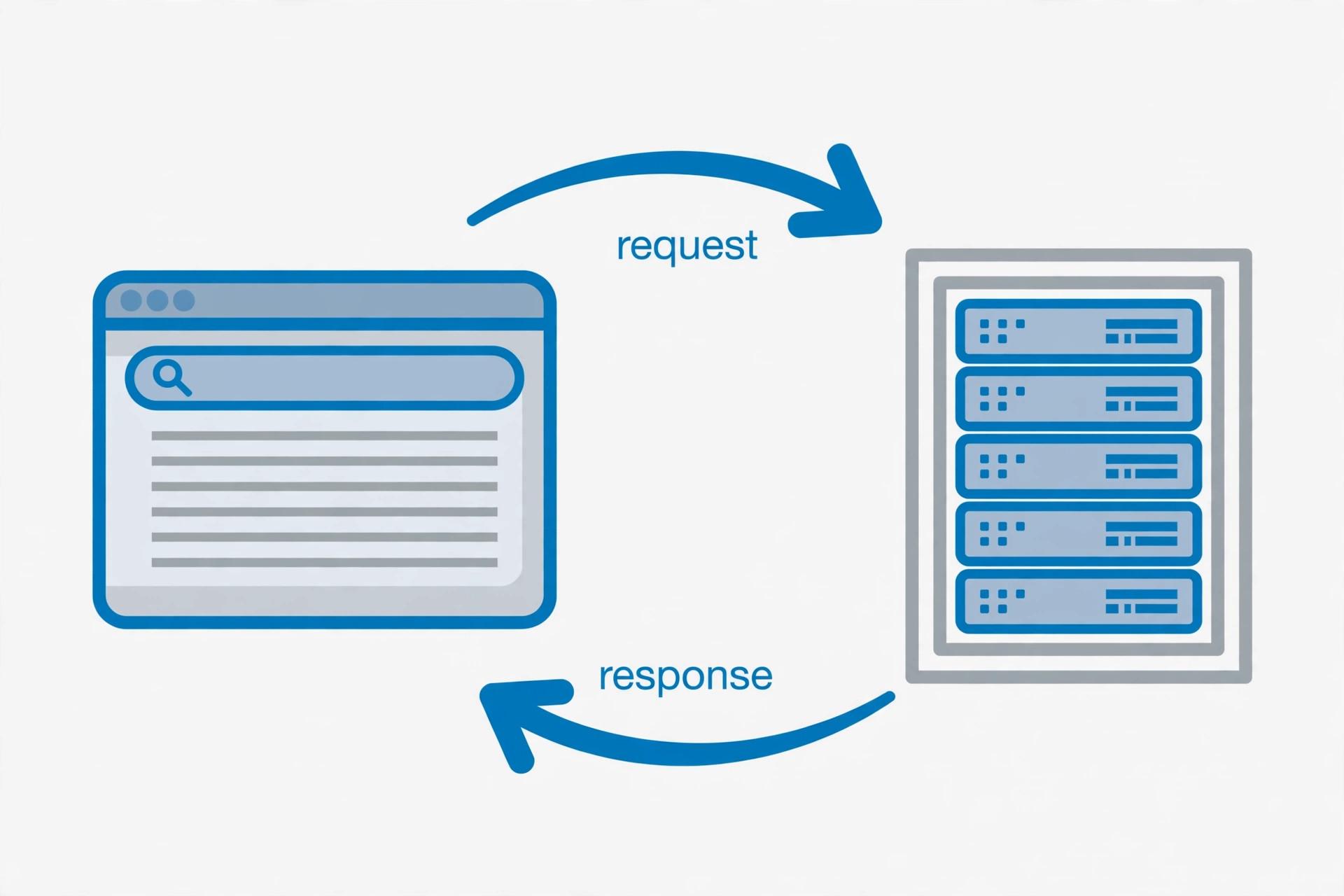
Every time your browser asks a server for a page, the server answers with more than the page itself: it sends a three-digit HTTP status code that says exactly what happened. 200 means all good, 404 means the page isn't there, 500 means the server broke something on its end. These HTTP status codes — also called HTTP response codes — are the web's shared error-reporting language, and reading them fluently is one of the fastest ways to debug anything on the internet. This cheat sheet covers the HTTP status codes list that actually matters: the five status code categories, plus the 28 codes you'll realistically meet — each with a plain-English explanation and a real example.
What are HTTP status codes?
An HTTP status code is a three-digit number a server sends at the start of every HTTP response, in the status line — the very first line of the response:
HTTP/1.1 404 Not FoundThe first digit names the category; the rest name the specific code. Browsers read codes to decide whether to render a page, follow a redirect, or show an error. APIs return them so client code can branch on success without parsing the body. And you read them yourself in DevTools (Network tab → Status column) every time something breaks.
The 5 HTTP status code categories
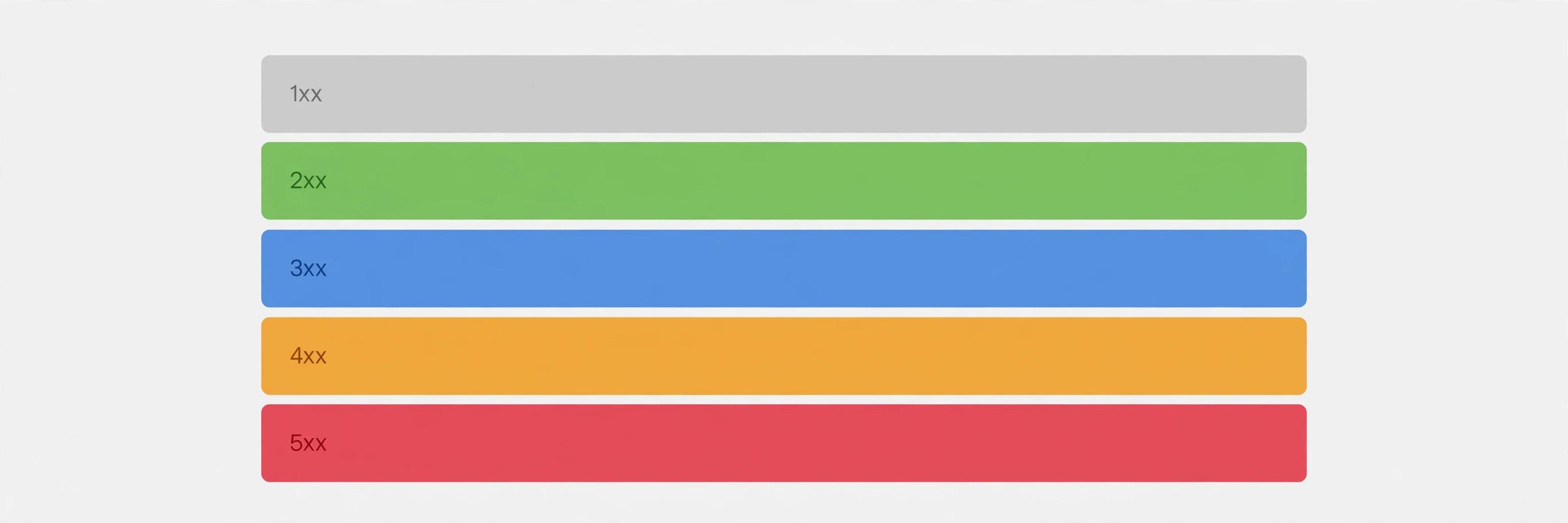
Memorize these five classes and you've decoded the whole system:
| Class | Range | Meaning | Whose fault? |
|---|---|---|---|
| 1xx | 100–103 | Informational — request received, keep going | Nobody's |
| 2xx | 200–208 | Success — the request worked | Nobody's |
| 3xx | 300–308 | Redirection — look elsewhere (Location header says where) | Nobody's — follow it |
| 4xx | 400–451 | Client error — the request was wrong | Yours — fix the request |
| 5xx | 500–511 | Server error — the server failed | Theirs — retry or report |
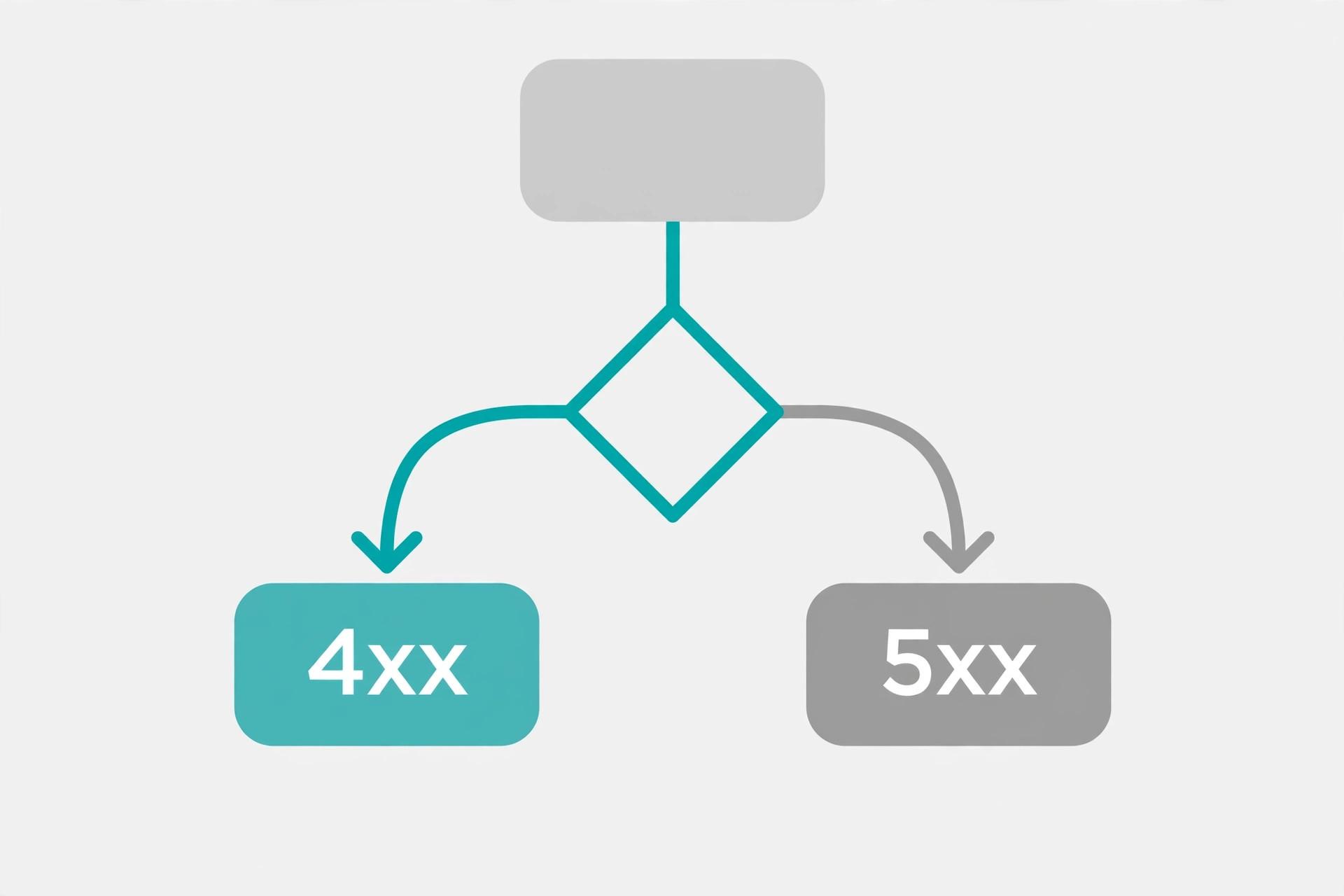
The 4xx/5xx fault line is the most useful debugging shortcut in web development: 4xx → look at your request, 5xx → look at the server.
HTTP status codes list: the complete cheat sheet
Over 60 codes are registered, but most are curiosities you'll never meet. This list keeps the 28 that matter — every one verified against RFC 9110.
1xx — Informational
| Code | Name | When you see it |
|---|---|---|
100 | Continue | Client checks before uploading a large body; the server says go ahead. Lives in logs, rarely in the browser. |
101 | Switching Protocols | Server accepted a protocol upgrade — this is how HTTP hands off to WebSockets. |
103 | Early Hints | Preload hints sent while the full response is still being prepared, so the browser can fetch CSS/JS early. |
2xx — Success
| Code | Name | When you see it |
|---|---|---|
200 | OK | The standard success: page fetched, action completed. If you remember one code, make it this one. |
201 | Created | A POST or PUT created a new resource — APIs return it when an account, order, or record is born, often with a Location header pointing at it. |
204 | No Content | Success with deliberately no body — typical for DELETE requests. Not an error: a clean win. |
206 | Partial Content | Only the requested byte range was sent — how video streaming and resumable downloads work, chunk by chunk. |
3xx — Redirection
| Code | Name | When you see it |
|---|---|---|
301 | Moved Permanently | The URL moved for good. Browsers update bookmarks; search engines transfer ranking to the new URL. |
302 | Found | A temporary redirect — the resource lives elsewhere right now; keep using the original URL next time. |
304 | Not Modified | Your cached copy is still fresh — the server sent no body. This is why repeat visits load fast. |
307 | Temporary Redirect | Like 302, but the client must not change the HTTP method — a POST stays a POST. |
308 | Permanent Redirect | Like 301, but the client must not change the HTTP method. |
Old browsers rewrote 301/302 redirects as GET, dropping POST bodies — that's why 307/308 exist. Rule of thumb: 301/302 for pages, 308/307 for APIs and forms.
4xx — Client errors
| Code | Name | When you see it |
|---|---|---|
400 | Bad Request | Malformed request: broken syntax, invalid JSON, bad parameters. Mangled URL encoding is a classic cause. |
401 | Unauthorized | Missing or invalid credentials — semantically "unauthenticated." Fix: log in or supply a valid token or API key. |
403 | Forbidden | The server knows who you are — and the answer is no. You need different permissions, not another login. Security headers can also trigger this. |
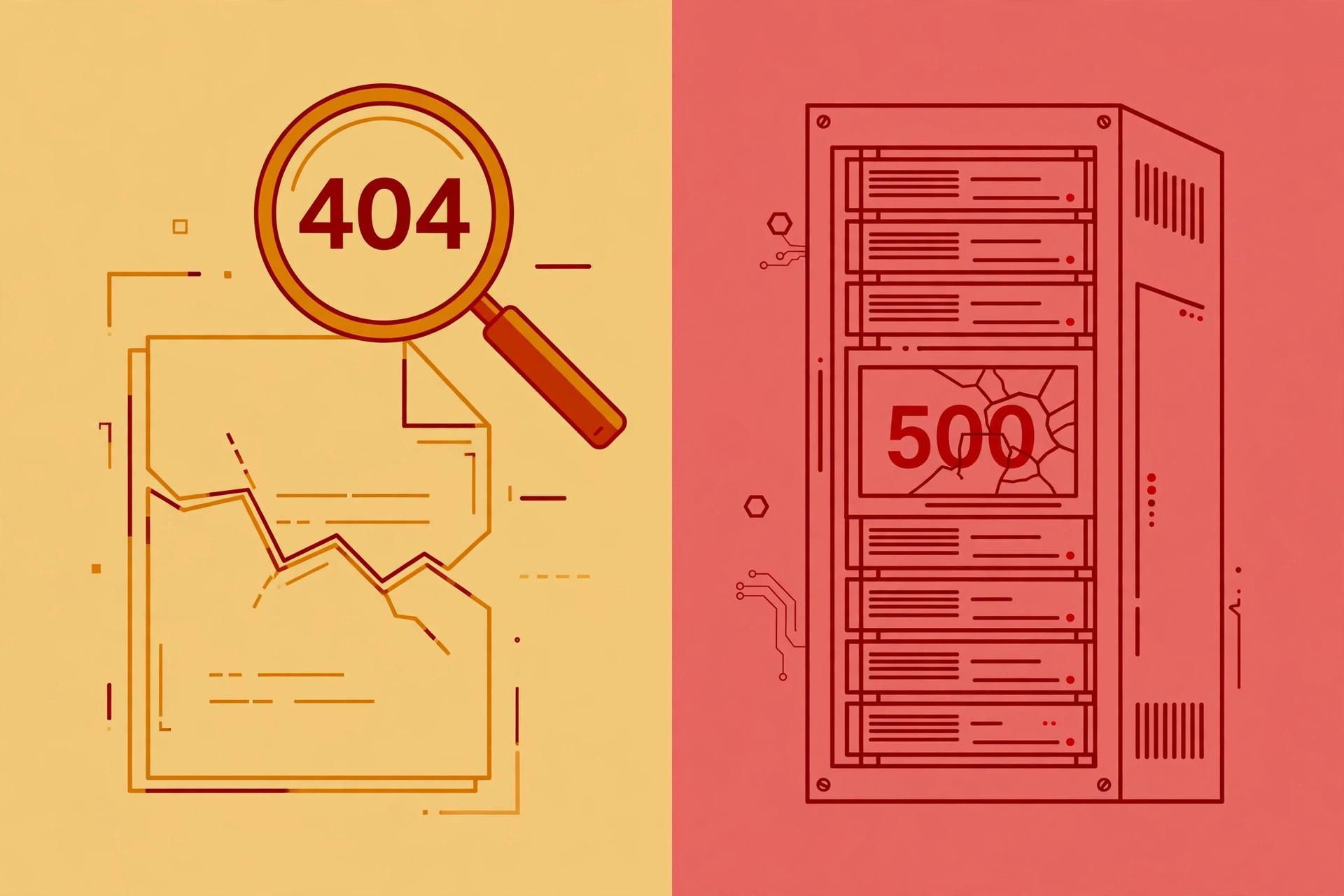
404 | Not Found | No resource at this URL — typo, deleted page, or wrong record ID in an API call. |
405 | Method Not Allowed | Right URL, wrong verb (POST to a GET-only endpoint). The Allow header lists the accepted verbs. |
408 | Request Timeout | The client sent the request too slowly and the server gave up waiting. Common on flaky connections. |
409 | Conflict | The request clashes with current state — duplicate username, double-booked seat. Resolve the conflict, then retry. |
410 | Gone | Deliberately deleted and not coming back. Search engines drop 410 pages faster than 404s. |
413 | Content Too Large | The upload exceeds the server's limit. Compress it, split it, or raise the limit. |
415 | Unsupported Media Type | You sent a Content-Type the server won't accept — XML to a JSON-only API, for example. |
422 | Unprocessable Content | Valid syntax, failed validation — the JSON parsed, but the email isn't an email. APIs use this for validation errors. |
429 | Too Many Requests | Rate limited: you're calling too fast. Honor the Retry-After header and back off. |
5xx — Server errors
| Code | Name | When you see it |
|---|---|---|
500 | Internal Server Error | The generic "our code crashed." Check the server's logs — the answer is in there. |
502 | Bad Gateway | A proxy or CDN got an invalid response from the server behind it. The fault is between the two servers, not you. |
503 | Service Unavailable | Overloaded or in maintenance. A Retry-After header may say when to come back — the polite server error. |
504 | Gateway Timeout | The proxy waited for the upstream server, which never answered in time — often a slow database or hung backend. |
The 12 codes you'll actually meet
Twenty-eight codes is the full toolkit; these twelve are the daily dozen — and your first move for each:
200— confirm the body holds what you expected; an "empty success" is a real bug class.301— update links to the new URL; watch for redirect chains.302— expected on logins and short links; suspicious on formerly stable pages.304— normal caching; investigate only if content looks stale.400— validate the request body and parameters; re-read the API docs.401— expired token? Wrong key? Missing auth header?403— check permissions and allowlists; another login won't help.404— check the URL for typos, or the record ID in API calls.429— slow down; readRetry-Afterand retry with delays.500— read the server logs; if it's not your server, retry once, then report.502— is the backend process running? Classic during deploys behind a proxy.503— capacity issue or maintenance; honorRetry-After.
Debugging with HTTP status codes
Status codes turn a vague "it's broken" into a pointed first question:
- Read the class first. 4xx → inspect your request. 5xx → check server logs. 3xx → follow the
Locationheader. - Read the body. A 400 with
{"error": "email is required"}says more than the number alone. - Read the headers.
Retry-After(429/503),Allow(405),WWW-Authenticate(401) each point at the fix. - Reproduce in isolation. Replay with
curl, minus browser and cookies. If it works there, the bug is in your client code. - Bisect the path. For 502/504, hit the origin directly, bypassing the proxy. If it answers, the problem is the gateway layer.
Inspect any response live: our free HTTP Header Checker fetches a URL and shows the status code plus every response header — the fastest way to see what's really coming back. Pair it with our JSON vs CSV guide when an API response isn't the shape you expected.
Why HTTP status codes matter for SEO
If you run a website, status codes are how you talk to search engines:
- Moved pages: 301, not 302. Permanent moves deserve 301 so ranking signals transfer; 302 tells Google the old URL might return.
- Dead pages: 404 is fine, 410 is faster. A few 404s are normal. For deliberately deleted content, 410 gets it dropped from the index sooner.
- Never fake a 200. A "not found" page returning 200 is a soft 404 — it wastes crawl budget. Return the real code.
- Maintenance: 503, not 500. Serve 503 with
Retry-Afterso Google retries later instead of concluding your site is dead. - Watch 5xx rates in Search Console. A spike during a deploy can get pages temporarily deindexed — the one status-code metric worth a regular glance.
Status-code hygiene pairs with security hardening — see our HTTP security headers explainer for the other half. And if garbled characters ever turn a clean URL into a 404, our UTF-8 explainer covers the encoding side of that failure.
HTTP status codes look like trivia until a deploy breaks at midnight — then they're the fastest diagnostic language you have. Learn the five classes cold, keep this HTTP status codes list bookmarked for the specific numbers, and let the 4xx/5xx fault line guide your first move: fix the request, or fix the server. Authoritative definitions: MDN's HTTP response status codes reference and the source of truth, RFC 9110 (HTTP Semantics).
Frequently asked questions
- What is HTTP 404?
- HTTP 404 (Not Found) means the server can't find the requested resource — the URL doesn't point to anything that exists (anymore). Common causes: a typo in the URL, a deleted page, or a broken link. For API users, it can also mean the endpoint is valid but the specific record (e.g. /users/999) doesn't exist. Fix it by checking the URL, restoring the resource, or setting up a proper 301 redirect if the page moved.
- What do the five HTTP status code categories mean?
- The first digit of a status code tells you the category: 1xx is informational (keep going), 2xx is success (it worked), 3xx is redirection (look elsewhere — a Location header says where), 4xx is a client error (your request was wrong — check it), and 5xx is a server error (the server failed — not your fault, usually). This one rule lets you triage any code you've never seen before: read the class first, then the specific number.
- What's the difference between 301 and 302?
- A 301 (Moved Permanently) tells clients and search engines the resource has moved for good — browsers update bookmarks and Google transfers ranking signals to the new URL. A 302 (Found) means the move is temporary — clients should keep using the original URL. Use 301 for permanent moves (domain changes, URL restructures) and 302 for temporary ones (maintenance pages, A/B tests). If you need a permanent redirect that preserves the request method (a POST stays a POST), use 308 instead of 301.
- What's the difference between 401 and 403?
- A 401 means "you haven't proven who you are" — the request lacks valid authentication credentials (despite the name "Unauthorized," it semantically means unauthenticated). The fix is to log in or supply a valid token. A 403 means "the server knows who you are, and the answer is no" — your identity is fine but you lack permission for this resource. Re-authenticating won't help a 403; you need different permissions. See our <a href="/blog/what-is-an-api-key">API key explainer</a> for how auth credentials travel in requests.
- What do 500, 502, 503, and 504 mean?
- All four are server errors with different stories. 500 (Internal Server Error) is the generic "our code crashed and we have nothing more specific" from the server itself. 502 (Bad Gateway) means a proxy or gateway got an invalid response from the server behind it. 503 (Service Unavailable) means the server is alive but can't take requests right now — overloaded or down for maintenance; it may include a Retry-After header. 504 (Gateway Timeout) means the proxy waited for the upstream server but it never answered in time. If you're the site owner, 500 = fix your code, 502/504 = look at the upstream, 503 = scale up or wait out the maintenance.
- What is HTTP 429 Too Many Requests?
- HTTP 429 is rate limiting in action: you've sent too many requests in a given time window, and the server is asking you to slow down. The response often includes a Retry-After header telling you how many seconds to wait. The correct client behavior is to back off — pause, then retry with exponential delays — not to hammer the endpoint harder. It's different from 503: 429 is aimed at you specifically because you're too chatty, while 503 means the server is struggling for everyone.
- Do HTTP status codes affect SEO?
- Yes. Use 301 (not 302) when a page moves permanently, so ranking signals transfer to the new URL. A modest number of 404s is normal and harmless, but avoid redirecting every dead page to your homepage — Google treats that as a soft 404 anyway. Never let a broken page return 200 with "not found" text (a soft 404): it wastes crawl budget. During maintenance, serve 503 with a Retry-After header instead of 500, so Google retries later rather than assuming your site is gone.
- What is HTTP 418?
- 418 ("I'm a teapot") began as an April Fools' joke in RFC 2324 (the Hyper Text Coffee Pot Control Protocol), which defined a teapot refusing to brew coffee. It was never meant for production, but the IETF reserved the code in RFC 9110 to prevent anyone reassigning it. You'll occasionally see APIs return 418 as a playful Easter egg or to block bots. It's real, registered, and harmless — just don't build logic around it.
Related articles
JSON vs CSV: 7 Questions That Decide Which Format to Use
JSON vs CSV — which should you use? Compare structure, size, types, and tooling with a 7-question decision framework and real scenarios. Includes examples.
Web DevelopmentBase64 Encoding Explained: How It Works & When to Use It
What base64 really does, why it inflates data by 33%, base64 vs base64url, and when to reach for it — and when not to.
Web DevelopmentUUID v4 vs v7: Which Version Should You Use?
Random vs time-ordered UUIDs: how v7 fixes database index fragmentation, and when v4 is still the right call.