What Is Hashing? 7 Things Every Developer Should Know (With Examples)
November 12, 2026 · Security
Every password you type, every file you download, and every commit you push passes through the same quiet operation. So what is hashing? It runs data of any size through a mathematical function that returns a short, fixed-length fingerprint called a hash or digest. The same input always produces the same hash, a one-character change produces a completely different one, and there is no way back from the hash to the original. This guide covers it in 7 parts: the definition, the five properties, hashing vs encryption, the algorithms, a runnable demo, password hashing, and everyday uses.
What is hashing?
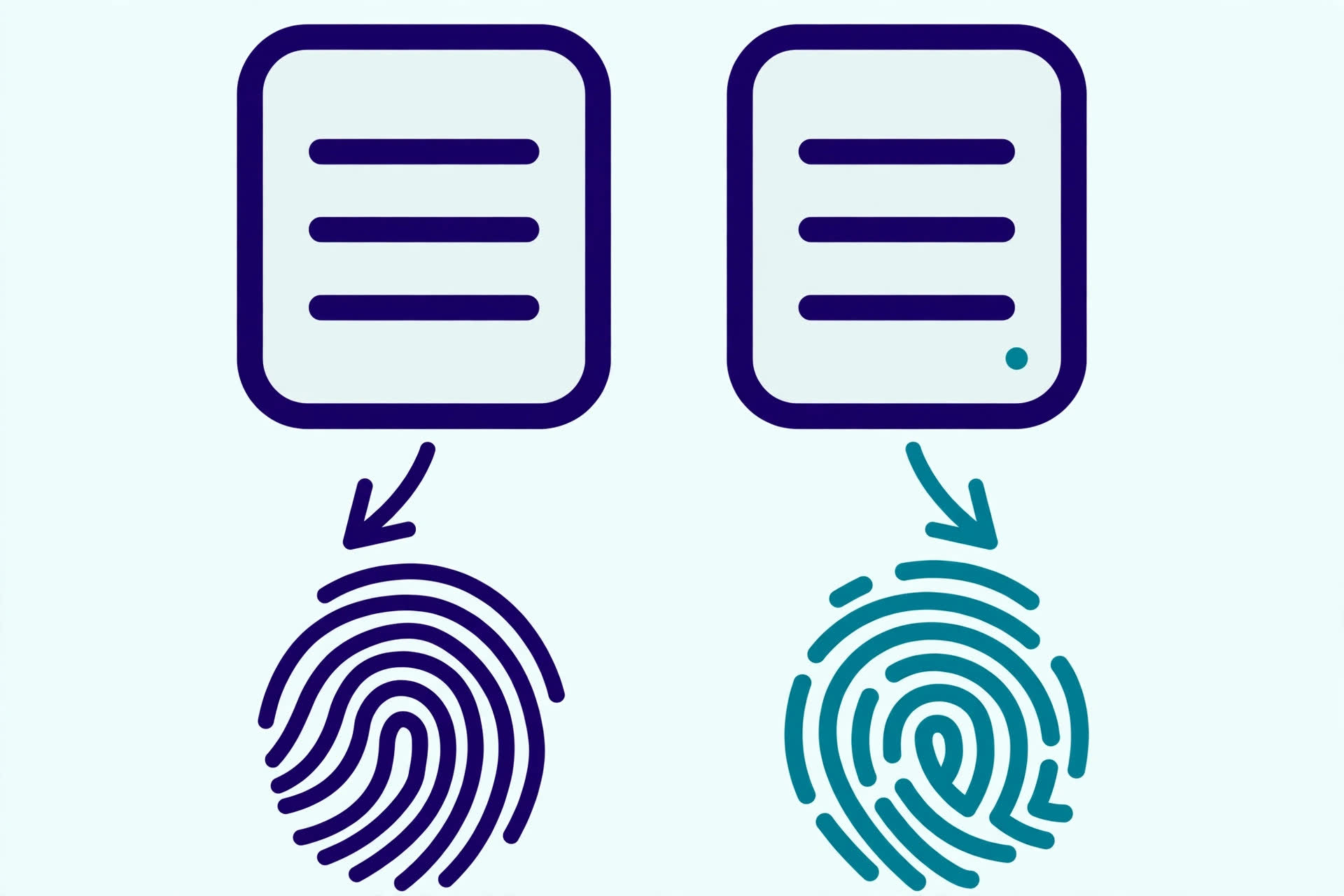
A hash function takes input of any size — a word, a password, a whole video file — and returns a fixed-size value. Hash "hello" with SHA-256 and you always get the same 64-character string; hash a 4 GB installer and you still get 64 characters. That output is the hash, digest, or checksum: it stands in for the original the way a fingerprint stands in for a person — identifying the data without containing it.
Two kinds exist, and confusing them causes most hashing mistakes. A non-cryptographic hash only needs to be fast and to spread inputs evenly — it powers hash tables, caches, and deduplication, where a rare collision is harmless. A cryptographic hash must also be one-way and collision resistant. Everything here is about the cryptographic kind, unless stated otherwise.
Hashing is also the engine inside signatures: when a JWT is signed, the signature is a keyed hash of the header and payload, as our JWT guide shows — the hash is what lets the receiver detect any change, even a single flipped bit.

The 5 properties of a good hash function
A cryptographic hash function earns its name by holding five promises at once:
- Deterministic. The same input always produces the same hash. Without this, a hash could never verify anything — you could not compare a downloaded file's hash against the one the vendor published.
- Fixed-size output. SHA-256 always returns 256 bits, written as 64 hexadecimal characters, whether the input is one byte or one terabyte. The output length depends only on the algorithm, never on the input.
- One-way (preimage resistant). Given only a hash, you cannot feasibly recover the input. There is no key and no reverse operation — easy to run forward, practically impossible to run backwards.
- Avalanche effect. Change one bit of the input and roughly half the output bits flip. Hash "hello" and "hellp" with SHA-256 and the two digests share nothing in common — you will see this in the demo below.
- Collision resistant. It must be infeasible to find two different inputs with the same hash. Collisions must exist in theory — infinite inputs, finite outputs — but finding one for a secure hash should take longer than the age of the universe.
Break any one and the function stops being trustworthy for security. MD5 kept the first three and lost collision resistance; SHA-1 lost it in 2017. Both are retired, while SHA-256, which still holds all five, is the current default.
Hashing vs encryption — the one-way difference
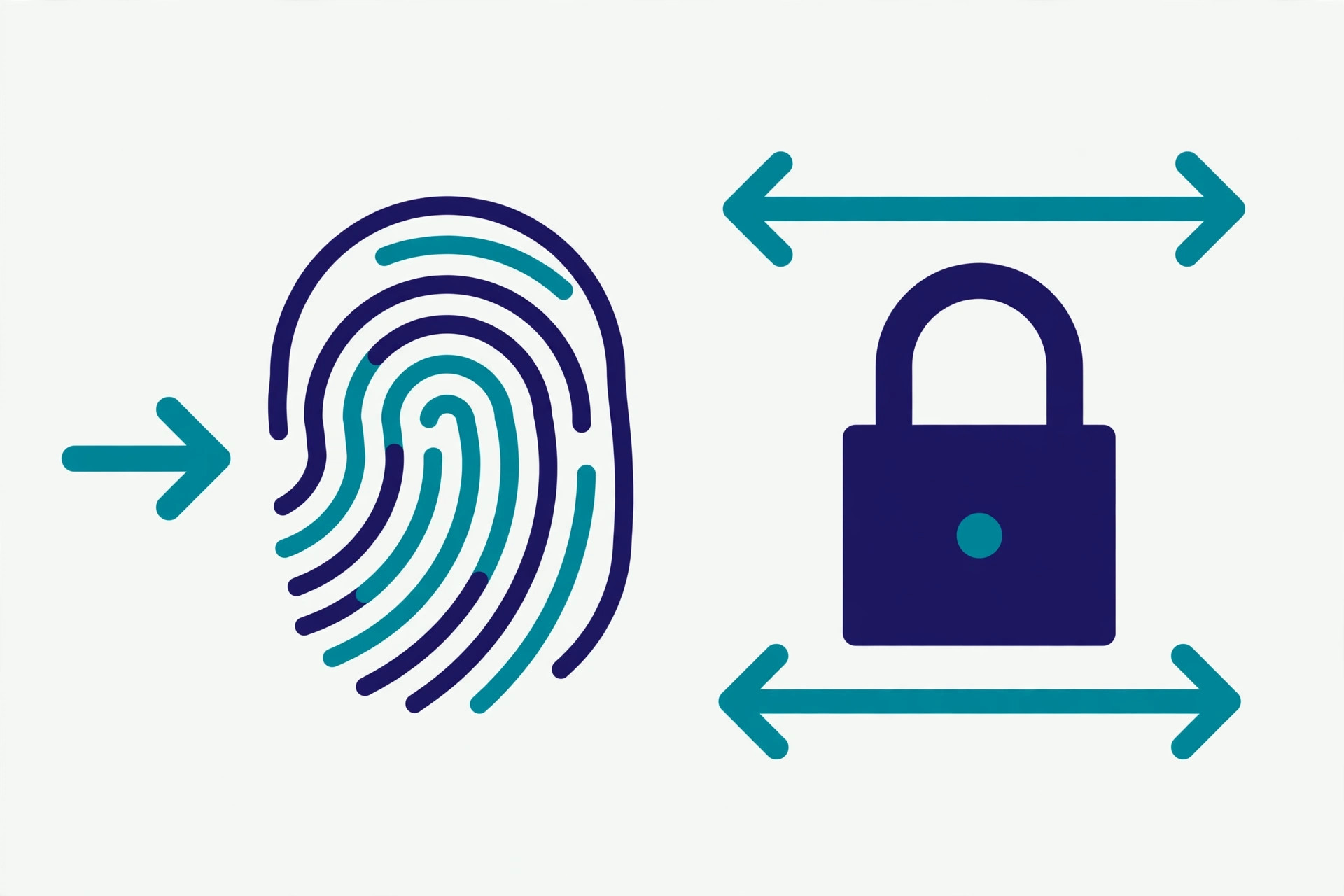
The most common confusion here is treating a hash like encrypted text. They look alike — both are unreadable strings — but they do opposite jobs:
| Hashing | Encryption | |
|---|---|---|
| Direction | One-way: input → hash, no way back | Two-way: encrypt with a key, decrypt with a key |
| Needs a key? | No (except HMAC, which adds one) | Yes — without the key, the data is unreadable |
| Purpose | Verify integrity: "is this the same data?" | Protect confidentiality: "can anyone else read this?" |
| Same input twice | Same hash every time | Different ciphertext each time (with a random IV) |
| Use it for | Password verifiers, checksums, signatures | Messages, files, and traffic you must keep secret |
The rule of thumb: hash when you need to verify something later without storing it — a password, a file, a message. Encrypt when you need to read it again and keep others from reading it. Hashing a credit-card number does not protect it the way encryption does, and encrypting a password is the wrong tool when all you need is to check it at login.
One related confusion: encoding is neither. Base64 turns bytes into readable characters and back again — it hides nothing and verifies nothing. A hash is often displayed as hex or base64 text, but the encoding is just packaging; our base64 guide explains the difference.
The algorithms you will meet
Four names cover nearly every hash you will meet. Our hash algorithms comparison has the full detail; here is the short version:
| Algorithm | Output | Status |
|---|---|---|
| MD5 | 128-bit (32 hex chars) | Broken for security since 2004 — collisions are practical. Still fine for non-security checksums and hash tables. |
| SHA-1 | 160-bit (40 hex chars) | Broken in practice in 2017, when researchers produced two different PDFs with the same SHA-1 hash (the SHAttered attack). Retired everywhere it matters. |
| SHA-256 | 256-bit (64 hex chars) | The current default. Part of the SHA-2 family, specified in NIST FIPS 180-4 (2015). No practical attack known. |
| SHA-512 | 512-bit (128 hex chars) | Same family, larger output — used where the extra margin is wanted, including as the inner hash of HMAC and PBKDF2. |
Two newer names are worth knowing. SHA-3 (2015) is a different design from SHA-2, standardised as a backup in case SHA-2 ever weakens — it has not, so SHA-3 remains the spare. BLAKE3 is a fast modern hash popular in tooling, but it is not a NIST standard, so regulated environments still reach for SHA-256. The pattern is clear: MD5 fell, SHA-1 fell, and the safe choice is the algorithm with the longest clean record, not the newest one.
Verified demo: hash "hello" three ways
Reading about hashes is one thing; seeing the same input produce the same digest on your own machine is another. I ran every command in this section while writing the guide, with Python's standard library:
$ python3 -c "import hashlib; print(hashlib.sha256(b'hello').hexdigest())"
2cf24dba5fb0a30e26e83b2ac5b9e29e1b161e5c1fa7425e73043362938b9824

$ python3 -c "import hashlib; print(hashlib.md5(b'hello').hexdigest())"
5d41402abc4b2a76b9719d911017c592

$ python3 -c "import hashlib; print(hashlib.sha1(b'hello').hexdigest())"
aaf4c61ddcc5e8a2dabede0f3b482cd9aea9434d
Three algorithms, same input, three different fingerprints — and three different lengths: 64, 32, and 40 hex characters. The shell gives the same answer without Python, which is how you check a download:
$ echo -n "hello" | sha256sum
2cf24dba5fb0a30e26e83b2ac5b9e29e1b161e5c1fa7425e73043362938b9824  -
Now the avalanche effect. Change one letter — "hello" to "hellp" — and the SHA-256 digest becomes unrecognisable:
$ python3 -c "import hashlib; print(hashlib.sha256(b'hellp').hexdigest())"
fdd7585e08c4e2afd71dcabdb4636c89d557a3f42db9e2040c8bbd1708aa4ce7
Compare the two digests: they share nothing beyond coincidence. That is the property a download check relies on — flip one bit in a multi-gigabyte file and the published hash will not match. Watch one detail: echo without -n adds a newline, a different input with a different hash. The empty string has its own well-known digest too — SHA-256 of nothing is e3b0c44298fc1c149afbf4c8996fb92427ae41e4649b934ca495991b7852b855 — a useful test vector, not an error.
Password hashing is a different job
The most dangerous hashing mistake is also the most common: storing SHA-256(password) and calling it secure. SHA-256 is designed to be fast — a single graphics card can compute billions of hashes per second. An attacker who steals your database simply hashes every password in a leaked list, or every dictionary word, and compares. Speed is a feature for checksums and a vulnerability for passwords.
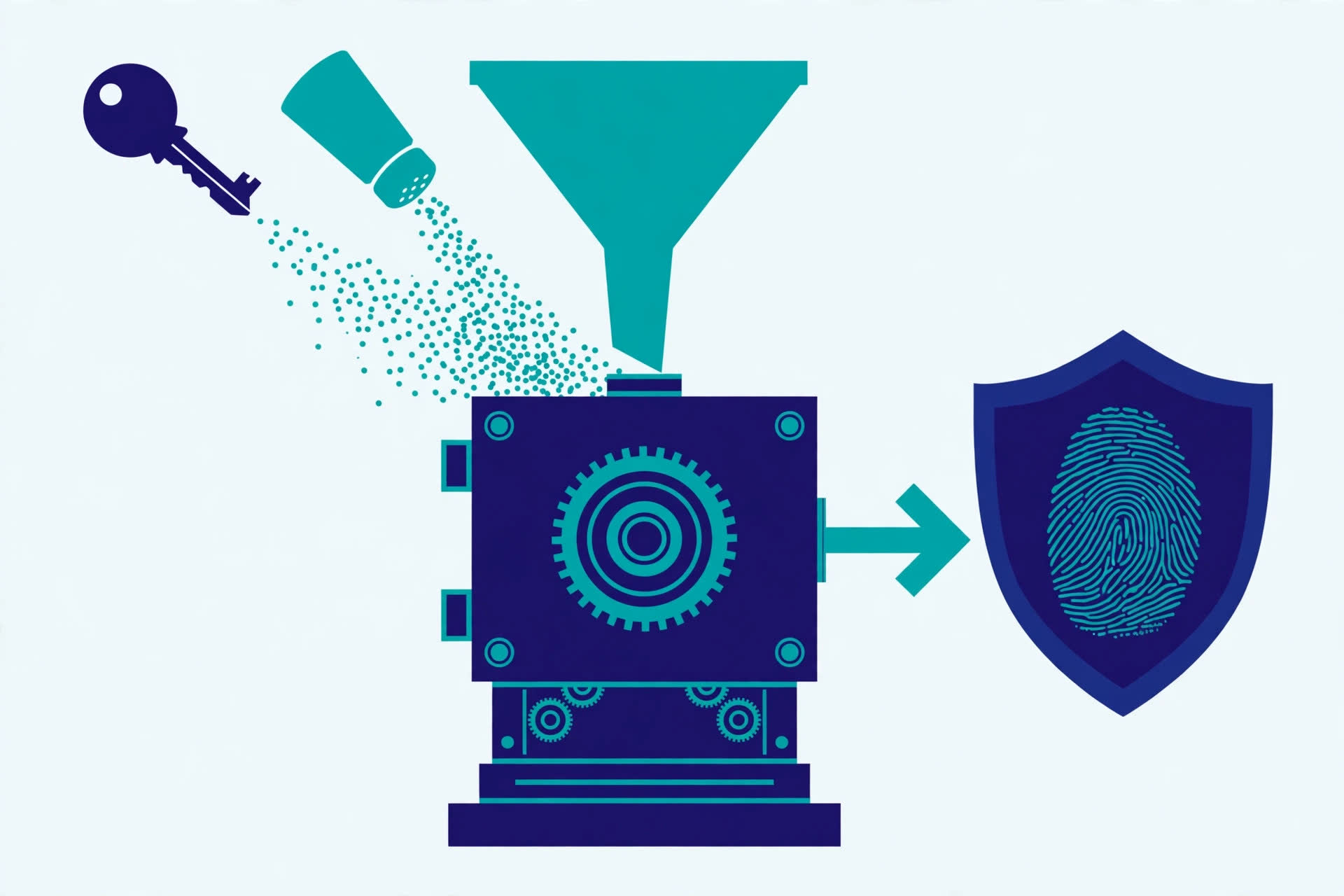
Password storage needs the opposite of a fast hash: a slow, salted, memory-hard function. A salt — a unique random string mixed into each password before hashing — defeats pre-computed rainbow tables and stops an attacker noticing that two users picked the same password. A work factor — deliberately repeating the computation thousands of times, or forcing it to use tens of megabytes of memory — makes each guess expensive, so a billion-guesses-per-second attack becomes a few per second.
OWASP's Password Storage Cheat Sheet states it plainly: use Argon2id with at least 19 MiB of memory, 2 iterations, and 1 degree of parallelism. Argon2 won the 2015 Password Hashing Competition and is the modern default. If it is unavailable, use scrypt; for legacy systems, bcrypt with a work factor of 10 or more (and its 72-byte password limit); and where FIPS-140 compliance is required, PBKDF2 with 600,000 or more iterations using HMAC-SHA-256. Fast hashes such as SHA-256 are explicitly not suitable for password storage. Our password entropy guide covers the other half: how strong the password itself needs to be.
Where hashing shows up every day
Once you know what to look for, hashes are everywhere:
- Download checksums. Open-source projects publish a SHA-256 hash next to each release. Run
sha256sumon the file you downloaded and compare character-for-character — any difference means the file is corrupted or tampered with; do not run it. - Git commits. Every Git commit is identified by the SHA-1 hash of its contents (Git is transitioning to SHA-256). Change one byte of history and the hash changes — how Git detects tampering, and how two repositories know they hold the same objects.
- Webhook signatures. When a payment provider calls your server, it signs the payload with HMAC-SHA256 using a shared secret. Your server recomputes the HMAC and compares — a match proves the request came from the provider and was not altered. Our webhook guide shows the full flow.
- JWT signatures. The signature at the end of a JSON Web Token is a keyed hash of the header and payload. Any edit to either part breaks the signature — a token cannot be tampered with after it is issued.
- Hash tables and caches. The same idea at a smaller scale: a hash maps keys to slots so lookups take near-constant time, and content-addressed caches store files under their hash so identical content is never stored twice.
And the honest boundary: hashing alone proves nothing about who made the data. A plain hash tells you the message was not changed after it was hashed — not who hashed it. Authenticity needs a key, which is what HMAC adds, or a signature, which is what certificates and DNSSEC provide. Hashing verifies; it does not identify, and it does not hide.
Hashing turns any data into a short fingerprint — deterministic, fixed-size, one-way, avalanche-sensitive, and collision resistant — and that fingerprint is the quiet foundation under passwords, downloads, Git, webhooks, and signatures. Pick SHA-256 for integrity, Argon2id for passwords, and HMAC when you need to know who sent it. For the authoritative details, read the OWASP Password Storage Cheat Sheet and NIST FIPS 180-4, the Secure Hash Standard.
Frequently asked questions
- What is hashing in simple terms?
- Hashing runs data of any size through a mathematical function that returns a short, fixed-length fingerprint called a hash or digest. The same input always gives the same hash, a tiny change to the input gives a completely different hash, and there is no way to work backwards from the hash to the original data.
- Is hashing the same as encryption?
- No. Encryption is two-way: you encrypt with a key and decrypt with a key to get the original back. Hashing is one-way: there is no key and no "unhash" operation. Hashing verifies integrity and stores password verifiers; encryption protects confidentiality.
- Can a hash be reversed or decrypted?
- Not directly — a secure hash function is designed so that recovering the input from the output is computationally infeasible. Attackers can still guess: they hash likely passwords and compare. That is why password hashes need a salt and a slow algorithm, so guessing is expensive.
- Can two different inputs have the same hash?
- In theory, yes: there are infinitely many possible inputs and only a finite number of hashes, so collisions must exist. In practice, for SHA-256, finding one is computationally infeasible — that is exactly what "collision resistant" means. For MD5 and SHA-1, researchers have actually produced collisions, which is why both are retired from security use.
- Why is MD5 not safe anymore?
- MD5 produces a 128-bit hash, and researchers have been able to create two different files with the same MD5 hash since 2004. Once collisions are practical, MD5 can no longer prove that a file is the one it claims to be. It is still fine for non-security jobs like checksums where nobody is attacking you, but never for signatures, certificates, or passwords.
- Which hash should I use for passwords?
- None of the general-purpose hashes — not MD5, not SHA-256. Passwords need slow, salted, memory-hard functions: Argon2id is the modern default (OWASP recommends at least 19 MiB of memory, 2 iterations, 1 lane of parallelism), with scrypt as the fallback and bcrypt for legacy systems. Fast hashes let attackers try billions of guesses per second.
- What is a salt, and why does it matter?
- A salt is a unique random string added to each password before hashing. It stops attackers from pre-computing hashes of common passwords (rainbow tables) and from spotting that two users chose the same password, because the same password with different salts produces different hashes. Modern password-hashing libraries generate and store the salt for you.
- What is HMAC?
- HMAC (Hash-based Message Authentication Code) combines a secret key with a hash function, so the result proves both that the message was not changed and that whoever made it knew the key. A plain hash proves integrity; HMAC adds authenticity. Webhook providers sign their payloads with HMAC-SHA256 for exactly this reason.
Related articles
What Is an SSL/TLS Certificate? 7 Things Every Developer Should Know (With Examples)
What is an SSL/TLS certificate? Learn what it contains, how the TLS 1.3 handshake uses it, DV vs OV vs EV — and why certificates now last only 200 days.
SecurityWhat Is DNSSEC? 7 Things Every Developer Should Know (With Examples)
What is DNSSEC? Learn how DNSSEC signs DNS records — RRSIG, DNSKEY, DS records and the chain of trust — with a verified root-key demo and dig examples.
SecurityWhat Is a JWT? Structure, Claims & Security Explained
JSON Web Tokens explained: header, payload, and signature, what claims like exp and sub mean, and the security rules that actually matter.