What Is a Webhook? How Push-Based APIs Work (With Examples)
October 1, 2026 · Web Development
Your customer pays — and a second later, your app knows about it, marks the order as paid, and sends the receipt. Nobody on your team asked Stripe "hey, did anyone pay yet?" a hundred times a minute. Stripe told you — the moment the payment completed. That automatic push is a webhook: an HTTP callback that one service fires at another when an event happens. What is a webhook exactly, how do webhooks work, and how is a webhook different from a regular API call? This guide walks through it all: the webhook URL, a real webhook example payload, webhook vs API polling, and the security and reliability rules that separate production-grade webhooks from flaky ones.
What is a webhook?
A webhook is an event-triggered HTTP callback: when something happens in a provider's system — a payment succeeds, a commit is pushed, a form is submitted — the provider sends an HTTP POST request to a URL you registered, carrying the event's details as a JSON payload. Your endpoint receives it, does something with the data, and replies with a 2xx success response.
The mental model most developers use is the "reverse API". With a normal API, you call them whenever you want data — you initiate. With a webhook, the roles flip: they call you, but only when there's something to say. Your app never asks; it just listens. Because the trigger is an event rather than a schedule, webhooks are sometimes described as push-based communication, in contrast to polling, where the client pulls.
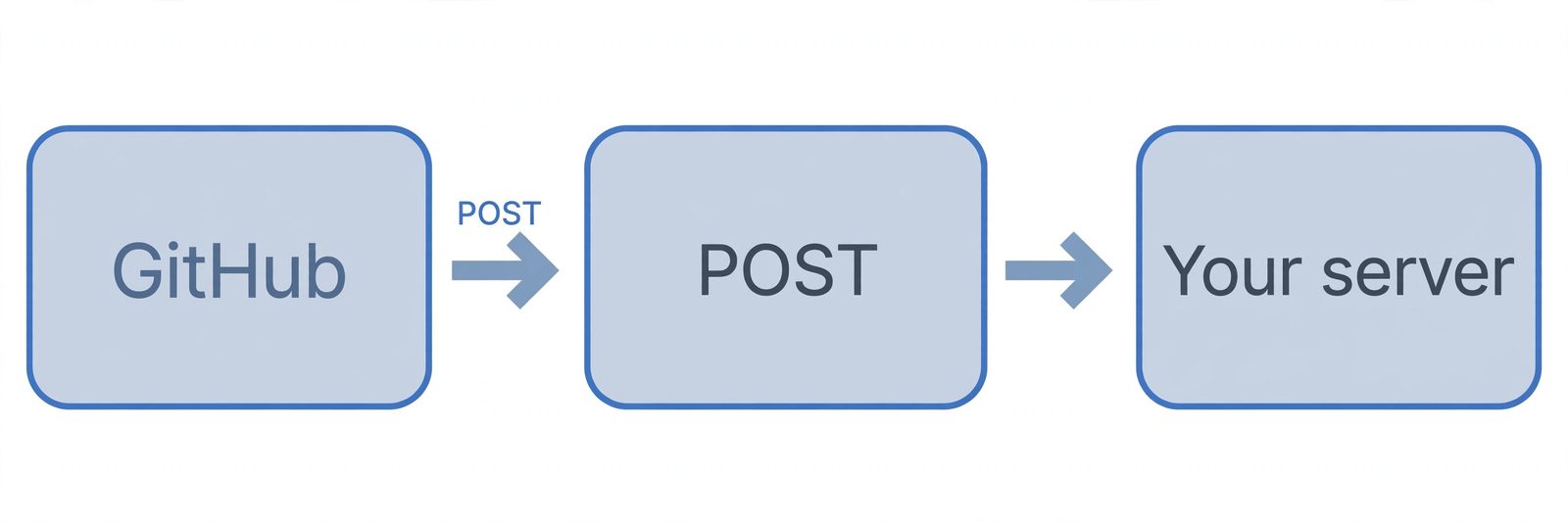
How webhooks work, step by step
Here's the full lifecycle, using a real Stripe payment as the example:
- You register a webhook URL. In the provider's dashboard you give them an endpoint on your server, e.g.
https://yourapp.com/stripe_webhooks, and choose which events to subscribe to (likepayment_intent.succeeded). - The event happens. A customer completes checkout. Stripe's system records the payment and notices your endpoint is subscribed to payment events.
- The provider fires an HTTP POST. Stripe sends a POST request to your webhook URL with the event details as a JSON body, plus headers like
Stripe-Signatureso you can verify it's genuine. - Your endpoint verifies and processes. Your handler checks the signature, parses the payload ("payment succeeded for order #123"), and updates your database or fulfills the order.
- You respond with 2xx, fast. Your endpoint returns
200promptly. That 2xx is your receipt: it tells the provider the event landed safely and no retry is needed.
Notice the economy of it: one request per event. No loops, no schedulers, no wasted calls. See our HTTP status codes cheat sheet for what that all-important 2xx family means.
The webhook URL: what it is and the rules it must follow
The webhook URL (also called a webhook endpoint) is just a route on your server that accepts POST requests — but providers are strict about what they'll deliver to:
- Publicly accessible. The provider's servers must be able to reach it over the internet.
localhostwon't work — providers can't see your machine. - HTTPS only. Stripe and GitHub both require public HTTPS webhook endpoints, because payloads carry sensitive data. Self-signed or broken certificates will get your deliveries rejected.
- Accepts POST. Webhook events arrive as HTTP POST requests. An endpoint that only allows GET will return a 405 and the delivery will fail.
- Registered, not guessed. You tell the provider your URL once in their dashboard (or via their API), along with the event types you care about — e.g.
https://mycompanysite.com/stripe_webhookssubscribed to payment events.
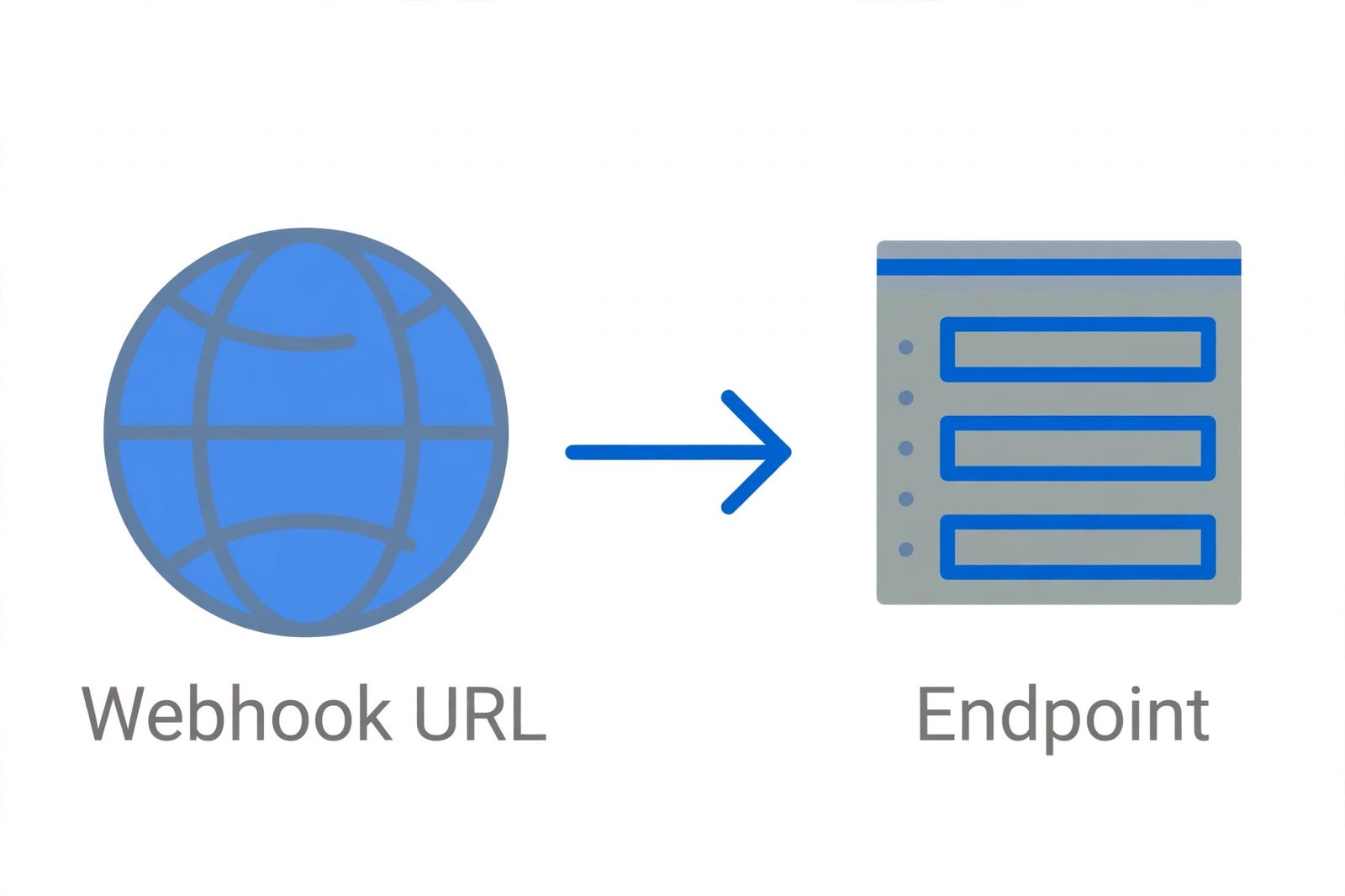
Anatomy of a webhook request
Every webhook delivery is a plain HTTP request with three parts:
- Method and URL:
POST /stripe_webhooks HTTP/1.1— the provider calls your registered route. - Headers:
Content-Type: application/jsonplus provider-specific metadata — most importantly the signature header (e.g.Stripe-Signature) your code will use to verify authenticity. - Body: the JSON payload describing the event — a unique event ID, the event type, a timestamp, and the event's data.
Here's a small, realistic example in Stripe's event shape:
{
  "id": "evt_1N4xyzABC123",
  "type": "payment_intent.succeeded",
  "created": 1696300000,
  "data": {
    "object": {
      "id": "pi_1N4xyzABC123",
      "amount": 4999,
      "currency": "usd",
      "status": "succeeded",
      "customer": "cus_1N4xyzABC123"
    }
  }
}
Everything your handler needs is right there: which event fired, when, and the object it concerns. Payloads vary by provider (GitHub sends commits and pull-request data in its own schema), but the POST + JSON + signature header skeleton is nearly universal.
Webhooks vs API polling
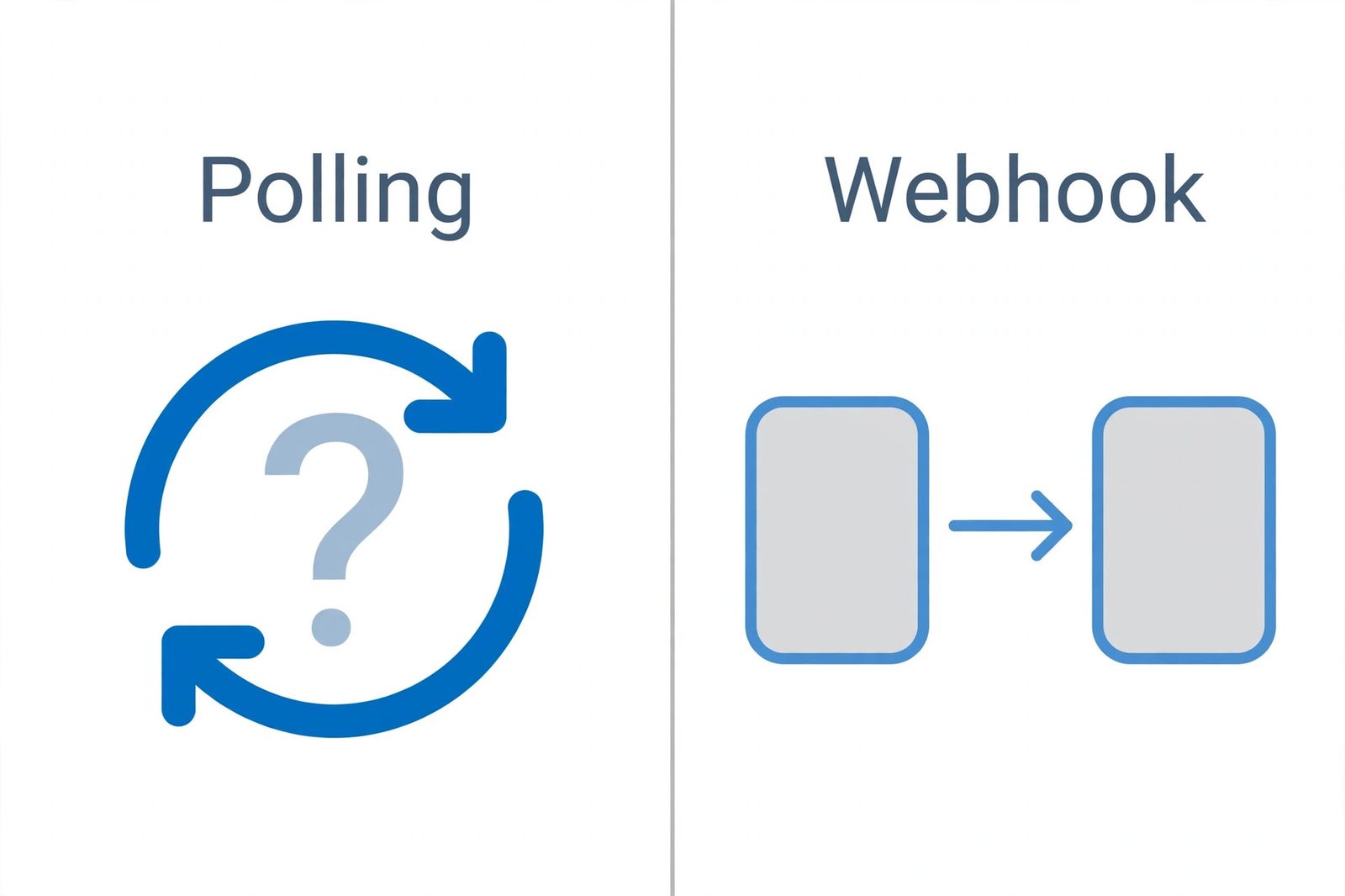
Before webhooks, there was only one way to find out if something changed on someone else's server: polling — asking on a schedule. "Is the payment done? Is the payment done? Is the payment done?" once a minute, forever. That's the post-office analogy: polling is walking to the post office every hour to ask for letters; a webhook is the mail carrier ringing your doorbell the instant one arrives.
The comparison is lopsided once you count the costs:
- Latency: polling learns about an event only at the next check; a webhook delivers it in seconds.
- Load: polling fires thousands of empty "anything new?" requests; webhooks fire exactly one request per event.
- Rate limits: all those polling calls eat into your API quota; webhooks cost you nothing on the provider's API.
Polling still has its place — as a fallback if webhooks are unavailable, or when you need to backfill history. But for "tell me the moment it happens," webhooks are the designed answer.
Webhooks vs WebSockets
These get confused because both feel "real-time," but they're built for different jobs:
- Direction: a webhook is one-way — the provider pushes to you, and the exchange ends there. A WebSocket is two-way: either side can send messages any time.
- Lifetime: a webhook is a single HTTP request per event, then the connection closes. A WebSocket keeps one connection open for as long as both sides want to talk.
- Best for: webhooks shine for discrete notifications — "a payment succeeded," "a build finished," "a row was added." WebSockets fit continuous, interactive streams — live chat, multiplayer games, collaborative editors, live dashboards.
Rule of thumb: if the conversation is a series of isolated announcements, use webhooks; if it's an ongoing dialogue, use a WebSocket.
Securing your webhooks
Your webhook URL is a public door on your server that anyone on the internet can knock on. Two things keep it safe:
- HTTPS everywhere. TLS encrypts payloads in transit so payment amounts and customer IDs can't be read or altered en route. Every major provider requires it.
- Verify every signature, before processing. When you register an endpoint, the provider gives you a signing secret (Stripe's starts with
whsec_). Each delivery includes a signature header — an HMAC-SHA256 hash of the raw payload computed with that secret. Your handler recomputes the hash and only trusts the payload if they match, using a constant-time comparison to avoid timing attacks. Never process an unverified payload: without this check, anyone who discovers your URL could forge "payment succeeded" events. - Replay protection. Signed payloads can still be captured and re-sent by an attacker. Good providers include a timestamp in the signature scheme (Stripe does) so you can reject deliveries older than a few minutes; rejecting stale signatures closes that hole.
These secrets behave like API keys — keep them server-side, never commit them to git — and the signature itself is the same HMAC construction used inside JWTs.
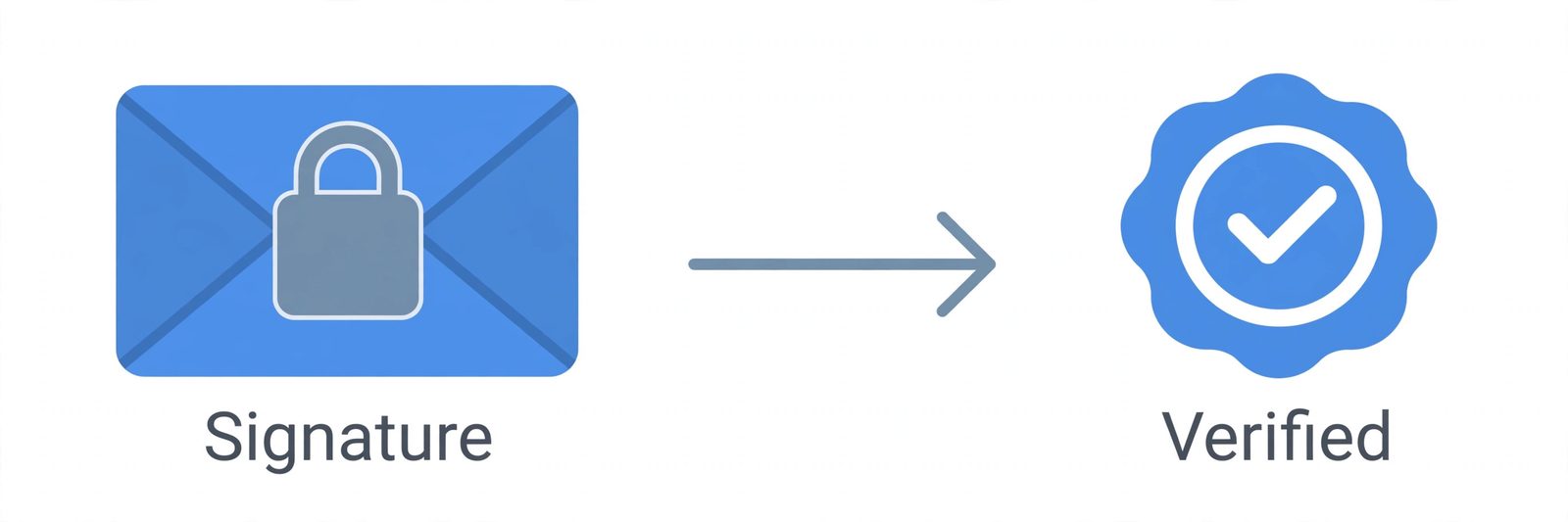
Verify signatures by hand: our free hash generator computes HMAC-SHA256 on any input — the same primitive Stripe and GitHub use to sign webhook payloads, and the fastest way to sanity-check your verification logic against a known signature.
Handling failures: retries and idempotency
Webhook delivery is at-least-once, not exactly-once — and that's by design:
- Respond 2xx fast. Do the verification and queue the real work; return
200before any heavy logic. Anything else — a timeout, a 4xx, a 5xx — marks the delivery as failed. - Expect retries with backoff. Providers retry undelivered events automatically — Stripe, for example, retries for up to three days with exponential backoff. Treat every delivery as potentially repeated.
- Be idempotent. Store each event's unique ID (
evt_1N4xyzABC123above) and skip events you've already processed. A retried "payment succeeded" must never double-charge or double-fulfill. - Don't depend on order. Events aren't guaranteed to arrive in the sequence they happened. Never infer "created before refunded" from arrival order — read each event's data instead.
The golden rule fits on one line: verify fast, answer 2xx immediately, and make every handler safe to run twice.
Real-world webhook use cases
Webhooks are infrastructure plumbing — once you see the pattern, you see it everywhere:
- Payments (Stripe):
payment_intent.succeededfulfills the order,charge.refundedreverses it,invoice.payment_failedtriggers a dunning email. - CI/CD (GitHub): a
pushevent fires your deploy pipeline; apull_requestevent runs your test suite and posts the results back. - Messaging (Slack/Discord): a deploy bot posts "v2.4 is live" to your team channel the moment the release finishes.
- Commerce (Shopify): an
orders/createevent syncs the order into your warehouse system in real time. - Forms (Formspree/Typeform): every submission lands in your CRM or spreadsheet without a polling script.
What unites them: an event happens somewhere else, and your system needs to know immediately. That's the webhook's home turf.
How to test webhooks locally
The chicken-and-egg problem: providers need a public HTTPS URL, but you're developing on localhost. Three standard escapes:
- Inspect payloads first. webhook.site gives you a throwaway URL and shows you the raw requests a provider would send — perfect for learning a payload's shape before writing code.
- Tunnel your localhost. A tunneling tool like ngrok exposes your local server as a temporary public HTTPS URL you can register with the provider and receive real deliveries.
- Use the provider's CLI. Stripe's CLI can forward signed test events straight to your local endpoint (
stripe listen --forward-to localhost:4242/webhook), so you test signature verification end-to-end without exposing anything.
Once events flow locally, simulate the bad days too: bad signatures, duplicate deliveries, slow responses. The Stripe and GitHub dashboards both let you resend events, which makes retry behavior easy to test before it happens in production.
Common webhook mistakes
Most webhook outages trace back to one of these:
- Doing the work before responding. Running a 30-second job inside the handler times out the delivery and triggers retries. Respond 2xx first, process asynchronously.
- Skipping signature verification. The most dangerous shortcut. An unverified endpoint is a public "run my business logic" button.
- No idempotency. Retries are normal; double-processing is a bug. Store event IDs and dedupe.
- Redirects and auth on the endpoint. Stripe treats 3xx redirects to webhook requests as failures, and a login wall returns 401 — both break delivery. Webhook routes must be public and direct.
- Ignoring dead endpoints. Providers eventually disable endpoints that keep failing. Watch your provider's delivery dashboard and alert on failed deliveries like any other production metric.
A webhook is the web's answer to "tell me when it happens": register a public HTTPS URL, receive each event as a signed JSON POST, answer 2xx fast, and make your handler idempotent. That loop — subscribe, push, verify, acknowledge — replaces polling for nearly every real-time integration. The authoritative references: Stripe's webhook events documentation and GitHub's webhooks documentation, both of which document the signature verification, retry, and delivery behaviors described here.
Frequently asked questions
- What is a webhook in simple terms?
- A webhook is an automatic message a service sends to your app the moment something happens. Instead of your app asking "did anything change?" over and over (polling), the service pushes the news to a URL you gave it (your webhook URL) as an HTTP POST request with the event details. Think of it as a "reverse API": instead of you calling them, they call you — but only when there's news.
- What's the difference between a webhook and an API?
- An API is the general mechanism for one program to ask another for data or actions — you call it when you want something (pull). A webhook is one specific communication pattern built on HTTP: event-driven push, where the service calls your endpoint when something happens. A webhook is a kind of API interaction, just with the direction reversed: the data provider initiates the call, not you.
- What is a webhook URL?
- A webhook URL is the publicly reachable HTTPS endpoint on your server that a provider sends event notifications to — e.g. https://mycompanysite.com/stripe_webhooks. You register it once in the provider's dashboard (or API), and from then on every matching event arrives as an HTTP POST request to that URL with the event details in the body.
- What's the difference between webhooks and WebSockets?
- Webhooks are one-way and event-driven: a provider sends a single HTTP POST to your URL when something happens, then the connection closes. WebSockets are a persistent two-way channel: client and server keep one connection open and both sides can send messages at any time, which is what live chat and multiplayer games use. Use webhooks for discrete event notifications; use WebSockets when both sides need a continuous, interactive conversation.
- How do I verify a webhook signature?
- Providers sign each payload with a shared secret so you know the request is genuine. The standard flow: take the raw request body (before any parsing), compute an HMAC-SHA256 hash of it using your webhook signing secret, and compare that hash with the signature the provider put in a header (e.g. Stripe's Stripe-Signature header). Use a constant-time comparison to avoid timing attacks. If it doesn't match, reject the request — never process unverified webhook payloads.
- Can the same webhook event be delivered more than once?
- Yes — providers like Stripe retry undelivered events for up to three days with exponential backoff, and a retry can arrive even after your first processing succeeded (e.g. you returned 500 but the work completed). That's why your handler must be idempotent: record each event's unique ID and skip duplicates instead of double-charging or double-creating records.
- Do webhooks have to be HTTPS?
- Effectively yes. Stripe and GitHub require webhook endpoints to be publicly accessible HTTPS URLs, because payloads often carry sensitive data (payment amounts, customer IDs). HTTP URLs aren't accepted by major providers, and using plain HTTP would expose secrets and let attackers read or tamper with event data. Serve your webhook endpoint over HTTPS with a valid TLS certificate.
- How do I test a webhook locally?
- Three practical options: (1) paste your payloads into webhook.site to see exactly what a provider sends, (2) use a tunneling tool like ngrok to expose your localhost with a temporary public HTTPS URL you can register with the provider, or (3) use the provider's CLI — Stripe's stripe listen --forward-to localhost:4242/webhook forwards test events straight to your local endpoint, including signed payloads.
Related articles
How Does a URL Shortener Work? 7 Steps From Long URL to Short Link
How does a URL shortener work? The 7 steps from long URL to short link — key generation, database lookup, redirects, click tracking, and security risks.
Web DevelopmentHTTP Status Codes Cheat Sheet: 28 Codes Explained With Real-World Examples
HTTP status codes cheat sheet: 28 codes every developer meets — from 100 Continue to 503 Service Unavailable — with real examples and practical debugging tips.
Web DevelopmentJSON vs CSV: 7 Questions That Decide Which Format to Use
JSON vs CSV — which should you use? Compare structure, size, types, and tooling with a 7-question decision framework and real scenarios. Includes examples.
Try the free tool
Hash Generator
Compute MD5, SHA-1, SHA-256, and SHA-512 checksums of text or files, with hash compare and type detection.
Runs entirely in your browser Server & Deployment ToolsHTTP Header Checker
See a URL's response headers and which common security headers are missing.
Checked server-side — nothing is stored