What Is a Database Index? 7 Things Every Developer Should Know (With Examples)
October 30, 2026 · Web Development
Every slow query story starts the same way: a table grows, a lookup that used to feel instant starts dragging, and someone suggests "just add an index". What is a database index? It is a data structure that improves the speed of retrieval on a table, at the cost of additional writes and storage. An index is a copy of selected columns, kept in an order that makes searching fast, with a pointer back to each full row. That shortcut is the whole idea of this guide.

1. The problem an index solves: the full table scan
Without an index, answering "find the user with this email" means reading every row — a full table scan. If the table has N rows, the work grows with N. With an index on email, the database looks the value up in a sorted structure and follows pointers to just the matching rows. Index designs commonly reach logarithmic lookup time, so the gap widens fast as tables grow: a sorted structure over 1,000 keys needs roughly ten comparisons by repeated halving, where a scan may need up to 1,000.
That difference shows in a real query plan. On a local test table of 1,000 users, the same email lookup planned as a full scan before the index, and as an index search afterwards:
-- Before any index:
EXPLAIN QUERY PLAN SELECT * FROM users WHERE email = 'user500@example.com';
-- SCAN users

-- After creating the index:
CREATE INDEX idx_users_email ON users (email);
EXPLAIN QUERY PLAN SELECT * FROM users WHERE email = 'user500@example.com';
-- SEARCH users USING INDEX idx_users_email (email = ?)
The plan changed from SCAN to SEARCH USING INDEX, with nothing about the query or its result changed — only how the database found the row. That is the honest promise of an index: same answers, less reading. It is also why an index is not a fix for a bad query: if the query asks for most of the table, no shortcut helps.
2. How a B-tree index actually works
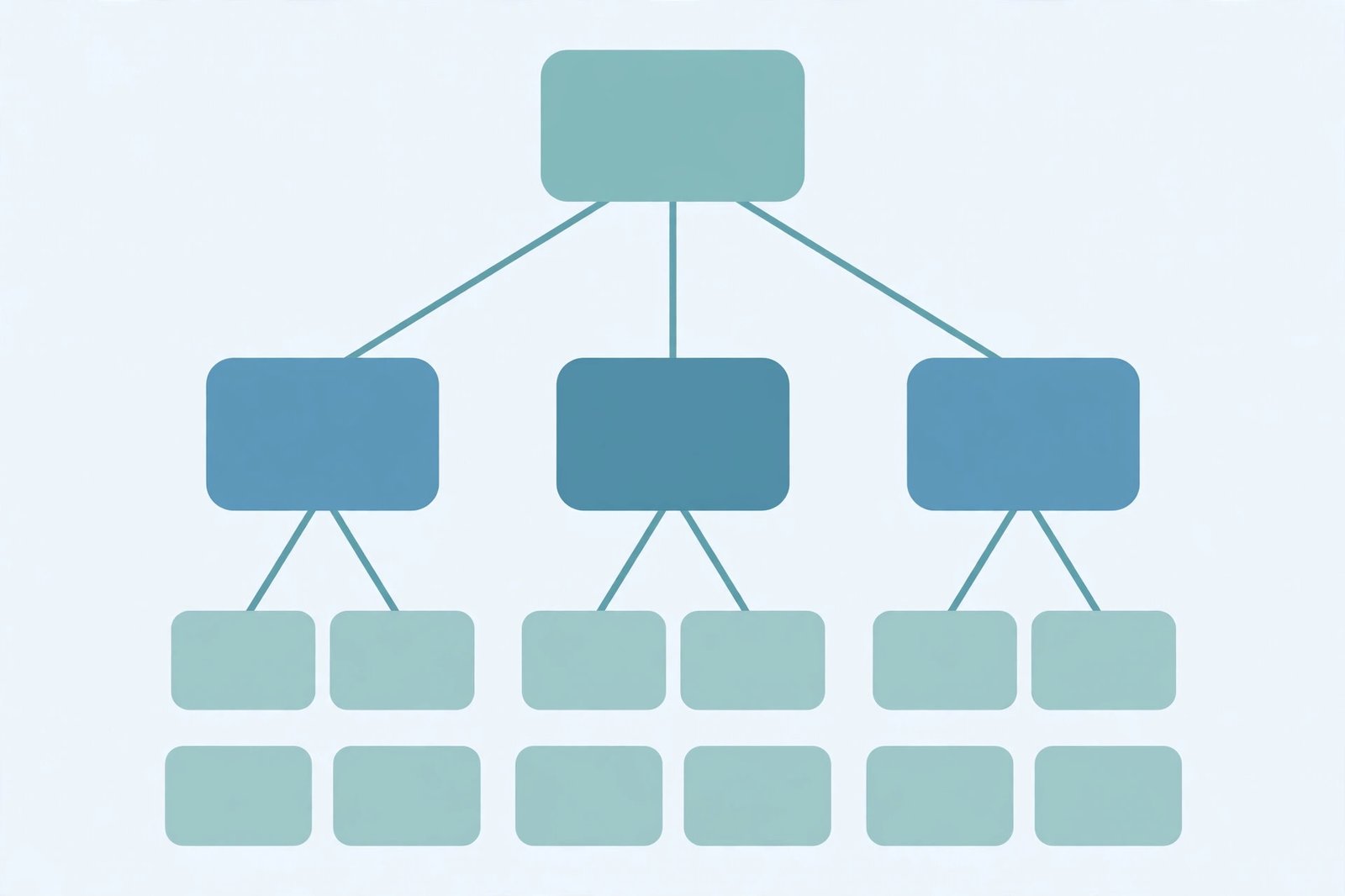
The default index in most relational databases is a B-tree, and PostgreSQL creates B-tree indexes by default. A B-tree keeps keys in sorted order across a balanced tree: the database starts at the root, picks the branch whose range contains the value, and walks down to the leaf entries, each pointing to its row. Because the tree stays balanced, the walk stays short even as the table grows.
Sorted order makes a B-tree versatile. It serves equality checks, range queries, and ordered results from the same structure, because all three are ways of walking a sorted list. PostgreSQL's documentation states the rule: it considers a B-tree index for <, <=, =, >=, and >, and for BETWEEN and IN, combinations of those comparisons.
3. The other index types, and when each earns its place
B-trees are the default, not the only option. Each other type trades generality for strength at one job:
- Hash. Stores a hash code of the value and answers equality checks only. Fast for exact matches, useless for ranges or ordering. PostgreSQL's documentation is blunt: a hash index is considered only for the = operator.
- GIN (inverted index). Built for values with many components, such as arrays or document text: it holds a separate entry per component, so a query testing for one component finds its rows directly. This is the tool for "which documents contain this word" and "which rows have this tag".
- BRIN (block range index). Stores only a summary — typically the minimum and maximum value — for each consecutive range of physical blocks. It is tiny, and it works only when values are well correlated with physical order, such as a timestamp column on an append-only table.
- GiST and SP-GiST. Frameworks rather than single structures: they support specialised searches, including geometric queries and nearest-neighbour searches, through operator classes for each data type.
The practical rule: reach for the default B-tree unless your query shape clearly belongs to one of the others — a tag search justifies GIN, a naturally ordered timestamp column might justify BRIN. An exotic type for an ordinary workload buys complexity, not speed.
4. Composite indexes and the leftmost-prefix rule
A composite index covers several columns in one structure, in a fixed order — and that order is the whole game. An index on (country, email) is sorted by country first, then by email within each country. A query filtering on country can use it; a query filtering on country and email can use it fully; a query filtering on email alone cannot use it efficiently, because email values are scattered across every country group.
The classic illustration is a phone book sorted by city, then last name, then first name: finding everyone in one city is easy, but finding everyone with one last name means searching inside every city section. Put the column your queries filter on most often alone, first. That ordering decision is also why our UUID v4 vs v7 guide matters here: random UUIDs as a primary key scatter new rows across a B-tree, while time-ordered UUIDs keep inserts near each other — an index-order problem wearing a key-format disguise.

5. Covering indexes: answering without touching the table
Normally a lookup is two steps: find the key in the index, then fetch the row. A covering index removes the second step, because it already contains every column the query asks for. If a query selects only id and name and filters on id, an index on (id, name) answers it outright.
Some databases offer the same benefit without widening the sort order: PostgreSQL-style INCLUDE adds columns to the leaf level only, so they do not affect ordering. The trade-off is size — a bigger index costs more storage and write maintenance — so covering indexes suit hot, narrow queries, not every query.
6. When an index does not help: the honest exceptions
An index is a tool with known blind spots, and most index disappointments are one of these:
- Leading wildcards. A B-tree can serve
LIKE 'smith%', anchored at the start, but notLIKE '%smith'— sorted order cannot help when the known part is at the end. - Functions on the indexed column. Filtering on
LOWER(email)cannot use a plain index on email, which stores original values. The fix, where supported, is an expression index on the function itself. - Low selectivity. If a query matches most of the table, fetching nearly every row via the index costs more than scanning. The optimizer will ignore the index, correctly.
- Small tables. On a table with a few dozen rows, a scan is already trivial. An index adds maintenance for a saving nobody can measure.
- Write-heavy tables. Every index is updated on every insert, update, and delete touching its columns. On a table written constantly and read rarely, each index is a tax on every write.
Two specialised forms cover the remaining cases. A partial index holds entries only for rows matching a condition — for example, only active orders — so it stays small when most rows are irrelevant to the queries using it. And a unique index doubles as a constraint: it refuses duplicate values, which is how primary keys and unique emails are enforced. Databases usually create an index automatically for a primary key.

7. Clustered vs non-clustered, and index vs cache
One distinction confuses more developers than any other. A clustered index sets the physical order of the table's rows, so a table can have exactly one, usually the primary key. A non-clustered index is a separate structure pointing at rows, so a table can have many.
The other confusion is between an index and a cache. Our caching guide covers caches in full; the short version is that a cache stores answers so a repeated request never reaches the data, while an index speeds up reaching the data the first time. They stack, but neither replaces the other. Likewise, a REST API endpoint filtering on an unindexed column will be slow no matter how clean the endpoint design is. The same logic applies to data shape, which is why our JSON vs CSV guide pairs with this one — format affects what you can query, and the index decides how fast that query runs.
Common mistakes to avoid
- Indexing every column. Each index costs storage and slows every write. Index the columns real queries use.
- Putting columns in the wrong order. In a composite index, the most-filtered column goes first; a query that skips it cannot use the order.
- Expecting an index to fix a leading wildcard.
LIKE '%smith'cannot use a B-tree. Anchor the pattern, or use a full-text index. - Wrapping the column in a function.
LOWER(email)ignores an index on email. Index the expression, or compare the raw column. - Assuming the optimizer will use your index. It estimates cost and may choose a scan. Check the query plan — the SCAN versus SEARCH difference in section 1 is the check.
- Forgetting write cost on hot tables. On write-heavy tables, fewer, better-chosen indexes beat many speculative ones.
- Building big indexes in a way that blocks writes. On a large live table, prefer the database's concurrent build option — PostgreSQL offers
CREATE INDEX CONCURRENTLY— rather than a blocking build during traffic.
A database index is a disciplined bet: a sorted copy of the columns your queries actually filter on, maintained at write time so reads can skip the scan. Start from a slow query you have seen, check its plan, add the one index it needs, and check again. References: Wikipedia's database index and PostgreSQL's index types.
Frequently asked questions
- What is a database index in simple terms?
- A database index is a separate, sorted data structure that maps column values to the rows that hold them, so the database can jump straight to matching rows instead of reading every row in the table. Think of the index at the back of a book: it does not contain the chapters, it tells you which page each topic is on.
- Does an index change what a query returns?
- No — an ordinary index only changes how fast the database finds rows, not which rows a query returns. The one exception is a unique index, which also enforces a rule: it refuses duplicate values in the indexed columns, so it changes what writes are allowed, not what reads return.
- What is the difference between a B-tree index and a hash index?
- A B-tree index keeps keys in sorted order, so it serves equality checks, range queries, and ordered results. A hash index stores a hash of each value, so it serves equality checks only — it cannot answer "greater than" or "between" queries, and it cannot return rows in sorted order.
- What is a composite index?
- A composite (multi-column) index is one index built on two or more columns together, in a fixed order. A query can use it efficiently only from the left: an index on (country, email) helps queries that filter on country, or on country and email, but not queries that filter on email alone.
- What is a covering index?
- A covering index is an index that already contains every column a query needs, so the database answers the query from the index alone and never reads the table rows. Some databases let you add non-key columns with INCLUDE for exactly this purpose, without making those columns part of the sort order.
- Can an index make a query slower?
- Yes, in two ways. First, every index slows writes: each insert, update, and delete must maintain the index as well as the table. Second, the optimizer may simply ignore an index when a full scan is cheaper — for example, when a query matches most of the table, or when the filter cannot use the index at all, such as a leading-wildcard LIKE pattern.
- Should I index every column?
- No. Index the columns your real queries filter, join, or sort on, and stop there. Each extra index costs storage and write speed on every change to the table, and an index nobody's query can use is pure cost with no benefit. Start from slow queries you have actually seen, not from columns you might query one day.
- What is the difference between a clustered and a non-clustered index?
- A clustered index decides the physical order of the table's rows themselves, so a table can have only one — it is usually the primary key. A non-clustered index is a separate structure that points at rows, leaving the table order untouched, so a table can have many. Most indexes developers create day to day are non-clustered.
Related articles
What Is a Proxy Server? 7 Things Every Developer Should Know (With Examples)
What is a proxy server? Learn how proxy servers work for developers — forward vs reverse, HTTP vs SOCKS, CONNECT tunneling, and proxy vs VPN. With examples.
Web DevelopmentWhat Is an API Gateway? 7 Things Every Developer Should Know (With Examples)
What is an API gateway? Learn how API gateways work for developers — routing, auth, rate limiting, aggregation, and when not to use one, with code examples.
Web DevelopmentWhat Is a Load Balancer? 7 Things Every Developer Should Know (With Examples)
What is a load balancer? Learn how load balancers work — Layer 4 vs Layer 7, routing algorithms, health checks, and sticky sessions, with config examples.