What Is a Proxy Server? 7 Things Every Developer Should Know (With Examples)
October 29, 2026 · Web Development
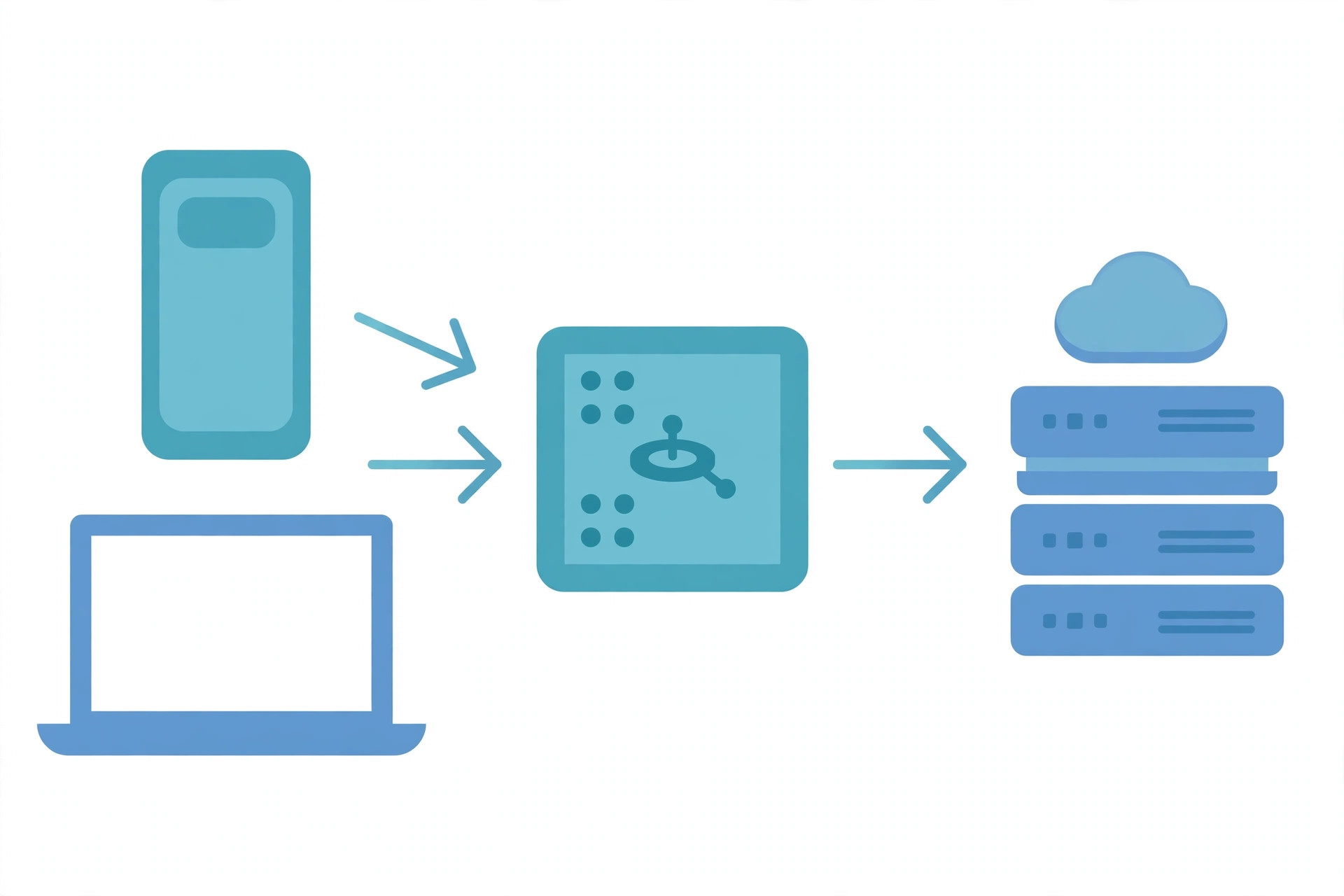
Every explanation of a proxy server starts with the same picture: your device, a middleman, and a website. What is a proxy server beyond that picture? It is a server application that acts as an intermediary between a client requesting a resource and the server that provides it. Instead of connecting directly, the client hands its request to the proxy, the proxy performs the network transaction, and the response comes back the same way. The destination sees the proxy's address, not yours — and that one substitution explains nearly every use, and every misunderstanding, in this guide.
1. The one thing a proxy changes: who the server sees
Without a proxy, your browser opens a connection straight to the website's server, and that server logs your IP address. With a proxy, your browser opens a connection to the proxy, the proxy opens its own connection to the website, and the website logs the proxy's address.
That is also why a proxy is not magic privacy. The proxy operator sits in the middle of your traffic by design: it knows your address and your destinations, and for unencrypted traffic it can read the content itself. A proxy moves trust from the destination to the proxy operator — so whether the trade is worth it depends entirely on who runs it.
2. Forward proxy vs reverse proxy: which side of the connection
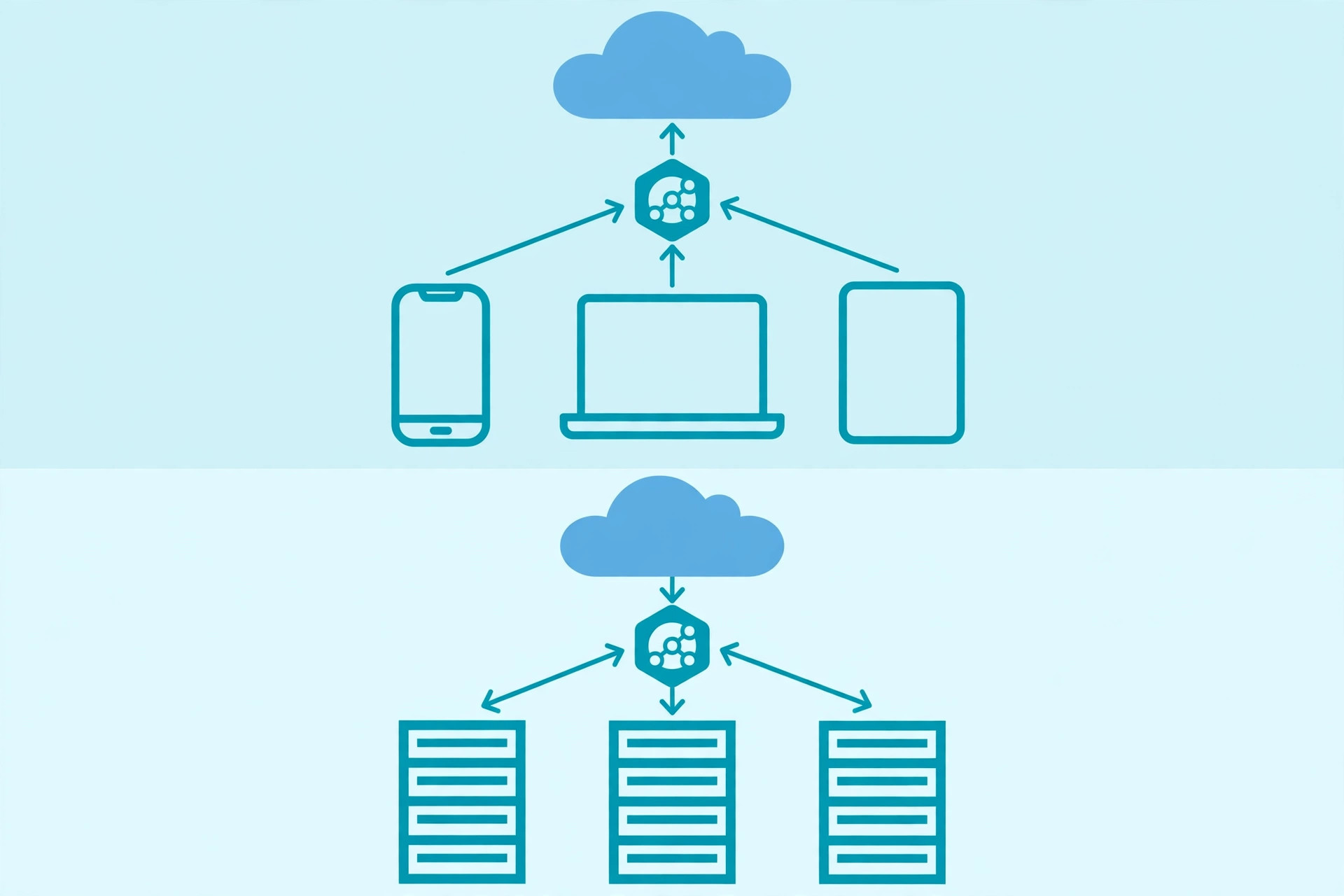
The word "proxy" alone is ambiguous, because the same middleman idea appears on both sides of a connection. A forward proxy is Internet-facing and works on behalf of clients: it retrieves data from a wide range of sources for users behind it — your office web filter and the proxy in your browser settings are both forward proxies.
A reverse proxy is internal-facing and works on behalf of servers: it sits in front of one or more web servers and appears to visitors to be an ordinary web server, while forwarding their requests to the backends behind it. Visitors usually never know it is there. Our API gateway guide describes a specialised kind of reverse proxy, and our load balancer guide covers one of the jobs reverse proxies commonly take on.
3. HTTP proxies vs SOCKS proxies: what layer they understand
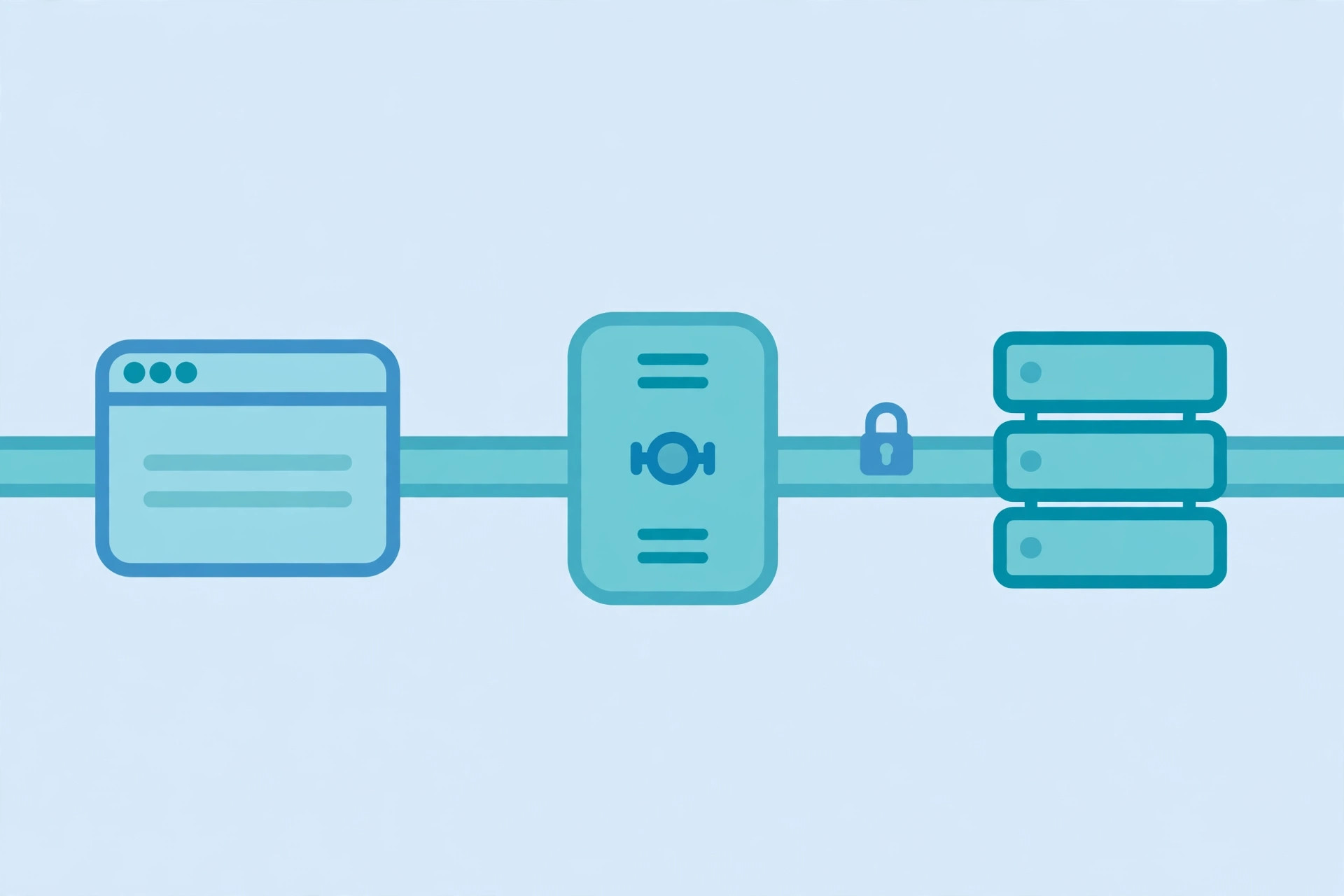
An HTTP proxy understands HTTP. It reads request lines and headers, so it can filter by URL, add or strip headers, cache responses, and demand authentication with a 407 status before forwarding. That understanding is also its limit: it is a web-traffic tool, and anything that is not HTTP-shaped is outside its job.
A SOCKS proxy works lower down, at the TCP level: it relays byte streams without parsing the application protocol inside them. That makes it protocol-agnostic — web traffic, mail, game traffic, anything TCP-shaped can pass — but it also means a SOCKS proxy cannot filter by URL or cache a response, because it never looks at the HTTP layer. Choose an HTTP proxy when you want control over web requests; choose SOCKS when you need a generic tunnel and are happy to give up that control.
A third kind is the transparent proxy: it intercepts traffic with no setting on the client, because the network routes traffic through it automatically. Users may not know it is there — which is exactly why it is a poor privacy tool.
4. How HTTPS works through a proxy: the CONNECT tunnel
Plain HTTP through an HTTP proxy is straightforward: the client sends the full URL to the proxy, the proxy fetches it, and the proxy returns the response. HTTPS cannot work that way, because the whole point of HTTPS is that nobody in the middle can read the request. The solution is the CONNECT method: the client asks the proxy to open a raw TCP tunnel to the destination host and port — nothing more — and once the proxy answers with a 2xx status, it switches to tunnel mode and blindly forwards bytes in both directions.
CONNECT example.com:443 HTTP/1.1
Host: example.com:443

HTTP/1.1 200 Connection Established
After that exchange, the TLS handshake happens between your browser and the real website, through the tunnel. Our HTTP vs HTTPS guide explains that handshake; the proxy-relevant part is what the proxy can and cannot see. It learns the destination host and port, because it had to open the connection. It does not learn the request path, the headers, or the body, because those travel inside the encrypted tunnel. The certificate your browser validates is the website's own certificate, not the proxy's.
5. What a proxy sees — and the headers that give you away
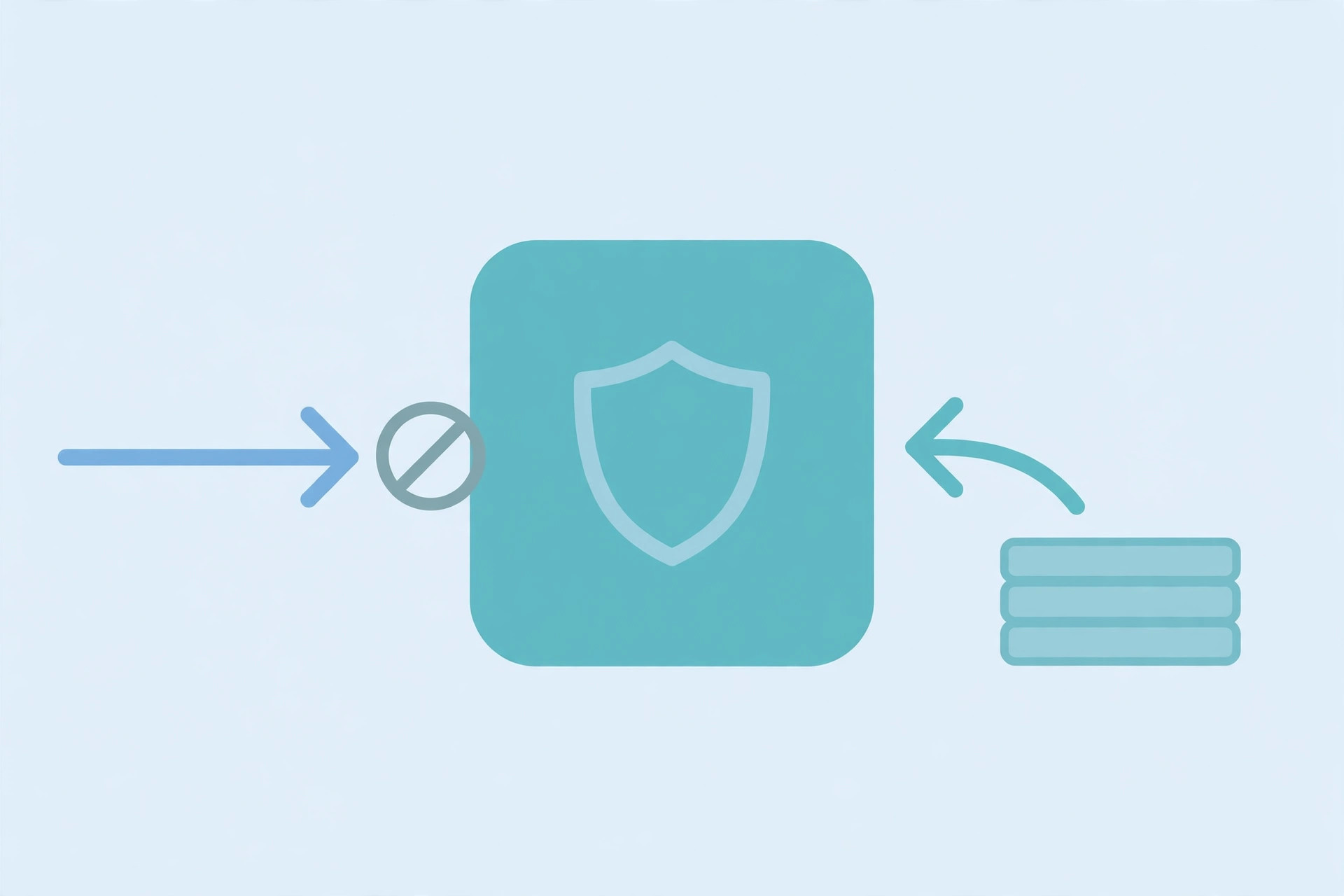
The honest version of "does a proxy hide me" is a table, not a slogan. For plain HTTP, the proxy sees everything: the full URL, the headers, the body. For HTTPS through a CONNECT tunnel, it sees the destination host and port and the timing and size of the encrypted stream, but not the content. Either way it knows your address, unless you chain proxies — and each extra hop is another operator to trust, not one fewer.
Then there are the forwarding headers. Proxies commonly append headers to disclose information that would otherwise be lost: the de-facto standard X-Forwarded-For carries the originating client address, the standardised Forwarded header does the same job in a defined syntax, and Via identifies the proxies themselves. These headers are deployment-dependent and should never be treated as trustworthy on arrival — they may be absent, modified, or stacked by several proxies — but they matter for developers: the address your server logs behind a proxy is the proxy's address unless you deliberately read the forwarded header, and trusting it blindly lets any client spoof its apparent origin.
Vendor labels like "transparent", "anonymous", and "elite" describe how much identifying information a proxy forwards, but they are marketing labels, not a standard. A proxy that calls itself anonymous may still log everything. Judge a proxy by its operator and its policy, not by its label.
6. Proxy vs VPN vs load balancer vs gateway vs CDN
Proxies get confused with four neighbours, so the distinctions are worth stating plainly. A VPN encrypts all of a device's traffic and routes it through one tunnel; a proxy typically handles one application's traffic and, on its own, adds no encryption. A load balancer spreads traffic across copies of the same service; a reverse proxy can do that job, but it is only one of its jobs. An API gateway is a reverse proxy specialised for API traffic, adding routing by path and per-API policies. A CDN caches content at the edge so requests never reach your servers; a proxy forwards requests, though caching proxies blur that line.
| Sits on | Main difference from a proxy | |
|---|---|---|
| VPN | Whole device | Encrypts all traffic, not one app |
| Load balancer | Server side | Spreads copies of one service |
| API gateway | Server side | API routing and per-API policies |
| CDN | Edge | Answers from cache by design |
| Forward proxy | Client side | Fetches the open internet for users |
7. Using a proxy in code: configuration, not magic
From a developer's chair, a proxy is configuration. The most common form is an environment variable pair, HTTP_PROXY and HTTPS_PROXY, plus a NO_PROXY list of hosts that must bypass the proxy — internal services and localhost should always be on it, or your own services will start routing through a middleman for no reason. Most HTTP clients read these variables without extra code:
export HTTP_PROXY=http://proxy.example.com:8080
export HTTPS_PROXY=http://proxy.example.com:8080
export NO_PROXY=localhost,internal.example.com
Explicit configuration is one step up. With curl, the -x flag names the proxy, and --proxy-user supplies credentials when the proxy answers 407:
curl -x http://proxy.example.com:8080 https://example.com
curl -x http://proxy.example.com:8080 --proxy-user user:pass https://example.com
In Python, the requests library takes the same idea as a dictionary, per scheme — and the bypass rule matters as much as the proxy itself:
proxies = {
    "http": "http://proxy.example.com:8080",
    "https": "http://proxy.example.com:8080",
}
# internal.example.com stays direct via NO_PROXY;
# a scheme with no entry here is direct too.
The selection rule behind that snippet was checked locally before publishing: http and https URLs resolve to the proxy, a no-proxy host goes direct, and a scheme with no entry is direct too. Three mistakes cause most proxy debugging sessions: forgetting the bypass list, hard-coding a proxy address that only exists on one network, and putting credentials in a URL that ends up in a log file. Keep proxy settings in environment, never in source.
Common mistakes to avoid
- Treating a proxy as encryption. A plain HTTP proxy does not encrypt anything; only the HTTPS tunnel inside it is encrypted, end to end with the origin.
- Trusting X-Forwarded-For blindly. Any client can send that header; only trust it from a proxy you control, and only its last entry.
- Using a free open proxy for sensitive traffic. The operator can log, read, and modify plain HTTP, and can see every HTTPS destination you visit.
- Forgetting NO_PROXY. Internal services and localhost must bypass the proxy, or you add a failure point to every internal call.
- Confusing a proxy with a VPN. A proxy covers one application's traffic; a VPN covers the device. Pick by scope, not by slogan.
- Committing proxy credentials to source. Proxy addresses and credentials belong in environment configuration, never in a repository.
Done well, a proxy server is almost invisible: requests flow, policies apply at one controlled point, and the servers behind it stay hidden. It sits alongside the API gateway, the load balancer, and the CDN as one more way to put a controlled middleman in a useful place — and the skill is knowing which side of the connection that middleman should stand on, and what it can and cannot see from there. Reference: MDN's proxy servers and tunneling guide and Wikipedia's proxy server article.
Frequently asked questions
- What is a proxy server in simple terms?
- A proxy server is a middleman server: instead of your device talking directly to a website, it talks to the proxy, and the proxy talks to the website on your behalf. The website sees the proxy's IP address, not yours. That single substitution is the basis for nearly everything proxies are used for: access control, caching, filtering, and a basic layer of privacy.
- Is a proxy server the same as a VPN?
- No. A proxy usually handles traffic for one application or protocol — typically web requests — and a plain HTTP proxy does not encrypt your traffic. A VPN encrypts all of your device's traffic and routes it through one tunnel. If you need encryption for everything, a proxy alone is not the tool; if you need per-application routing, a VPN is more than you need.
- What is the difference between a forward proxy and a reverse proxy?
- A forward proxy sits on the client side: it fetches things from the internet on behalf of users, and the users know it is there. A reverse proxy sits on the server side: it receives requests on behalf of backend servers, and the visitors usually have no idea it exists. Same middleman idea, opposite side of the connection.
- Does a proxy hide my IP address from websites?
- From the website, yes — the website sees the proxy's address. But "hidden" has limits: the proxy itself knows your address, plain HTTP traffic through it is readable by the proxy, and headers such as X-Forwarded-For can carry your original address onward unless the proxy strips them. Hiding from the destination is not the same as hiding from everyone.
- Can a proxy see my HTTPS traffic?
- Not through an ordinary CONNECT tunnel: the proxy opens a raw TCP tunnel to the destination, and the TLS handshake then happens between your browser and the real website, so the path, headers, and body stay encrypted. The exception is a managed device that trusts a root certificate owned by the proxy operator — then the proxy can decrypt traffic, which is why that setup should only ever exist on devices your organisation manages, with your knowledge.
- What is the CONNECT method?
- CONNECT is the HTTP method a client uses to ask an HTTP proxy to open a TCP tunnel to a destination host and port. The request names only host and port, not a URL. If the proxy answers with a 2xx status, it switches to tunnel mode and blindly forwards bytes in both directions until the tunnel closes.
- What does a 407 status code mean?
- 407 Proxy Authentication Required means the proxy wants credentials before it will forward your request. The client answers with a Proxy-Authorization header, usually after the proxy advertises its accepted scheme in a Proxy-Authenticate header. It is the proxy-world equivalent of a 401, but the credentials go to the proxy, not to the website.
- Should I use a free open proxy I found online?
- No, not for anything you care about. Whoever runs the proxy can log, modify, or inject into your traffic, and plain HTTP through it is fully readable. A proxy you do not control is a stranger standing between you and every site you visit. Use proxies run by your organisation, your cloud provider, or a provider you have a real reason to trust.
Related articles
What Is an API Gateway? 7 Things Every Developer Should Know (With Examples)
What is an API gateway? Learn how API gateways work for developers — routing, auth, rate limiting, aggregation, and when not to use one, with code examples.
Web DevelopmentWhat Is a Load Balancer? 7 Things Every Developer Should Know (With Examples)
What is a load balancer? Learn how load balancers work — Layer 4 vs Layer 7, routing algorithms, health checks, and sticky sessions, with config examples.
Web DevelopmentWhat Is Rate Limiting? 7 Things Every Developer Should Know (With Examples)
What is rate limiting? Learn how rate limits work — fixed window, token bucket, 429 responses, Retry-After headers, and client backoff — with code examples.