What Is a Load Balancer? 7 Things Every Developer Should Know (With Examples)
October 27, 2026 · Web Development
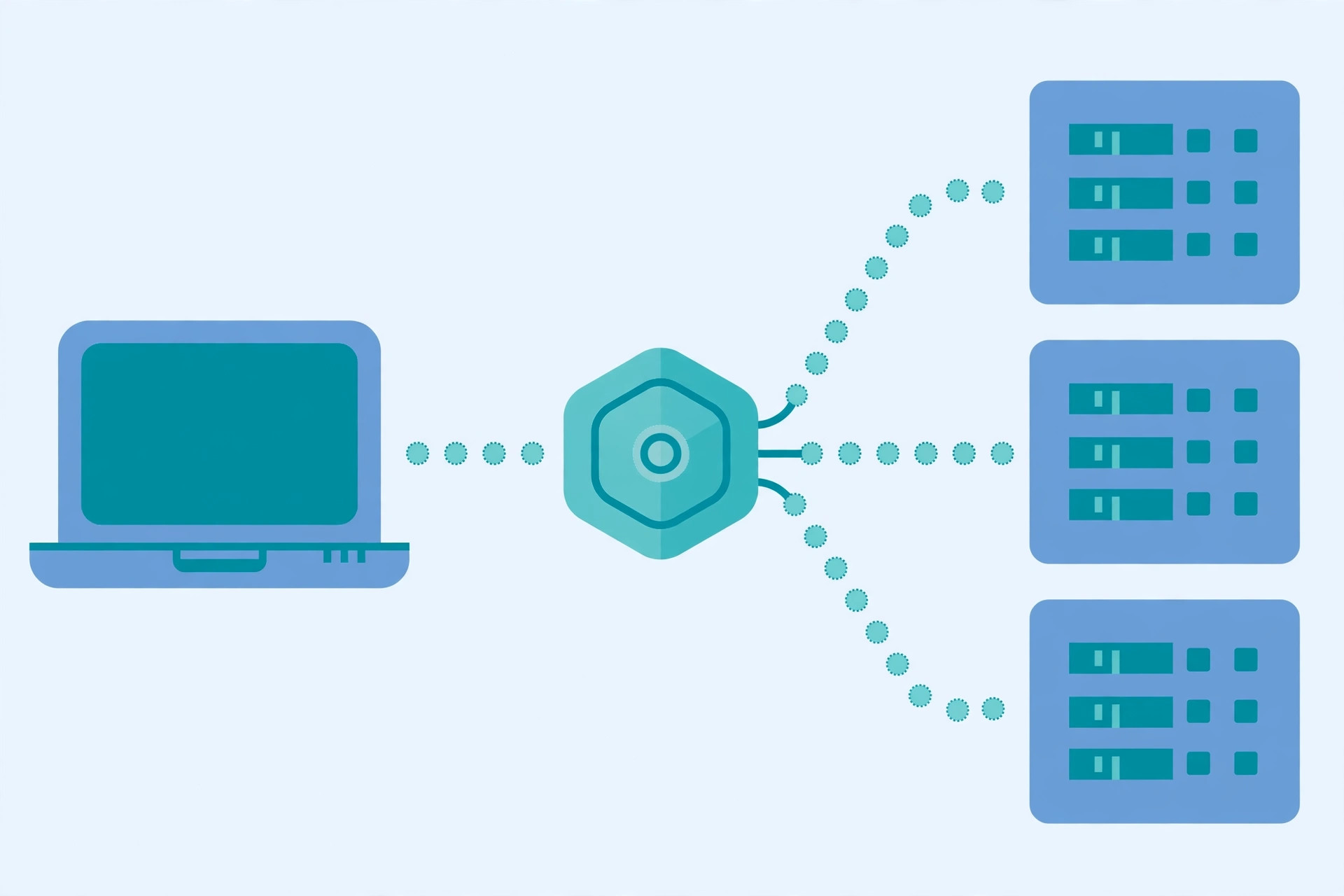
One server can only do so much. Sooner or later traffic grows past what a single machine can serve — or the site cannot afford to go down when that machine fails. What is a load balancer exactly? It is the component that sits in front of a group of servers and spreads incoming traffic across them, so no single machine carries the whole load. Clients connect to one address; the balancer quietly decides which server behind it handles each request. This guide explains how that decision is made, the algorithms behind it, and the failure modes most tutorials skip.
1. Why one server is not enough
A single server fails in two ways: it runs out of capacity, or it dies. Capacity is the quieter killer — response times creep up as the CPU saturates and users leave before anything crashes. Death is louder: a bad deploy, a disk failure, or a crashed process takes the whole site down, because nothing else can serve traffic.
Running several copies fixes both problems at once, but only if something distributes the traffic: a second server changes nothing while clients still connect to the one address they know. The balancer is what makes horizontal scaling usable, and what turns individually unreliable machines into a service that stays up — when one server fails, its share simply goes to the healthy ones.
2. Where the balancer sits, and what the client sees
The balancer sits between the internet and your servers, as the single entry point for a service. A request arrives at the balancer's address, which picks a backend server, forwards the request, and returns the response. To the client, there is one server — behind the address there may be two servers or two hundred.
That position also makes the balancer the natural place for edge jobs: terminating TLS, rejecting malformed traffic, and enforcing rate limits so abusive clients never touch application servers. But those are bonuses — the two defining jobs are distributing traffic and knowing which servers are healthy enough to receive it.
3. Layer 4 vs Layer 7: how much the balancer looks at
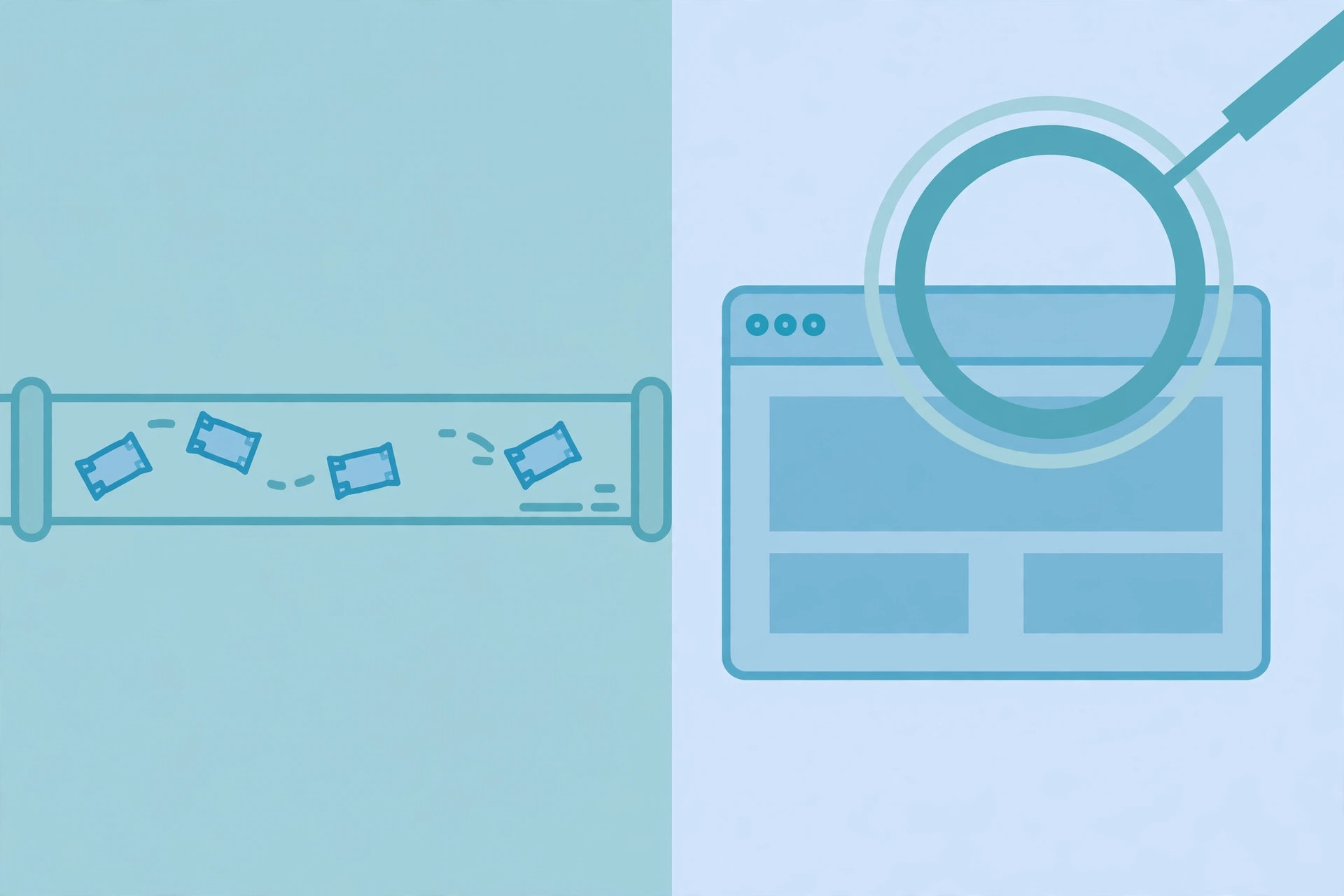
The oldest split in load balancing is the OSI layer the decision is made at. A Layer 4 balancer works at the transport layer: it sees IP addresses and TCP or UDP ports, and forwards whole connections without inspecting what is inside them. Because it never parses the payload, it is fast and protocol-agnostic — it can balance SSH, game servers, and databases just as well as web traffic. Our TCP vs UDP guide explains the transport layer it operates on.
A Layer 7 balancer works at the application layer, where HTTP lives. It terminates the connection, reads the request, and can route on the URL path, a header, or a cookie: image requests to one pool, API requests to another, and a canary release to a small pool for testing. That flexibility costs CPU — every request is parsed and re-issued — and it only works for protocols the balancer understands. For web applications, Layer 7 is usually the right default.
| Layer 4 | Layer 7 | |
|---|---|---|
| Decides on | IP address, TCP/UDP port | URL, headers, cookies |
| Speed | Faster, no payload parsing | Slower, request parsed and re-issued |
| Protocols | Any TCP or UDP service | HTTP and HTTPS in practice |
| Routing tricks | Connection-level only | Path, host, header, cookie routing |
| Best for | Databases, games, raw TCP | Web apps, APIs, canary releases |
4. Five algorithms, and the trade-off each one makes
Round robin is the simplest: requests go to each server in turn, A, B, C, A, B, C. It is fair only when requests cost roughly the same; a server stuck on one slow request still receives its next turn on schedule.
Weighted round robin fixes the uneven-fleet case: each server gets a share proportional to its weight. In nginx, the default upstream method is weighted round robin, and a server with weight=5 alongside two servers of weight 1 receives five of every seven requests. The naive version would send five requests to the big server in a row; the smooth variant interleaves them so the load spreads evenly over time:
servers = [('A', 5), ('B', 1), ('C', 1)]
current = {name: 0 for name, _ in servers}
total = sum(w for _, w in servers)
for _ in range(7):
    for name, w in servers:
        current[name] += w
    best = max(servers, key=lambda s: current[s[0]])[0]
    current[best] -= total
    print(best, end=' ')
# A A B A C A A — verified by running it
Over seven requests the big server gets its five, but never all at once.
Least connections sends each request to the server currently handling the fewest active connections. When request durations vary — one query returns in 20 milliseconds, the next runs for two minutes — this beats round robin, because a server buried in long requests stops receiving new ones until it catches up. Nginx exposes this as the least_conn method.
IP hash hashes the client's address and always sends that client to the same server, which gives you session persistence for free. Nginx's ip_hash uses the first three octets of an IPv4 address as the key, so clients behind the same NAT block land on the same server together — a fairness quirk worth knowing before you rely on it. Consistent hashing is the grown-up version: adding or removing a server remaps only a few keys instead of most of them, which matters when the pool fronts a cache.
Least response time combines connection count with measured latency, sending traffic to the server that is both lightly loaded and answering fastest. It adapts to real conditions, but a server that is fast because it is failing requests quickly can fool it — which is why response-time methods are always paired with health checks.
| Algorithm | Best when | Watch out for |
|---|---|---|
| Round robin | Equal servers, equal requests | Slow requests pile up on schedule |
| Weighted round robin | Uneven server sizes | Weights must match real capacity |
| Least connections | Request durations vary | Needs live connection counts |
| IP hash | Local session state | NAT clients share a fate |
| Least response time | Latency matters most | Fast failures look healthy |
5. Health checks: the half of the job nobody demos
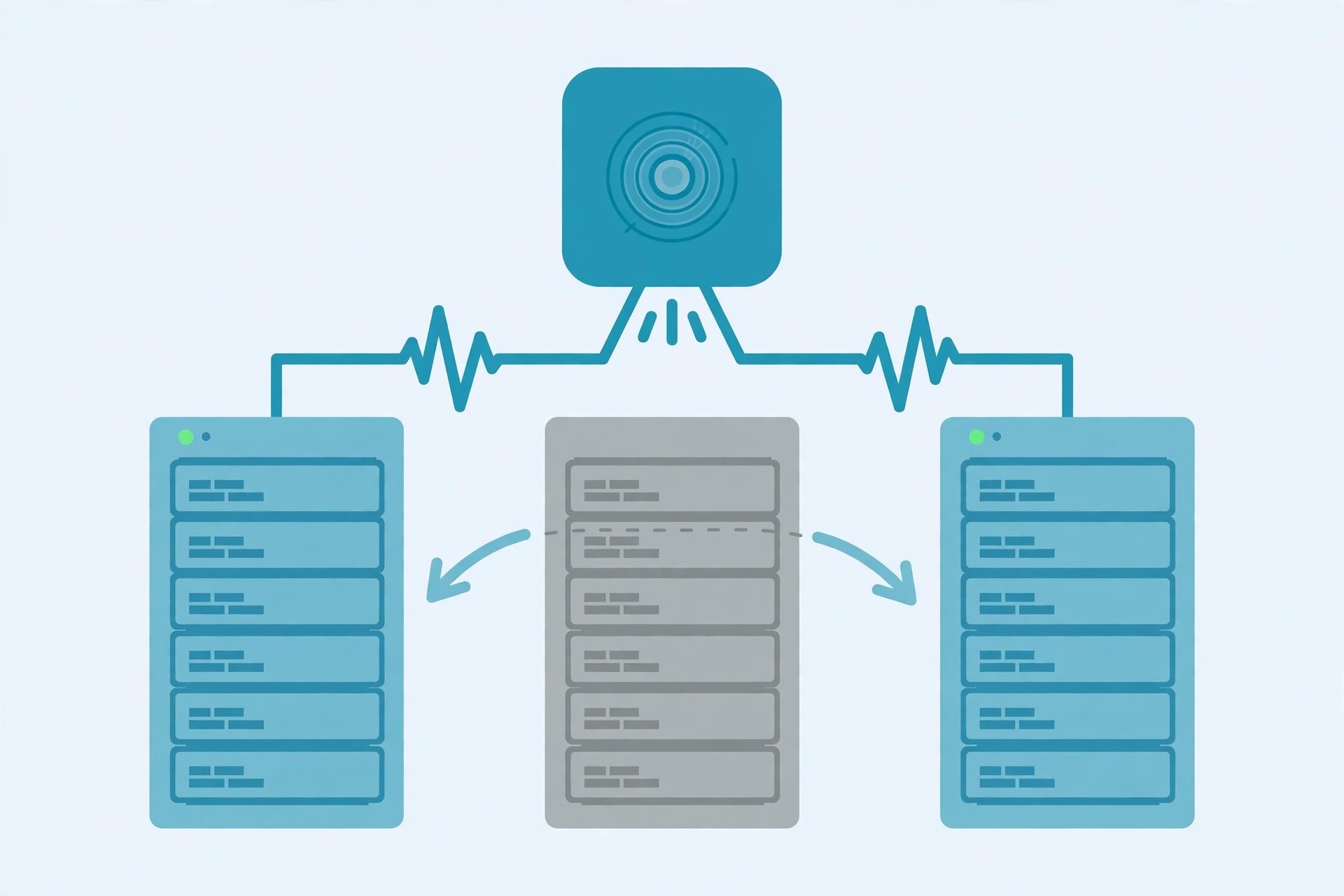
Distributing traffic is the easy half. The hard half is knowing which servers deserve traffic at all. A balancer probes each backend on a schedule — usually an HTTP request to a health endpoint such as /healthz — and pulls any server that stops answering out of rotation until it recovers. That is what turns a crash into a non-event: users on the failed server's share are rerouted, and nobody files a ticket.
The endpoint matters more than the interval. A check that only verifies "the process is running" will happily keep sending traffic to a server whose database connection pool is exhausted. A good health endpoint answers only when the server can actually serve: dependencies reachable, migrations applied, disk not full.
In nginx upstream config, max_fails counts failed attempts, fail_timeout sets how long a failed server stays out, and backup marks servers that only receive traffic when every primary is down.
upstream backend {
    server app1.example.com weight=5;
    server app2.example.com max_fails=3 fail_timeout=30s;
    server app3.example.com backup;
}

server {
    location / {
        proxy_pass http://backend;
    }
}
Two lifecycle tricks complete the picture. Draining takes a server out of rotation while its in-flight requests finish, so deploys never drop a request mid-flight. Slow start returns a recovered server to full weight gradually, instead of flooding a cold cache with full traffic on its first second back.
6. Sticky sessions: useful, and a smell
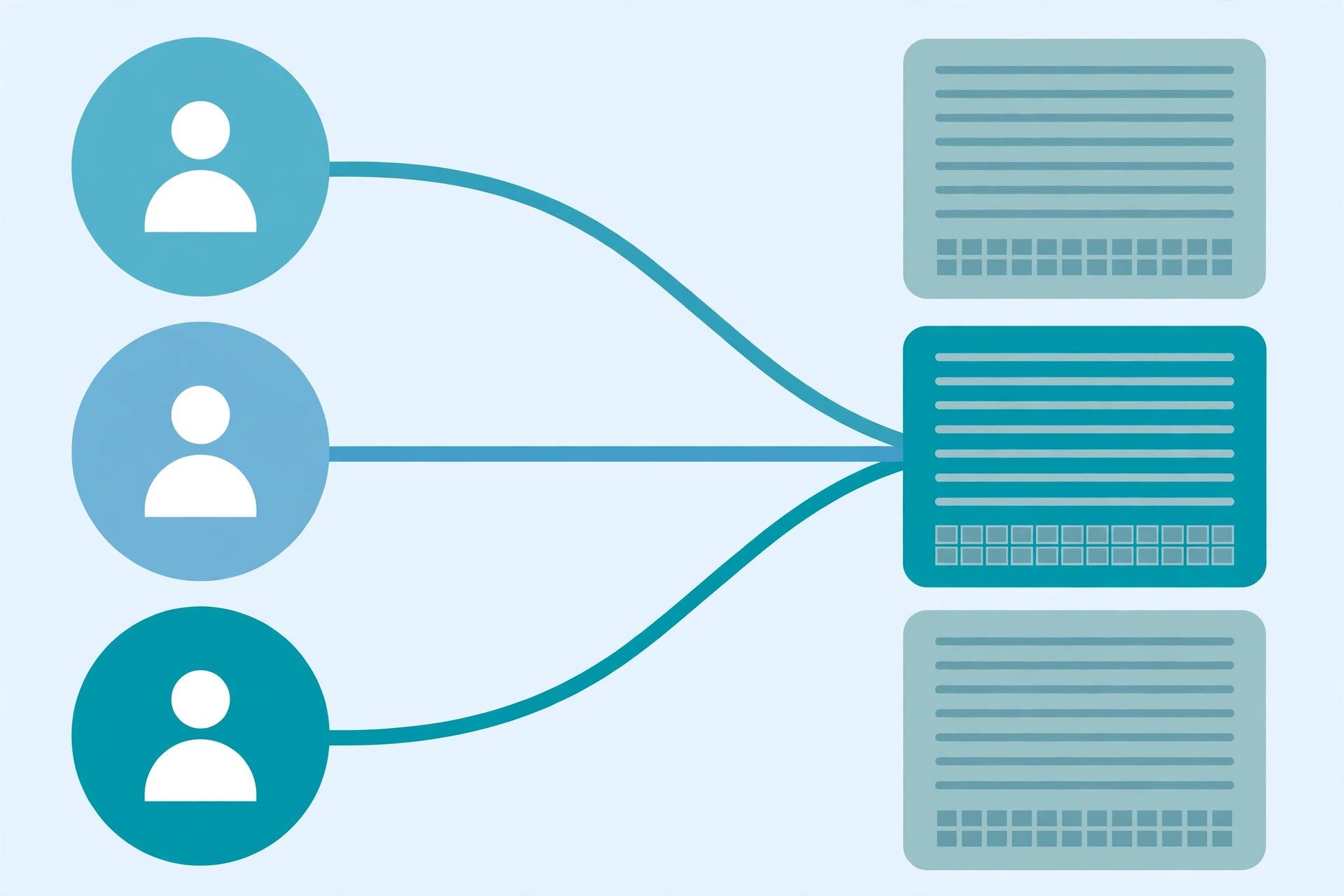
Sometimes a user must keep returning to the same server: a shopping cart held in process memory, a file upload in progress, a game session. The balancer can pin that user with a cookie it sets itself, or with IP hashing as above. Both work, and both cost you something: a pinned user cannot be moved off a dying server without losing their session, and a half-pinned pool cannot rebalance freely.
The better design is to not need stickiness at all. Move session state into a shared store — a database, a cache, a signed token the client carries — and any server can serve any request, so one can die mid-session without the user noticing. Treat sticky sessions as a bridge from a stateful past, not as architecture.
7. What a load balancer is not
Three confusions recur. First, it is not a CDN: a CDN caches content at the edge so requests never reach your servers, while a balancer spreads the requests that do arrive. Second, it is not DNS round robin: handing out several addresses for one name does spread load, but DNS has no health checks, clients cache answers for minutes, and a dead server keeps receiving its share until caches expire. Third, it is not a substitute for the client-server design itself — it distributes work across servers, but it cannot fix an application that keeps all state on one machine.
Hardware appliances still serve the highest-throughput sites, software balancers run on ordinary servers and cost nothing to start, and cloud balancers remove the operations work at the price of vendor lock-in. At global scale the idea repeats one level up: a global balancer steers users to the nearest healthy region, usually through DNS, and a regional balancer spreads traffic inside it. Our DNS guide explains the mechanism the global layer leans on.
Common mistakes to avoid
- Balancing without health checks. A pool with no checks sends traffic to dead servers on schedule.
- Health checks that check nothing. "Process is up" is not "can serve requests" — check dependencies too.
- Assuming the balancer is immortal. Run redundant balancers or a managed one; it is a single point of failure otherwise.
- Sticky sessions by default. Prefer shared session state so any server can serve any user.
- Weights that lie. A weight of 5 on a server with the same CPU as the rest just overloads it first.
- Expecting speed from distribution alone. A balancer removes bottlenecks; it does not speed up a slow application.
Done well, a load balancer is almost invisible: traffic grows, servers come and go, and users notice nothing at all. It sits alongside the rate limits that protect the edge, the CDN that absorbs static traffic, and the transport layer its Layer 4 mode operates on. Reference: nginx's upstream module documentation (weighted round robin default, weight, max_fails, fail_timeout, backup, drain, ip_hash, least_conn) and Cloudflare's load balancing reference architecture (Layer 4 vs Layer 7, steering, health checks).
Frequently asked questions
- What is a load balancer in simple terms?
- A load balancer is a component that sits in front of a group of servers and spreads incoming traffic across them. Clients connect to one address; the load balancer decides which server behind it actually handles each request, and stops sending traffic to servers that fail health checks.
- What is the difference between Layer 4 and Layer 7 load balancing?
- Layer 4 balancers decide using transport-layer data such as IP address and TCP port, without looking inside the request. Layer 7 balancers decide using application data such as the URL path, headers, and cookies, so they can route different paths to different server groups. Layer 7 is more flexible; Layer 4 is faster and works for any TCP or UDP protocol.
- Does a load balancer make my website faster?
- It removes the bottleneck of a single server, so the site keeps responding under load that would overwhelm one machine. It does not make any individual request faster on its own — a slow application behind the balancer stays slow. Pair it with caching and right-sized servers for real speed gains.
- What is the difference between a load balancer and a reverse proxy?
- A reverse proxy forwards client requests to backend servers and can also cache, terminate TLS, and rewrite requests. Load balancing is one job a reverse proxy can do: nginx, for example, is a reverse proxy whose upstream module distributes requests across a server group. Not every reverse proxy balances load, and not every load balancer is a full reverse proxy.
- Is a load balancer the same as a CDN?
- No. A CDN caches content at edge locations close to users so repeated requests never reach your servers at all. A load balancer distributes the requests that do arrive across your servers. They complement each other: the CDN absorbs static traffic, and the balancer spreads whatever is left.
- What happens if the load balancer itself fails?
- It is a single point of failure unless you plan for it, so production setups run balancers in redundant pairs with automatic failover, or use a managed cloud balancer whose redundancy is the provider's problem. Never assume the balancer is immortal — its own availability is part of the design.
- Do I need sticky sessions?
- Only if your servers hold per-user state locally, such as in-memory session data or an upload in progress. If sessions live in a shared store or a database, any server can serve any request and stickiness is unnecessary. Prefer stateless servers and treat stickiness as a workaround, not a default.
- Should I use a hardware, software, or cloud load balancer?
- Software balancers such as nginx or HAProxy cost nothing to start and run anywhere, which suits most projects. Hardware appliances still serve very high-throughput or regulated environments. Cloud balancers remove the operations burden entirely — no servers to patch — at the cost of vendor lock-in and per-hour billing.
Related articles
What Is a Proxy Server? 7 Things Every Developer Should Know (With Examples)
What is a proxy server? Learn how proxy servers work for developers — forward vs reverse, HTTP vs SOCKS, CONNECT tunneling, and proxy vs VPN. With examples.
Web DevelopmentWhat Is an API Gateway? 7 Things Every Developer Should Know (With Examples)
What is an API gateway? Learn how API gateways work for developers — routing, auth, rate limiting, aggregation, and when not to use one, with code examples.
Web DevelopmentWhat Is Rate Limiting? 7 Things Every Developer Should Know (With Examples)
What is rate limiting? Learn how rate limits work — fixed window, token bucket, 429 responses, Retry-After headers, and client backoff — with code examples.