Client vs Server: 7 Key Differences Every Developer Must Know (With Examples)
October 9, 2026 · Web Development
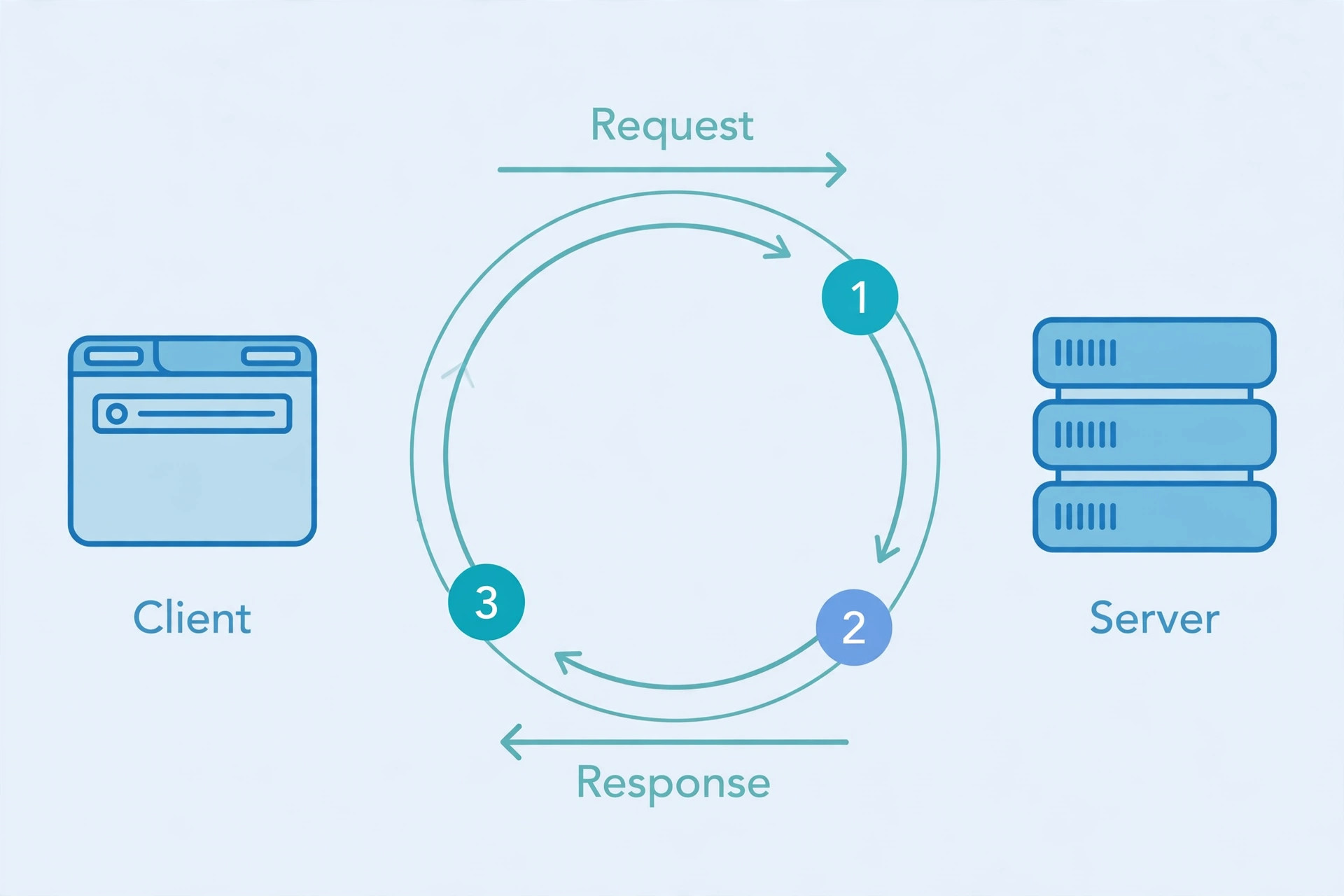
Type a URL, hit enter, and a page appears — it feels instant and a little magical. But behind that one keystroke sits the most important conversation in computing: client vs server. The client (your browser) asks for something, the server answers, and the entire web is built out of millions of these request-response exchanges. This guide explains what is a client and what is a server, walks the 5-step request-response cycle, maps frontend vs backend to the two sides, and finishes with the 7 key differences plus 4 myths beginners always believe.
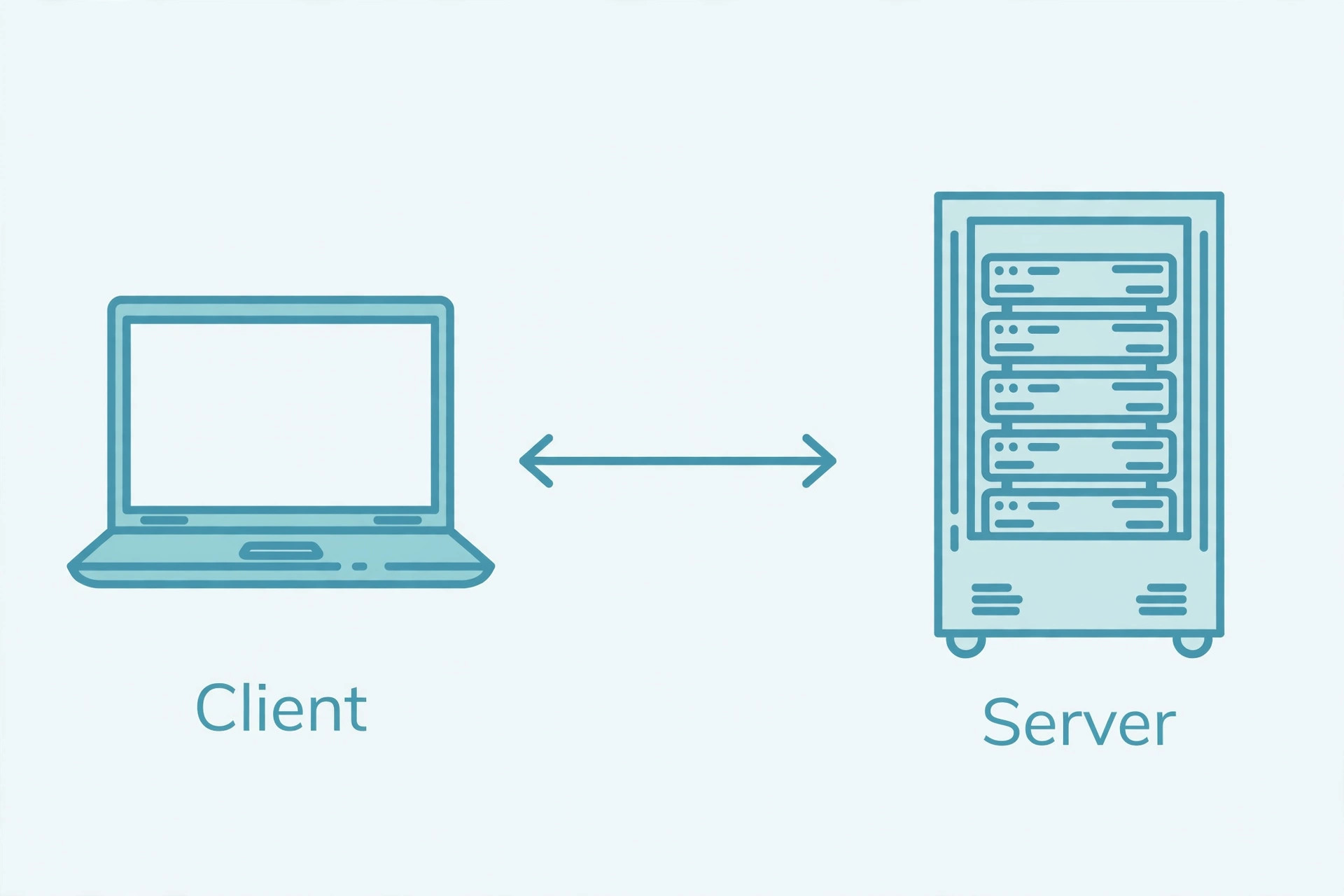
What Is a Client?
A client is the side that starts the conversation. It sends a request — "give me this page," "log me in," "search for flights" — and waits for a response. The most common clients are the ones you already use: a browser tab loading a website, a mobile app fetching your feed, or curl pulling data from the terminal.
Clients also do the last mile of the work. A browser doesn't just receive a page — it renders HTML, CSS, and JavaScript into the interactive site you see, runs the frontend code, and handles your clicks and typing. That's why the side running the interface is almost always the client: it talks directly to the human.
One useful correction early: "client" describes a role, not a device. Your laptop is a client when its browser loads a site, but the same laptop can act as a server five minutes later when you run a local dev server. The label follows the behavior — requesting versus responding — not the hardware.
What Is a Server?
A server is the side that waits, listens, and answers. It sits on a network connection (or several), holds resources — files, data, programs — and responds to client requests one after another, often thousands at once. "Server" can mean the hardware (a rack-mounted computer in a data center) or the software (the program listening on a port). Most of the time, when developers say "the server," they mean the software.
Servers don't talk to humans directly — they talk to clients. A web server like Apache or Nginx receives an HTTP request, finds or builds the response, and sends it back. To receive requests, server software listens on a port — a numbered door on the machine. Web traffic conventionally uses port 80 for HTTP and port 443 for HTTPS, which is why your browser never has to ask you which door to knock on.
Client vs Server: 7 Key Differences
| Feature | Client | Server |
|---|---|---|
| Initiates contact | Yes — the client always starts the conversation | No — the server listens and waits for requests |
| Role in the exchange | Requests resources or services | Provides resources or services in response |
| Talks to | The user (renders the interface) | Other programs (serves data, never shows a UI) |
| Where code runs | On the user's device (browser, phone) | On the hosting machine or data center |
| Typical examples | Browser tab, mobile app, curl, game client | Apache, Nginx, database server, API backend |
| Uptime expectation | Runs only while the user is active | Expected to be always on and reachable |
| Hardware needs | Any ordinary device works | Often powerful, redundant, and always connected |
Notice the pairing with HTTP vs HTTPS: ports 80 and 443 are just the default doors servers listen on, and everything in this table holds true whether the conversation is encrypted or not.
The Request-Response Cycle in 5 Steps
Here is the real walkthrough — what actually happens between you hitting enter and the page appearing:
- You request. You type
example.com/pricingand the browser builds an HTTP request — a method like GET, the path/pricing, headers describing what your browser accepts, and possibly a body with form data. - DNS resolves. The browser can't reach a name; it needs an IP address. A DNS lookup translates
example.cominto the server's IP so the request has somewhere to go (details in our DNS explainer). - The server receives and processes. The request arrives at the server's listening port. The web server routes it to the right handler — maybe a static file, maybe backend code that queries a database and fills a template.
- The server responds. Back comes an HTTP response: a status code like
200 OK, headers describing the payload, and the body — HTML, JSON, an image, whatever was asked for. - The client renders. The browser parses the response, fetches any extra assets it references (each another mini request), runs the JavaScript, and paints the page.
Then the connection's job is done. HTTP is stateless: the server forgets the exchange immediately, which is why logins need tokens or cookies — each new request must prove who it is again. That statelessness is also a design constraint of REST APIs, where the client carries all the context the server needs.
Frontend vs Backend: Where Client and Server Meet
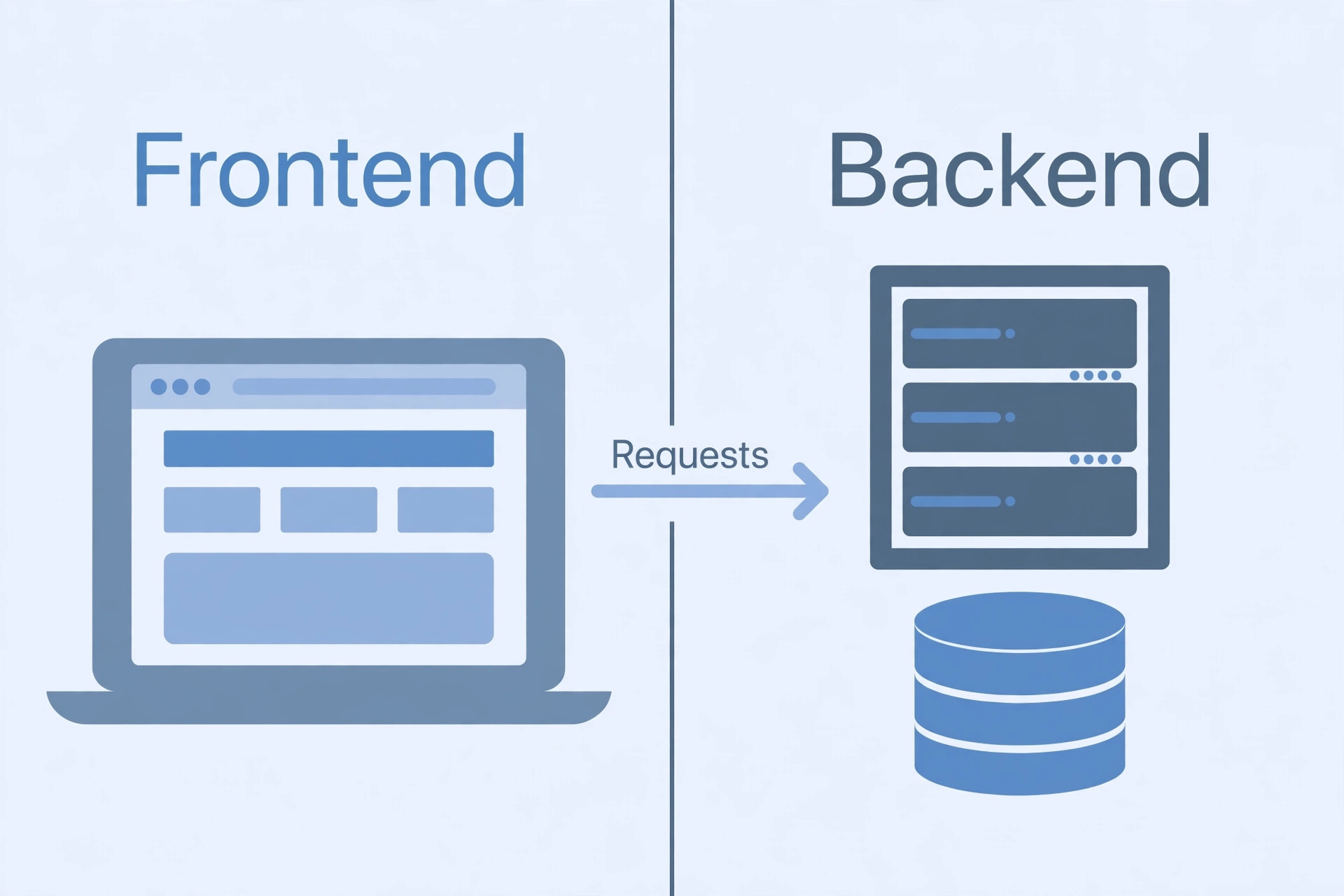
"Frontend" and "backend" describe where code runs; "client" and "server" describe who asks and who answers. In a standard web app they line up neatly: the frontend (HTML, CSS, JavaScript) runs in the browser on the client, and the backend (Python, PHP, Node.js, a database) runs on the server.
But the mapping isn't 1:1, and this is where beginners get tripped up. A server can be a client of another server: when your backend calls a payment API or a weather service, your server sends a request and waits for a response — it is the client in that conversation. That's exactly how webhooks work in reverse: a server pushing data to your server makes your server the receiver.
So hold two vocabularies at once: frontend/backend tells you where the code lives; client/server tells you which direction the current request travels. Together, architecture diagrams stop being intimidating.
Types of Servers You'll Meet
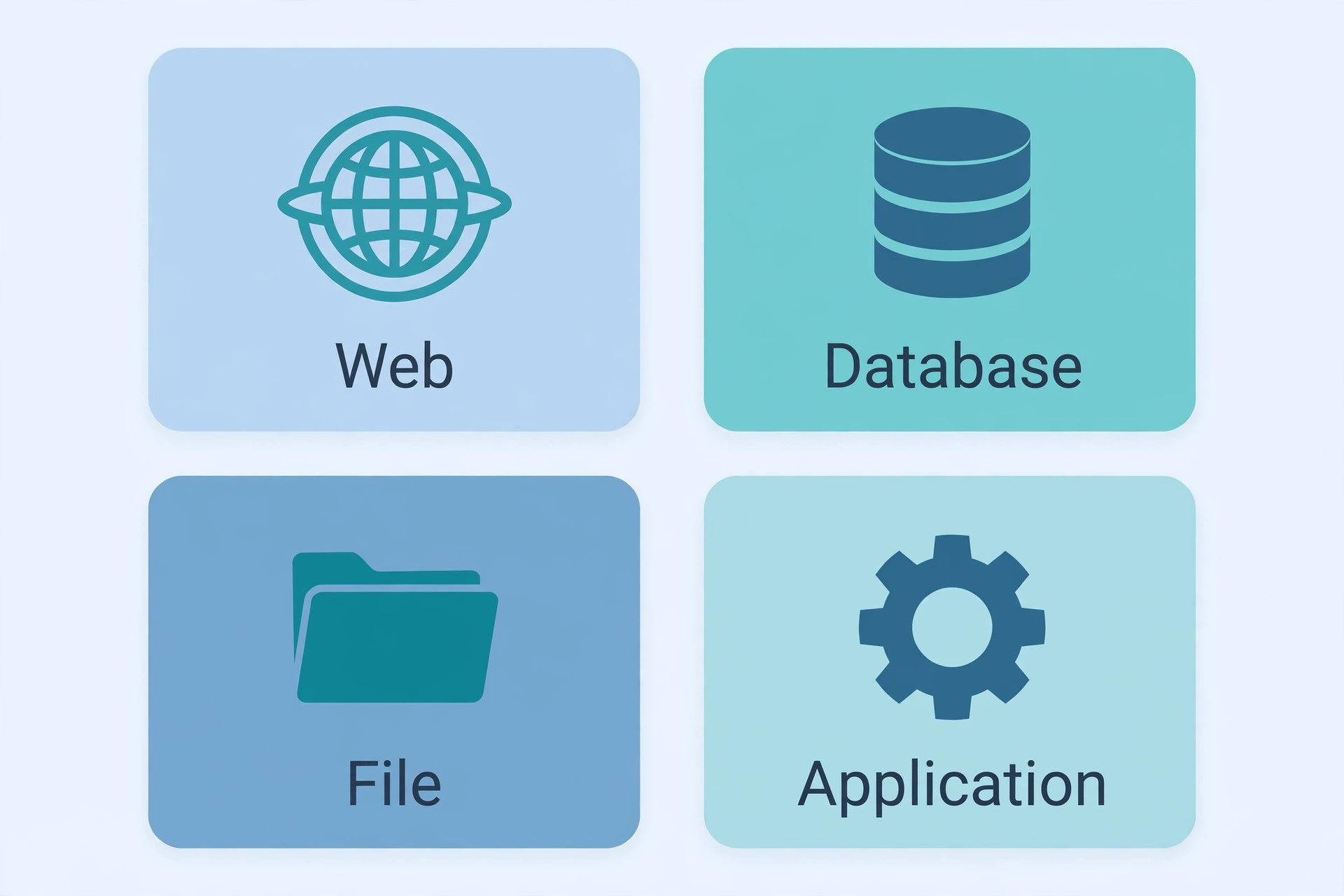
"Server" is a family, not a single product. Four show up everywhere:
- Web server — serves HTTP(S) requests: static files and routed responses. Apache and Nginx are the classic examples.
- Application server — runs your backend code and business logic: it computes, validates, and builds dynamic responses before the web server hands them over.
- Database server — stores and retrieves structured data. It usually never talks to the browser directly; the application server asks it questions on the client's behalf.
- File server — stores and shares files over a network: think of shared drives, media hosting, or backup storage.
Many other specialized servers exist (mail, DNS, game servers), but they all play the same role: listen, receive requests, respond. If it answers when asked, it's a server.
See a live request-response exchange: our free HTTP header checker shows the exact request a client sends and the response a server returns — status code, headers, and all. Paste any URL and watch the conversation.
4 Myths Beginners Believe
- "The server is always a huge machine in a data center." Server software runs fine on your laptop — that's how every developer tests locally. The data center version just adds uptime, bandwidth, and redundancy.
- "One computer can only be a client OR a server." Roles change per conversation. Your laptop is a client to every site you visit and a server to your own browser the moment you run a dev server. Even production servers become clients when they call third-party APIs.
- "The client does no real work." Modern clients do plenty: rendering the page, running JavaScript, validating forms, caching. The work is just split — presentation on the client, data and authority on the server.
- "Client-server means the server is more powerful." Not necessarily. A tiny Raspberry Pi can serve files to a gaming PC; what matters is the relationship — one asks, one answers — not the hardware. Power differences are a deployment choice, not a definition.
Client vs server is simpler than the jargon makes it sound: one side asks, the other answers, and the request-response cycle repeats for everything on the web. Learn to see every page load as five steps — request, DNS, processing, response, render — and architecture discussions get dramatically easier. When you're ready to go deeper, read what a REST API is (the most common client-server conversation in modern apps), keep your server-side secrets safe with environment variables, and remember that requests crossing the internet deserve HTTPS. Build something small, run a server locally, and watch the conversation happen.
Frequently asked questions
- Is my laptop a client?
- The hardware is just a machine; "client" describes a role in a conversation. When you open a browser and load a website, that browser tab is acting as a client — it requests data and presents it to you. The same laptop is a client again when you run curl, or when a mobile app you built asks an API for data. Client and server are jobs software does, not things hardware is.
- Can one machine be both a client and a server?
- Yes, and developers do it constantly. When you run a project locally with a command like "npm run dev", one process on your laptop acts as a server listening on a local port while your browser acts as its client. The roles describe what each piece of software is doing in a particular exchange — requesting versus responding — not a permanent identity.
- What's the difference between "client vs frontend" and "server vs backend"?
- They overlap but aren't identical. "Frontend" and "backend" describe where code runs: frontend code (HTML, CSS, JavaScript) runs on the user's device, backend code (Python, PHP, Node.js) runs on a server. "Client" and "server" describe who asks and who answers in a request. In a typical web app the client runs the frontend and the server runs the backend — but a server can also be a client to another server, like when your backend calls a payment API.
- Is a server the same thing as a database?
- No. A server is the machine or program that answers requests; a database is storage for structured data. A typical backend pairs them: the web or application server receives your request, asks the database for the rows it needs, and builds the response. The database usually sits behind the server and never talks to the browser directly.
- Where does DNS fit into client vs server?
- Before the request-response cycle even starts, the client has to find the server's address. You type a human-readable domain; DNS translates it into an IP address the network can route to. Only then does the client open a connection and send its request. Our <a href="/blog/what-is-dns">what-is-DNS guide</a> walks through that lookup step by step.
- Do I need to buy a server to learn web development?
- No. Your own computer can run server software for free — every major framework ships a development server for local testing. You only need a real hosted server when you want the world to reach your site around the clock. Start local, ship later.
- What's the difference between a static and a dynamic website?
- A static website serves the same pre-built files to every visitor — fast and simple, great for blogs and docs. A dynamic website builds pages on the fly from templates and a database, so each visitor can see personalized content. MDN's <a href="https://developer.mozilla.org/en-US/docs/Learn/Common_questions/Web_mechanics/What_is_a_web_server" target="_blank" rel="noopener">web server overview</a> explains both stacks, and the short version is: static sites hand files to the client as-is, dynamic sites do work on the server before responding.
Related articles
What Is a Proxy Server? 7 Things Every Developer Should Know (With Examples)
What is a proxy server? Learn how proxy servers work for developers — forward vs reverse, HTTP vs SOCKS, CONNECT tunneling, and proxy vs VPN. With examples.
Web DevelopmentWhat Is an API Gateway? 7 Things Every Developer Should Know (With Examples)
What is an API gateway? Learn how API gateways work for developers — routing, auth, rate limiting, aggregation, and when not to use one, with code examples.
Web DevelopmentWhat Is a Load Balancer? 7 Things Every Developer Should Know (With Examples)
What is a load balancer? Learn how load balancers work — Layer 4 vs Layer 7, routing algorithms, health checks, and sticky sessions, with config examples.
Try the free tool
HTTP Header Checker
See a URL's response headers and which common security headers are missing.
Checked server-side — nothing is stored Data & Format ConvertersURL Encoder/Decoder
Encode and decode URLs with correct UTF-8 handling, live conversion, and double-encoding warnings.
Runs entirely in your browser