Environment Variables Explained: 9 Concepts Every Developer Must Know (With .env Examples)
October 5, 2026 · Web Development
An environment variable is a named value that lives outside your code — a NAME=value pair stored in the OS, the shell, or a .env file that your program reads when it runs. Env vars keep secrets out of git, let the same code run in development and production with different configuration, and follow the twelve-factor rule of storing config in the environment. This guide covers environment variables in 9 concepts: what they are, the .env file format, verified dotenv examples in 5 languages, the golden rules, and secrets in production.
What are environment variables?
Every operating system lets you store named values that any program can read. On Linux and macOS you set one in the shell like this:
PORT=3000
echo $PORT   # prints: 3000
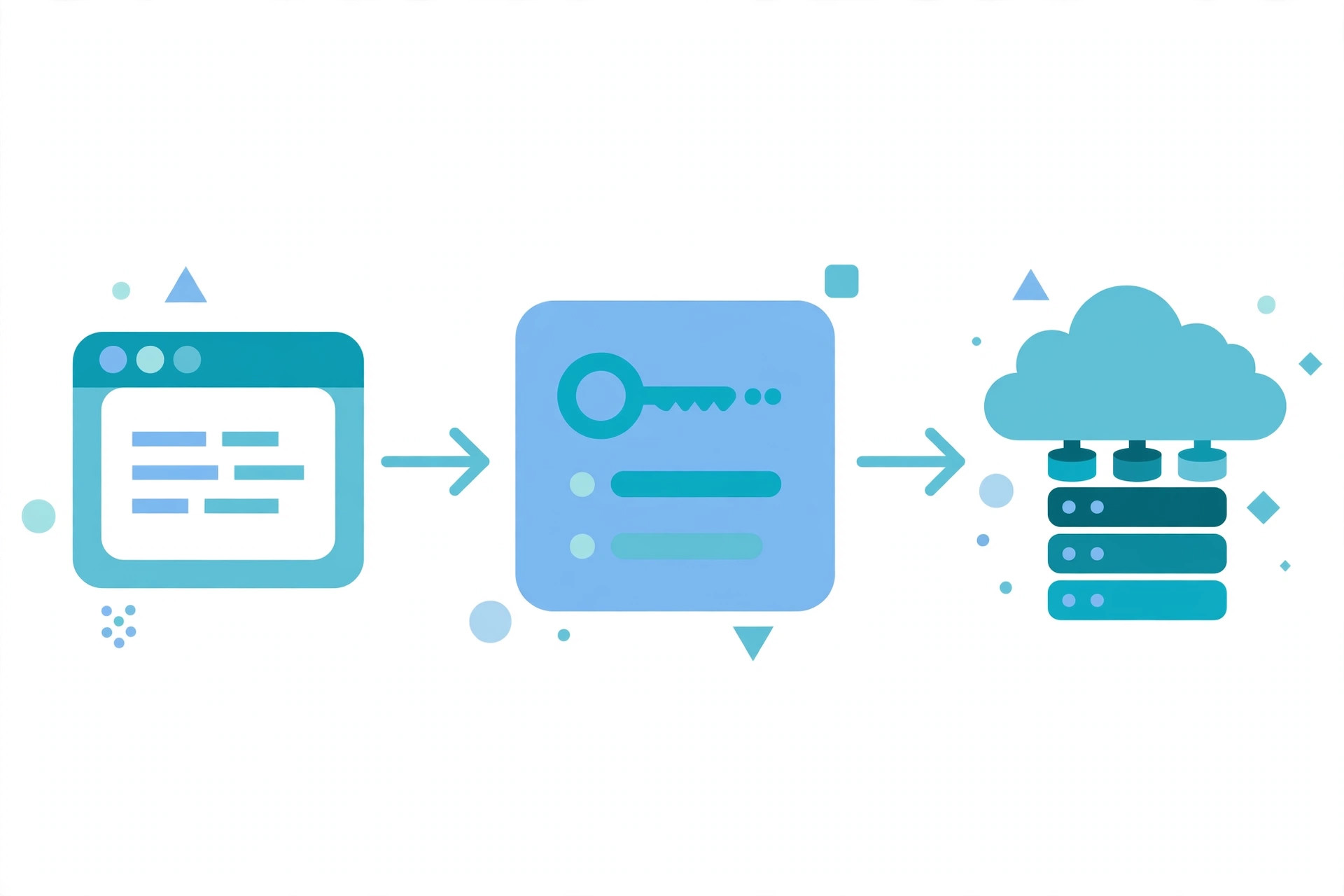
That PORT is an environment variable: a NAME=value pair at the OS/shell level, not inside any source file. Programs launched from that shell inherit a copy of these pairs and read them back through a standard API. In short: env vars are configuration your code looks up at runtime instead of having baked in — your app doesn't know the database password when you write it; it asks the environment when it starts.
Why environment variables exist: 3 problems they solve
Env vars exist because hardcoding configuration creates three painful problems:
- Secrets stay out of git. An API key pasted into source code ends up in the repo and, eventually, on the public internet — where anyone can spend your money or read your data. Read from the environment instead, and the secret never touches version control.
- One codebase, many environments. Your laptop talks to a local test database; staging talks to a staging database; production talks to the real one. If the database URL is an env var, the same code runs everywhere — only the values change.
- Config is separated from code. This is the third principle of the twelve-factor app methodology: config is everything likely to vary between deploys, and it belongs in the environment, never in constants. Their litmus test is memorable — your codebase should be publishable as open source at any moment without compromising credentials.
The .env file: your project's secret notebook
Setting variables by hand in every terminal gets old fast, so projects keep them in a .env file — a plain text file in the project root, one variable per line:
# .env — real secrets live here, this file is NEVER committed
PORT=3000
NODE_ENV=development
DATABASE_URL=postgresql://localhost:5432/myapp_dev
JWT_SECRET=a-long-random-string-you-generate-once
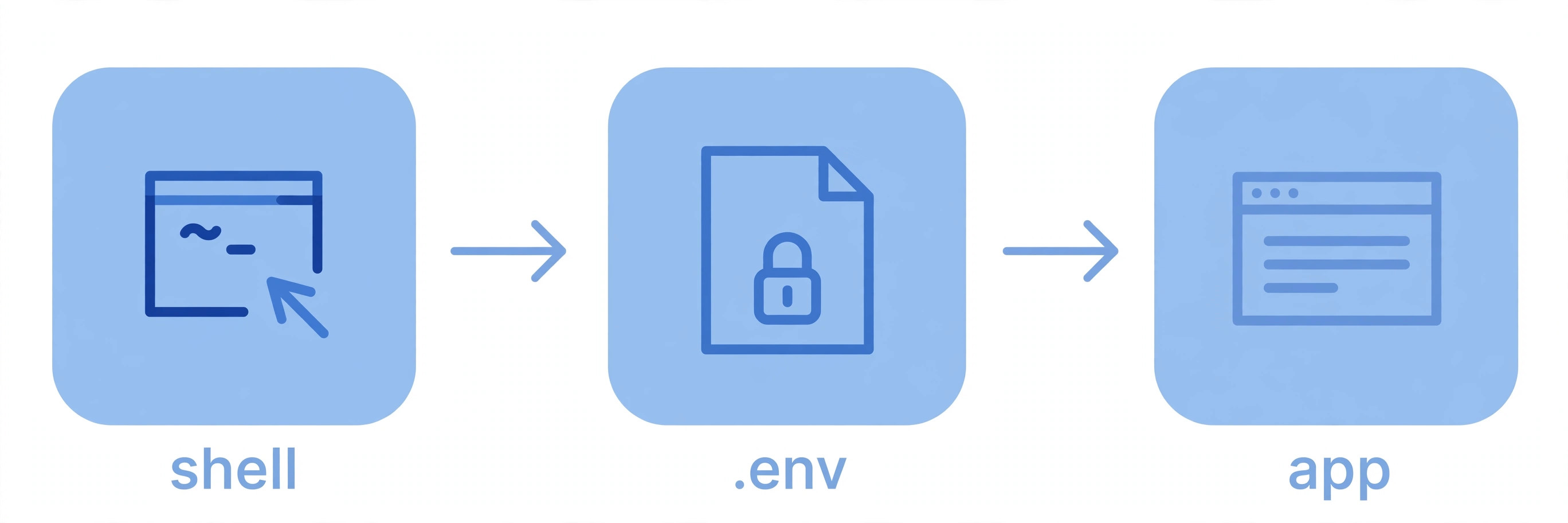
Format rules are simple: one KEY=value per line, no spaces around =, quotes only when the value contains spaces, # for comments. A loader library reads the file at boot and injects each pair into the process environment — your code sees them exactly like real system variables:
Reading environment variables in 5 languages
Every language has a built-in way to read env vars; the dotenv family of libraries just adds ".env file loading" on top. Snippets verified live — values always arrive as strings, so convert to numbers explicitly.
Node.js — process.env is built in (see the Node.js process docs). Install the loader (npm install dotenv), call it first, then read:
require('dotenv').config();

const port = process.env.PORT || 3000;
console.log(`Server starting on port ${port}`);
Python — install with pip install python-dotenv, then:
from dotenv import load_dotenv
import os

load_dotenv()

port = int(os.getenv("PORT", "3000"))
db_url = os.getenv("DATABASE_URL")  # None if missing — check it!
Go — install with go get github.com/joho/godotenv, then:
package main

import (
    "log"
    "os"

    "github.com/joho/godotenv"
)

func main() {
    if err := godotenv.Load(); err != nil {
        log.Fatal("Error loading .env file")
    }
    port := os.Getenv("PORT") // "" if missing
    _ = port
}
Java — no library needed, it's in the JDK:
String port = System.getenv().getOrDefault("PORT", "3000");
String dbUrl = System.getenv("DATABASE_URL"); // null if missing
PowerShell — env vars live under the Env: drive and are always strings:
$Env:PORT = "3000"      # set for the current session
$Env:PORT               # read it back → 3000
$Env:PORT = ""          # setting it to empty REMOVES it
One behavior worth knowing: dotenv-style loaders never overwrite variables already in the real environment — so a value set by your hosting platform always wins over the .env file, exactly what you want in production.
The .env.example convention: document without leaking
If .env is never committed, how does the next developer know which variables the project needs? With a .env.example file — the same names, placeholder values, committed to the repo:
# .env.example — committed to git, contains NO real secrets
PORT=3000
NODE_ENV=development
DATABASE_URL=
JWT_SECRET=generate-with-our-tool-below
Onboarding becomes one step: copy .env.example to .env, fill in your values, and run. Keep the template in sync — every new variable in code needs its name here, or the next person gets a mysterious crash.
Generate real secrets: values like JWT_SECRET must be long and random — never "password123". Our free password generator creates cryptographically random strings perfect for secrets, and the Base64 encoder safely encodes binary secrets into plain text for pasting into .env files.
6 golden rules of environment variables
- Never commit .env. Add it to
.gitignoreon day one. If a secret ever lands in git history, rotate it immediately — deleting the file later doesn't erase the history. - Keep .env.example in sync. A missing name in the template is a guaranteed setup failure for the next developer.
- Use different values per environment. Local DB locally, staging DB on staging, production DB in production — never reuse a production secret in development.
- Fail fast on missing variables. Validate every required variable at startup and exit naming the missing one — never boot halfway and corrupt data.
- Never log secrets. A stray
console.log(process.env)ships your keys to whatever log collector you use. Redact before you print. - Rotate leaked secrets immediately. Treat every exposure as compromised: generate a new value, update every environment, revoke the old one.

Environment variables in production: going beyond .env files
The twist tutorials skip: in production, you usually don't use .env files at all. The file is a development convenience; real deployments set variables through the platform itself, encrypted at rest and managed per deploy:
- Containers:
docker run -e PORT=3000 -e NODE_ENV=production myapppasses variables straight into the container, no file needed. - Kubernetes: ConfigMaps hold plain configuration, Secrets hold sensitive values — both are injected as env vars into pods.
- Hosting platforms: Vercel, Netlify, Heroku, and similar dashboards set variables per environment (development / preview / production) with a few clicks.
- Secret managers: for the most sensitive credentials, skip plain env vars and fetch from a dedicated store like AWS Secrets Manager or HashiCorp Vault at runtime, with rotation handled for you.
The principle stays the same from laptop to production: config travels with the deploy, never with the code. The mechanism just gets more serious as the stakes rise.
Common mistakes (and the one-line fix for each)
- Committed .env to git. Fix: add
.envto .gitignore, then rotate every secret it contained — history never forgets. - App crashes on startup in production. Fix: a variable set locally was never set on the platform — add it in the hosting dashboard; a startup check catches this in seconds.
- Changed .env but nothing happened. Fix: restart the process — env vars are read once at startup, not watched for changes.
- String where a number was expected. Fix: env vars are always strings — convert before doing math. An unexplained
500(see our HTTP status codes cheat sheet) often traces back to exactly this. - Two services need different values for the same name. Fix: prefix per service (
PAYMENTS_API_KEYvsEMAIL_API_KEY) instead of reusing one generic name. - Secrets in client-side code. Fix: anything bundled for the browser is public — keep secrets server-side and call your own backend. Same reason a REST API keeps credentials on the server, and why event notifications use signed webhooks instead of secrets in URLs.
- JWT secret too short or shared across environments. Fix: generate a long random value per environment (tool panel above) — a weak signing secret lets attackers forge tokens; see our JWT guide.
The environment variables you'll meet everywhere
A few names show up in nearly every project — learn them once and you'll read any codebase faster:
PORT— which port the server listens on. 3000 is the near-universal dev convention; platforms assign the real port dynamically, which is why code readsprocess.env.PORTinstead of assuming one.NODE_ENV—development,test, orproduction. Frameworks switch behavior on it: verbose errors in development, optimized builds in production.DATABASE_URL— the full connection string (type, user, host, port, database name in one value), the twelve-factor way to point at any database without code changes.PATH— the granddaddy of env vars, set by the OS itself: the list of directories searched when you type a command. It's whynodeworks from any folder.
An environment variable is a small idea with outsized leverage: a NAME=value pair outside your code that keeps secrets out of git and lets one codebase run in every environment. Start with a .env file plus a .env.example template, follow the six golden rules, and graduate to platform-native config and secret managers in production.
Frequently asked questions
- What is an environment variable in simple terms?
- An environment variable is a named value stored outside your code — typically as a NAME=value pair in the operating system or shell — that your program reads when it runs. It lets you change things like the database address, the port, or an API key without editing or redeploying your code.
- What is a .env file and how does it work?
- A .env file is a plain text file in your project root that lists environment variables as KEY=value pairs, one per line. A loader library (like dotenv for Node.js or python-dotenv for Python) reads the file at startup and injects each pair into the process environment, so your code can read them the same way it reads real system variables. The file itself is never committed to git.
- Should I commit my .env file to GitHub?
- No — never. The .env file holds real secrets, and anything committed to git is effectively public forever, even if you delete it later. Add .env to your .gitignore, and commit only a .env.example template that lists the variable names without real values.
- What is the difference between .env and .env.example?
- The .env file contains your actual secrets and stays on your machine — it is gitignored. The .env.example file is a template with the same variable names but placeholder or empty values; it is committed to the repo so every developer (and your future self) knows which variables the project needs to run.
- How do I access environment variables in Node.js and Python?
- In Node.js, use process.env.PORT after loading your file with require("dotenv").config(). In Python, call load_dotenv() from python-dotenv, then read values with os.getenv("PORT"). Both return the value as a string, so convert to numbers explicitly when you need a number.
- Are environment variables secure?
- They are safer than hardcoding secrets in code, but they are not encryption. Anyone with access to the machine, the process, or the hosting dashboard can read them, and they can leak through error logs and crash reports. Treat them as a way to keep secrets out of source control — then layer on real secret managers and log redaction for production.
- How do environment variables work in Docker and production?
- In production you usually skip .env files entirely. Containers accept variables via docker run -e KEY=value or a compose env_file; Kubernetes has ConfigMaps and Secrets; and platforms like Vercel, Netlify, and Heroku provide a dashboard or CLI for setting them per deploy. For the most sensitive credentials, use a dedicated secret manager (such as AWS Secrets Manager or HashiCorp Vault) instead of plain variables.
- What happens if an environment variable is missing?
- Your code gets undefined (Node.js), None (Python), or an empty string (Go) instead of a value — which usually means a crash on startup or, worse, the app silently connecting to the wrong database. The fix is to fail fast: check every required variable when the app boots and exit with a clear error naming the missing one.
Related articles
What Is DNS? How DNS Works in 8 Steps (With Examples)
What is DNS? Learn how DNS works in 8 steps — the 4 server types, DNS record types, caching and TTL, public DNS servers, and DNSSEC — with examples.
Web DevelopmentWhat Is a Webhook? How Push-Based APIs Work (With Examples)
What is a webhook? Learn how webhooks work: events trigger instant HTTP POSTs to your URL. Includes a real JSON payload, Stripe example, and security tips.
Web DevelopmentHow Does a URL Shortener Work? 7 Steps From Long URL to Short Link
How does a URL shortener work? The 7 steps from long URL to short link — key generation, database lookup, redirects, click tracking, and security risks.
Try the free tool
Password Generator
Generate strong random passwords with crypto-grade randomness and an honest entropy readout.
Runs entirely in your browser Data & Format ConvertersBase64 Encoder/Decoder
Encode and decode Base64 with correct UTF-8 handling, a URL-safe variant, and file-to-data-URL conversion.
Runs entirely in your browser