What Is Rate Limiting? 7 Things Every Developer Should Know (With Examples)
October 26, 2026 · Web Development
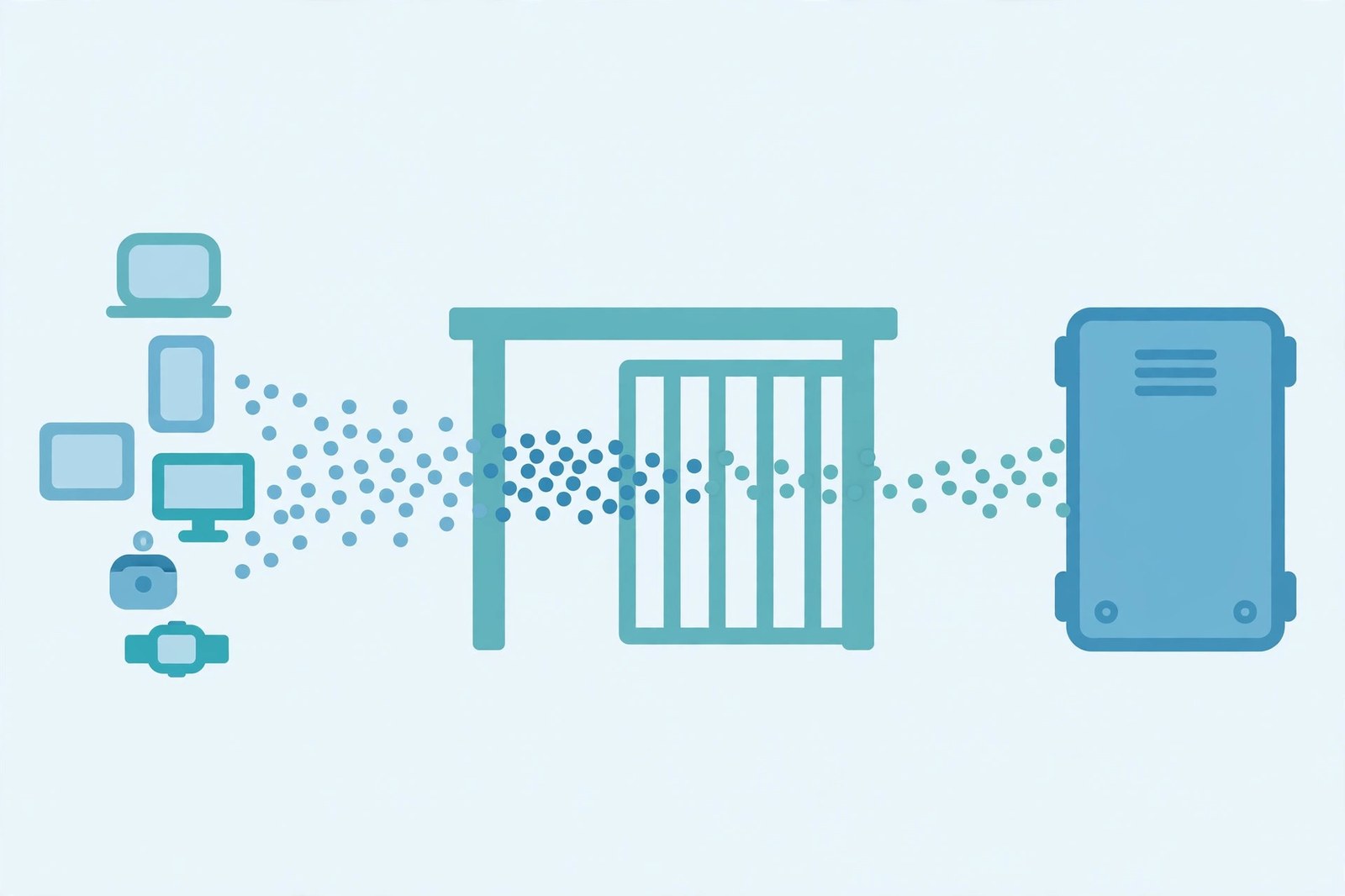
Every public API has a breaking point, and rate limiting is how it stays on the right side of it. What is rate limiting exactly? It is a cap on how many requests one client may make in a given time window — an illustrative policy is 100 requests per minute per API key. Cross the cap and the server refuses further requests, usually with a 429 Too Many Requests response, until the window resets. This guide explains the four main algorithms, the headers that make limits visible, and how to behave on both sides of the limit.
1. Why limits exist at all
An API without limits trusts every client to behave, and clients do not always behave. A buggy loop can fire thousands of requests a second, a scraper can walk an entire catalogue overnight, and a login endpoint without a limit invites password guessing. Even honest traffic hurts when it is uneven: one bulk sync at noon can starve every other user.
Limits solve four problems: stability, fairness, cost, and security — keeping load within capacity, stopping one client from hogging a shared resource, bounding billed work, and slowing brute force and scraping. The numbers differ by case: a login endpoint might allow a handful of attempts per quarter-hour, while a data endpoint might allow hundreds per minute.
2. The 429 response: what the client actually sees
When a client crosses its quota, the standard answer is 429 Too Many Requests, defined in RFC 6585, section 4. It is a client error, but it does not mean the client is broken: it means "you, specifically, are going too fast right now". Our HTTP status codes cheat sheet places 429 among the other 4xx codes — a 429 is about one client's quota, while a 503 says the service itself cannot cope, for anyone.
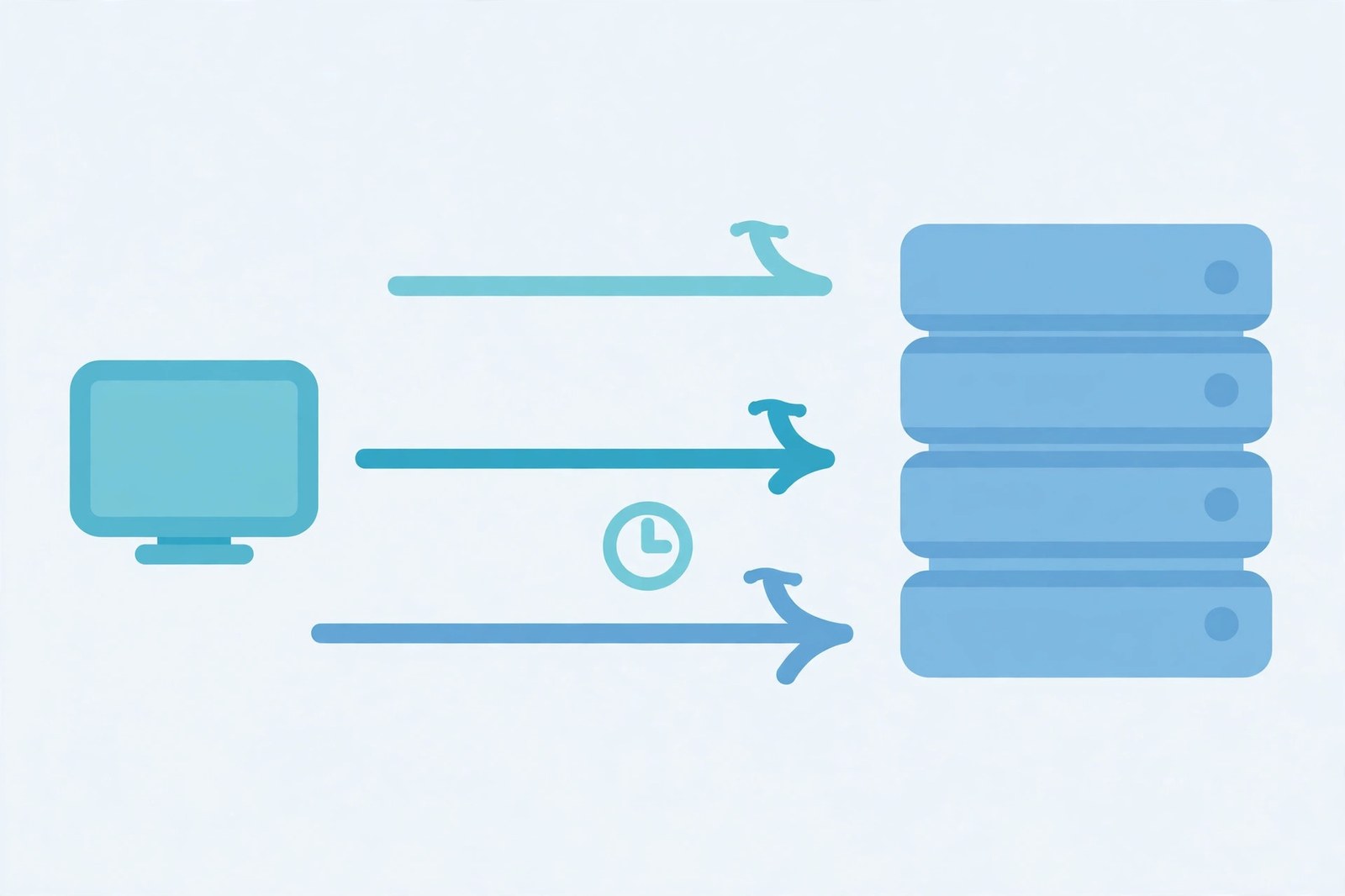
A good 429 carries a Retry-After header saying how long to wait, and an error body saying which limit was hit. Retry-After takes a delay in seconds (Retry-After: 60) or an HTTP date. The client-side rule is absolute: respect it — every rejected retry is still work, and retrying immediately turns a brief throttle into a longer one.
Limits should also be visible before they are hit, through headers on successful responses. The widely copied convention is the X-RateLimit-Limit, X-RateLimit-Remaining, and X-RateLimit-Reset trio: the quota, how many requests remain, and when the window resets. But that trio is a convention, not a standard — the reset value is a Unix timestamp in some APIs and a delta in seconds in others. The IETF draft for RateLimit-* headers aims to end that inconsistency, but it is still a draft, not a finished standard. Send the familiar trio and document what your reset value means.
3. Four algorithms, and the trade-off each one makes
Fixed window is the simplest: count requests in the current window, reset the counter when the window ends. Its flaw is the boundary burst: a client can send 100 requests in the last second of one window and 100 more in the first second of the next — 200 requests in about two seconds — without ever breaking the counter. For internal services that may be acceptable; for a public API under attack, it is not.
Sliding window fixes the boundary by counting requests in the last N seconds, whatever the clock says. That removes the boundary burst, but it costs memory — the server must remember individual request timestamps instead of one counter per client.

Token bucket is the most flexible of the four. Tokens drip into a bucket at a fixed rate, up to a maximum size, and each request spends one token; an empty bucket refuses the request. A full bucket holds spare tokens, so a short burst gets through, while the long-run average never exceeds the refill rate. A bucket of size 10 refilling at 1 token per second allows a 10-request burst, then at most 1 request per second afterwards — which suits interactive APIs, where a user legitimately clicks ten things at once.
import time

class TokenBucket:
    def __init__(self, rate, capacity):
        self.rate, self.capacity, self.tokens = rate, capacity, capacity
        self.last_refill = time.monotonic()

    def allow(self):
        now = time.monotonic()
        elapsed = now - self.last_refill
        self.tokens = min(self.capacity,
                          self.tokens + elapsed * self.rate)
        self.last_refill = now
        if self.tokens >= 1:
            self.tokens -= 1
            return True
        return False

bucket = TokenBucket(rate=1, capacity=3)
print([bucket.allow() for _ in range(5)])
# [True, True, True, False, False] — verified by running it
Leaky bucket works the other way round: requests pour in, but the bucket drains at a fixed rate, so output is smooth no matter how bursty the input is. It forbids bursts and enforces a steady pace. Its cost is latency — when the bucket is full, new requests wait in a queue or are refused, and an unbounded queue just converts a rate problem into a latency problem.
| Algorithm | Bursts allowed? | Cost | Best for |
|---|---|---|---|
| Fixed window | Yes, at boundaries | One counter | Simple internal limits |
| Sliding window | No | Timestamp storage | Public APIs needing accuracy |
| Token bucket | Yes, up to bucket size | Small state | Interactive APIs, bursty users |
| Leaky bucket | No | Queue management | Steady downstream systems |

4. What to limit by: the key is half the design
A limit is only as fair as its key — the identifier the counter is attached to. IP-based limits are the only option for unauthenticated endpoints, but they are blunt: our IP address guide explains why, since many users can share one public address behind NAT, so one heavy household can throttle a whole building.
API keys and user accounts are fairer keys, because they track the party actually making the calls, and they let you offer tiers without punishing strangers who share an address. The honest design layers them: a generous per-key limit for normal use, a stricter per-IP limit for unauthenticated endpoints like login, and a global limit that protects the backend even if every key behaves at once. Also limit the right thing: a per-minute count caps requests over time, while a concurrency limit caps simultaneous in-flight requests.
5. Where the limit lives, and why one server is not enough
Enforcement belongs as close to the edge as possible: at the API gateway, the reverse proxy, or a CDN edge, so rejected requests never reach application servers. Application code is the fallback — by the time a request reaches your handler, you have already paid to parse and authenticate it.
One detail decides whether limits work in production: the counter must be shared. An in-memory counter on one server resets on restart and multiplies with scale — five servers each allowing 100 per minute have really allowed 500 per minute. Distributed limiters keep counters in a shared store, typically Redis, using an atomic increment with an expiry for fixed windows, or a sorted set of timestamps for sliding windows. That store is itself a dependency: decide in advance whether the API fails open or fails closed if it goes down, and document the choice.
6. Being a good client: backoff, jitter, and the retry trap
Half of rate limiting is client behaviour, and most client bugs are retry bugs. The pattern that works: on a 429, wait at least Retry-After if present; otherwise back off exponentially — 1 second, then 2, then 4 — with random jitter so throttled clients do not all retry at once. Cap total retries, and give up on requests that are no longer useful.
async function fetchWithBackoff(url, maxRetries = 5) {
  let delay = 1000;
  for (let attempt = 0; attempt <= maxRetries; attempt++) {
    const res = await fetch(url);
    if (res.status !== 429) return res;
    const retryAfter = res.headers.get('Retry-After');
    const wait = retryAfter
      ? Number(retryAfter) * 1000
      : delay + Math.random() * delay;
    await new Promise(r => setTimeout(r, wait));
    delay *= 2;
  }
  throw new Error('Still rate limited after retries');
}
Two more client habits pay off: cache responses where the API allows it, so a repeated read costs zero requests; and read the limit headers on successful responses — when Remaining runs low, slow down before the server has to slow you down.
Common mistakes to avoid
- Limiting by IP alone on an authenticated API. NAT makes one address many users; use the key or account instead.
- Returning 403 or 500 instead of 429. Clients cannot back off from a code that does not mean "slow down".
- Hiding the limit until it is hit. Send limit headers on successful responses too, so clients can pace themselves.
- Retrying in a tight loop. An immediate retry is just another request against the same quota.
- Keeping counters per server. Five servers with per-server limits have really set a limit five times higher.
- Treating rate limiting as security. It slows abuse; it does not authenticate anyone or stop a distributed attack alone.
Done well, rate limiting is almost invisible: legitimate users never notice it, abusive traffic gets a polite but firm no, and the service stays up for everyone else. It sits alongside the status codes that report it, the REST APIs it protects, and the API keys it counts by. Reference: MDN's 429 page (RFC 6585, section 4) and the IETF draft for RateLimit header fields.
Frequently asked questions
- What is rate limiting in simple terms?
- Rate limiting caps how many requests a client may make in a given time window. An illustrative policy is 100 requests per minute per API key: the 101st request inside that minute is refused, usually with a 429 Too Many Requests response, until the window resets.
- What is the difference between rate limiting and throttling?
- The terms overlap, but the usual distinction is useful: rate limiting refuses requests beyond a quota, while throttling slows requests down, for example by delaying or queuing them, instead of refusing outright. Many systems do a little of both, and the response headers tell the client which one happened.
- What does HTTP 429 mean?
- HTTP 429 Too Many Requests means the client has sent too many requests in a given amount of time. It is defined in RFC 6585, section 4. It says nothing about the rest of the service: other clients may be served normally while one client is over its quota.
- What is the Retry-After header?
- Retry-After tells a client how long to wait before trying again. It carries either a delay in seconds, such as Retry-After: 60, or an HTTP date after which a retry is acceptable. A well-behaved client respects it instead of retrying immediately in a loop.
- Should I rate limit by IP address or by API key?
- By API key or authenticated user when you can. An IP address is a weaker key because many users can share one public address behind NAT, so one heavy user can get a whole building throttled. IP-based limits still make sense for unauthenticated endpoints such as login, where no key exists yet.
- What is a token bucket?
- A token bucket is a rate-limiting algorithm. Tokens refill at a fixed rate into a bucket with a maximum size, and each request spends one token. An empty bucket means the request is refused. Because a full bucket holds spare tokens, short bursts are allowed while the long-run average stays at the refill rate.
- How should a client handle a 429 response?
- Stop, read Retry-After if present, and wait at least that long before retrying. If no Retry-After is given, use exponential backoff with jitter: wait a short interval, then double it on each further 429, adding a random jitter so many clients do not all retry at the same instant. Never retry in a tight loop.
- Does rate limiting stop DDoS attacks?
- Not on its own. Rate limiting protects an application from overload by individual clients, including buggy loops and abusive scripts. A large distributed attack spreads its requests across many addresses, so it also needs network-level filtering, a CDN or gateway in front of the application, and capacity planning. Rate limiting is one layer, not the whole defence.
Related articles
What Is a Proxy Server? 7 Things Every Developer Should Know (With Examples)
What is a proxy server? Learn how proxy servers work for developers — forward vs reverse, HTTP vs SOCKS, CONNECT tunneling, and proxy vs VPN. With examples.
Web DevelopmentWhat Is an API Gateway? 7 Things Every Developer Should Know (With Examples)
What is an API gateway? Learn how API gateways work for developers — routing, auth, rate limiting, aggregation, and when not to use one, with code examples.
Web DevelopmentWhat Is a Load Balancer? 7 Things Every Developer Should Know (With Examples)
What is a load balancer? Learn how load balancers work — Layer 4 vs Layer 7, routing algorithms, health checks, and sticky sessions, with config examples.