What Is a CDN? 7 Things Every Developer Should Know (With Examples)
October 21, 2026 · Web Development
Every time you stream a video, load a news site, or download an app update, a content delivery network is probably involved. What is a CDN? It is a geographically distributed network of servers that stores copies of web content close to users — so a visitor in Tokyo downloads your images from a server in Tokyo, not from your one server in Virginia. This guide covers the 7 things that actually matter: the origin/edge model, the request flow, pull vs push, what gets cached, TTL and purging, the real benefits, and how to spot a CDN in the wild — with real header examples.
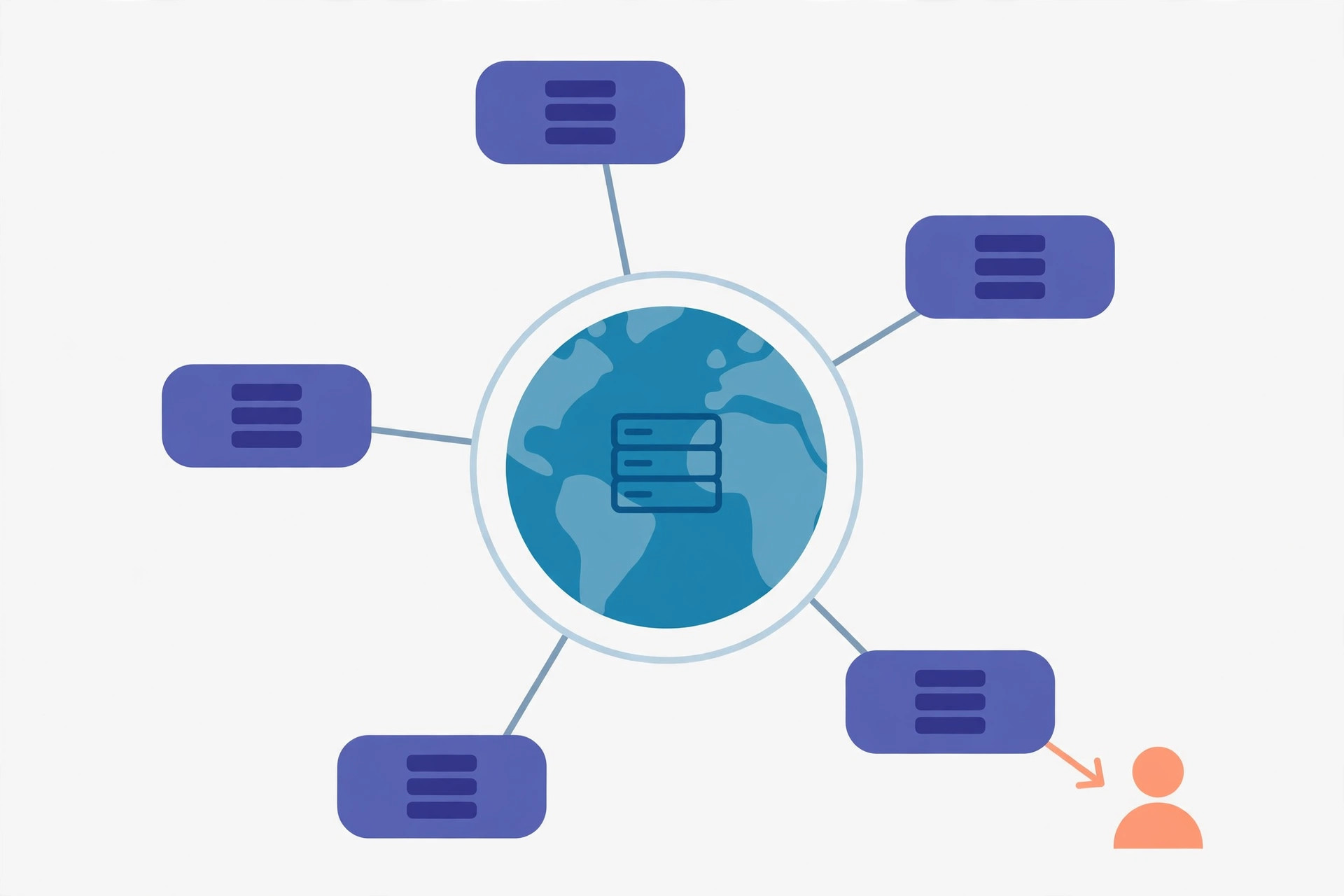
What a CDN actually is
A content delivery network (CDN) is a geographically distributed network of proxy servers and their data centers. The pieces have names worth learning:
- Origin server — your actual web server, the single source of truth for your content.
- Edge servers — CDN servers scattered around the world that store cached copies of your content.
- Point of presence (PoP) — a data center housing edge servers; the "local hub" a nearby user gets routed to.
The mental model: instead of every visitor driving to your one warehouse, you stock small local stores near every customer. Per MDN's HTTP caching guide, a CDN is a managed cache — a shared cache deliberately deployed to take load off the origin and deliver content efficiently, controlled through Cache-Control headers plus the CDN's dashboard or API.
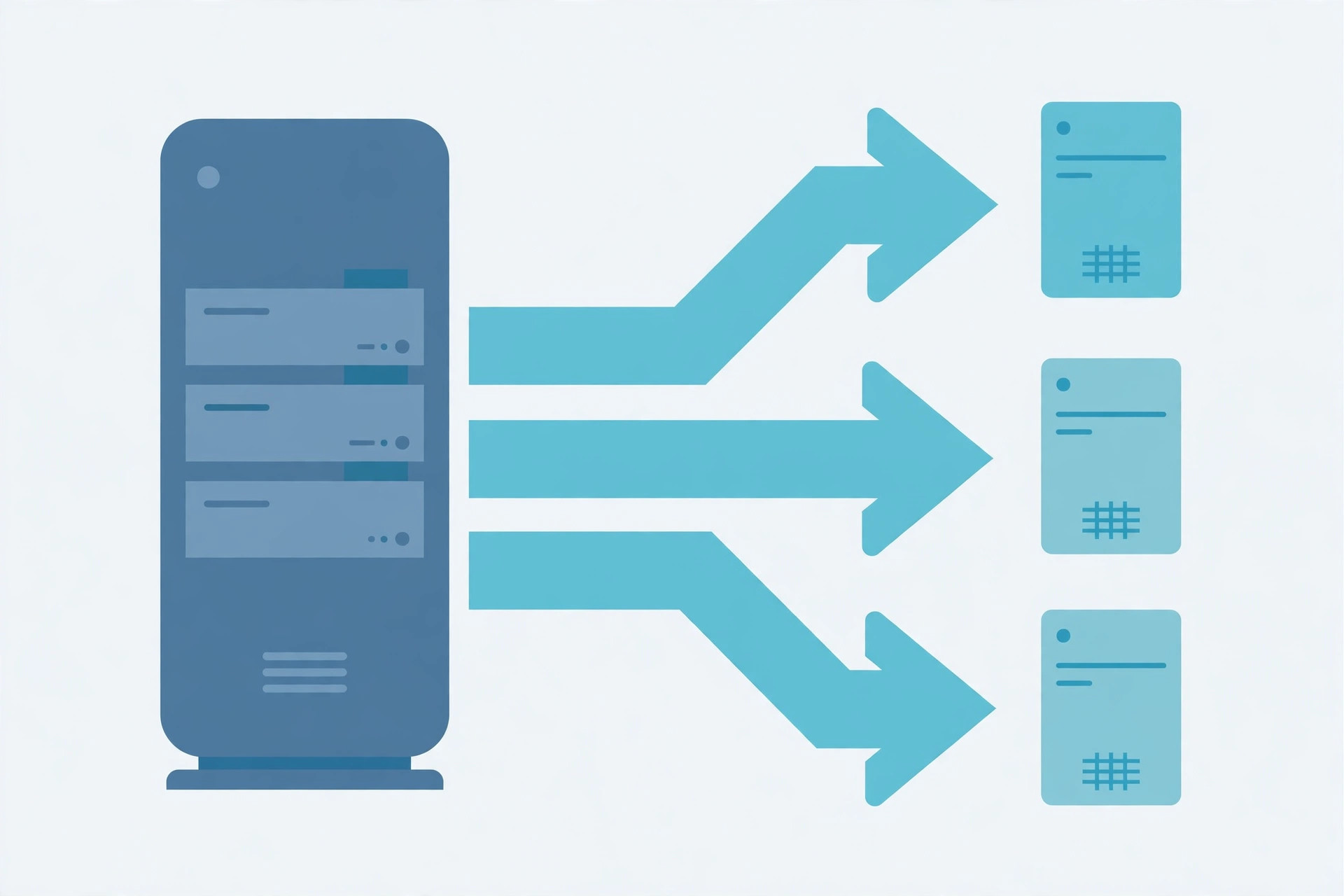
1. How a request actually flows: miss, fill, hit
The first time anyone near a PoP requests your file, the edge server does not have it — a cache miss. It fetches the file from your origin (cache fill), stores a copy, and delivers it to the user. The second visitor from the same region gets a cache hit: the file comes straight from the nearby edge server, and your origin never hears about it.
# First visitor in the region (cache miss -> fill)
GET /images/hero.jpg -> edge (no copy) -> origin
HTTP/1.1 200 OK
Cache-Control: public, max-age=86400

# Second visitor (cache hit — origin never involved)
GET /images/hero.jpg -> edge (has copy) -> user
HTTP/1.1 200 OK
Age: 3600
Cache-Control: public, max-age=86400
Notice the Age header on the second response: it tells you how long ago the edge server fetched that copy. When the copy gets stale, the edge server does not blindly re-download the whole file — it revalidates with a conditional request, and the origin answers 304 Not Modified if nothing changed. (That flow is exactly how cacheable GET responses are meant to work.)
2. Pull vs push: two ways content reaches the edge
CDNs offer two models for getting your files onto edge servers:
- Pull zones — you change nothing. Point your domain at the CDN, and edge servers fetch files from your origin on the first miss (the flow above). This is the default for most websites: zero deployment changes, caching happens on demand.
- Push zones — you upload files directly to the CDN's storage (usually via FTP, S3-compatible API, or a dashboard), and the CDN distributes them. Used for large media libraries, software downloads, and video — content you want pre-positioned everywhere before anyone asks.
Rule of thumb: pull for a normal website, push for a media or download service where you control the whole asset pipeline.
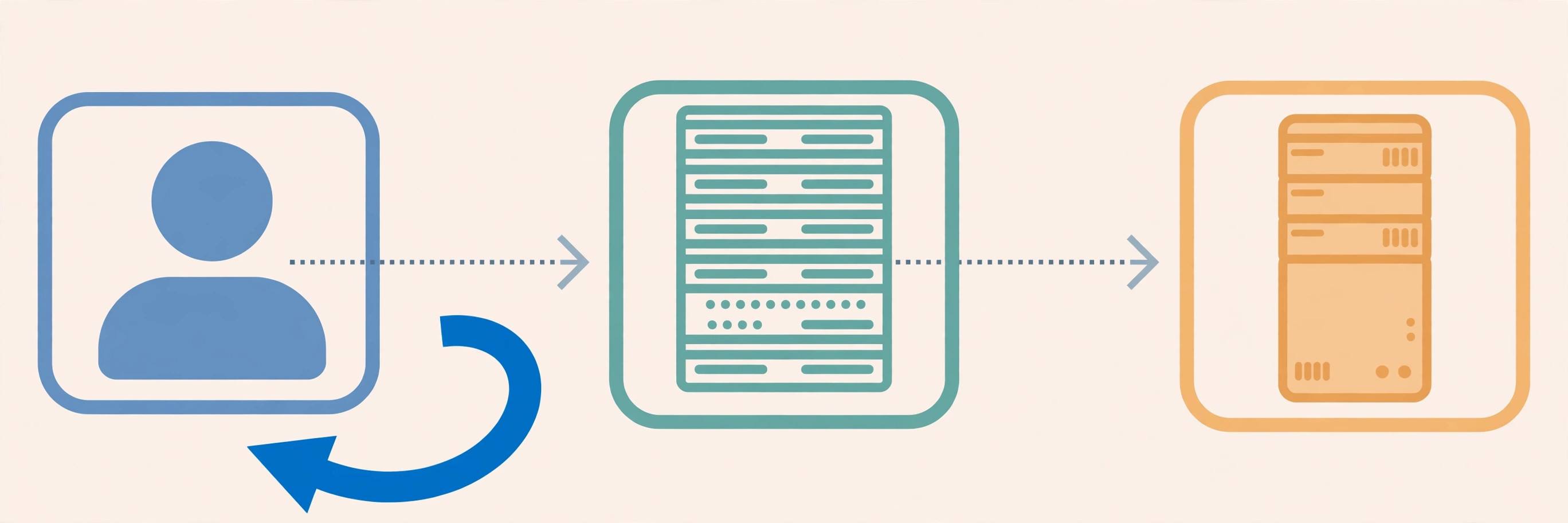
3. What a CDN caches — and what it must never cache
CDNs cache whatever your headers allow, which makes Cache-Control the real configuration language of a CDN. Per RFC 9111 (HTTP Caching), caches distinguish shared caches (used by many people — a CDN edge) from private caches (one user's browser):
| Directive | Meaning for a CDN |
|---|---|
public | Explicitly allows shared caching — fine for logos, CSS, marketing pages. |
private | Browser-only. A shared cache must not store it — use for logged-in pages. |
no-store | Do not store anywhere — checkout flows, tokens, anything sensitive. |
max-age=3600 | Fresh for one hour in every cache, browser and edge alike. |
s-maxage=86400 | Fresh for 24 hours in shared caches only — the CDN can hold a copy longer than the browser does. |
The dangerous mistake is caching personalized HTML with a shared directive: one user's dashboard served to the next visitor from the edge. RFC 9111 even notes that requests carrying an Authorization header must not be stored by shared caches unless you explicitly allow it. And a fun detail most tutorials skip: caches are allowed to store even error responses — a 404 can be cached, which is why a deleted page sometimes keeps returning 404 from the edge after you restore it.
4. TTL, stale content, and purging
TTL (time to live) is how long an edge server treats a stored copy as fresh — served instantly, no origin contact. After the TTL expires, the copy is stale and must be revalidated. Three practical consequences:
- Long TTLs on versioned assets. Give fingerprinted files like
app.3f2a1c.jsa TTL of a year — when the code changes, the filename changes, so staleness is impossible. - Short TTLs on HTML. HTML pages reference those assets and change often; a few minutes of TTL keeps deploys visible quickly.
- Purge when you must. Deployed an urgent fix and cannot wait out the TTL? Purging deletes the stored copies so the next request refetches from origin. As MDN notes, managed caches let you delete stored responses at any time via dashboard operations or API calls — something plain HTTP caching never standardized.
One more standard detail: HTTP has no built-in "delete this from the cache" protocol for regular caches — purge APIs are a CDN vendor feature, not part of the spec.
5. The 4 real benefits
- Lower latency. Data travels a shorter physical distance — the nearest PoP instead of the origin across the world. Latency is largely distance-bound, so geography is the lever.
- Origin offload. Cache hits never reach your server, so traffic spikes get absorbed by the edge instead of crashing your origin. This is the "it survived the front page" benefit.
- Reliability. If one edge server fails, traffic routes to the next; the distributed design has no single point of failure the way one origin server does.
- DDoS absorption + WAF. Attack traffic hits the CDN's massive edge first, and most CDNs bundle a web application firewall. Your origin only sees cleaned traffic.
6. Three honest limits
- A CDN does not encrypt anything. Caching and encryption are separate layers — you still need HTTPS end to end (most CDNs terminate TLS at the edge, then talk to your origin; see HTTP vs HTTPS).
- A CDN is not a backup. Purge everything and the content is gone from the edge — the origin is still the only source of truth.
- Invalidation is the hard part. Aggressive TTLs plus forgotten purges are how users end up staring at last week's CSS. Versioned filenames beat purging for assets you control.
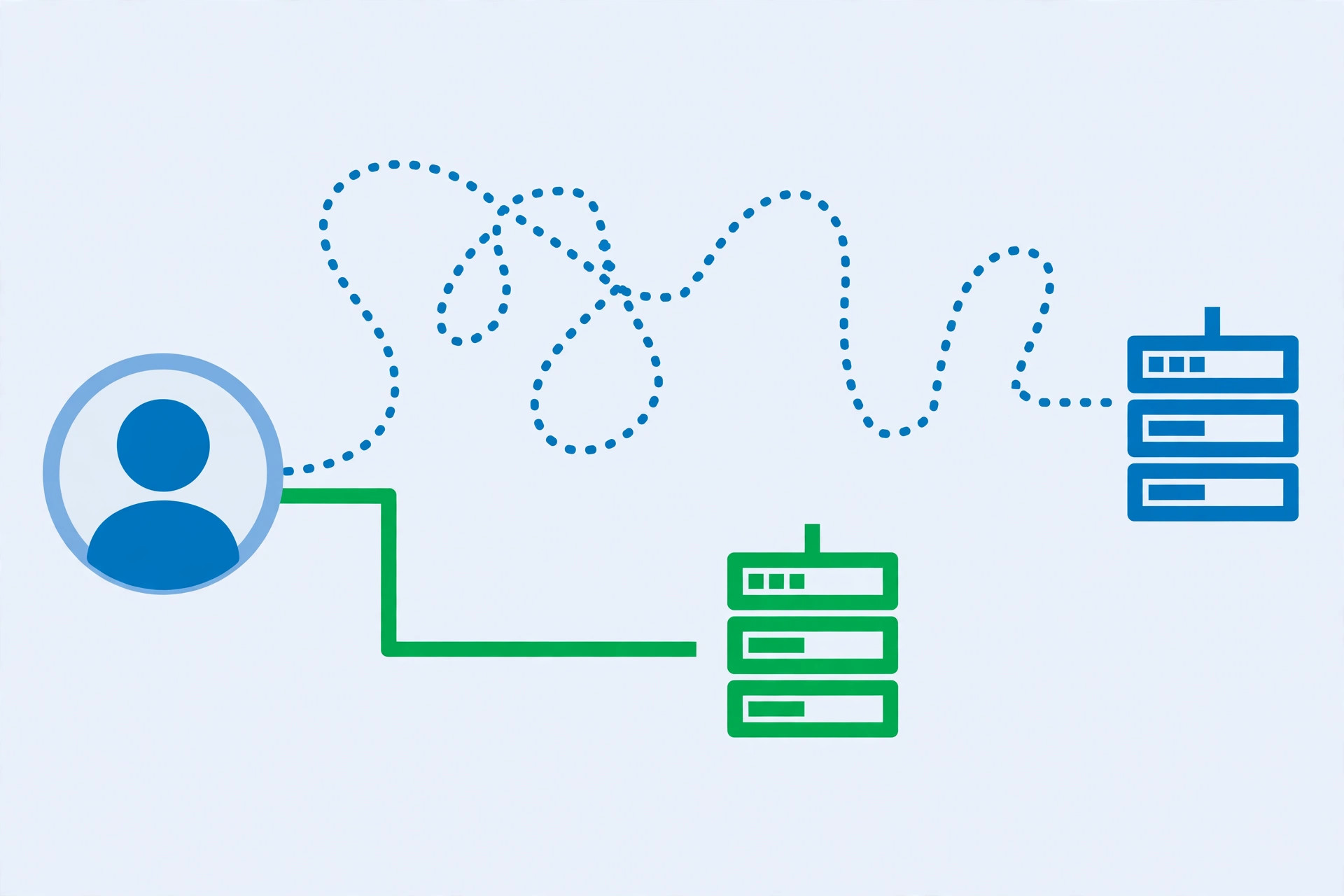
7. Spotting a CDN in the wild
You can see CDN behavior in any response headers. Try it:
curl -sI https://example.com/style.css | grep -iE '^(age|x-cache|cf-cache-status|via|server):'
# Age: 45231            <- seconds since the edge fetched this copy
# cf-cache-status: HIT  <- Cloudflare served it from cache
# X-Cache: HIT          <- generic cache-hit marker many CDNs send
An Age header plus a HIT marker means you just got a file from an edge server near you. Paste any URL into our HTTP header checker to read these headers without touching a terminal. And if you are curious how the request even found the nearest PoP, that routing starts with how DNS works — DNS-based steering is what sends each visitor to their closest edge.
4 mistakes developers keep making
- Caching logged-in pages at the edge. A
publicdirective on personalized HTML can serve one user's data to another. Personalized responses getprivateorno-store— always. - Deploying without a purge plan. New CSS ships, edge keeps serving the old file for the full TTL, users report "the site looks broken." Versioned filenames for assets, short TTLs for HTML, purge for emergencies.
- Treating the CDN as security. A CDN absorbs DDoS and adds a WAF, but it will happily cache and serve a vulnerable app. Patch the app, enforce HTTPS, validate inputs — the CDN is a shield, not a fix.
- Ignoring the
Varyheader. Per RFC 9111, caches key responses by method + URL, plus any request headers listed inVary. Serve different content per language withoutVary: Accept-Languageand the edge may hand French users the English copy.
Try it yourself
curl -sI https://www.example.com/ | grep -i age— check whether a big site's homepage carries anAgeheader (edge-cached).- Paste any URL into our HTTP header checker and look for
Age,X-Cache, orcf-cache-status. - In DevTools → Network, reload a page twice: compare the
Sizecolumn —(disk cache)or tiny 304 transfers on the second load. - Read the companion guides: how DNS works, HTTP vs HTTPS, GET vs POST, and TCP vs UDP (QUIC runs the modern web's fastest edge connections).
What is a CDN? A network of edge servers that keeps copies of your content near your users — a managed shared cache that trades a little storage for a lot of speed and resilience. The whole game is three questions: what may be cached (Cache-Control), for how long (TTL), and how to undo it (purge). Get those right and the edge does the rest. References: MDN — HTTP caching and RFC 9111 — HTTP Caching.
Frequently asked questions
- What does CDN stand for?
- CDN stands for Content Delivery Network (also called a content distribution network — the two names mean the same thing). It is a geographically distributed network of servers that caches web content and serves it from the location closest to each user.
- Is Cloudflare a CDN?
- Yes — Cloudflare operates one of the largest CDNs, alongside Amazon CloudFront, Akamai, Fastly, and Google Cloud CDN. Cloudflare combines its CDN with a reverse proxy, DDoS mitigation, and a web application firewall, which is why many sites sit "behind" Cloudflare for both speed and security.
- Do I need a CDN for a small website?
- Probably not. A single origin server handles a small blog or portfolio just fine — a CDN pays off when you have a geographically spread audience, heavy static assets, or traffic spikes your origin cannot absorb. Start without one; add one when slow distant load times or origin load become real problems.
- What is the difference between a CDN and a VPN?
- They solve different problems. A CDN caches your site's content on edge servers so every visitor gets it faster. A VPN encrypts one user's traffic and routes it through a single server for privacy. A CDN serves content to the world; a VPN hides one person's browsing from their network.
- How is a CDN different from DNS?
- DNS resolves domain names to IP addresses; a CDN delivers the actual content. They often work together: DNS-based routing steers a visitor to the nearest CDN point of presence, and the CDN then serves the cached files. See our guide on how DNS works for the full resolution chain.
- Can a CDN cache dynamic content?
- By default, CDNs cache static assets — images, CSS, JS, video. Many modern CDNs can also cache semi-dynamic content with very short TTLs, or run code at the edge to personalize responses. Truly personalized pages (dashboards, account pages) should not be cached in a shared cache — serve them with Cache-Control: private or no-store.
- What is cache purging?
- Purging is deleting stored copies from the CDN so the next request fetches a fresh version from the origin. You purge after deploying changes (new CSS, updated images) that visitors would otherwise keep receiving from stale edge caches. Most CDNs offer instant purge via dashboard or API.
- Does a CDN make my website more secure?
- It helps with two specific threats: it absorbs DDoS traffic before it reaches your origin, and most CDNs include a web application firewall. It does not encrypt anything by itself, fix application vulnerabilities, or replace HTTPS — those are separate layers.
Related articles
What Is a Proxy Server? 7 Things Every Developer Should Know (With Examples)
What is a proxy server? Learn how proxy servers work for developers — forward vs reverse, HTTP vs SOCKS, CONNECT tunneling, and proxy vs VPN. With examples.
Web DevelopmentWhat Is an API Gateway? 7 Things Every Developer Should Know (With Examples)
What is an API gateway? Learn how API gateways work for developers — routing, auth, rate limiting, aggregation, and when not to use one, with code examples.
Web DevelopmentWhat Is a Load Balancer? 7 Things Every Developer Should Know (With Examples)
What is a load balancer? Learn how load balancers work — Layer 4 vs Layer 7, routing algorithms, health checks, and sticky sessions, with config examples.
Try the free tool
HTTP Header Checker
See a URL's response headers and which common security headers are missing.
Checked server-side — nothing is stored Data & Format ConvertersURL Encoder/Decoder
Encode and decode URLs with correct UTF-8 handling, live conversion, and double-encoding warnings.
Runs entirely in your browser