GET vs POST: 7 Key Differences Every Developer Must Know (With Examples)
October 16, 2026 · Web Development
Every form you submit and every API call you make uses one of two HTTP methods — and picking the wrong one causes real bugs: duplicate orders, leaked passwords in server logs, and APIs that no cache will ever serve. GET vs POST is the difference between asking for data and sending data to be processed. This guide covers the 7 differences that actually matter — where the data travels, safety, idempotency, caching, size limits, forms, and security — with real curl, fetch, and HTML examples.
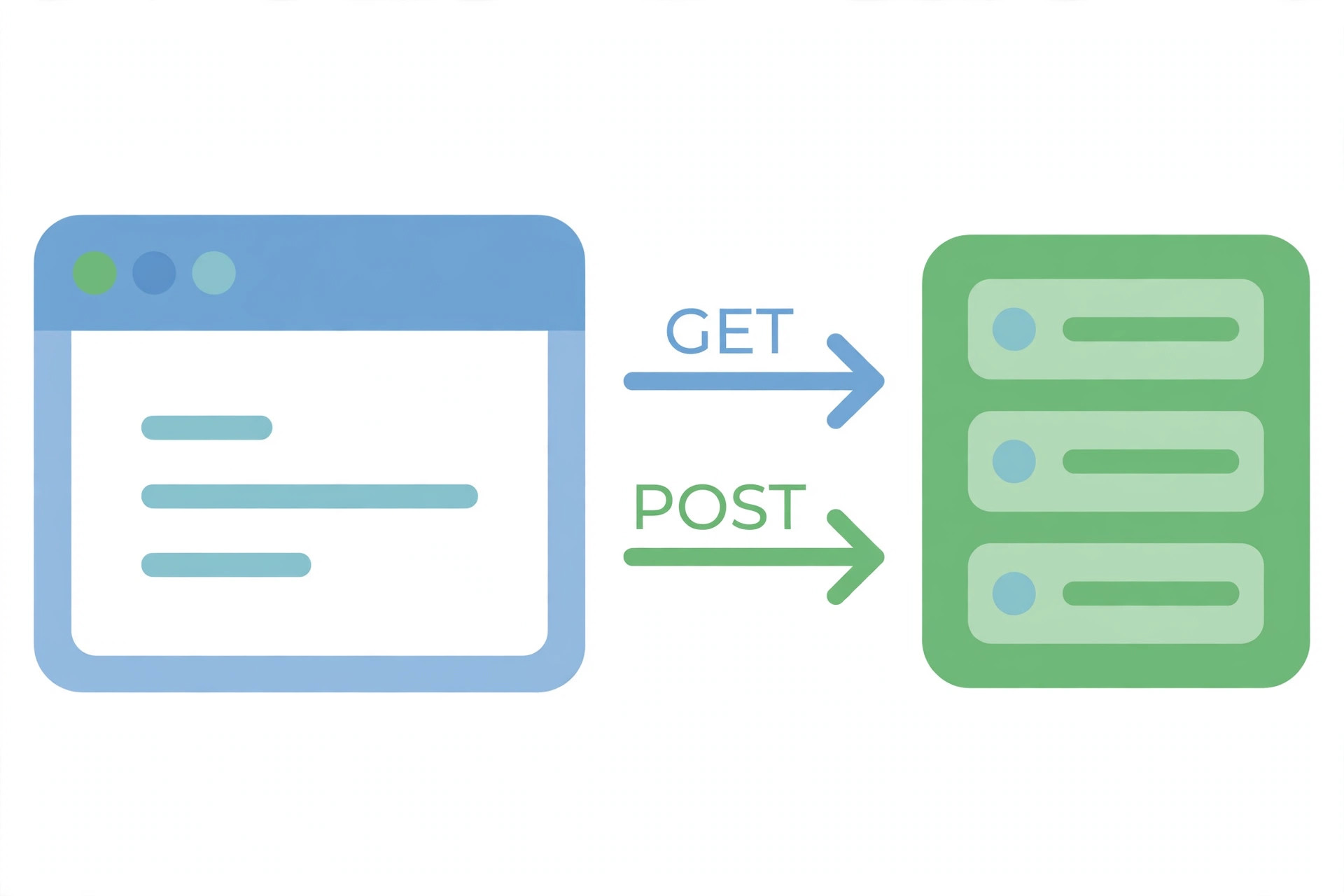
What GET and POST actually mean
HTTP defines a set of request methods that tell the server what the request is for. Per MDN's HTTP request methods reference, GET "requests a representation of the specified resource" and "should only retrieve data and should not contain a request body." POST, by contrast, "submits an entity to the specified resource, often causing a change in state or side effects on the server."
That is the whole mental model. A search box, a product page, an article URL — all GET, because nothing changes. A login form, a checkout, a "publish comment" button — all POST, because something changes. The remaining differences are consequences of this one rule: the refresh warning after a form submit, the shareable search URL, the password that showed up in a log file.
1. Where the data travels: URL vs request body
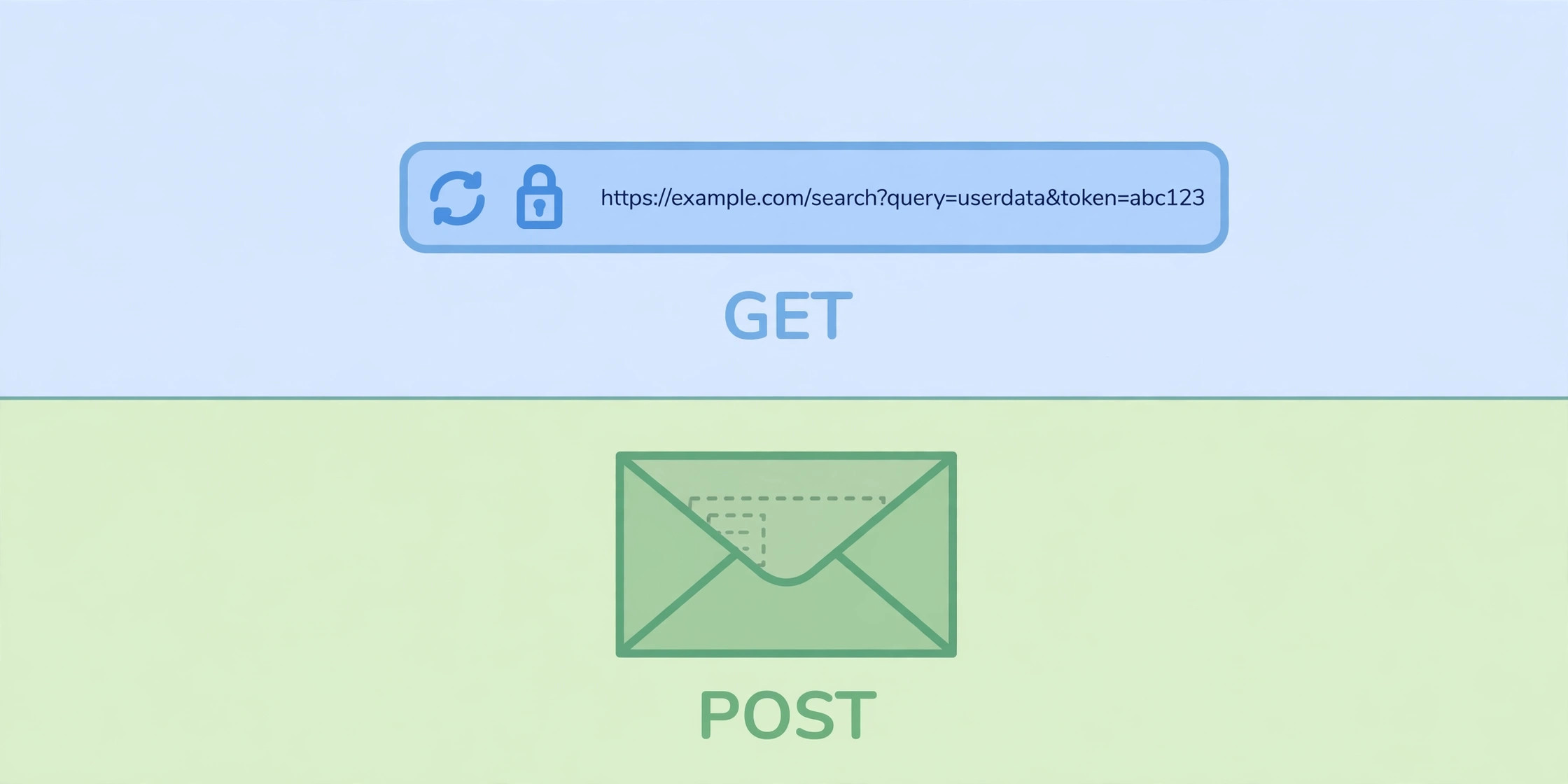
With GET, parameters travel in the URL as a query string after a ?:
GET /search?q=wireless+headphones&page=2 HTTP/1.1
Host: example.com
With POST, the URL stays clean and the data travels in the request body:
POST /login HTTP/1.1
Host: example.com
Content-Type: application/x-www-form-urlencoded
Content-Length: 32

username=ada&password=correct-horse
This one difference drives several others. GET URLs can be bookmarked, shared, and pasted into a chat — the data rides along. POST data cannot be bookmarked, because the bookmark stores only the URL, not the body. And because GET data sits in the URL, it also lands in places you may not expect: browser history, server access logs, analytics tools, and the Referer header sent to the next site you visit. If the data is sensitive, it does not belong in a GET URL. Our URL encoder/decoder shows exactly how those query strings are percent-encoded.
2. Safe and idempotent — the two words that decide everything
Two properties from the HTTP specification settle most GET-vs-POST arguments. A method is safe when it does not change server state — it only reads. A method is idempotent when sending the same request once has the same effect as sending it ten times.
| Method | Safe | Idempotent | Cacheable |
|---|---|---|---|
GET | Yes | Yes | Yes |
POST | No | No | Only with explicit freshness + Content-Location |
Why does it matter? The whole web treats safe, idempotent requests as repeatable. Browsers prefetch links. Crawlers follow every link they find. Users hammer refresh. Proxies retry failed requests. All of that is harmless for GET — re-fetching a page changes nothing. For POST it is dangerous: a retried POST can create a duplicate order, a duplicate comment, or a duplicate charge. That is why payment flows use idempotency keys — a unique token the server checks so a retried POST is processed once — and why a "delete" action must never be a plain GET link.
3. Caching, history, and bookmarks
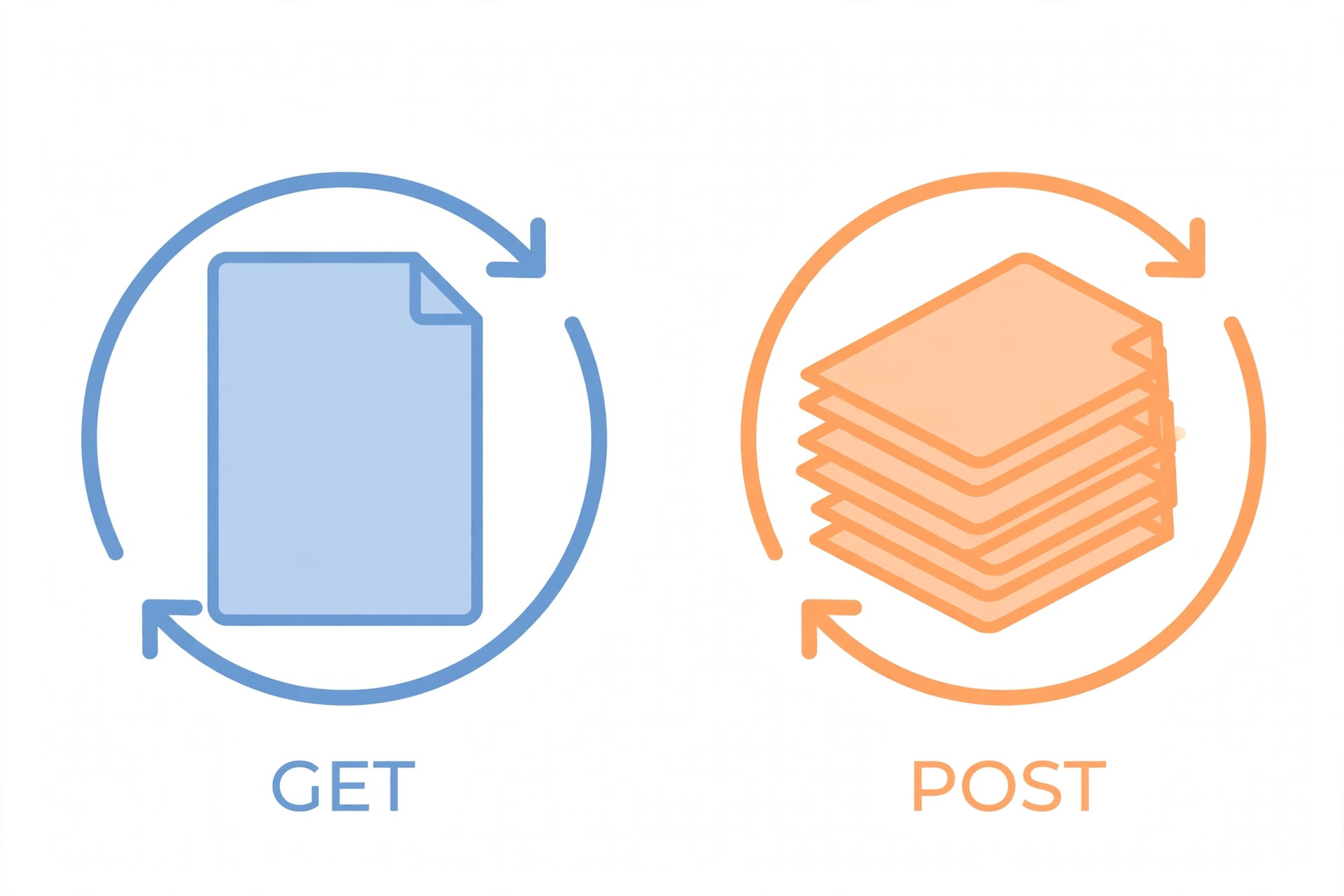
GET responses are cacheable. Browsers, CDNs, and proxies can store them and serve the stored copy to the next visitor without bothering your server. That is why GET is the right method for anything you want fast and shareable.
POST responses are not cached by default. Per MDN, POST responses become cacheable only when they explicitly include freshness information and a matching Content-Location header — a combination you rarely see in the wild. Treat POST as uncached.
The browser-history behavior follows the same logic. GET requests stay in history and can be bookmarked, because repeating them is harmless. POST requests are not bookmarked with their data, and refreshing a POST shows the browser's "confirm form resubmission" warning — the browser protecting you from repeating a side effect. (For the status codes involved when requests fail or redirect, see the HTTP status codes cheat sheet.)
4. Size limits and data types
Here is a correction to a claim many tutorials get wrong: HTTP itself sets no URL length limit. RFC 9110 (HTTP Semantics) states that HTTP has no specific length limitations for many of its protocol elements. The limits you hit in practice come from browsers, servers, and proxies, each of which caps what it will accept. When a URL exceeds a server's cap, the server answers with 414 URI Too Long.
The practical rule is simple: keep GET URLs short. A search query or a few filters are fine; a full article body or a large JSON payload is not. POST has no such problem — the body can carry large payloads, file uploads, and binary data that could never fit in a URL.
5. What HTML forms do with each
HTML forms are where most developers first meet GET and POST. Per MDN's form reference, method="get" appends the form data to the action URL with a ? separator, while method="post" sends the form data as the request body. MDN also advises using GET "when the form has no side effects" — a search form is the classic example.
<!-- Search: GET, because nothing changes -->
<form method="get" action="/search">
  <input name="q" placeholder="Search…">
  <button>Search</button>
</form>

<!-- Signup: POST, because it creates an account -->
<form method="post" action="/signup" enctype="multipart/form-data">
  <input name="email" type="email">
  <input name="avatar" type="file">
  <button>Sign up</button>
</form>
Note the enctype attribute: it only applies when the method is POST. The default, application/x-www-form-urlencoded, encodes fields as key-value pairs in the body. File uploads need multipart/form-data, which splits the body into parts so binary data survives intact.
6. Security: what POST hides — and what it does not
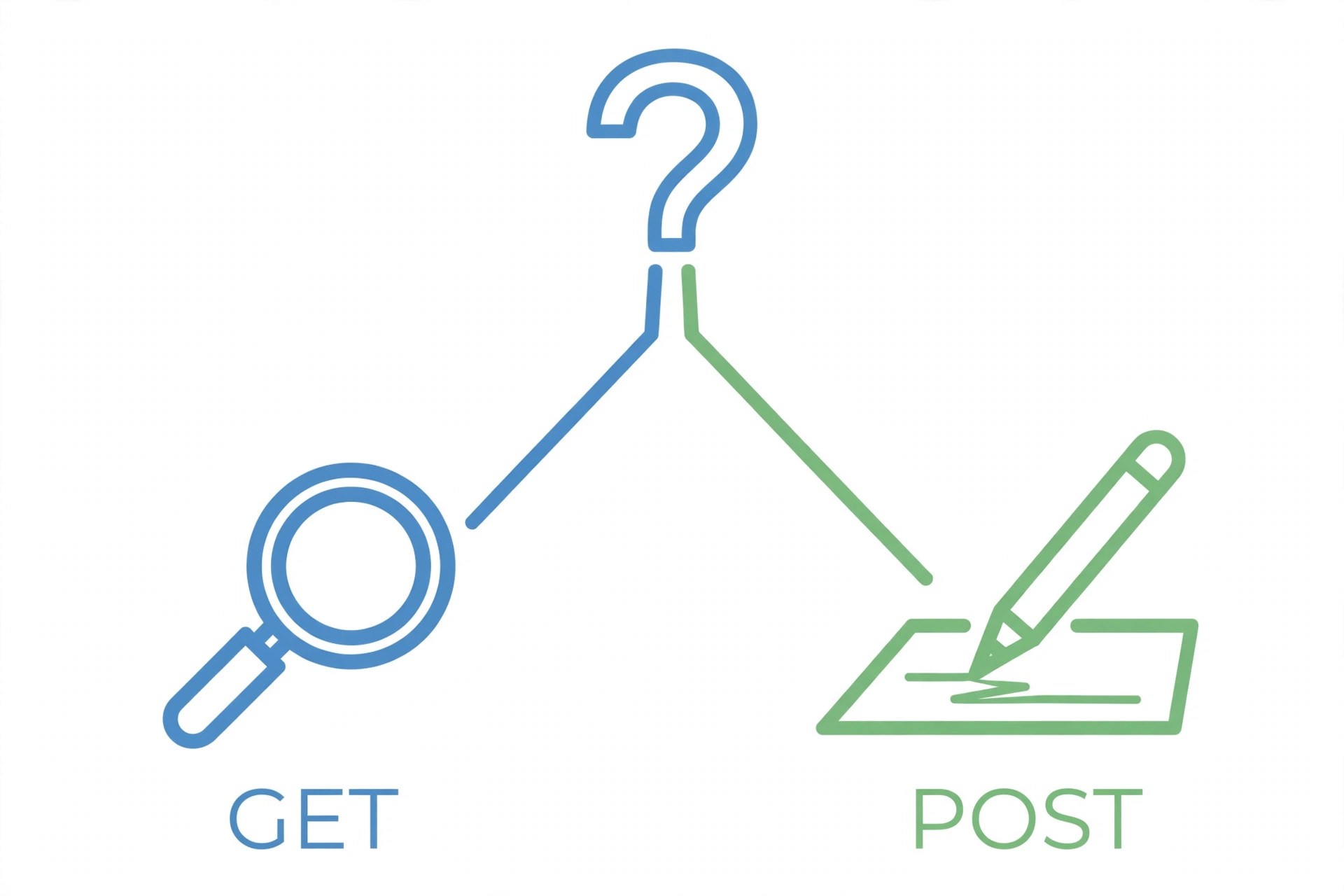
The most common myth is "POST is secure, GET is not." The truth is narrower. POST keeps data out of the URL, so it does not appear in browser history, server logs, or Referer headers. That is a real privacy win. But POST does not encrypt anything. On plain HTTP, a POST body is as readable as a GET URL. Both are equally protected once HTTPS encrypts the whole request. (See HTTP vs HTTPS for how that encryption works.)
So the security checklist is: HTTPS for everything, POST (never GET) for credentials and sensitive data, server-side validation on every input regardless of method, and CSRF protection on state-changing requests. See what CORS is for why CORS does not decide this — a simple form-encoded POST is sent cross-origin without a preflight, which is exactly why CSRF tokens exist.
7. How REST APIs use them
In a REST API, the method is the verb. The convention, covered in depth in what a REST API is:
| Method | REST meaning | Example |
|---|---|---|
GET | Read a resource | GET /users/42 |
POST | Create a resource | POST /users |
PUT | Replace a resource | PUT /users/42 |
PATCH | Partially update a resource | PATCH /users/42 |
DELETE | Remove a resource | DELETE /users/42 |
4 mistakes developers keep making
- State-changing GETs. A
/delete?id=5link, or a "like" button that fires a GET. One prefetch or crawler visit triggers the action. Move every state change to POST or DELETE. - Passwords in GET URLs. They end up in logs, history, and analytics. Switch the form to POST and change the credentials — they are already exposed.
- Treating POST as encryption. POST hides data from the URL, not from the network. Only HTTPS encrypts. Check any live endpoint's headers with our HTTP header checker.
- Putting a body on a GET. The semantics are undefined and some servers reject it. Put filters in the query string, or use POST — or the newer QUERY method, safe and idempotent while allowing request content.
Try it yourself
curl "https://api.example.com/search?q=keyboard&page=1"— a GET with query parameters in the URL.curl -X POST https://api.example.com/users -H "Content-Type: application/json" -d '{"name":"Ada"}'— a POST with a JSON body.fetch("/api/notes", { method: "POST", headers: { "Content-Type": "application/json" }, body: JSON.stringify({ text: "hello" }) })— the same POST from browser JavaScript.- Open DevTools → Network, submit any form, and compare a GET submission (data in the URL) with a POST submission (data in the payload tab).
- Read the companion guides: what a REST API is, client vs server, HTTP vs HTTPS, and what CORS is.
GET vs POST comes down to one question: does this request change anything? If not, use GET — it is safe, idempotent, cacheable, bookmarkable, and repeatable. If it does, use POST — and protect it with HTTPS and validation. References: MDN — HTTP request methods and RFC 9110 — HTTP Semantics. Next, read the HTTP status codes cheat sheet to decode what the server actually answered.
Frequently asked questions
- What is the main difference between GET and POST?
- GET requests a representation of a resource and should only retrieve data; any parameters travel in the URL. POST submits data to be processed by the server — usually causing a change in state — and carries that data in the request body, not the URL.
- Is POST more secure than GET?
- Only in one narrow way: POST keeps data out of the URL, so it does not land in browser history, server logs, or Referer headers. It does not encrypt anything. Without HTTPS, a POST body is just as readable on the network as a GET URL. Real security comes from HTTPS plus authentication and server-side validation.
- Can I use GET to submit a form that changes data?
- You can, but you should not. Browsers prefetch links, crawlers follow them, and users refresh pages — any of those can re-trigger a state-changing GET. A classic vulnerability is a "delete" link that works via GET: anything that can load the URL can delete the resource. State changes belong in POST (or PUT, PATCH, DELETE).
- Can a GET request have a body?
- Per MDN, the semantics of sending a body in a GET request are undefined, and some servers reject such requests with a 4XX error. If you need to send a body with read-only semantics, the newer QUERY method exists for exactly that — a safe, idempotent method that allows request content. Otherwise, put the parameters in the URL or switch to POST.
- Why does the browser warn me when I refresh after submitting a form?
- Because refreshing repeats the POST, and repeating a POST can repeat its side effect — a second order, a second comment, a second payment. The browser warns you so you can choose. Refreshing a GET is harmless because GET is safe and idempotent: re-fetching changes nothing.
- Are POST responses ever cached?
- By default, no. Per MDN, POST (and PATCH) responses are cacheable only when they explicitly include freshness information and a matching Content-Location header. In practice, treat POST as uncached and use GET for anything you want caches and CDNs to serve.
- When should I use GET vs POST in a REST API?
- Use GET to read a resource, POST to create one, PUT to replace one, PATCH to partially update one, and DELETE to remove one. If the operation only reads data, it should be GET — that keeps it cacheable, bookmarkable, and safe to retry. If it creates or changes something, it should be POST (or PUT/PATCH/DELETE).
- What is the URL length limit for GET requests?
- HTTP itself sets no specific length limit for URLs — RFC 9110 says the protocol has no specific length limitations for many of its elements. The practical limits come from browsers, servers, and proxies, which each cap what they accept. Keep GET URLs short; if your payload is large, send it in a POST body instead.
Related articles
What Is a Proxy Server? 7 Things Every Developer Should Know (With Examples)
What is a proxy server? Learn how proxy servers work for developers — forward vs reverse, HTTP vs SOCKS, CONNECT tunneling, and proxy vs VPN. With examples.
Web DevelopmentWhat Is an API Gateway? 7 Things Every Developer Should Know (With Examples)
What is an API gateway? Learn how API gateways work for developers — routing, auth, rate limiting, aggregation, and when not to use one, with code examples.
Web DevelopmentWhat Is a Load Balancer? 7 Things Every Developer Should Know (With Examples)
What is a load balancer? Learn how load balancers work — Layer 4 vs Layer 7, routing algorithms, health checks, and sticky sessions, with config examples.
Try the free tool
URL Encoder/Decoder
Encode and decode URLs with correct UTF-8 handling, live conversion, and double-encoding warnings.
Runs entirely in your browser Server & Deployment ToolsHTTP Header Checker
See a URL's response headers and which common security headers are missing.
Checked server-side — nothing is stored