What Is a Query String? 7 Things Every Developer Should Know (With Examples)
October 18, 2026 · Web Development
You have seen it a thousand times: the ? that appears in your address bar the moment you search a site, filter a shop, or share a link with tracking attached. That tail of the URL — everything after the question mark — is the query string: the part of a URL that carries extra data for the page or API without changing which page it is. This guide covers the 7 things every developer should know — its anatomy, why it exists, percent-encoding, how forms create it, where it shows up, how to read it in code, and the rules that keep you out of trouble — with real examples you can run.
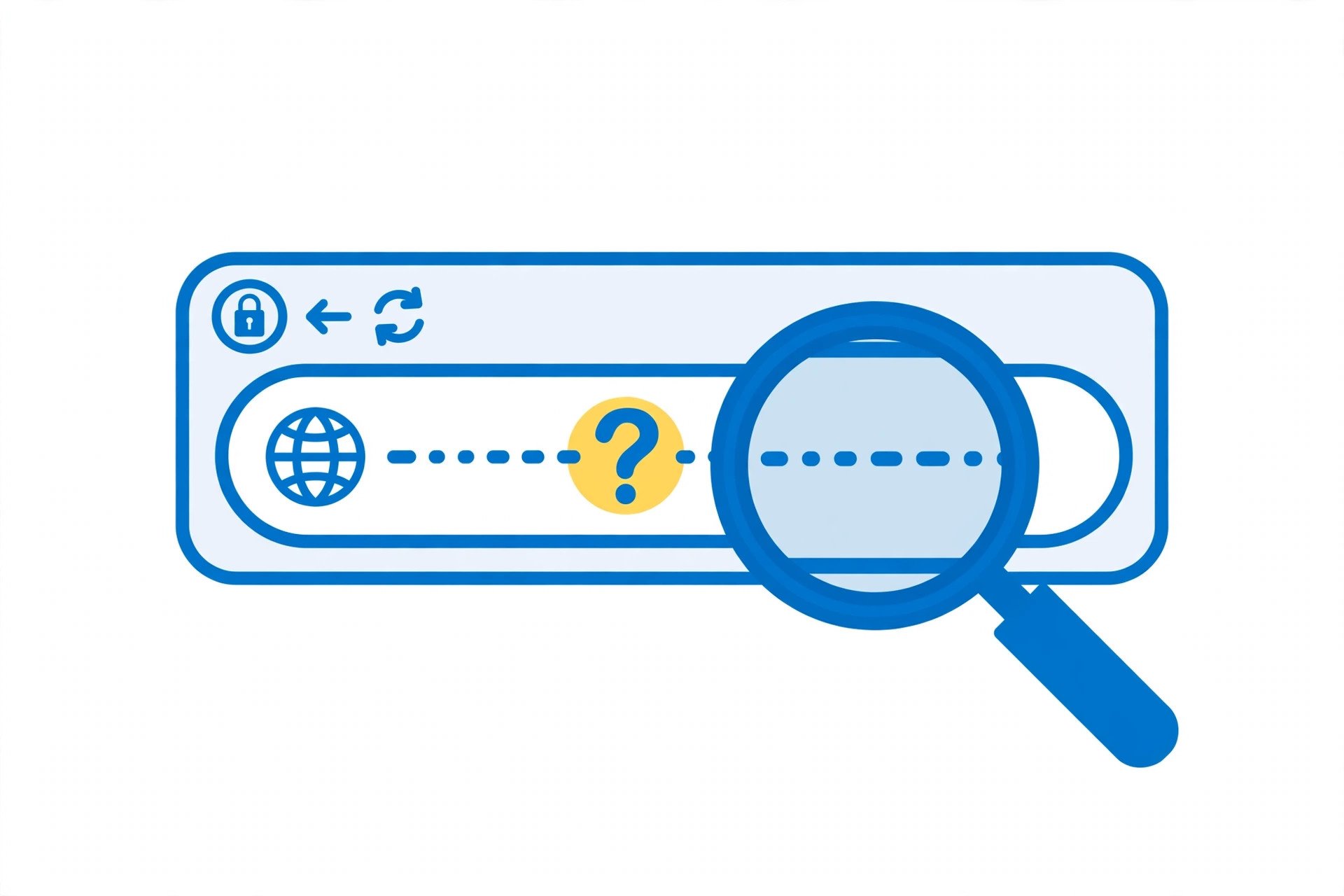
? — extra data that travels with the URL.1. The anatomy: ?, =, and &
Take a typical search URL:
https://example.com/search?q=wireless+headphones&page=2&sort=pricePer RFC 3986 (URI Generic Syntax), the URL splits into components. The query string is everything after the first ?:
?— the separator. Only the first question mark starts the query; any later?is data and must be encoded.q=wireless+headphones— a parameter: a key (q) and a value (wireless+headphones) joined by=.&— the glue that joins parameters:page=2,sort=price.- The query ends where the URL ends — or at a
#fragment, which always comes after the query.
Two small edge cases worth knowing: a parameter can have an empty value (q=) or no = at all (?debug), and decoders treat both as an empty string. And duplicate keys are legal — ?tag=js&tag=css — with each framework deciding how to expose them (see section 6).

? customizes the request.2. Why it exists: path picks the page, query customizes it
RFC 3986 describes the query as containing "data that does not fit conveniently into a hierarchical path structure." The path is hierarchical — like folders: /products/headphones/42. The query is non-hierarchical: a flat bag of named values for the interaction.
This split exists because some data identifies a resource and some data only modifies how it is presented. Consider a shop:
/products              ← the resource (a list)
/products?color=red      ← same resource, filtered
/products?color=red&sort=price&page=3   ← same resource, filtered, sorted, paginated
You could not enumerate every combination as its own path — and you would not want to. The query string lets one URL pattern serve infinite variations while the path keeps the address stable. That is also why query strings are perfect for GET requests: GET is the method for reading data, and the query string is where GET puts its parameters. (See GET vs POST for when data belongs in the URL versus the request body.)
3. Percent-encoding: the rules of what goes in values
URLs were designed around a limited character set, so values cannot contain arbitrary text raw. Per RFC 3986, some characters are reserved because they already have a job — &, =, ?, #, /, + — and any others that are not in the allowed set must be percent-encoded: replaced by % followed by two hexadecimal digits.
| Character | Encoded as | Why |
|---|---|---|
| space | %20 (or + in form encoding) | Not allowed raw in URLs |
& | %26 | Would split parameters |
= | %3D | Would split key from value |
? | %3F | Would start a new query |
# | %23 | Would start a fragment |
é | %C3%A9 | Non-ASCII: UTF-8 bytes encoded |
Characters you never need to encode are the unreserved set: A–Z a–z 0–9 - _ . ~. Everything else gets the %XX treatment. Two encoding subtleties from the MDN URLSearchParams reference:
- Space as
+: when a form is submitted withmethod="get", the browser encodes spaces as+(theapplication/x-www-form-urlencodedconvention). A generic URL parser, though, encodes a space as%20. Decoders accept both, but when you build a URL by hand, prefer%20outside of form data. +means space when decoding:URLSearchParamsturns+into a space. So a value that genuinely contains a plus sign must be encoded as%2B— otherwise it decodes to a space. This is the classic base64-in-URL bug.
Never encode by guessing. Our URL encoder/decoder shows exactly how any string is percent-encoded, character by character.
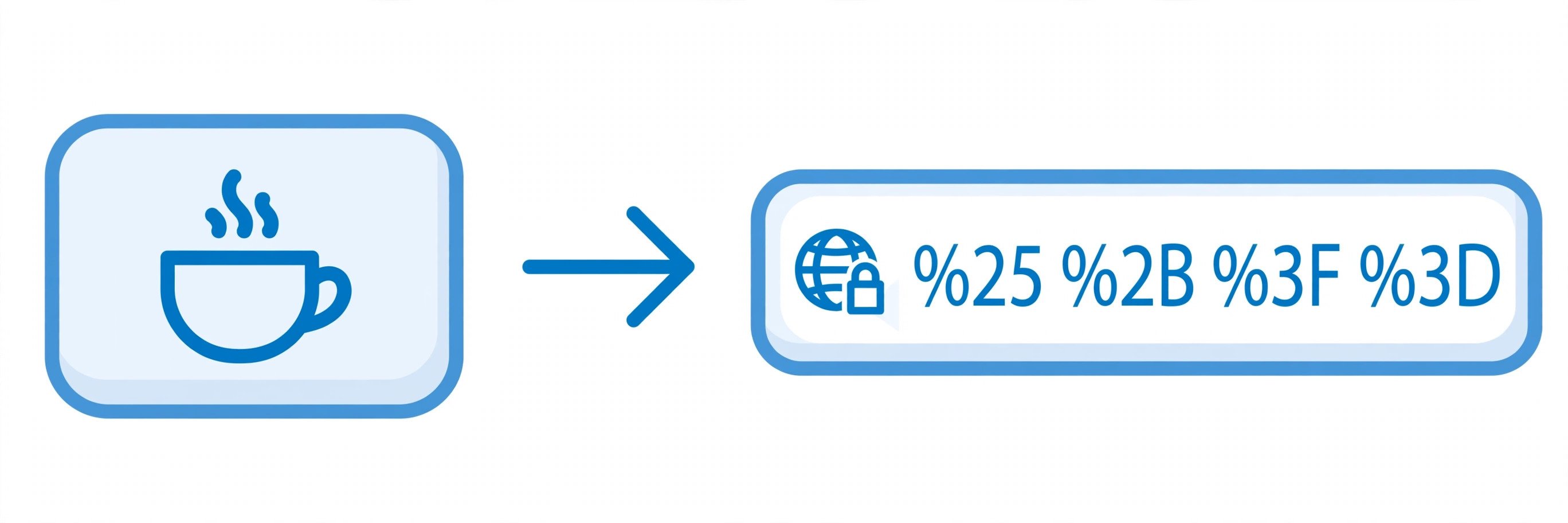
%XX sequences so the structure survives.4. How forms create them: method="get"
The most common source of query strings is the HTML form. Per MDN, a form with method="get" appends its data to the action URL with a ? separator — the browser does the encoding for you:
<!-- Typing "headphones" and submitting produces: /search?q=headphones -->
<form method="get" action="/search">
  <input name="q" placeholder="Search…">
  <button>Search</button>
</form>
This is why search results have shareable URLs: the query string is the search state, so bookmarking or pasting the link reproduces it. Forms that change something — logins, orders, signups — use method="post" and put the data in the request body instead, for exactly the reasons GET vs POST explains: URLs end up in history, logs, and shared links.
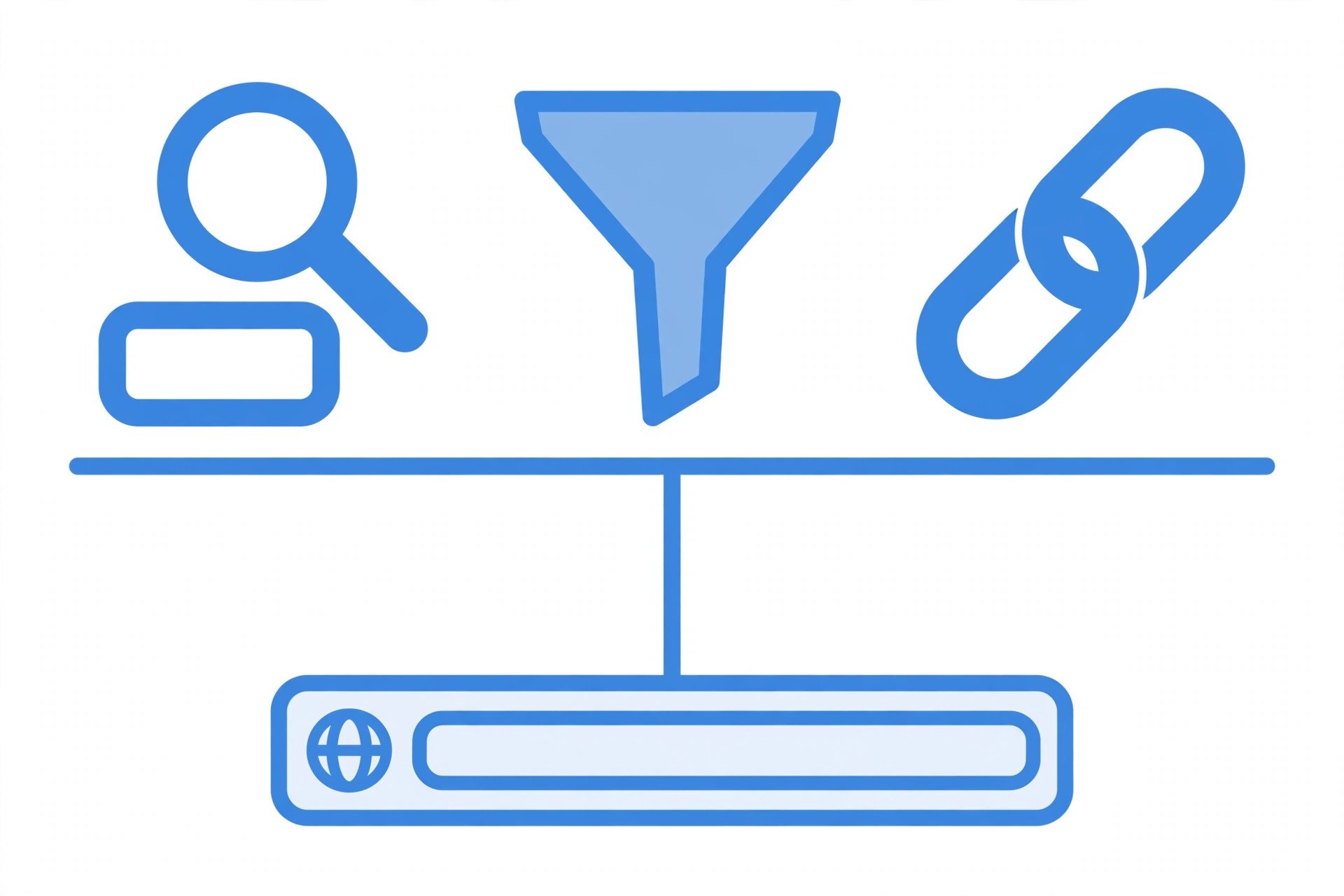
5. Where else they show up: filters, pagination, APIs, tracking
Once you know the pattern, you see query strings everywhere:
- Filtering and sorting:
/jobs?location=remote&level=junior— the shop and dashboard pattern from section 2. - Pagination:
/articles?page=3&limit=20— stateless paging the server can cache and the user can link to. - REST APIs: the same filters in machine form —
/api/users?role=admin&active=true. See what a REST API is for how methods and endpoints use them. - Campaign tracking:
?utm_source=newsletter&utm_medium=email&utm_campaign=launch— the UTM parameters analytics tools read to attribute visits. - Cache busting:
style.css?v=20261018— changing the query changes the cache key, so browsers fetch the new file. (But random per-visitor junk parameters destroy cache hit rates — see the FAQ.)
6. Reading them in code — without hand-rolling a parser
Every language has a parser; use it. Hand-splitting on & and = breaks on encoded separators and +-as-space.
// JavaScript — the standard URLSearchParams API (MDN)
const params = new URLSearchParams(window.location.search);
params.get('q');       // first value of q
params.getAll('tag');  // every value of a repeated key
params.has('page');    // true/false

# Python
from urllib.parse import urlparse, parse_qs
parse_qs(urlparse(url).query)   # {'q': ['phone'], 'tag': ['js', 'css']}

<?php
// PHP exposes the parsed query directly
$q = $_GET['q'] ?? '';
?>
Note JavaScript's quirk: new URLSearchParams("?a=1") strips the leading ?, but the constructor does not parse a full URL — pass it only the query part (location.search or url.search). And never build a query by interpolating user input into a string; use params.append(key, value), which encodes everything correctly — the MDN reference explicitly warns against string interpolation for exactly this reason.
7. The rules that keep you out of trouble
Query strings are deceptively simple, and five mistakes account for most of the trouble they cause:
- Secrets in the URL. RFC 3986's security section warns about sensitive information in URIs for a reason: query strings land in browser history, server access logs, analytics dashboards, and
Refererheaders. Tokens and passwords belong in headers or POST bodies. - Unencoded values. A raw
&in a value splits your parameter in two; a raw+decodes to a space; a raw#truncates the query entirely. Encode every value, or let the API do it. - Trusting parameters. Anyone can edit a query string — it is user input like any other. Validate types, ranges, and permissions on the server; never rely on
?role=adminfor authorization. - Ignoring duplicates. Decide how
?tag=js&tag=cssbehaves before clients depend on it: first wins, last wins, or all collected. - Letting URLs grow unbounded. A query string that carries a whole document will eventually hit a server or proxy length cap and fail with
414 URI Too Long. Large payloads belong in a POST body — the GET vs POST size-limits rule.
Try it yourself
curl "https://api.example.com/search?q=wireless%20headphones&page=2"— a GET whose parameters ride in the query string.- Paste any search-result URL into our URL encoder/decoder and watch the query decode character by character.
- Open DevTools → Console on any search-results page and run
new URLSearchParams(location.search).get('q'). - Read the companion guides: GET vs POST, what a REST API is, the HTTP status codes cheat sheet, and client vs server.
A query string is the part of a URL after the first ? — a flat set of key=value parameters joined by & that customizes a request without changing which resource it addresses. Encode every value, parse with a real parser, and never put secrets there. References: RFC 3986 — URI Generic Syntax and MDN — URLSearchParams. Next, read GET vs POST to see where the query string fits in the request.
Frequently asked questions
- What starts a query string in a URL?
- The first question mark (?) after the path. Everything after that first ? — up to the end of the URL or a # fragment — is the query string. Any later question marks are treated as ordinary data inside a value, which is why values containing them must be percent-encoded.
- What is the difference between a query string and query parameters?
- The query string is the whole thing — everything after the ?. Query parameters are the individual key=value pairs inside it, separated by &. In /search?q=phone&page=2, the query string is "q=phone&page=2" and the parameters are q=phone and page=2.
- How do I read a query string in JavaScript?
- Use the built-in URLSearchParams API. For the current page, new URLSearchParams(window.location.search) gives you an object with .get("key"), .has("key"), .getAll("key") for duplicates, and .toString() to serialize it back. Do not hand-split on & and = — encoding edge cases will bite you.
- Why do spaces in a query string sometimes show as + and sometimes as %20?
- Both are valid in the query component. A literal + as a space is a convention from HTML form encoding (application/x-www-form-urlencoded): when a form is submitted with method="get", spaces are encoded as +. Standalone %20 is the generic percent-encoding. Decoders must accept both, so always decode — never assume one form.
- Can a query string have the same key twice?
- Yes — nothing forbids it. Filters like ?tag=js&tag=css are common. How a framework handles duplicates varies: JavaScript's URLSearchParams.get() returns only the first value, while getAll() returns all of them. Decide and document your API's convention before clients depend on it.
- Are query strings part of the URL path?
- No. A URL has separate components: scheme, host, path, query, fragment. The path identifies which resource you want; the query carries extra data for how to handle the request. Most server routers match routes on the path alone and hand the query to your application code separately.
- Do query strings affect caching?
- Yes. Caches — browsers, proxies, CDNs — generally use the full URL including the query string as the cache key. /data and /data?refresh=1 are cached as two different entries. That is useful for versioning assets (style.css?v=2) but wasteful when random junk parameters (like a timestamp per visitor) destroy your hit rate.
- Is it safe to put passwords or tokens in a query string?
- No. Query strings land in browser history, server access logs, analytics tools, and the Referer header sent to the next site — all plain text. Put secrets in POST bodies, headers, or secure cookies instead. This is the same rule covered in GET vs POST: GET puts data in the URL, and URLs are not private.
Related articles
What Is a Proxy Server? 7 Things Every Developer Should Know (With Examples)
What is a proxy server? Learn how proxy servers work for developers — forward vs reverse, HTTP vs SOCKS, CONNECT tunneling, and proxy vs VPN. With examples.
Web DevelopmentWhat Is an API Gateway? 7 Things Every Developer Should Know (With Examples)
What is an API gateway? Learn how API gateways work for developers — routing, auth, rate limiting, aggregation, and when not to use one, with code examples.
Web DevelopmentWhat Is a Load Balancer? 7 Things Every Developer Should Know (With Examples)
What is a load balancer? Learn how load balancers work — Layer 4 vs Layer 7, routing algorithms, health checks, and sticky sessions, with config examples.
Try the free tool
URL Encoder/Decoder
Encode and decode URLs with correct UTF-8 handling, live conversion, and double-encoding warnings.
Runs entirely in your browser Server & Deployment ToolsHTTP Header Checker
See a URL's response headers and which common security headers are missing.
Checked server-side — nothing is stored