What Is Data Compression? 7 Things Every Developer Should Know (With Examples)
October 24, 2026 · Web Development
Every page you load, every file you download, and every API response you parse has probably been squeezed before it reached you — and then quietly expanded again, so you never noticed. That squeezing is data compression: encoding information using fewer bits than the original, so it costs less storage and less time on the wire. What is data compression exactly, how do lossless and lossy compression differ, and what do gzip, Brotli, and HTTP content-encoding actually do? This guide answers all three from first principles: how compression finds redundancy, which algorithm to pick, how browsers and servers negotiate it, and the mistakes that make compression hurt instead of help.
1. What data compression actually is
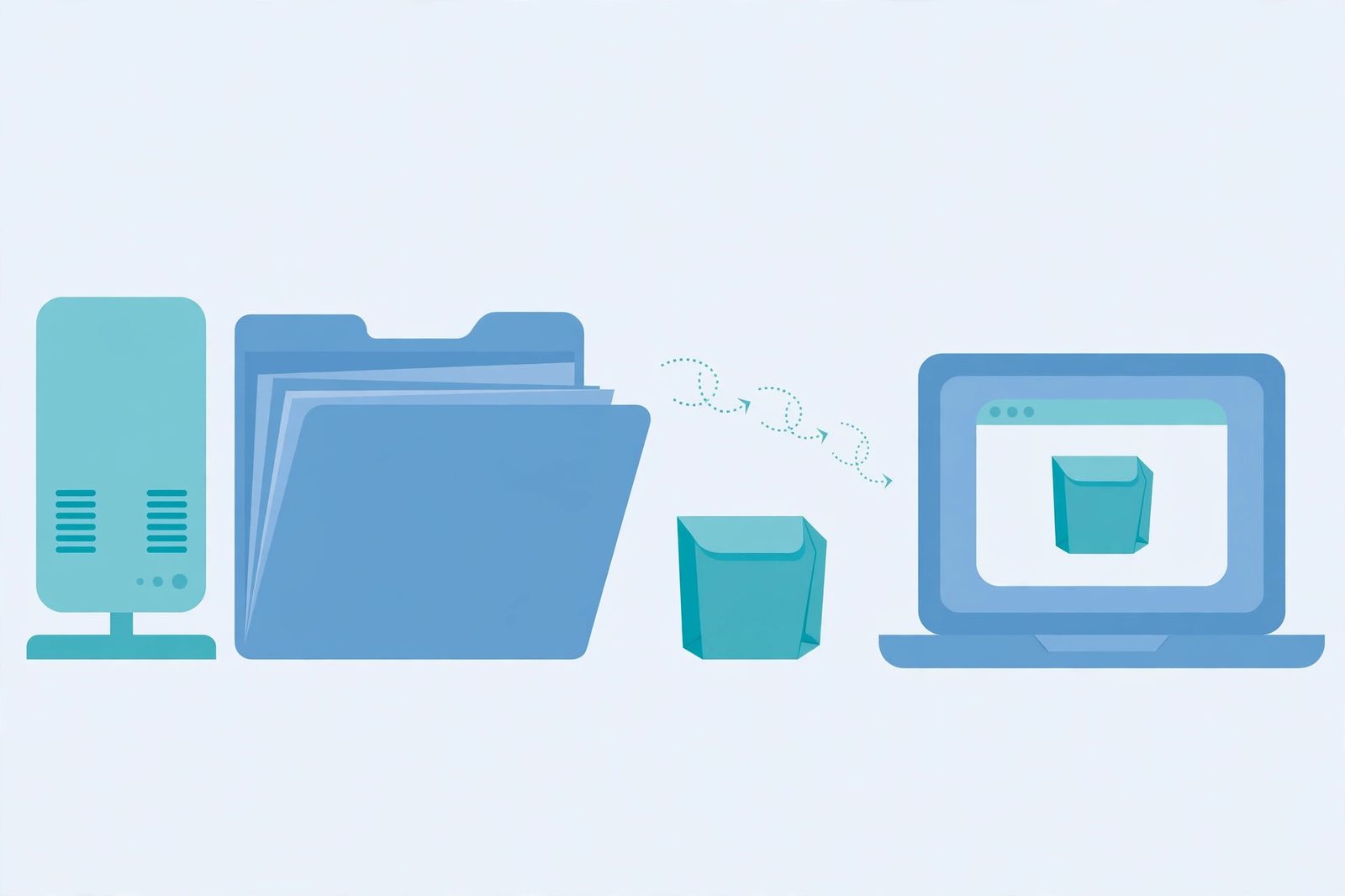
In information theory, data compression — also called source coding — is the process of encoding information using fewer bits than its original representation. A device that performs compression is an encoder; the device that reverses it is a decoder. Compression is possible because most real data repeats itself: text repeats words and tags, images repeat neighbouring pixels of similar colour, logs repeat field names. A good encoder finds those repetitions and replaces them with something shorter.
Every scheme trades three things against each other: bytes saved, distortion introduced (if any), and computing time. No scheme wins on all three at once, which is why we have a family of formats instead of one. The first fork in the road — the one that decides almost everything else — is whether the process is allowed to lose information.
2. Lossless vs lossy: the one distinction that matters most
Lossless compression removes only redundancy, so decompression restores the original data bit for bit. That guarantee is non-negotiable for text, source code, spreadsheets, databases, and executables — a single flipped bit in code or a balance is a bug, not an acceptable approximation.
Lossy compression also removes information judged less important, so the restored version is close to but not identical to the original. That is a fair trade for photos, audio, and video, where eyes and ears miss small losses — a JPEG discards fine colour detail you would not notice, an MP3 discards frequencies masked by louder sounds. It would be a disaster for a contract or a program, which is why lossy compression is never applied to those.
The rule is simple: if data must come back exactly, use lossless; if it is destined for human senses and a close approximation is fine, lossy buys far bigger savings. All web-transport compression in this article — gzip, Brotli, Zstandard — is lossless, because a page or API response must arrive intact.

3. How lossless compression finds redundancy
Lossless encoders use a small set of recurring tricks, usually combined. These three are enough to read any format's description without being intimidated by it.
- Run-length encoding (RLE). A run of identical values is replaced by the value plus a count: 500 identical white pixels become "white × 500". Effective on data with long runs, far less so on varied data.
- Dictionary compression (LZ77). When a phrase repeats, later occurrences are replaced by a pointer back to the first one. This is why text compresses so well — HTML, JSON, and code are full of repeated tags and keys. LZ77 is half of the DEFLATE algorithm at the heart of gzip.
- Entropy coding (Huffman coding). Frequent symbols get short codes and rare symbols longer ones. DEFLATE pairs LZ77 with Huffman coding: find the repeats, then encode what remains as compactly as possible.
That combination — find repeats, then encode cleverly — is the whole story of gzip. Brotli and Zstandard add larger dictionaries and smarter modelling of likely text, but they are refinements of the same idea, not a different kind of magic.
4. gzip vs Brotli vs Zstandard: which format, and when
Three lossless formats dominate web and file compression today. They differ in age, design goal, and where they fit best:
| Format | Designed for | Notes |
|---|---|---|
gzip | General-purpose file and HTTP compression | DEFLATE (LZ77 + Huffman), specified by RFC 1952; universally supported, the safe fallback everywhere |
br (Brotli) | HTTP content encoding | Designed specifically for web text, specified by RFC 7932; usually compresses HTML, CSS, and JavaScript better than gzip |
zstd (Zstandard) | Fast, modern general compression | Specified by RFC 8878; strong ratio at high speed, with a dictionary mode for small, similar payloads |
A gzip file has a simple anatomy worth knowing when you debug it: a short header, a DEFLATE-compressed payload, and a trailer carrying a CRC-32 checksum and the original size, so the decoder can verify the data survived intact. The older compress format (LZW) and the bare deflate encoding (zlib wrapper around DEFLATE) still appear in header lists for historical reasons, but neither is a sensible new choice.
For files on disk, the ecosystem usually decides for you: .gz for single files and logs, ZIP archives when you need many files in one package, Zstandard where speed and ratio both matter. For the web, the server negotiates automatically — which brings us to the headers.

5. How compression travels over HTTP: Accept-Encoding and Content-Encoding
Web compression is a negotiation in two headers. The client advertises what it can decode; the server picks one of those encodings (or none) and labels what it actually used:
GET /style.css HTTP/1.1
Host: example.com
Accept-Encoding: br, gzip, deflate
HTTP/1.1 200 OK
Content-Type: text/css
Content-Encoding: br
Vary: Accept-EncodingThree details in that exchange trip people up. First, Accept-Encoding supports quality values: br, gzip;q=0.8 says Brotli is preferred and gzip acceptable but less preferred, and q=0 explicitly rejects an encoding. Second, Content-Encoding lists encodings in the order applied, and other metadata — Content-Length included — refers to the encoded form, not the original. Third, Vary: Accept-Encoding is not decoration: it tells caches the response differs by what the client advertised, so a cache must not hand a Brotli response to a client that only understands gzip. Our caching explainer and CDN explainer both build on this point.
One more distinction: Content-Encoding describes the representation itself, while Transfer-Encoding describes how a single HTTP message is delivered hop by hop. A response can be content-encoded with gzip and still travel in chunks; the two mechanisms are independent.
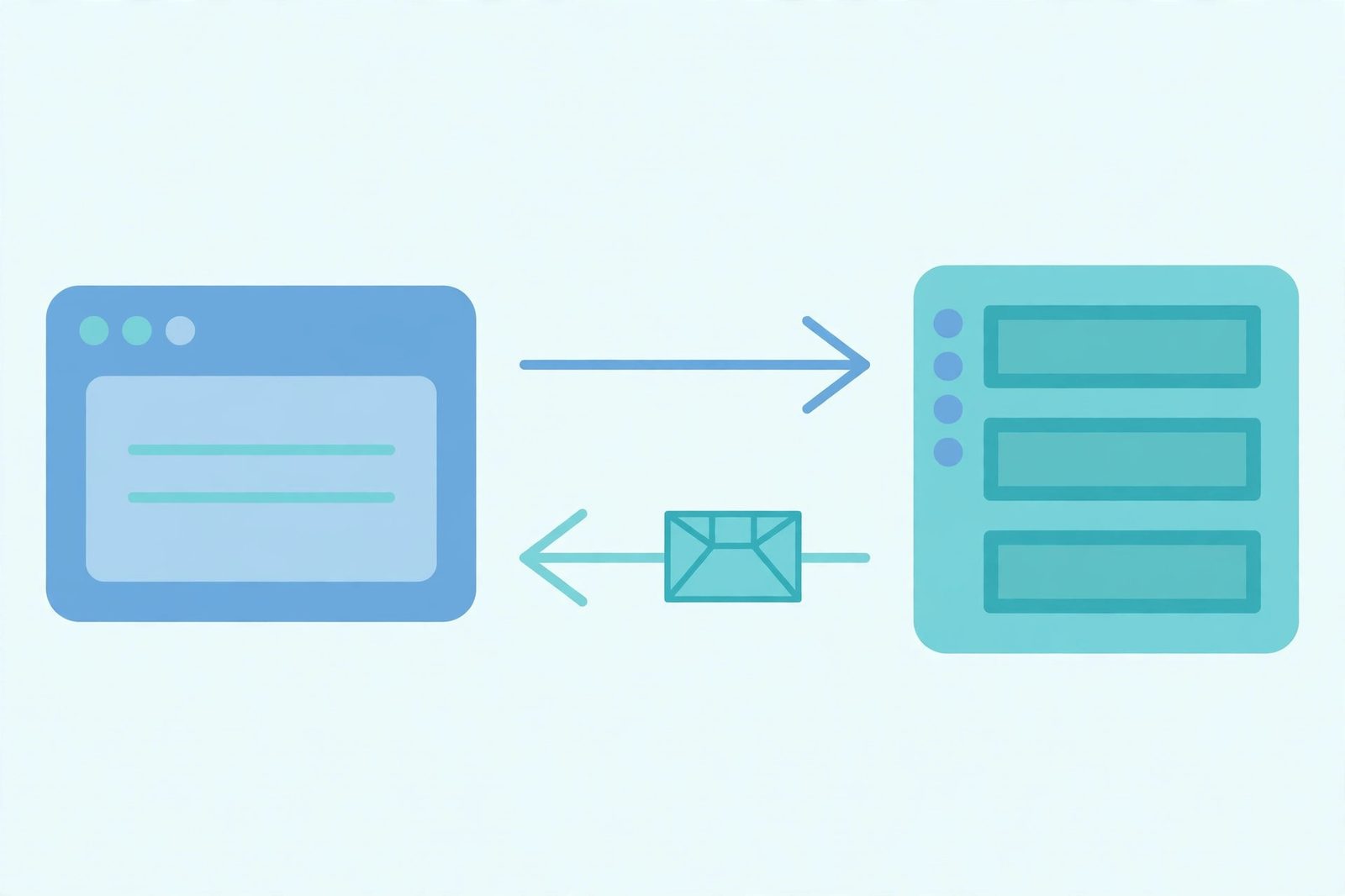
See it on a real site: our free HTTP header checker shows a URL's actual response headers — look for Content-Encoding and Vary to confirm whether a page is really being compressed, and with which format.
6. Compression is not caching — but they work together
Beginners often conflate compression with caching because both make sites faster, but they solve different problems: compression makes each transfer smaller; caching avoids the transfer altogether by reusing a stored copy. A compressed response can be cached, and a cached response can be served compressed — the two multiply. The failure mode to watch is a cache that stores one encoding and serves it to everyone: that is exactly what Vary: Accept-Encoding prevents, and why our caching guide treats it as mandatory. The same partnership applies at the edge: a CDN can compress close to the visitor instead of fetching a compressed copy from the origin every time. And because compression happens above the transport layer, it is independent of whether bytes travel over TCP or UDP.
7. When not to compress
Compression is a default-on win for text, and a mistake for data that is already dense. MDN's guidance is blunt: compressing already-compressed media types such as ZIP archives and JPEG images is usually not appropriate, because it can increase the file size — the encoder adds its own header and framing while finding nothing left to squeeze. The same applies to MP4 video, MP3 audio, and PNG images (PNG already contains DEFLATE compression internally).
- Already-compressed formats: JPEG, MP4, MP3, ZIP, PNG — skip them; you pay CPU for no gain or a slightly larger file.
- Encrypted or random data: properly encrypted output looks random and has no redundancy to remove. Compress before encrypting, never after.
- Text responses: HTML, CSS, JavaScript, JSON, XML — always compress. A JSON API response is a textbook case: repeated keys and structure shrink dramatically.
- Tiny responses: for very small payloads the overhead eats most of the saving, so many servers set a minimum size threshold.
And a security footnote: compression is not encryption, and it does not hide content. Anyone who receives a gzip file can decompress it with a standard tool. If data must stay private, encrypt it — on the web that means HTTPS — and treat compression purely as a performance step.
Common mistakes to avoid
- Compressing already-compressed files. Gzipping JPEGs, videos, and ZIP archives yields a larger file and a slower response.
- Forgetting Vary: Accept-Encoding. Without it, a cache can serve a Brotli response to a client that cannot decode it — a real outage, not a theoretical one.
- Reading Content-Length as the original size. When Content-Encoding is present, Content-Length describes the compressed body.
- Treating compression as security. Compressed is not encrypted. Secrets need encryption; compression only changes size.
- Assuming the server must compress. A server is not obligated to use any advertised encoding — compression depends on server configuration.
Once you can picture it — find the repeats, encode them compactly, negotiate the format in two headers, and never compress what is already dense — data compression stops being a checkbox in a performance audit and becomes a tool you can reason about. For the authoritative header reference, read MDN's Content-Encoding docs; for the HTTP semantics behind it, the source of truth is RFC 9110.
Frequently asked questions
- What is data compression in simple terms?
- Data compression is the process of encoding information using fewer bits than the original representation, so the same content takes up less storage space and less time to send over a network. The compressed form is later decoded back into a usable form — exactly, in the lossless case, or approximately, in the lossy case.
- What is the difference between lossless and lossy compression?
- Lossless compression removes only redundancy, so decompression restores the original data bit for bit — that is why it is mandatory for text, code, and databases. Lossy compression also removes information judged less important, so the restored version is close to but not identical to the original — acceptable for photos, audio, and video, where small losses are hard to notice.
- Is gzip the same as ZIP?
- No, although they share the DEFLATE algorithm. ZIP is an archive format that bundles many files together with a directory listing. gzip compresses a single stream of data (usually one file, often a tar archive when several files are involved) and is the format behind the gzip HTTP content-encoding. See our <a href="/blog/what-is-a-caching">caching explainer</a> for how compressed responses interact with caches.
- What does Content-Encoding: gzip mean?
- It means the response body you received was compressed with gzip, and your browser (or HTTP client) must decompress it before it can use the content described by the Content-Type header. The matching request header is Accept-Encoding, where the client lists the encodings it supports. Other metadata, such as Content-Length, refers to the compressed form, not the original.
- Should I use gzip or Brotli for my website?
- For text responses on the modern web, Brotli (br) is the usual default choice in browsers because it was designed for HTTP content and generally compresses text better than gzip; gzip remains the safe universal fallback because every browser and client supports it. In practice most servers negotiate automatically: they serve Brotli when the client advertises it and fall back to gzip otherwise.
- Does compression slow a website down?
- Compression costs CPU time on both ends, but for text responses the smaller transfer usually wins by a wide margin — that is why servers compress HTML, CSS, and JavaScript by default. It stops paying off for data that is already compressed, such as JPEG images or MP4 video, where the extra pass adds CPU cost and can even make the file slightly larger.
- Can compressed data be encrypted, and does compression replace encryption?
- No — compression is not encryption. A compressed file is just as readable to anyone who can decompress it, which is everyone with a standard tool. If data must stay private, encrypt it (for web traffic, that means HTTPS) and treat compression as a separate, performance-only step. Our <a href="/blog/http-vs-https">HTTP vs HTTPS explainer</a> covers the encryption side.
- Why do some files barely shrink when compressed?
- Compression only removes redundancy and unimportant detail. A file that is already compressed (a JPEG, an MP3, a ZIP archive) or genuinely random data has little redundancy left to remove, so a second compression pass finds almost nothing. Text, on the other hand — HTML, JSON, source code — is full of repeated words, tags, and patterns, which is why it compresses so well.
Related articles
What Is a Proxy Server? 7 Things Every Developer Should Know (With Examples)
What is a proxy server? Learn how proxy servers work for developers — forward vs reverse, HTTP vs SOCKS, CONNECT tunneling, and proxy vs VPN. With examples.
Web DevelopmentWhat Is an API Gateway? 7 Things Every Developer Should Know (With Examples)
What is an API gateway? Learn how API gateways work for developers — routing, auth, rate limiting, aggregation, and when not to use one, with code examples.
Web DevelopmentWhat Is a Load Balancer? 7 Things Every Developer Should Know (With Examples)
What is a load balancer? Learn how load balancers work — Layer 4 vs Layer 7, routing algorithms, health checks, and sticky sessions, with config examples.