What Is Markdown? 7 Things Every Developer Should Know (With Syntax Examples)
October 14, 2026 · Web Development
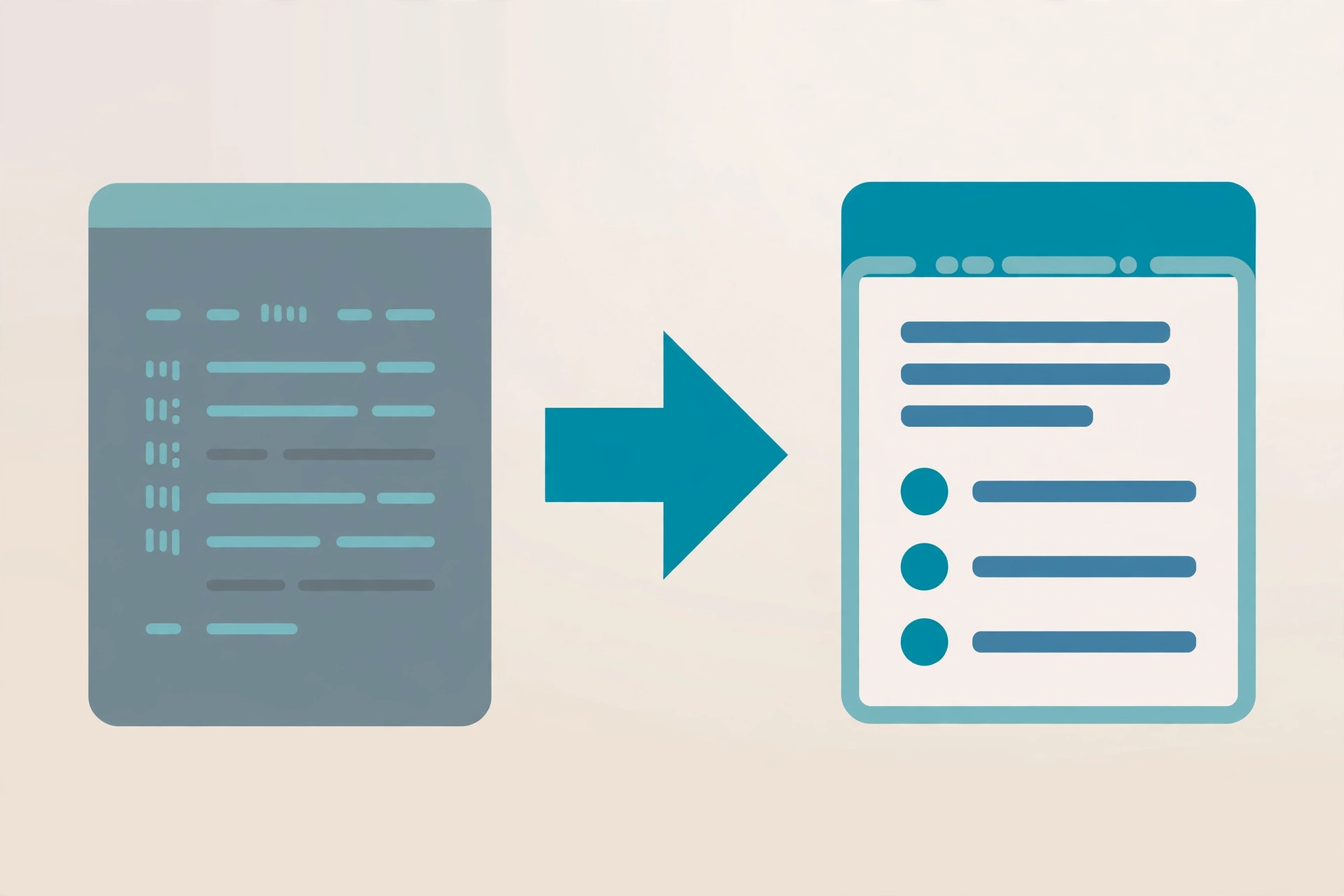
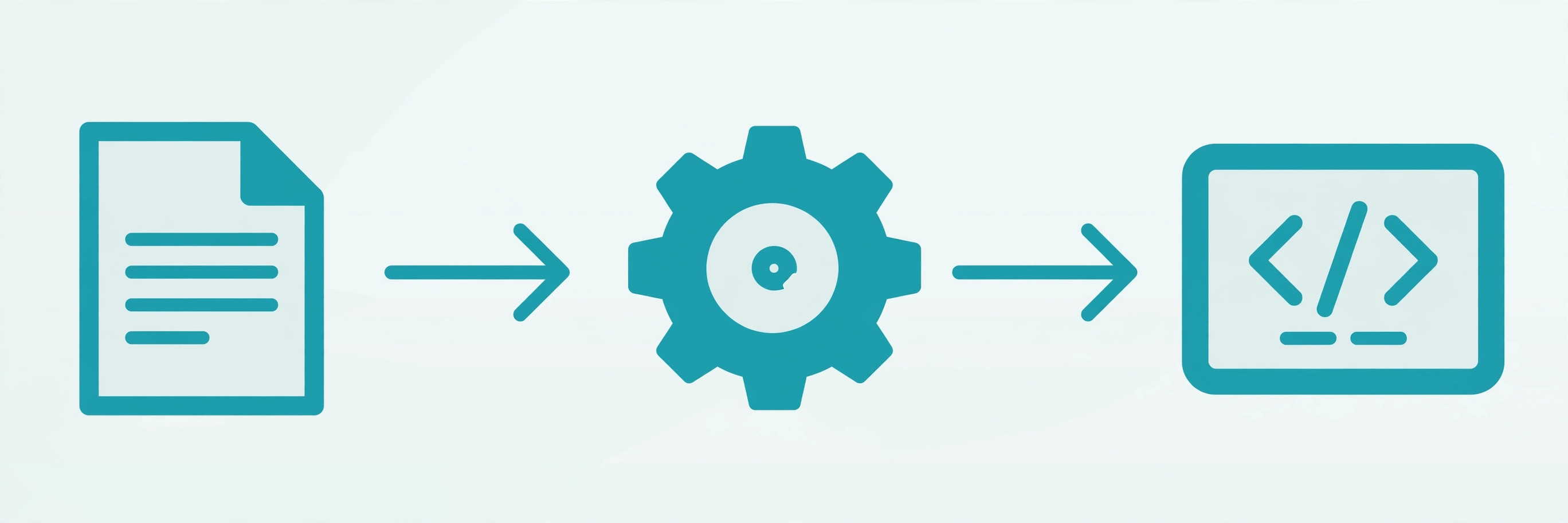
If you have ever edited a README on GitHub, formatted a message on Discord or Reddit, or written documentation that looked clean without touching a single HTML tag, you have already used it. What is Markdown? It is a lightweight markup language — and the converter that goes with it — for turning easy-to-read plain text into structurally valid HTML. John Gruber created it in 2004, and its entire design philosophy fits in one sentence: a Markdown document should be readable as-is, before it is ever converted. This guide covers the 7 building blocks of Markdown syntax, code blocks, tables and the flavor problem, where Markdown beats HTML, the 5 mistakes every beginner makes, and how to try it live in our free converter.
What is Markdown, exactly?
Gruber's own definition, still on daringfireball.net, is worth quoting: "Markdown is a text-to-HTML conversion tool for web writers. Markdown allows you to write using an easy-to-read, easy-to-write plain text format, then convert it to structurally valid HTML." Note the two halves: (1) a plain-text formatting syntax and (2) a software tool (originally written in Perl) that converts that syntax to HTML.
The overriding design goal was readability. Markdown's syntax was heavily influenced by the conventions of plain-text email — the > for quotes, the asterisks for emphasis — so a Markdown file never looks like it has been "marked up with tags or formatting instructions." Markdown is free software under a BSD-style open-source license. The original 2004 description left several behaviors ambiguous, which is why different renderers disagreed on edge cases — a problem addressed in 2014 when contributors released CommonMark, an unambiguous specification with a test suite. If you want your Markdown to render the same everywhere, write CommonMark-core syntax.
Where you'll actually meet Markdown
Markdown won by being everywhere developers already were:
- GitHub:
README.mdfiles, issues, pull requests, and wikis all render Markdown — it's the default documentation format of open source. - Documentation: docs sites, wikis, and static-site generators treat Markdown as the source format and build HTML from it.
- Chat and forums: Discord, Slack, Reddit, and Stack Overflow all accept Markdown-ish formatting for bold, italics, code, and quotes.
- Note-taking: apps like Obsidian and Joplin store notes as plain Markdown files you own outright — no proprietary format.
- APIs and changelogs: REST API docs and release notes are routinely written in Markdown because it diffs cleanly in version control.
Underneath, a Markdown file is just plain ASCII/UTF-8 text — which is exactly why it plays so well with git, search, and every text editor ever made.
The 7 building blocks of Markdown syntax
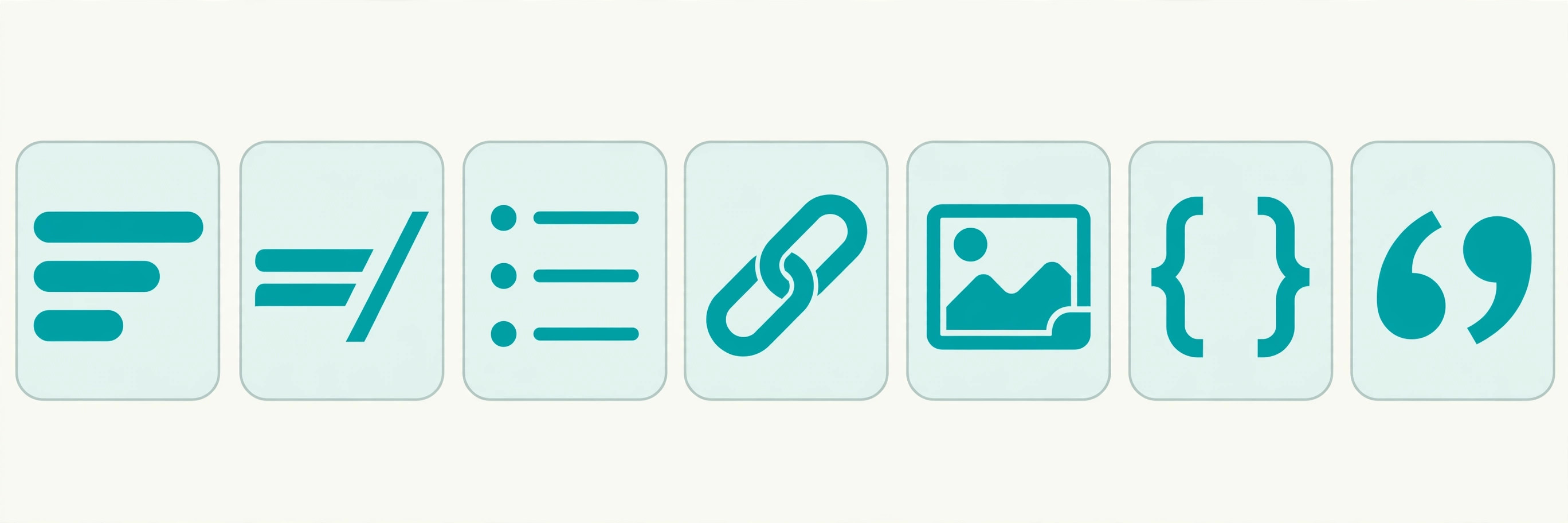
Everything in Markdown is built from seven constructs. Learn these and you know ~95% of daily Markdown:
- Headings — one to six
#characters, with a space after them:
(There is also an older "setext" style using# Heading 1 ## Heading 2 ### Heading 3===/---underlines, but the#style is what everyone uses.) - Emphasis —
**bold**,*italic*,***bold italic***. Underscores work too (__bold__), but see mistake #3 below before sprinkling them around. - Lists — unordered with
-,*, or+; ordered with numbers. Indent to nest. Leave a blank line before and after the list:- Apples - Oranges - Blood oranges 1. First step 2. Second step - Links —
[link text](https://example.com). There is also a reference style that keeps long URLs out of your prose:[Zento tools][1] [1]: https://zentotoolshub.com - Images — links with a
!in front:. The alt text doubles as the accessibility label. - Code — inline code in backticks:
`npm install`. Multi-line code gets fenced blocks (next section). - Blockquotes and rules —
> quoted textfor quotes;---on its own line for a horizontal rule.
Code blocks, done right
Developers live in code blocks, and Markdown gives you three ways to make them:
- Fenced blocks (the modern standard) — triple backticks, optionally with a language name so renderers can syntax-highlight:
```python def greet(name): return f"Hello, {name}" ``` - Indented blocks — indent every line by four spaces. This is the original 2004 mechanism; it still works, but fenced blocks are clearer.
- Inline code — single backticks for
code spansinside a sentence. Need a literal backtick inside? Wrap the span in double backticks:`` ` ``.
One rule trips people up: everything inside a code block is literal — no emphasis, no links, no formatting is processed there. That's the point: code blocks show exactly what you typed.
Tables, task lists, and the flavor problem
Here is where beginners get confused, because the most useful extras are not part of original Markdown at all. Tables, task lists, and strikethrough come from GitHub Flavored Markdown (GFM):
| Name  | Role      |
|-------|-----------|
| Alice | Developer |
| Bob   | Designer  |

- [x] Ship the docs
- [ ] Fix the typo

~~deleted text~~
These render beautifully on GitHub — and may render as literal pipes, brackets, and tildes anywhere else. That is the flavor problem: "Markdown" is really a family of related syntaxes, and extensions don't travel. Two honest consequences follow:
- If your document must render everywhere, stick to core syntax and skip tables and task lists.
- Our Markdown to HTML converter deliberately supports core Markdown only — no GFM tables, task lists, or strikethrough — so what you see is the portable subset.
Markdown flavors: CommonMark and GFM
Two names cover most of the Markdown world:
- CommonMark — the 2014 specification that pinned down the ambiguous corners of original Markdown, with a test suite renderers can check themselves against. Latest version: 0.31.2 (January 2024). When a tool says "CommonMark compliant," it means your document will render identically in any other compliant tool.
- GitHub Flavored Markdown — CommonMark plus GitHub's extensions (tables, task lists, strikethrough, autolinked URLs, and more). It's what renders on github.com, and most "Markdown" tools aimed at developers follow it.
Practical rule: write CommonMark core for anything that leaves GitHub — READMEs that get copied into docs sites, notes you export, content you paste into a converter. Save the GFM extras for places you know render them.
Markdown vs HTML vs WYSIWYG
Why not just write HTML, or use a visual editor? Each has a lane:
- Markdown wins on readability and portability. A
.mdfile opens in any editor, diffs beautifully in git, and will still be readable in 20 years. HTML is verbose; WYSIWYG editors hide the structure and lock you into their format. - HTML wins on control. Complex layouts, custom styling, and interactive elements need real markup. Markdown was never meant to replace HTML for page design — and it doesn't try: most flavors let you drop raw HTML inline when you need it.
- WYSIWYG wins on approachability for non-technical writers, at the cost of messy underlying markup and copy-paste surprises.
For prose with light structure — docs, READMEs, notes, blog drafts — Markdown is the sweet spot: faster to write than HTML, cleaner than a visual editor's output, and the source stays human-readable forever. That plain-text foundation is the same reason UTF-8 text and formats like JSON age so well.
5 Markdown mistakes every beginner makes
- No space after
#.#Titleis not a heading in CommonMark — it's a paragraph starting with a hash. Always write# Title. - Forgetting blank lines. Lists, code blocks, and blockquotes usually need an empty line before and after them, or the renderer merges them into the surrounding paragraph.
- Underscores inside words. Some older or non-CommonMark parsers turn
my_file_nameinto myfilename. For filenames, variables, and anything with underscores, use backticks:`my_file_name`. - Assuming tables work everywhere. They are a GFM extension (see the flavor problem above). If your converter doesn't do GFM, pipes stay pipes.
- Mixing list markers and indentation. Switching between
-and*mid-list, or indenting nested items inconsistently, breaks nesting in strict parsers. Pick one marker and indent nested items by two spaces.
Try Markdown yourself
- Paste
# Hello **world**into our Markdown to HTML converter and watch it become a heading. - Try a fenced code block with a language tag and check the output HTML.
- Paste a GFM table — notice it stays literal, because the converter targets the portable core subset.
- Open any
.mdfile in a plain text editor: that readability is the feature.
Markdown is the rare tool that got simpler as it spread: a 2004 idea — write readable plain text, convert it to HTML — that survived because the input never stops being readable. Learn the seven building blocks, respect the flavor problem, and default to CommonMark core when your words need to travel. References: Markdown on Daring Fireball and the CommonMark spec. Next, see how the text underneath it all works in what ASCII is and UTF-8 encoding explained.
Frequently asked questions
- What does Markdown stand for?
- It doesn't stand for anything — the name is a play on the term "markup language". The joke is that Markdown lets you mark up text without ever looking like you did.
- Is Markdown a programming language?
- No. Markdown is a lightweight markup language: a set of plain-text conventions for formatting (headings, bold, lists, links) that a converter turns into HTML. There is no logic, no variables, no execution.
- Who created Markdown?
- John Gruber created Markdown in 2004, with Aaron Swartz as his sounding board on the syntax design. Gruber's stated goal was a format so readable that a Markdown document is publishable as-is, as plain text.
- What is the difference between Markdown and HTML?
- Markdown is the shorthand you write; HTML is usually what comes out. "# Title" is easier to type and read than "<h1>Title</h1>", and a converter translates between them. You can also drop raw HTML into most Markdown when you need layout Markdown can't express.
- What is CommonMark?
- CommonMark is an unambiguous specification (plus a test suite) for Markdown, first released in 2014 to fix the ambiguities in Gruber's original description that had caused renderers to disagree. The latest version is 0.31.2 (January 2024). Writing CommonMark-core syntax is the safest way to stay portable across tools.
- What is GitHub Flavored Markdown (GFM)?
- GFM is GitHub's extension of Markdown, adding tables, task lists, strikethrough, and autolinked URLs to the core syntax. It is what renders READMEs, issues, and pull requests on GitHub — but those extras are not part of original Markdown and won't render in every converter.
- What file extension does Markdown use?
- .md is the standard extension (you'll also see .markdown on older files). The registered internet media type is text/markdown.
- How do I convert Markdown to HTML?
- Paste it into a converter — try our free Markdown to HTML converter, which runs entirely in your browser. It handles core Markdown syntax: headings, emphasis, lists, links, images, code, and blockquotes.
Related articles
What Is a Proxy Server? 7 Things Every Developer Should Know (With Examples)
What is a proxy server? Learn how proxy servers work for developers — forward vs reverse, HTTP vs SOCKS, CONNECT tunneling, and proxy vs VPN. With examples.
Web DevelopmentWhat Is an API Gateway? 7 Things Every Developer Should Know (With Examples)
What is an API gateway? Learn how API gateways work for developers — routing, auth, rate limiting, aggregation, and when not to use one, with code examples.
Web DevelopmentWhat Is a Load Balancer? 7 Things Every Developer Should Know (With Examples)
What is a load balancer? Learn how load balancers work — Layer 4 vs Layer 7, routing algorithms, health checks, and sticky sessions, with config examples.