What Is a Session? 7 Things Every Developer Should Know (With Examples)
October 31, 2026 · Web Development
You sign in to a website, click to a second page, and the site still knows who you are. Nothing about that is automatic. HTTP is a stateless protocol: each request is independent, and the server forgets you the moment it answers. What is a session? It is the mechanism that fixes that amnesia — a server-side record of one visitor's ongoing interaction, keyed by a random session ID the browser presents with every request. This guide explains how sessions work, where the data lives, and the security rules that keep them safe.

1. The problem a session solves: HTTP forgets everything
Without sessions, every request starts from zero: the server could not tell a signed-in user from a stranger, keep a shopping cart across pages, or remember a language preference. Each request would have to carry credentials or start over — unusable and unsafe.
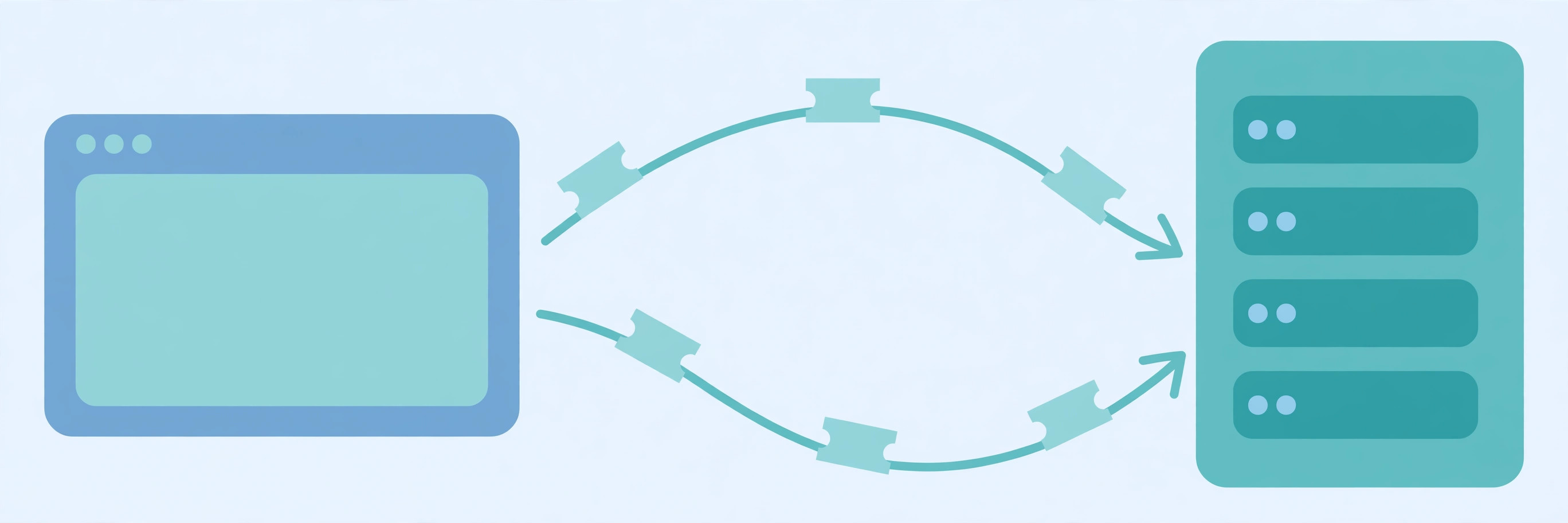
A session adds memory to a forgetful protocol. On the first request, the server creates a session record and hands the browser a session ID. On every later request, the browser sends that ID back, the server looks up the record, and the conversation continues. The ID is the only thing that crosses the wire; the data itself never leaves the server. That split — a meaningless key on the client, real data on the server — is the whole design.
2. How a session works, step by step
The flow has four steps, and every framework implements the same four, whatever its syntax:
- Create. When a visitor arrives (or signs in), the server generates a session ID with a cryptographically secure random generator and creates an empty record for it. OWASP recommends at least 64 bits of entropy, and 128 bits or more if you generate IDs yourself.
- Deliver. The server sends the ID to the browser, almost always in a
Set-Cookieheader. Our cookie guide covers that header in full; the short version is that the browser stores the cookie and returns it automatically with later requests to the same site. - Look up. On each request, the server reads the session ID from the cookie, finds the matching record, and loads it — user ID, cart contents, preferences — before running your code.
- End. The session dies by logout, by timeout, or by the server deleting the record. A correct logout deletes the server-side record; merely clearing the browser cookie leaves a valid session ID in the wild until it expires.
A minimal version of that flow, run locally to verify the logic, looks like this:
import secrets

sessions = {}  # server-side store: session_id -> data

def create_session(user_id):
    sid = secrets.token_urlsafe(32)  # CSPRNG, ~256 bits
    sessions[sid] = {"user_id": user_id, "cart": []}
    return sid

def get_session(sid):
    return sessions.get(sid)  # None = unknown or logged out

def regenerate_on_login(old_sid, user_id):
    sessions.pop(old_sid, None)  # retire the pre-login id
    return create_session(user_id)

def logout(sid):
    sessions.pop(sid, None)  # cookie alone becomes useless
Run against a small test, the behaviour checks out: the pre-login ID stops working the moment login regenerates it, the new ID carries the cart, and after logout the same ID returns nothing. Nothing here is framework magic — a dictionary, a random key, and disciplined deletion.
3. Where session data actually lives
There are three homes for session data, and the choice matters more than the framework:
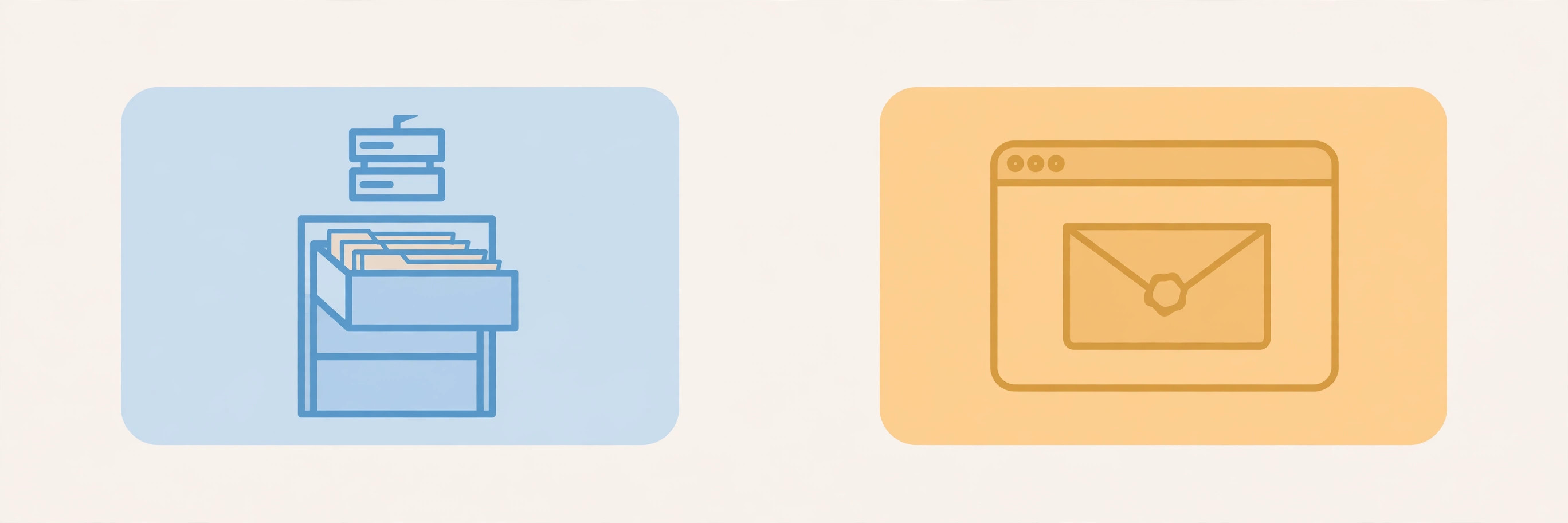
- Server memory. The simplest store — a dictionary in the running process. It is fast and it vanishes on restart, and it breaks the moment you run two servers: a request landing on the second server finds no session. Fine for local development, wrong for production.
- A shared store. A database or an in-memory cache that every server can reach. This is the standard production answer: any server can look up any session, sessions survive a single server restarting, and expiry can be enforced centrally. The cost is one extra lookup per request.
- A signed cookie on the client. Some frameworks skip the server store entirely and put the session data itself in a cookie, sealed with a server-side signature so the client cannot tamper with it. Nothing to look up and nothing to delete — but the data is capped at roughly 4 KB per cookie, it travels with every request, and revocation is impossible: you cannot delete data you never stored. A stolen signed cookie stays valid until it expires.
The rule of thumb: if you ever need to end a session early — logout, password change, account suspension — you need server-side state. Client-side sessions trade that control away for simplicity.
4. Session vs cookie vs token: three words, three jobs
These three get mixed up because they overlap in real systems. They are different layers:
- Cookie — a storage location. Data lives in the browser and is sent with every request. Cookies carry session IDs, preferences, and tracking markers; they are not themselves sessions.
- Session — server-side memory of one visitor, keyed by an ID. The ID usually travels in a cookie, but the session itself is the server's record.
- Token — a self-contained credential, such as a JWT, that a server can verify without looking anything up. Tokens scale across services that share no store, but they cannot be revoked early — only left to expire.
Two more meanings cause confusion. An analytics session is a marketing metric — a period of activity, typically timed out after 30 minutes of inactivity — not a server record. A TCP session is a transport-layer connection, not a login. Unqualified, developers mean the web session in this guide.

5. How sessions end: two clocks, not one
A session that never ends is a standing invitation. Production systems run two timeouts:
- Idle timeout. The session dies after a period with no requests. A banking site signing you out after minutes idle is an idle timeout doing its job.
- Absolute timeout. The session dies after a fixed total lifetime, even if you stay active. This bounds the damage of a stolen ID: it stops working at a known time no matter what.
Use both, and keep both short on sensitive apps. A "remember me" checkbox is not a longer session — it is a separate credential with its own rules. And a session cookie (no expiry date, deleted when the browser session ends) is not the same thing as a session: browsers with session restore can keep "session" cookies alive across restarts, so never rely on the cookie's lifetime — enforce expiry on the server.
6. The security rules that matter
A session ID is, for its lifetime, as powerful as the password that created it — OWASP states this directly. Four rules follow:
- Regenerate on login. Issue a fresh ID and retire the pre-login one whenever privilege changes. Otherwise an attacker who planted an ID before login — session fixation — inherits the signed-in session. This is the single most skipped session rule.
- Never put session IDs in URLs. URLs leak into browser history, bookmarks, server logs, and the Referer header. Cookies exist precisely to avoid that exposure.
- Lock down the cookie. The session cookie should be
HttpOnly(JavaScript cannot read it, which blunts cross-site scripting theft),Secure(sent only over HTTPS), andSameSite=Laxor stricter (limits cross-site sending). Our HTTP vs HTTPS guide explains why the encrypted channel matters here. - Keep IDs random and meaningless. A sequential or guessable ID is an account-takeover bug. Use the framework's generator, never a timestamp, a username, or an incrementing counter — and never encode user data in the ID itself.
One more honesty note: the session ID cookie's name itself can leak information. Framework defaults like PHPSESSID advertise the stack, which is why OWASP recommends a generic name. Small detail, cheap fix.
7. When to use a session — and when not to
Use a server-side session when one server (or a shared store) serves the user and you need instant revocation: web apps with login, carts, and admin panels. That covers most browser-facing work, and it is why sessions remain the default for web apps decades after they were invented.
Reach for something else when the shape does not fit. A stateless REST API called by many independent services, with no shared store, is a token's job. A purely anonymous preference, like a theme choice, does not need a session at all — a plain cookie does it. And a high-traffic read path should not pay a session lookup on every request; our caching guide covers the faster alternatives. The client vs server guide is the companion piece: a session is simply the server's side of that conversation, remembered.
Common mistakes to avoid
- Storing sensitive data in the cookie instead of the session. Cookie contents are visible to the user and travel with every request. Keep them to an opaque ID.
- Skipping regeneration at login. The pre-login ID must die when privilege rises, or fixation attacks work.
- Logging out client-side only. If the server record survives, the session survives. Delete server-side.
- Putting the session ID in a URL. It leaks into logs, history, and referrers. Use a cookie.
- Using predictable IDs. Sequential or timestamp-based IDs are guessable. Use a secure random generator.
- Trusting the cookie's lifetime for expiry. Enforce idle and absolute timeouts on the server; browsers may restore "session" cookies.
- Keeping sessions in one server's memory in production. The second server will not know them. Use a shared store.
A session is a disciplined trade: the server remembers, the browser carries only a random ticket, and both sides agree on when the conversation ends. Build it that way — random IDs, server-side state, regeneration at login, real logout, two timeouts — and it stays safe. References: MDN's Using HTTP cookies and OWASP's Session Management Cheat Sheet.
Frequently asked questions
- What is a session in web development?
- A session is a server-side record of one visitor's ongoing interaction with a website, keyed by a session ID the browser sends with each request. Because HTTP itself is stateless — every request is independent — the session is what lets the server remember that the browser asking for this page is the same one that signed in or filled a cart a minute ago.
- What is the difference between a session and a cookie?
- A cookie is where a small piece of data lives: on the client, in the browser. A session is what the server remembers: its data lives on the server, and only the session ID travels in a cookie. Cookies are capped at roughly 4 KB each; session data on the server has no such cap. Confusing the two is the most common session mistake.
- What is a session ID?
- A session ID is a long, random, meaningless string that acts as the lookup key for one session's server-side data — the coat-check ticket, not the coat. OWASP recommends at least 64 bits of entropy from a cryptographically secure random generator, and 128 bits or more if you generate IDs yourself. It must never encode a username, user ID, or anything sensitive.
- What is the difference between a session cookie and a session?
- They share a word and nothing else. A "session cookie" is a cookie with no expiry date, which the browser deletes when the browser session ends. A "session" is the server-side record described in this guide. A session ID is usually carried in a session cookie, but a session can outlive any one cookie, and a session cookie can carry data that is not a session at all.
- When should a session ID change?
- Whenever privilege changes — most importantly at login. If a visitor browses anonymously with one session ID and then signs in, the server must issue a fresh ID and retire the old one. Otherwise an attacker who planted the pre-login ID (a session fixation attack) inherits the signed-in session. MDN gives the same advice: regenerate and resend session cookies whenever a user authenticates.
- How long should a session last?
- Two clocks, not one. An idle timeout ends the session after inactivity (for example, a banking site signing you out after minutes idle), and an absolute timeout ends it after a fixed total lifetime even if you stay active, forcing a fresh login. Sensitive apps use both and keep both short; a "remember me" checkbox is a separate, long-lived mechanism, not an endless session.
- Session or JWT — which should I use?
- Use a server-side session when you need instant revocation: logout, password change, or banning a user must take effect immediately, which only deleting server-side state guarantees. Use a token like a JWT when you need stateless verification across many services that cannot share a session store. Many real systems use both: a session for the browser, tokens for service-to-service calls.
- Does logging out delete the session?
- It must delete it on the server, not just in the browser. Clearing the cookie on the client while the server-side record still exists leaves a valid session ID that anyone holding a copy can still use until it expires. A correct logout deletes the server-side session and tells the browser to drop the cookie.
Related articles
What Is a Database Index? 7 Things Every Developer Should Know (With Examples)
What is a database index? Learn how database indexes work — B-trees, composite and covering indexes, write costs, and when not to index — with SQL examples.
Web DevelopmentWhat Is a Proxy Server? 7 Things Every Developer Should Know (With Examples)
What is a proxy server? Learn how proxy servers work for developers — forward vs reverse, HTTP vs SOCKS, CONNECT tunneling, and proxy vs VPN. With examples.
Web DevelopmentWhat Is an API Gateway? 7 Things Every Developer Should Know (With Examples)
What is an API gateway? Learn how API gateways work for developers — routing, auth, rate limiting, aggregation, and when not to use one, with code examples.