What Is a URL Slug? 7 Things Every Developer Should Know (With Examples)
November 13, 2026 · Web Development
Every link you click ends in a short, readable label — the words after the last slash that name the page. So what is a URL slug? It is that final, human-readable segment of a web address, the part that turns a forgettable string of numbers into something readable and shareable. This guide covers the definition, the anatomy, what Google says, the seven rules, a runnable demo, non-ASCII titles, and renaming a live slug.
What is a URL slug?
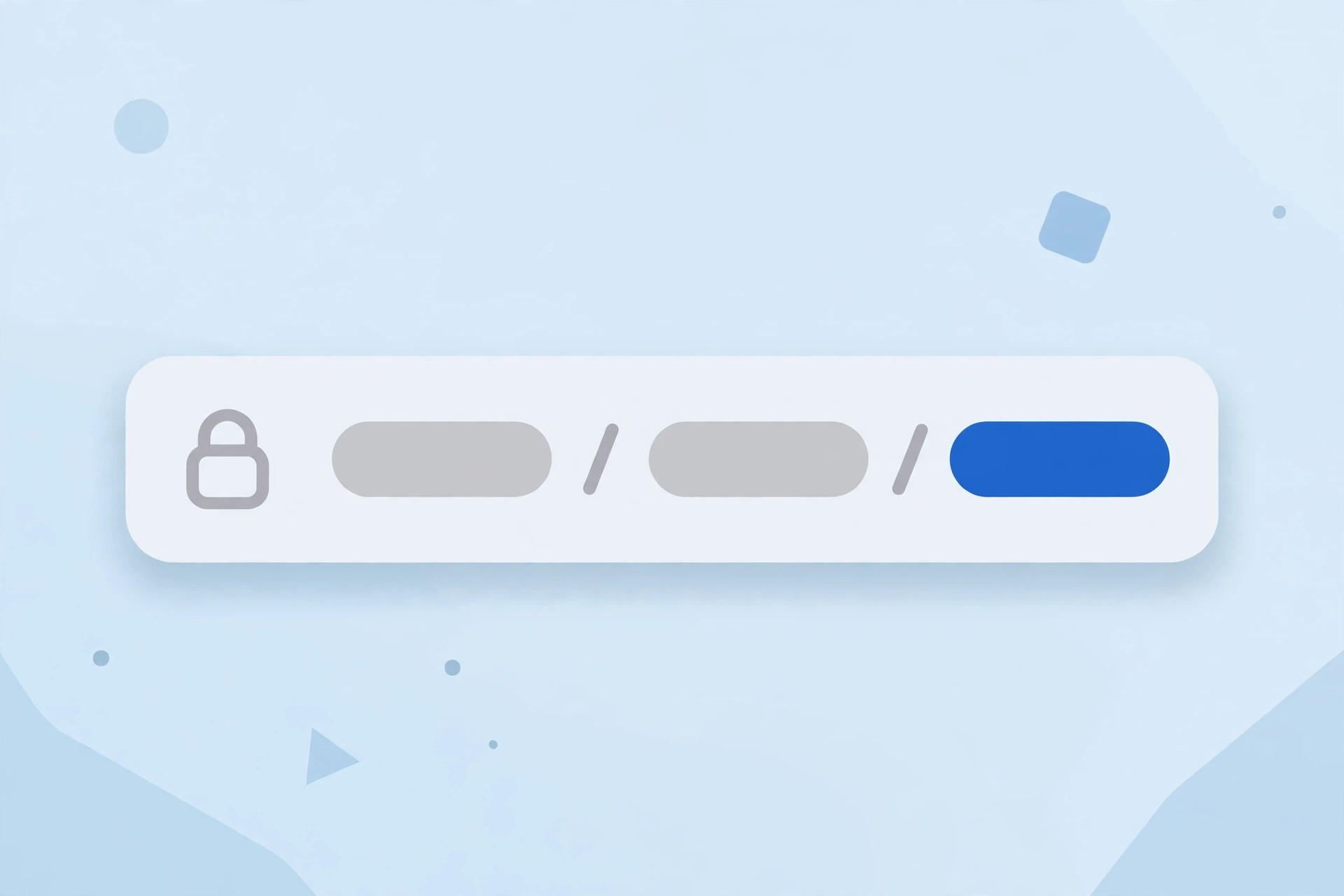
A URL slug is the readable text in a URL's path that identifies one specific page — usually the last segment. Take this page's own address: https://zentotoolshub.com/blog/what-is-a-url-slug. The domain is zentotoolshub.com, the folder is /blog/, and the slug is what-is-a-url-slug. The domain stays the same across the site; the slug is what makes each page's address unique, and two pages cannot share one at the same level.
The word comes from newspaper publishing, where editors gave each story a short working label — a slug — before it had a headline. The web kept the idea. Content systems generate it from the title: WordPress builds the slug from the post title and lets you edit it.
A slug serves two readers at once: people, who guess what is on the page before they open it, and crawlers, who use it as an early signal of the topic — early, because it is one of the first things they see, and only a signal, because the content matters far more.
Slug vs URL vs permalink vs handle
Four terms get mixed up constantly. They are not the same thing:
| Term | What it is | Example |
|---|---|---|
| URL | The complete web address, from the scheme to the end | https://example.com/blog/best-hiking-boots |
| Slug | The readable final segment of the path, naming the page | best-hiking-boots |
| Permalink | The stable, permanent URL of a page as stored by your CMS | The full address above, saved as the page's permanent link |
| Handle | Shopify's name for the same thing — the editable slug of a product, collection, or page | organic-cotton-t-shirt in a product URL |
| Path / folders | The directories before the slug, showing where the page lives | /blog/ in the example above |
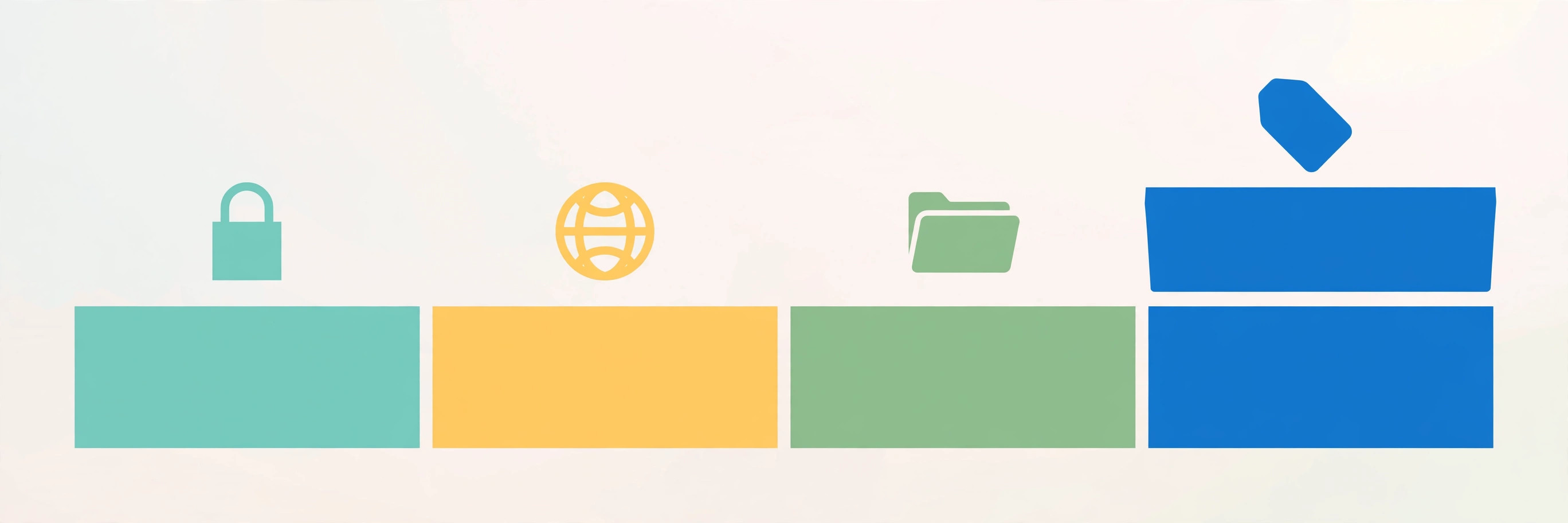
Two things that look like part of the slug are not. Anything after a ? is the query string — parameters like ?sort=price that change the view, not the page — and our query string guide explains how those work; GET requests carry their data there too. Anything after a # is a fragment, an anchor inside the page. And the slug is not the whole path: a page at /guides/beginner/how-to-write-a-url-slug has folders /guides/beginner/ and the slug how-to-write-a-url-slug. Slugs also appear outside pages: REST APIs use them as resource identifiers (/users/john-doe, not /users/48392), and a cookie can be scoped to a path — see our cookie guide.
Why slugs matter for SEO — a little, not a lot
Google has been consistent for a decade. In 2016, John Mueller called keywords in a URL "a very small ranking factor", not worth restructuring a site for. In 2021 he called words in a URL "a very, very lightweight factor", mainly relevant "when we haven't had access to the content yet" — once a page is indexed, "it's pretty much the same thing". In October 2026, Gary Illyes repeated it in Google's Search Central video series, calling URL keywords "an incredibly small signal".
Length does not matter either: Mueller has said URL length is not a ranking factor — "we use URLs as identifiers; it doesn't matter how long they are". Stop words are fine too: "don't overthink it" — use URLs that last.
So what does a slug actually do for search? Three honest things: a small, early relevance signal before Google has the content; a readable label in the address bar and shared links, where it tells a human what they will get before they click; and a stable, memorable address people link to. A descriptive slug helps people understand a URL. It does not guarantee higher rankings or click-through rates, and any guide that promises either is selling you something.
The 7 rules of a good slug
Everything above collapses into seven rules. They come straight from Google's published URL guidance, checked against the live documentation while writing this guide:
- Lowercase everything. URLs are case sensitive: Google treats
/APPLEand/appleas distinct URLs with their own content. Mixed case invites duplicate-content mistakes and broken links when someone retypes the address in lowercase. - Hyphens, not underscores. Google recommends "using hyphens (-) instead of underscores (_) to separate words in your URLs, as it helps users and search engines better identify concepts in the URL". Underscores have historically been treated as part of the word, so
url_slugcould be read as the single tokenurlslug. - Use words, not IDs. Google's guidance: "when possible, use readable words rather than long ID numbers in your URLs".
/blog/what-is-a-url-slugtells a reader what the page is;/index.php?topic=42tells them nothing. - Keep it short — 3 to 5 words. A slug is not a transcription of the title: titles can run long to earn the click, but a slug only needs to carry the topic. Trim ruthlessly — the demo below trims a 12-word title to 5 words.
- Put the keyword near the front. The only ranking value a slug has is that tiny pre-crawl signal, so front-load the topic word — if the page is about URL slugs, start with
url-slug. - Use your audience's language. Google's guidance says to use words in your audience's language, "and, if applicable, transliterated words" — German words for a German audience, Japanese for a Japanese one, percent-encoded where needed (see the section after next).
- Make it stable — choose a slug you can keep for years. A slug is a promise the address will keep working. Avoid dates, version numbers, and campaign words that will age — the rename rule in the last section is the price of breaking this one.
Verified demo: turn any title into a slug
A slugifier does four mechanical jobs: lowercase, strip accents, drop punctuation, and join the remaining words with single hyphens. I ran every line below while writing this guide:
import re, unicodedata

def slugify(title, max_words=5):
    s = unicodedata.normalize('NFKD', title).encode('ascii', 'ignore').decode('ascii')
    s = s.lower().replace("'", "")
    s = re.sub(r'[^a-z0-9]+', '-', s).strip('-')
    return '-'.join(s.split('-')[:max_words])

slugify("What Is a URL Slug? 7 Things Every Developer Should Know (With Examples)")
# what-is-a-url-slug

slugify("Café au Lait: A Beginner's Guide!")
# cafe-au-lait-a-beginners

slugify("API v2.0 — What's New & Improved?")
# api-v2-0-whats-new

slugify("  How   to   Brew  Coffee  ")
# how-to-brew-coffee
Three details matter. First, the accent strip: NFKD splits é into e plus a combining accent, which the ASCII encode drops, so Café becomes cafe — transliteration, not deletion. Second, the apostrophe is dropped before the hyphen pass, so Beginner's becomes beginners, not beginner-s. Third, the word cap: the twelve-word title keeps only its first five words. That is rule 4, done by code.
Most content systems do the same four jobs — WordPress, Django's slugify, Rails' parameterize, and JavaScript slugify packages all follow this recipe. If you build your own, test it on titles with accents, apostrophes, and em dashes first: those three are where hand-rolled slugifiers break.
Non-ASCII titles: transliterate or percent-encode?
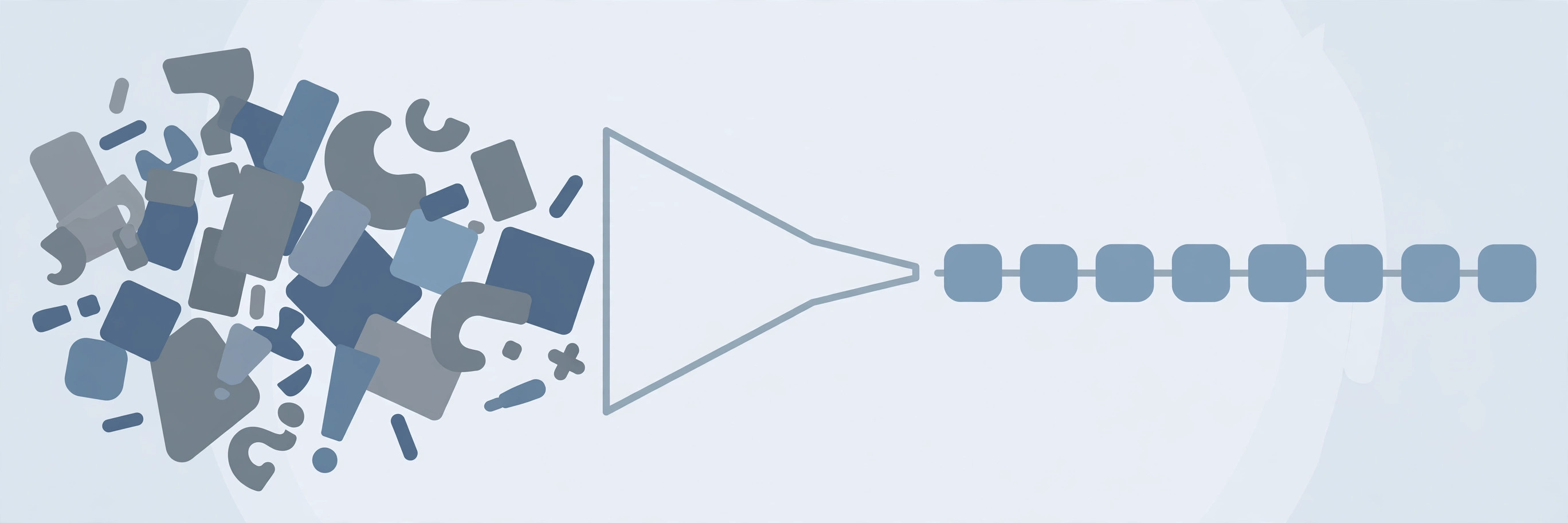
Accents and non-Latin scripts need a decision, because a URL can only safely carry a limited alphabet. Two options: transliteration, turning Café into cafe as the demo does; or percent-encoding, keeping the character as caf%C3%A9 in the address bar. I verified both encodings while writing this guide:
$ python3 -c "from urllib.parse import quote; print(quote('café'))"
caf%C3%A9

$ python3 -c "from urllib.parse import quote; print(quote('gemüse'))"
gem%C3%BCse
Google's URL documentation is explicit: non-ASCII characters should be percent encoded when linking to pages, while unreserved ASCII characters may be left as they are — its own examples show gem%C3%BCse as the recommended form against raw gemüse, and the same page says to use your audience's language in the URL. The two points fit together: a German-word slug is fine for a German audience, percent-encoded in the link; for an English audience, transliterate to plain ASCII instead. Do not leave raw non-ASCII characters in a link's href and hope every browser, server, and crawler agrees on the encoding — that is how you get mojibake and broken links. Our percent-encoding guide has the full reserved-vs-unreserved rules.
Renaming a live slug: the 301 rule
Sooner or later someone will want to rename a slug — to add a keyword, fix a typo, or match a new title. The rule is non-negotiable: never rename a live slug without a 301 redirect from the old address to the new one. The old slug is every bookmark, backlink, and search result pointing at the page; without the redirect, all of them break at once with a 404.
Even with a redirect, think twice: restructuring a site to force keywords into URLs is not worth it — the ranking value is very small. A rename is worth doing when the page itself genuinely changes — a corrected name, a merged topic, a fixed error — not when a checklist says the slug could be 5% better. If you do rename, do the whole job: add the 301, update every internal link, update the sitemap, and ask Google to recrawl the new address. And never rename by changing only the case — /Apple to /apple looks like a tidy-up, but to Google those are two distinct URLs, and you have just created a duplicate.
Slugs are cheap to write and expensive to change: spend the extra minute choosing one that will still make sense in five years, and you will never need the redirect.
What is a URL slug? The last readable segment of a web address — the part that names the page, lowercase, hyphenated, and built from the words that describe it. It is a very small ranking signal and a large readability one: it tells people what they will get before they click, and stays readable when shared. Write it short, keep it stable, and never rename it without a redirect. For the authoritative details, read Google's URL Structure Best Practices and MDN's guide to what a URL is.
Frequently asked questions
- What is a URL slug in simple terms?
- A URL slug is the short, readable label at the end of a web address that names one specific page — the words after the last slash. In https://example.com/blog/best-hiking-boots, the slug is best-hiking-boots. It is lowercase, hyphenated, and built from the words that describe the page.
- What is an example of a URL slug?
- In https://zentotoolshub.com/blog/what-is-a-url-slug, the slug is what-is-a-url-slug. In a shop, https://example.com/products/organic-cotton-t-shirt has the slug organic-cotton-t-shirt. The domain and any folders stay the same across the site; the slug is the part that changes from page to page.
- Should a URL slug contain the keyword?
- Yes, when it fits naturally — put the page's main topic word in the slug, near the front. But keep expectations honest: Google has repeatedly said words in a URL are a very small ranking factor, and once a page is crawled and indexed the words in its URL barely matter. A keyword slug is good hygiene, not a ranking shortcut.
- Hyphens or underscores in a slug?
- Hyphens, always. Google's URL guidance recommends hyphens (-) instead of underscores (_) to separate words, because hyphens clearly signal a word boundary. Underscores have historically been treated as part of the word, so url_slug could be read as the single token urlslug.
- How long should a URL slug be?
- There is no official limit and Google says URL length does not affect rankings. The practical sweet spot is 3–5 words, under about 60 characters — long enough to describe the page, short enough to read at a glance, remember, and share. A slug does not need to copy the whole title.
- Can a URL slug have uppercase letters?
- Technically yes, but do not do it. URLs are case sensitive: Google treats /APPLE and /apple as distinct URLs with their own content. Mixed case invites duplicate-content mistakes and broken links when someone retypes the address in lowercase. Keep every slug lowercase.
- What happens if I change a slug after publishing?
- The old address stops working. Every bookmark, backlink, and search result pointing at it returns a 404 unless you add a 301 redirect from the old slug to the new one. That is why slugs should be chosen to last: rename only when the page itself genuinely changes, and always redirect.
- Is a slug the same as a permalink?
- No — a permalink is the full, permanent URL of a page as stored by your CMS, while the slug is only the last readable segment of it. WordPress calls the editable part of a post's URL the post slug; Shopify calls the same thing a URL handle. Different names, same idea.
Related articles
What Is a DNS Record? 9 Record Types Explained (With a Real dig Demo)
What is a DNS record? 9 types — A, AAAA, CNAME, MX, TXT, NS, SOA, PTR, CAA — explained with dig output from a live domain and the mistakes that break sites.
Web DevelopmentWhat Are Server-Sent Events? 7 Things Every Developer Should Know (With Examples)
What are server-sent events? Learn how SSE streams live updates over plain HTTP — event format, EventSource, reconnection, SSE vs WebSocket and a verified demo.
Web DevelopmentWhat Is a Service Mesh? 7 Things Every Developer Should Know (With Examples)
What is a service mesh? Learn how service meshes work — sidecars, data plane vs control plane, mTLS, traffic splitting — with a verified demo and examples.