What Is API Pagination? 7 Things Every Developer Should Know (With Examples)
November 3, 2026 · Web Development
Ask an API for every order a store ever took, and two things go wrong at once: the server has to assemble a giant response, and your client has to hold it, parse it, and render it. What is API pagination? It is the agreement that stops that from happening: the API returns the list in small, bounded pages, and the client walks from page to page until the API says there is nothing left. This guide explains the three pieces of every pagination design, the two main strategies, and the mistakes that lose or duplicate records.
1. The problem pagination solves: one list is too big for one response
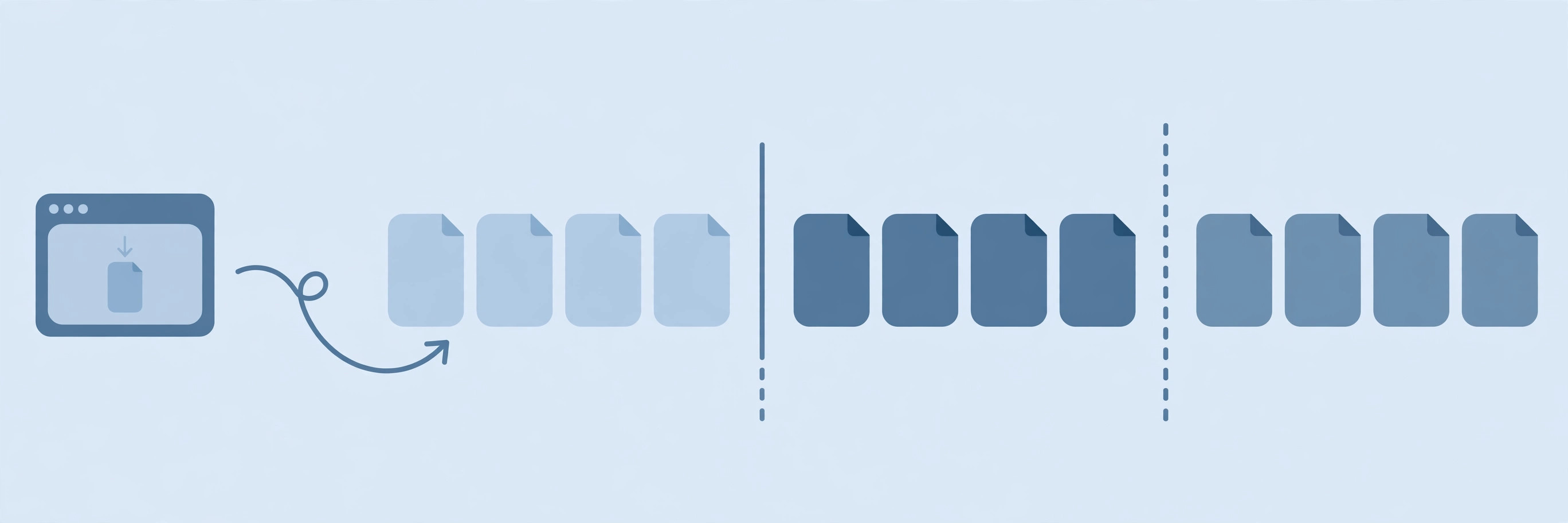
A list endpoint looks harmless with ten records and becomes a liability with a hundred thousand. The server reads, serializes, and sends all of them; the client downloads, parses, and stores all of them; one slow query or one flaky connection wastes the whole transfer. Pagination bounds that work: each request covers a fixed slice, so a failure costs one page, not the entire collection, and the client can show the first page while the rest is still loading.
That is also why pagination belongs on every collection endpoint of a REST API, even before the collection grows. Adding it later is a breaking change for clients that assumed one response held everything, while adding it early costs a few parameters. Design the contract first — page size, position, and completion signal — and the collection can grow without redesigning the endpoint.
2. The anatomy: page size, position, and a completion signal
Every pagination design, whatever its style, has the same three pieces. The page size says how many items one response carries, usually through a parameter like limit or per_page. The position says where this page starts, through a page number, an offset, or a cursor. And the completion signal says whether another page exists, so the client knows when to stop walking.
Position and size both travel as query string parameters on an ordinary GET request — for example, GET /orders?limit=20&page=3. The response then carries the items plus metadata describing the page: the current page, the page size, sometimes a total count, and a pointer to the next page. Read the metadata, not the item count, to decide whether to continue: a page that returns fewer items than the page size is not always the last page, and an empty page is a valid answer, not an error.
3. Offset and page-number pagination: simple, jumpable, and fragile on live data
Offset pagination is the easiest to explain: skip N items, take the next M. Page 3 at 20 items per page skips 40 and returns items 41 to 60. Clients can jump straight to any page, which makes it the natural choice for admin tables and search results where users click page numbers. GitHub's REST API works this way, with page and per_page parameters — and a documented cap: per_page defaults to 30 and never exceeds 100, even if you ask for more.
The fragility appears when the list changes between page fetches. Insert one record near the front and every later offset shifts by one: the item that was last on page 1 appears again first on page 2, and the item that should have been last on page 2 is never shown at all. Deep pages carry a second cost on the server side, because skipping a hundred thousand rows still means the database walks past them — the same index trade-offs that decide whether a query is fast at all. Offsets are fine for stable, browsable collections; they are the wrong tool for a feed that updates while you read it.
4. Cursor and keyset pagination: stable on live data, sequential by nature
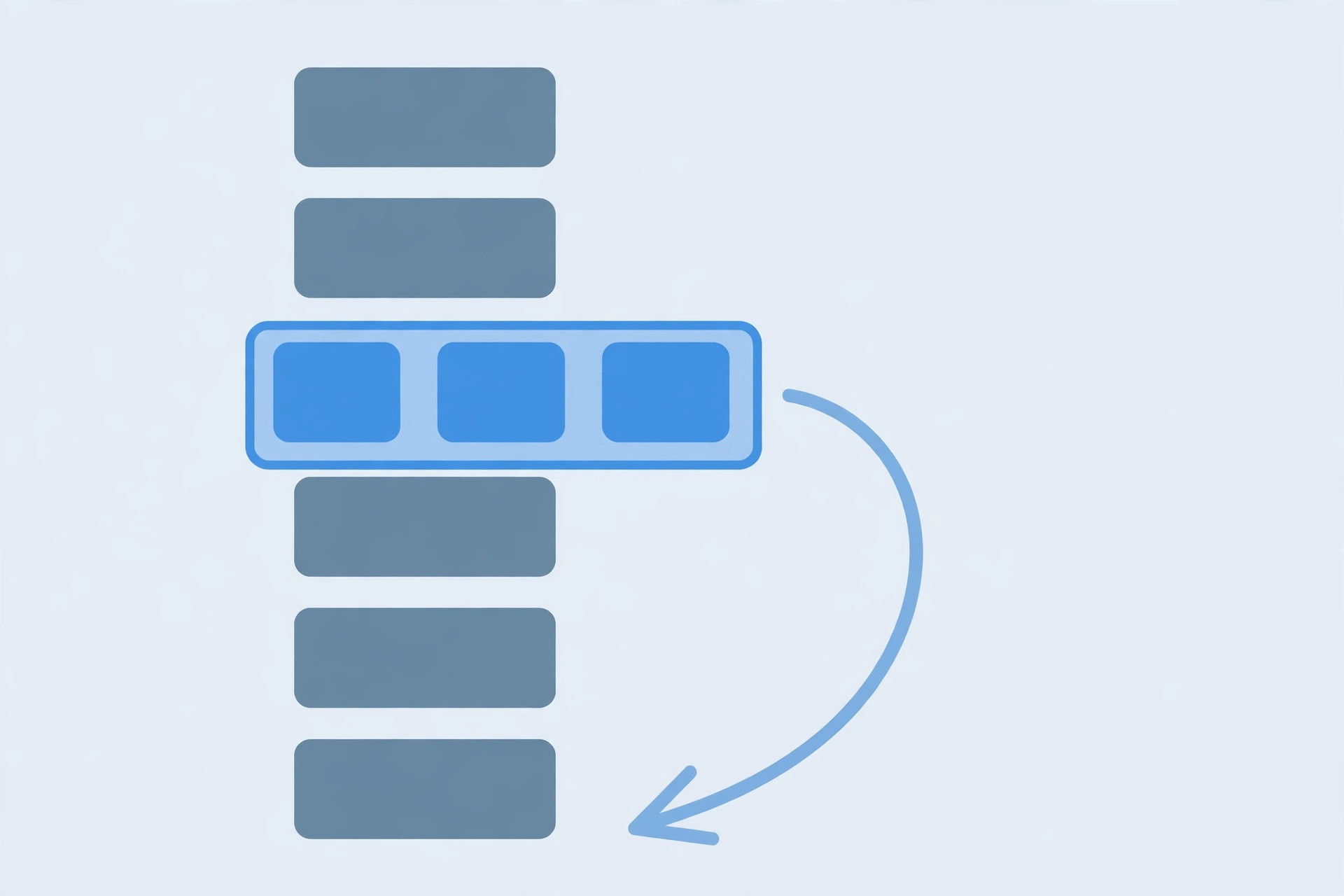
Cursor pagination replaces counting with anchoring. Instead of "skip 40", the client says "give me what comes after the item I last saw", passing that item's identifier — the cursor — back to the API. Because the anchor is a record, not a position, inserts before it do not move it: the next page starts exactly where the last one ended, with no repeats and no gaps.
Stripe's list endpoints are the canonical example: they accept limit, starting_after, and ending_before, where the cursor is an existing object ID, and each response carries a has_more flag that says plainly whether another page exists. The limit ranges from 1 to 100 and defaults to 10. The trade-off is that cursors are sequential — you cannot ask for page 5 before page 4 has answered, because page 5's cursor only exists inside page 4's response — and they are usually opaque, so clients must pass them back unchanged rather than constructing or decoding them.
5. How clients find the next page: the Link header
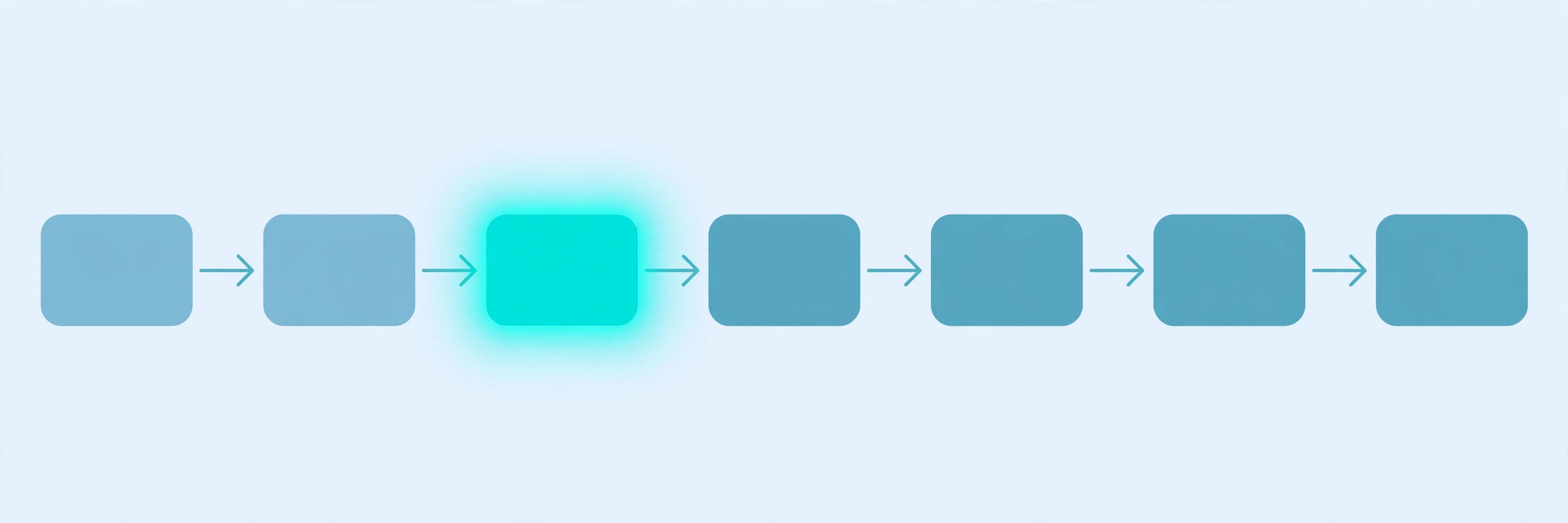
Some APIs hand the client the next page's address directly, in a Link response header. GitHub does this: a paginated response carries links labelled first, prev, next, and last, each a ready-made URL with the right query parameters already filled in. The client follows rel="next" until that link disappears — and when a response fits on one page, the header is omitted entirely, which is itself the completion signal.
Following the header beats building URLs by hand, because the API owns its parameter names. A client that hard-codes ?page=2 breaks the day the API renames the parameter or switches to cursors; a client that follows the next link keeps working. The rule generalizes: treat the server's navigation metadata as the contract, and treat your own URL arithmetic as a shortcut that will eventually go stale.
6. A verified example: walking every page without losing a record
The difference between the two strategies is easier to trust once you can run it. This Python sketch implements both over the same ten-item list, then inserts a new item at the front between page fetches, exactly as a live list would change:
items = [{"id": i, "name": f"item-{i}"} for i in range(1, 11)]

def offset_page(data, page, size):
    start = (page - 1) * size
    return data[start:start + size]

def cursor_page(data, after_id, size):
    rest = [x for x in data if x["id"] > after_id] if after_id else data
    return rest[:size]
Run locally, the behaviour matches the model. Before the insert, both strategies agree: page 1 is items 1 to 3, page 2 is items 4 to 6. After inserting item 0 at the front, offset page 2 returns items 3, 4, 5 — item 3 repeats, and item 6 quietly drops out of the walk. Cursor page 2 after item 3 returns items 4, 5, 6 unchanged. And a full cursor walk, advancing the cursor to each page's last id and stopping when a page comes back short, collects all ten items in order, with no repeats and no gaps.
7. When pagination helps — and when it hurts
Pagination helps when a collection is large, grows, or is consumed gradually — infinite scroll, exports, and sync jobs are the classic cases. It hurts when it is applied where it is not needed: a list that is always tiny, like a user's handful of notification settings, is simpler and cheaper as one response, and paginating it only adds round trips.
Two interactions deserve care. First, a paginated walk still sends many requests, so it must respect the API's rate limits and back off on a 429 response rather than hammering through them. Second, do not poll pages for fresh events when the API offers push delivery: a webhook that notifies you of each new event the moment it happens beats re-walking a paginated list on a timer, in latency, in wasted requests, and in missed updates between polls.
Common mistakes to avoid
- Assuming one response holds everything. A collection that fits today will not fit forever; code that ignores pagination silently drops records once the API starts paging.
- Stopping on a short page instead of the completion signal. A page can legitimately come back short; only the API's has_more flag, next link, or next token says the list is finished.
- Building page URLs by hand. Follow the Link header or the returned cursor; hard-coded parameter names break when the API changes them.
- Walking offsets over a changing list. Inserts and deletes shift every later offset; use cursors for anything that updates while you read it.
- Decoding or inventing cursor values. Cursors are opaque; pass them back exactly as received, and never guess the next one.
- Ignoring rate limits during a full walk. Thousands of pages mean thousands of requests; respect 429 responses and Retry-After headers.
Pagination is a small contract with a large effect: bounded pages, an honest position, and a clear signal for when to stop. Choose offsets for stable, browsable collections, cursors for feeds that change while you read them, and always let the API's own navigation metadata drive the walk. References: GitHub's Using pagination in the REST API and Stripe's Pagination reference.
Frequently asked questions
- What is API pagination in simple terms?
- API pagination is how an API returns a large list in smaller chunks called pages, instead of all at once. The client asks for one page at a time — for example, 20 items per request — and follows the API's instructions to get the next page, until there are no more pages left.
- What is the difference between offset and cursor pagination?
- Offset pagination counts from the start: page 2 with 20 items per page skips the first 20 and returns items 21 to 40. Cursor pagination anchors to the last item you saw: you pass that item's identifier back, and the API returns what comes after it. Offsets are simple and let you jump to any page; cursors stay stable when the list changes between requests.
- How do I know when I have fetched the last page?
- Use the API's own completion signal, never a guess. That signal may be a missing next link in the Link header, a has_more flag set to false, a next_page token that is absent, or a page that returns fewer items than the page size. Stop when the signal says stop, and treat an empty page as a valid result, not as proof the list is finished.
- Why do APIs limit page size?
- A page size limit protects both sides. A huge response costs the server memory and time, costs the client bandwidth and parsing time, and is more likely to time out. GitHub caps per_page at 100 and Stripe caps limit at 100 for the same reason: bounded pages keep every single request cheap and predictable.
- Should I use page numbers or cursors for a public API?
- Use cursors for feeds that change — timelines, activity logs, search results that update — because they survive inserts and deletes between page fetches. Use page numbers for stable, browsable collections where users jump around, like an admin table over data that rarely changes. If you are unsure, cursors are the safer default for anything a client walks end to end.
- Is pagination the same as rate limiting?
- No, though they interact. Pagination controls how much data one response carries; rate limiting controls how many requests a client may make in a time window. Fetching a large collection page by page still sends many requests, so a paginated walk must respect the API's rate limits and back off on a 429 response.
- Can I fetch all pages in parallel to go faster?
- Only with offset or page-number pagination, where every page address is known in advance — and even then, only within the API's rate limits. Cursor pagination is inherently sequential: each page's cursor comes from the previous response, so you cannot ask for page 5 before page 4 has answered.
- When should I not paginate at all?
- Do not paginate a list that is always tiny, like a user's handful of settings — one response is simpler and cheaper. And do not make clients poll pages for fresh events when the API offers push delivery instead: a webhook that notifies you of each new event beats re-walking pages on a timer.
Related articles
What Is a Reverse Proxy? 7 Things Every Developer Should Know (With Examples)
What is a reverse proxy? Learn how reverse proxies route requests, balance load, terminate TLS, and hide backend servers — with a demo and NGINX examples.
Web DevelopmentWhat Is Middleware? 7 Things Every Developer Should Know (With Examples)
What is middleware? Learn how middleware works in web apps — the request pipeline, next(), short-circuiting, error handling, and ordering — with code examples.
Web DevelopmentWhat Is a Message Queue? 7 Things Every Developer Should Know (With Examples)
What is a message queue? Learn how message queues work — producers, consumers, brokers, retries and dead-letter queues — with code examples.