What Is OAuth 2.0? 7 Things Every Developer Should Know (With Examples)
November 7, 2026 · Web Development
Click "Sign in with Google" and a window asks whether an app may see your email and calendar. You approve, the app gets in — and it never sees your Google password. That exchange is OAuth 2.0 at work. So what is OAuth 2.0, exactly? It is an authorization framework, defined in RFC 6749 (October 2012), that lets one application get limited access to your data on another service — with your permission, without ever handling your password. This guide covers it in 7 parts: the problem it solves, the four roles, the authorization code flow, the other grant types, PKCE, tokens and scopes, and what OAuth 2.1 changes.
What is OAuth 2.0?
Before OAuth, the only way to let a third-party app use your data was to hand it your password. RFC 6749 lists four problems: apps stored your password, usually in clear text; servers had to support password authentication; the app got overly broad access it could not limit by scope or time; and revoking one app meant changing your password and breaking every other app. OAuth fixes this with an authorization layer separating client from resource owner: instead of your credentials, the app gets an access token — a string denoting a specific scope, a lifetime, and nothing else.
The distinction that trips up most beginners: OAuth 2.0 is authorization, not authentication. It answers "what can this app do?" — not "who is this user?" The login part of "Sign in with Google" comes from OpenID Connect, a thin identity layer on OAuth 2.0 that adds an ID token (usually a JWT) saying who signed in. OAuth alone only ever hands out permission.
The four roles
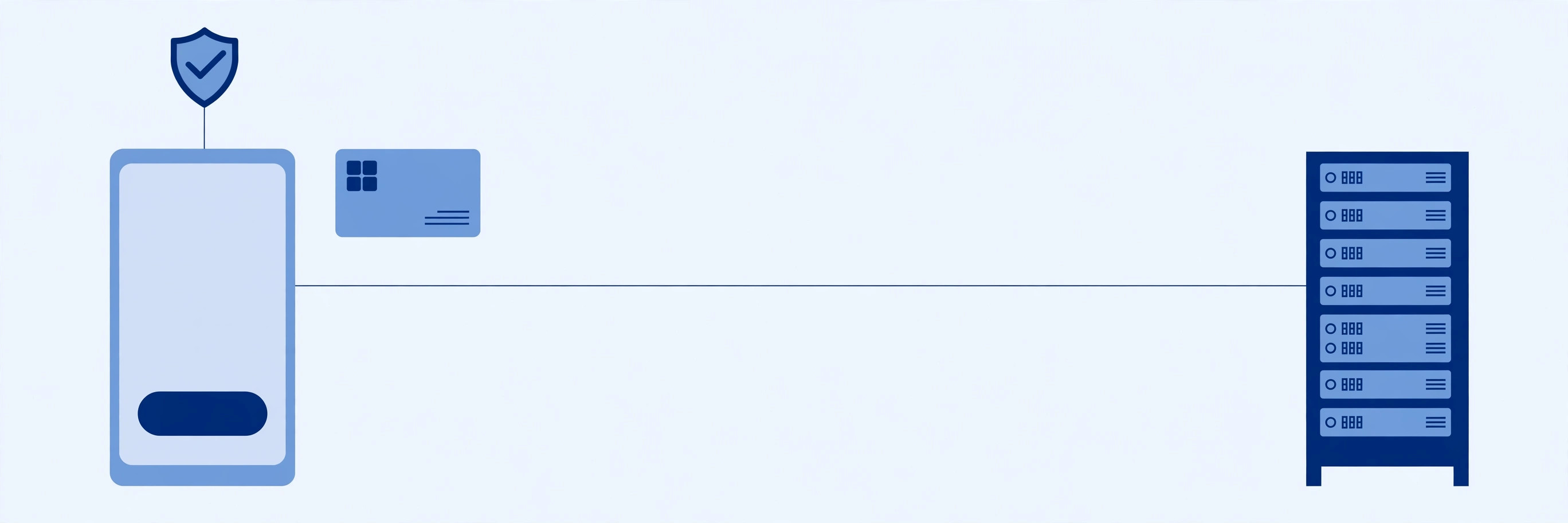
Every OAuth exchange has four parts:
- Resource owner — you, who owns the data and grants access.
- Client — the app asking for access, like a calendar or printing app.
- Authorization server — checks who you are, takes your consent, issues tokens (Google, GitHub).
- Resource server — hosts the protected data (your photos, calendar, repos).
RFC 6749's example: you grant a printing service access to your photos at a photo-sharing service, without sharing your password; the photo service's authorization server issues the token after you approve. The two servers are often one company, but the protocol treats them as separate roles — and the client never asks you for credentials directly.
The authorization code flow, step by step
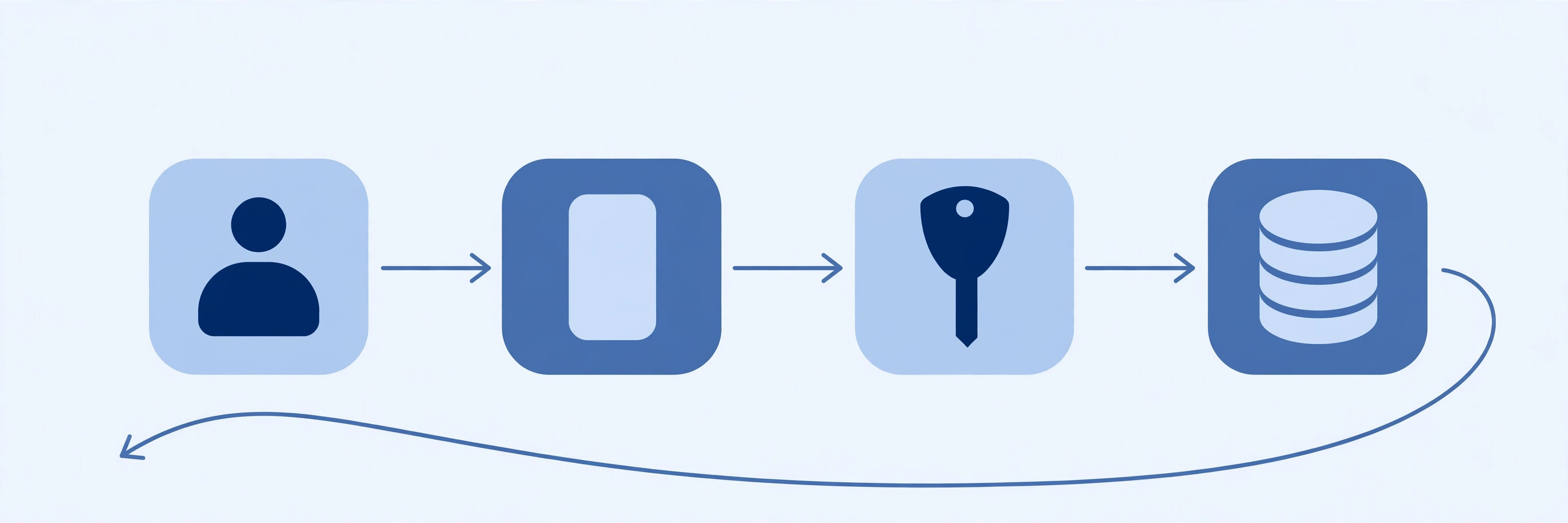
The flow for any app acting on behalf of a user — six steps, and the browser does most of the work:
- Your app redirects the browser to the authorization endpoint:
client_id,redirect_uri,response_type=code,scope, a randomstate, and (with PKCE) acode_challenge. - You sign in at the authorization server and approve the access — the app never sees your credentials.
- The server redirects back to your
redirect_uriwith a one-time authorization code (and yourstate, to check). - Your app swaps the code at the token endpoint — a server-to-server POST with the code,
client_id,client_secret, and the PKCEcode_verifier. - The server returns an
access_token, usually arefresh_token, andexpires_inin seconds. - Your app calls the API with the token in an
Authorization: Bearerheader.
Here it is with Google's real endpoints — the authorize URL your app builds, and the token request it makes server-side:
# Step 1 — send the user's browser here (authorization endpoint)
https://accounts.google.com/o/oauth2/v2/auth
  ?client_id=YOUR_CLIENT_ID
  &redirect_uri=https://your-app.example.com/oauth/callback
  &response_type=code
  &scope=https://www.googleapis.com/auth/drive.readonly
  &state=RANDOM_VALUE_YOU_CHECK_ON_RETURN
  &code_challenge=...&code_challenge_method=S256

# Step 4 — your server exchanges the code (never the browser)
curl -X POST https://oauth2.googleapis.com/token \
  -d client_id=YOUR_CLIENT_ID \
  -d client_secret=YOUR_CLIENT_SECRET \
  -d code=THE_CODE_FROM_STEP_3 \
  -d code_verifier=THE_VERIFIER_YOU_CREATED \
  -d grant_type=authorization_code \
  -d redirect_uri=https://your-app.example.com/oauth/callback

# Step 5 — the response (Google's access tokens last 1 hour)
{"access_token": "...", "expires_in": 3600,
 "refresh_token": "...", "scope": "...", "token_type": "Bearer"}
Two details matter. The code is single-use and short-lived — RFC 6749 recommends a maximum lifetime of 10 minutes. And state is your CSRF defence: a random value your app checks on return, so an attacker cannot trick your app into accepting a code meant for someone else (RFC 6749 §10.12). Skip it, and a crafted link can hijack the flow.
The other grant types — and which ones to avoid
RFC 6749 defines four grant types, but only two are still worth using. The client credentials grant is for an app acting for itself — server-to-server, no user involved, like a nightly sync job between two of your own services. It is the one grant the OAuth 2.1 draft keeps besides authorization code.
The other two are the mistakes. The implicit grant returned the access token directly in the URL fragment — which put tokens in browser history, referrer headers, and server logs. The resource owner password credentials grant had the app collect your username and password directly — the exact anti-pattern OAuth was invented to kill. Both are removed in the OAuth 2.1 draft; remove them from your code today, not when the draft becomes an RFC.
PKCE: the one extension you must know
PKCE — Proof Key for Code Exchange, RFC 7636, pronounced "pixy" — fixes a real attack. On a phone, a malicious app can register the same custom URI scheme as yours and intercept the authorization code on redirect back; the code alone is enough to get a token. PKCE ties the code to the app that started the flow: before redirecting, your app invents a random code_verifier (43–128 characters), hashes it with SHA-256, and sends the hash — the code_challenge — with the authorize request. At the token endpoint it presents the verifier; the server hashes it and compares. An attacker holding the stolen code does not know the verifier, so the exchange fails.
I verified the mechanics against the RFC itself: the Appendix B example, run locally, reproduces byte for byte:
# PKCE, verified against RFC 7636 Appendix B (Python, hashlib)
# code_verifier:  "dBjftJeZ4CVP-mB92K27uhbUJU1p1r_wW1gFWFOEjXk"
# code_challenge: SHA256(verifier), base64url, no padding
#               = "E9Melhoa2OwvFrEMTJguCHaoeK1t8URWbuGJSstw-cM"  (exact match)

# A fresh pair, generated for this article:
# code_verifier:  "Up73vSAGyb4bUTp-YcvKzHnojrFqkfaawvNk2_Qpfs8"  (43 chars)
# code_challenge: "fJg-DMNqbFgSwOXl7-KrQZ2RnwhHsGypEm1WFh9Gul4"
# Use S256, never "plain": plain sends the verifier itself in the
# authorize URL, where it can be observed — S256 only ever sends the hash.
PKCE started as a patch for public clients — mobile apps and SPAs that cannot keep a client_secret. The OAuth 2.1 draft makes it mandatory for every client, because the interception attack does not care how trustworthy your server is. Learn it once, use it on every authorization code flow. Our API key guide covers the other side: a key identifies your app, a PKCE-protected flow authorizes it on behalf of a user.

Tokens, scopes, and how long they live
Two tokens, two jobs. The access token is the short-lived credential sent with every API call, in the Authorization: Bearer <token> header (RFC 6750). Google's last one hour — expires_in: 3600 — and that brevity is the point. The refresh token buys new access tokens without bothering the user; it lives on your server, never in the browser, and dies the moment the user withdraws consent. Some providers rotate refresh tokens on every use — if one fails right after a successful refresh, that is usually why.
Scopes are the permission slip: space-separated strings the user approves at sign-in. drive.readonly lets an app read files but not delete them, and a token minted for one scope cannot be stretched to another — ask for the narrowest scopes you need. And a token is not a session: a session lives on your server and can be killed instantly; a bearer token is valid until it expires, which is why lifetimes are short and refresh tokens stay server-side. Where you store tokens matters as much as how long they live — our cookie guide covers why an HttpOnly cookie beats localStorage for anything the browser must hold.
OAuth 2.0 vs OAuth 2.1 — and the mistakes that leak tokens
OAuth 2.1 is not a new protocol; it is the cleanup. The draft (draft-ietf-oauth-v2-1-16, September 2026) folds RFC 6749, RFC 6750, PKCE, the native-apps guidance, and the Security Best Current Practice (RFC 9700, January 2025) into one document — and deletes the options the industry learned were unsafe. Out: the implicit grant, the password grant, tokens in query strings, and the PKCE "plain" method. In as requirements: PKCE with S256 for every client, exact redirect URI matching, and refresh-token rotation for public clients. Still an Internet-Draft, not a published RFC, but providers already enforce its rules — build to 2.1 and you are building to where 2.0 is going.
The mistakes that leak tokens are mundane — and all avoidable:
- Skipping the state check — a crafted link can log a victim into your app as the attacker.
- Loose redirect URI matching — prefix or wildcard matching lets an attacker register a lookalike URI and catch the code. Exact match only.
- Tokens in URLs or logs — a query-string token lands in server logs, referrers, and browser history. Headers and POST bodies only.
- Using OAuth as login without OpenID Connect — an access token proves an app may call an API, not who the user is.
- Storing tokens in localStorage — any script on the page can read it. Keep tokens server-side, or in an
HttpOnlycookie. - Treating the client secret as optional — a secret baked into a mobile app or SPA is not a secret. That is what PKCE is for.
OAuth 2.0 is delegated, scoped, time-limited access instead of sharing passwords: the user approves at the authorization server, the app receives a code, and only the app's server trades that code — with PKCE — for short-lived tokens. Use authorization code with PKCE for users, client credentials for your own services, the narrowest scopes you can, and the OAuth 2.1 rules as your default. For the authoritative text, read RFC 6749 and RFC 7636 — every flow, lifetime, and parameter here was verified against them. Our REST API guide shows where OAuth fits among the ways apps talk to each other.
Frequently asked questions
- What is OAuth 2.0 in simple terms?
- OAuth 2.0 is a way for you to let one app use your data on another service without giving it your password. You sign in at the service itself, approve exactly what the app may access, and the app receives a short-lived token that grants only that access. The password never leaves the service that issued it.
- Is OAuth 2.0 authentication or authorization?
- Authorization. OAuth 2.0 answers "what can this app do with this user's data?" — it does not prove who the user is. If you need login and identity, you add OpenID Connect on top of OAuth 2.0: it returns an ID token (usually a JWT) that says who signed in.
- What is the difference between OAuth 2.0 and OpenID Connect?
- OpenID Connect (OIDC) is a thin identity layer built on OAuth 2.0. OAuth 2.0 alone gives an app an access token for APIs; OIDC adds an ID token that carries the user's identity (subject, issuer, expiry) and a standard way to fetch profile information. "Sign in with Google" is OIDC, not plain OAuth 2.0.
- What is an access token vs a refresh token?
- An access token is the short-lived credential an app sends with each API call — Google's last about an hour (expires_in: 3600). A refresh token is a longer-lived credential, stored on the server, that the app exchanges for a fresh access token without asking the user to sign in again. If an access token leaks, the damage window is small; if a refresh token leaks, the attacker can mint new access tokens until it is revoked.
- What is PKCE and do I need it?
- PKCE (Proof Key for Code Exchange, RFC 7636, pronounced "pixy") ties the authorization code to the app that requested it, so a stolen code is useless without the secret verifier only that app holds. It was designed for mobile apps and SPAs, but the OAuth 2.1 draft makes it mandatory for every client. Use it on every authorization code flow — there is no reason not to.
- Is OAuth 2.0 secure?
- The protocol is sound when implemented as specified: authorization code flow with PKCE, exact redirect URI matching, a state parameter, HTTPS everywhere, short-lived access tokens, and tokens kept out of URLs and logs. Most real-world OAuth breaches come from skipping one of those — an open redirect, a missing state check, or a token pasted into a log file — not from the protocol itself.
- What is the difference between OAuth 2.0 and an API key?
- An API key identifies a project or an app, and it usually grants whatever the key can do, to anyone holding it. An OAuth 2.0 access token authorizes access on behalf of a specific user, limited to specific scopes, and it expires. Use an API key for your own server-to-server calls; use OAuth when the data belongs to a user who must consent.
- What is OAuth 2.1?
- OAuth 2.1 is the IETF's consolidation draft (draft-ietf-oauth-v2-1-16, September 2026) that folds RFC 6749, RFC 6750, PKCE, the native-apps guidance, and the OAuth 2.0 Security Best Current Practice (RFC 9700, January 2025) into one document. It removes the implicit and password grants, makes PKCE (S256 only) mandatory, and requires exact redirect URI matching and refresh-token rotation. As of this writing it is still an Internet-Draft, not a published RFC — but its rules are already what providers enforce in practice.
Related articles
301 vs 302 Redirect: 7 Rules That Decide Which One to Use (With a Verified Demo)
301 vs 302 redirect: a 301 moves a page for good, a 302 is a temporary detour. 7 rules, a verified curl demo, and the caching and POST traps most guides skip.
Web DevelopmentWhat Is a DNS Record? 9 Record Types Explained (With a Real dig Demo)
What is a DNS record? 9 types — A, AAAA, CNAME, MX, TXT, NS, SOA, PTR, CAA — explained with dig output from a live domain and the mistakes that break sites.
Web DevelopmentWhat Are Server-Sent Events? 7 Things Every Developer Should Know (With Examples)
What are server-sent events? Learn how SSE streams live updates over plain HTTP — event format, EventSource, reconnection, SSE vs WebSocket and a verified demo.