What Is Localhost? 7 Things Every Developer Should Know (With Examples)
October 17, 2026 · Web Development
Type npm run dev, open your browser, and there it is: http://localhost:3000. Every developer meets localhost on day one — and most never stop to ask what it is. Localhost is the hostname your computer uses to refer to itself: when a program connects to localhost, it talks to a server running on the same machine, and the traffic never leaves the device. This guide covers the 7 things that actually matter — the loopback interface, localhost vs 127.0.0.1 vs 0.0.0.0, how resolution works, ports, binding, real uses, and the errors you will hit.
What localhost actually means
Localhost is a name, not a place. It is the standard hostname that means "the computer I am on right now." When you type localhost on your laptop, it means your laptop. When someone else types it on theirs, it means theirs. There is no single machine called localhost — there are billions, one per device.
That name normally resolves to a loopback address: 127.0.0.1 in IPv4, or ::1 in IPv6. The operating system sees a packet addressed to it and hands it straight back to a program on the same machine, without touching a network cable, a Wi-Fi radio, a router, or the internet. That is why localhost works with the Wi-Fi off, in airplane mode, and on a machine that has never been online.
Localhost is also reserved by protocol, not by registration. Per RFC 6761 (Special-Use Domain Names), name resolvers should return the loopback address for localhost without ever asking a DNS server, and registries must not hand out localhost as a registrable domain. Nobody owns localhost — every machine owns its own.
1. The loopback interface: traffic that never leaves
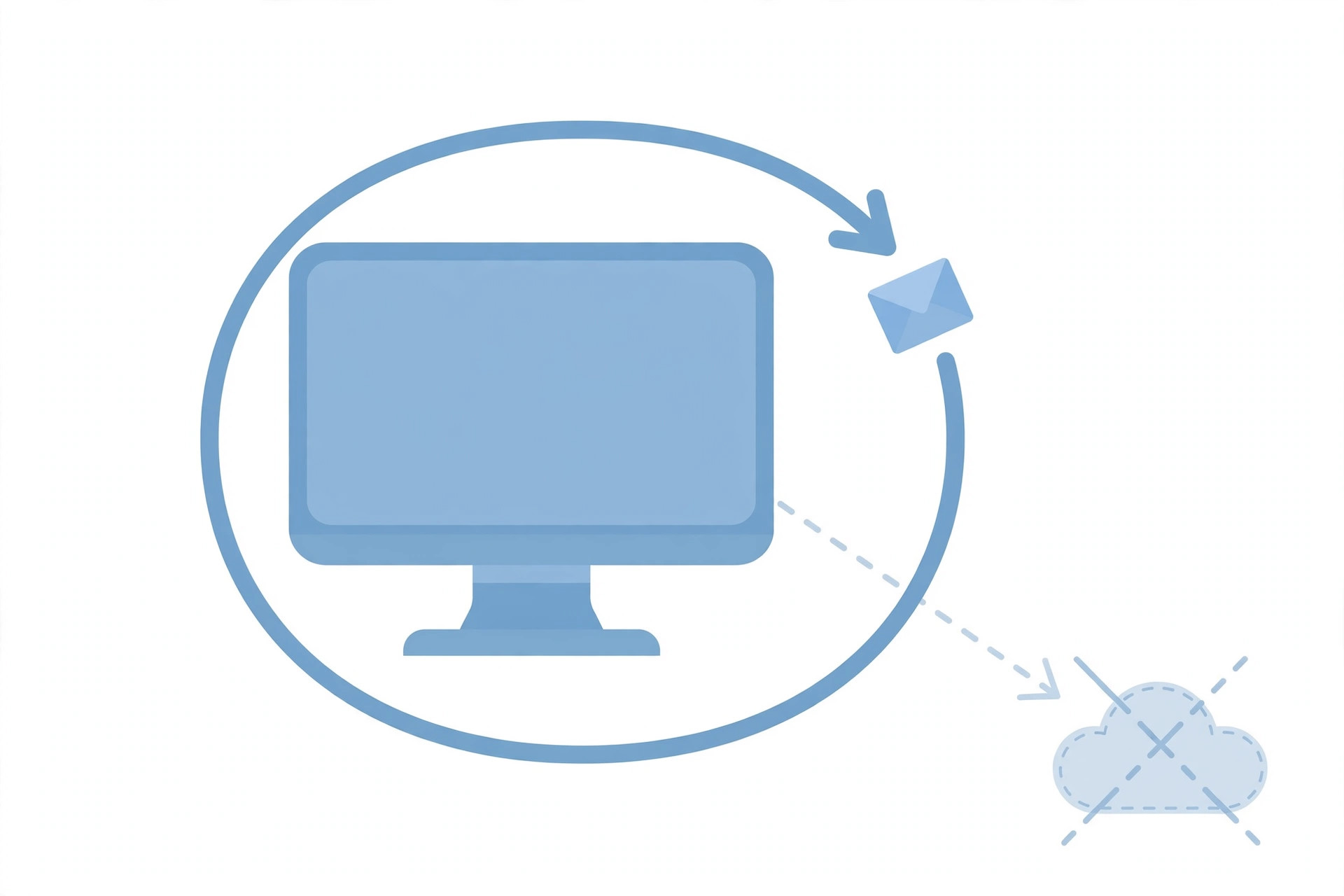
Every modern operating system has a virtual network interface called the loopback interface. Unlike your Ethernet or Wi-Fi adapter, it has no hardware behind it — it exists in software. Anything sent to it is immediately routed back to the same machine.
The IPv4 loopback range is the whole 127.0.0.0/8 block — every address from 127.0.0.1 to 127.255.255.255 is reserved for loopback. In practice everyone uses 127.0.0.1, but 127.0.0.2 loops back to your machine just the same. IANA's IPv4 Special-Purpose Address Registry lists 127.0.0.0/8 as "Loopback" — not a valid source or destination for traffic between devices, and not forwardable or globally reachable.
Three consequences follow. First, loopback traffic is fast: no wire, no router hop, no DNS lookup in the way. Second, it is private by construction: nothing addressed to loopback can be sniffed from the network, because it never reaches the network. Third, it is always available: the loopback interface is up even when every other interface is down, which is why ping localhost is the classic first test that your TCP/IP stack itself is working. (For how normal names reach the wider internet instead, see what DNS is.)
2. Localhost vs 127.0.0.1 vs ::1 vs 0.0.0.0
Four look-alike values cause most localhost confusion:
| Value | What it is | Who can connect |
|---|---|---|
localhost | Hostname — "this computer" | Only this machine (resolves to loopback) |
127.0.0.1 | IPv4 loopback address | Only this machine |
::1 | IPv6 loopback address | Only this machine (over IPv6) |
0.0.0.0 | "All interfaces" — not a destination | Anyone who can reach any interface on this machine |
The common mistake is treating 0.0.0.0 as another way to say localhost. It is not. You never connect to 0.0.0.0 — you bind a server to it, which means "listen on every network interface this machine has." A server bound to 0.0.0.0:3000 answers on localhost, on your LAN address, and on anything else the machine has. A server bound to 127.0.0.1:3000 answers only on loopback.
3. How your computer resolves localhost (no DNS involved)
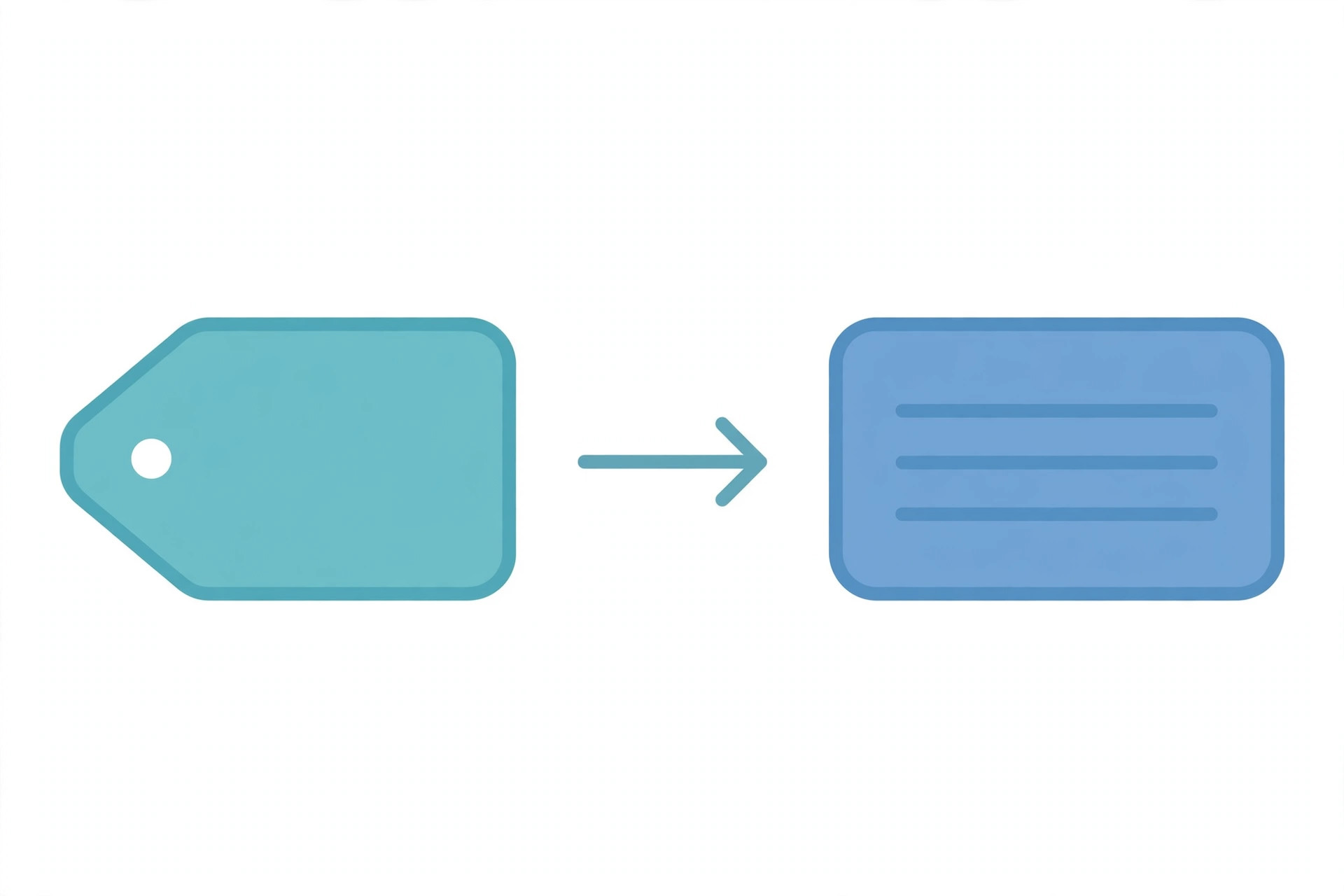
When you type a normal domain, your system asks DNS. Localhost skips that. Resolution happens in two layers:
- The hosts file. Every OS keeps a small local mapping file:
/etc/hostson Linux and macOS,C:\Windows\System32\drivers\etc\hostson Windows. It typically contains127.0.0.1 localhost(plus::1 localhostfor IPv6). Entries here are checked before any DNS query. - The resolver itself. Per RFC 6761, name-resolution libraries should recognize localhost names as special and return the loopback address directly — and should not forward the query to a DNS server at all.
You can prove this to yourself: disconnect from every network and ping localhost still answers. The same local-first design is why editing the hosts file is so powerful — add a line like 127.0.0.1 distracting-site.com and that domain resolves to your own machine instead of its real server, the oldest trick for blocking a site on your own computer. (The reverse also matters: malware that edits your hosts file can redirect real domains — one reason that file is protected.)
One more detail: names under .localhost get the same special treatment. myapp.localhost resolves to loopback too, which is why some frameworks use subdomains like app.localhost and api.localhost to test multi-subdomain setups without touching DNS.
4. Ports: why it is always localhost:3000
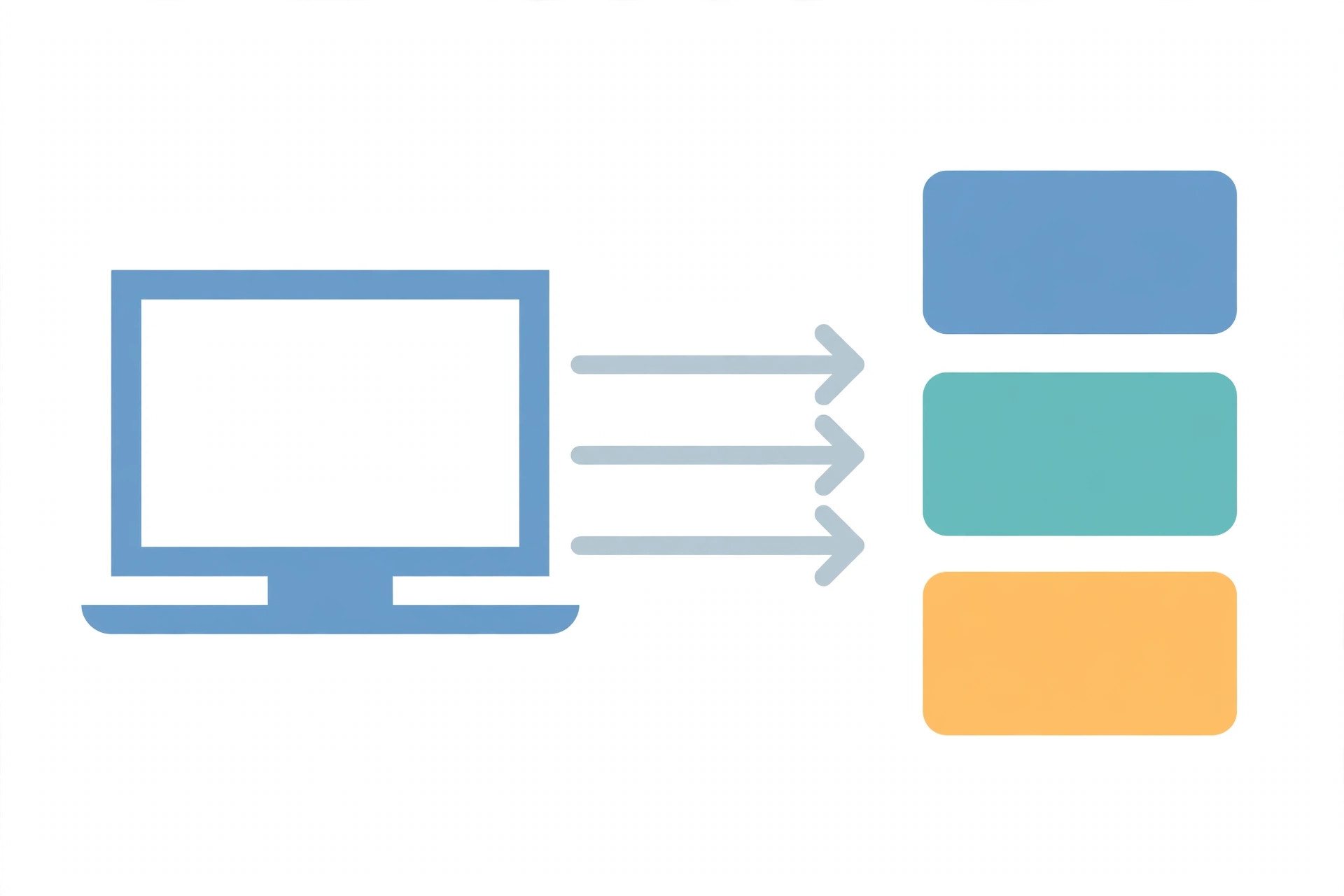
An address identifies a machine. A port identifies a program on that machine. That is why a bare localhost is almost never enough: without a port, your system does not know which of the many listening programs should get the request. Ports are 16-bit numbers (0–65535); ports below 1024 are the well-known ones that usually need administrator privileges.
Common localhost ports you will run into:
| Port | Usually running there |
|---|---|
3000 | React, Vite, Next.js dev servers |
5000 | Flask dev server |
8000 | Django, Python http.server |
8080 | Alternate HTTP / many Java and proxy servers |
5432 | PostgreSQL |
3306 | MySQL / MariaDB |
27017 | MongoDB |
Those are conventions, not rules — any program can listen on any free port. The point is that one localhost can host dozens of services at once, each behind its own port number. When a tutorial says "visit localhost:3000," it means "connect to your own machine, and ask for the program listening on port 3000." If nothing is listening there, you get the familiar "connection refused" error from section 7.
5. Binding: who can reach your server
When you start a server, you choose two things: the port, and the bind address — which interfaces the server listens on. This one choice decides whether your dev server is private or visible to your whole network:
# Only this machine can connect
python3 -m http.server 8000 --bind 127.0.0.1

# Any device that can reach this machine can connect
python3 -m http.server 8000 --bind 0.0.0.0
Bind to 127.0.0.1 when you want privacy: only programs on the same machine can reach the server. Bind to 0.0.0.0 when you deliberately want access from elsewhere — the classic case is testing a site from your phone over the same Wi-Fi, by visiting your computer's LAN address (something like http://192.168.1.10:3000).
The security rule is simple: binding to 0.0.0.0 is an announcement. On a home network, anyone on the same Wi-Fi can reach that port. On a coffee-shop network, anyone in the room can. A firewall may still block them, but the bind address is your first line of defence — do not open a dev server to the network unless you mean to. (How the request itself travels once it arrives is the client vs server story; how it is encrypted in production is HTTP vs HTTPS.)
6. What developers actually use localhost for
- Running dev servers. Frontend frameworks, APIs, and static servers all run on localhost first. You build and debug locally, then deploy the same code to a real server.
- Talking to local databases and services. Your app connects to
localhost:5432for Postgres orlocalhost:6379for Redis while you develop, then swaps in a real host in production — often via environment variables. - Testing without consequences. Break things on localhost and nobody notices. Test webhooks, payments in sandbox mode, and migrations against local copies before touching production data.
- Network diagnostics.
ping localhostandcurl http://localhost:PORTisolate "is my machine's networking broken?" from "is the internet broken?" — if localhost answers but the internet does not, the problem is outside your machine. - Blocking sites via the hosts file. Map an unwanted domain to
127.0.0.1and it resolves to your own machine, where nothing answers. Crude, effective, and entirely local. - Secure-context features without HTTPS. Browsers treat
http://localhostas a secure context, per MDN's Secure Contexts documentation — so APIs that require a secure origin, like service workers and geolocation, work on plain-http localhost during development and only demand real HTTPS once deployed.
7. Localhost is not a security blanket: 3 myths debunked
Myth 1: "It is on localhost, so it is safe." Localhost traffic cannot be sniffed off the network, but a server bound to 0.0.0.0 is reachable from your network, and anything running on your machine can reach a localhost server. Keep dev servers bound to loopback unless you need otherwise, and do not leave them running unattended.
Myth 2: "Localhost URLs are private, so secrets in them are fine." Credentials in a localhost URL still end up in browser history, shell history, screenshots, and logs. Use headers or environment variables for secrets instead.
Myth 3: "Localhost means the same server for everyone." It means the opposite: localhost on your machine is a different server from localhost on your teammate's. "Works on my localhost" is not evidence it works anywhere else.
4 localhost errors and how to fix them
- "Connection refused" / ERR_CONNECTION_REFUSED. Nothing is listening on that port. The server is not running, it crashed, or it is on a different port. Fix: start the server, then confirm with
curl http://localhost:3000(swap in your port). - "Port already in use" (EADDRINUSE). Another program already owns the port — often a previous dev server you forgot to stop. Fix: stop the old process, or start the new server on a different port. Find the culprit with
ss -ltnp | grep 3000on Linux orlsof -i :3000on macOS. - Localhost works but 127.0.0.1 fails (or vice versa). An IPv4/IPv6 mismatch: localhost resolved to
::1while the server listens only on IPv4, or the reverse. Fix: bind the server to both stacks, or use whichever form matches what the server listens on. - "This site can't be reached" with a proxy error. A corporate or VPN proxy is intercepting the request and trying to resolve localhost remotely — where it means nothing. Fix: add
localhostand127.0.0.1to the proxy bypass list, or setNO_PROXY=localhost,127.0.0.1.
If the server answers but with the wrong status code, the problem is no longer networking — decode the response with the HTTP status codes cheat sheet, and check which method the request used in GET vs POST.
Try it yourself
ping localhost— proves the loopback interface and your TCP/IP stack answer locally.python3 -m http.server 8000 --bind 127.0.0.1, then openhttp://localhost:8000— a working web server on your own machine in one command.curl -v http://127.0.0.1:8000— the same server reached by numeric address; compare withcurl -v http://localhost:8000.ss -ltn | grep 8000(Linux) orlsof -i :8000(macOS) — see exactly which address and port your server bound to.- Open your hosts file (
/etc/hostsorC:\Windows\System32\drivers\etc\hosts) and read the127.0.0.1 localhostline — the one line that makes the whole name work. - Next, read what a REST API is to see what servers on localhost actually serve.
What is localhost? The name your computer calls itself — resolving to the loopback address 127.0.0.1 (or ::1), handled entirely inside your machine, with ports picking which program answers and the bind address deciding who else may reach it. References: RFC 6761 — Special-Use Domain Names and MDN — Secure Contexts. Next, read client vs server to see where localhost sits in the full request-response cycle.
Frequently asked questions
- What is localhost in simple terms?
- Localhost is the standard hostname that means "this computer." When a program connects to localhost, it connects to a server running on the same machine — traffic never leaves the device. It normally resolves to the loopback address 127.0.0.1 (IPv4) or ::1 (IPv6).
- Is localhost the same as 127.0.0.1?
- Almost. Localhost is the name; 127.0.0.1 is the address it usually resolves to. They behave the same in most cases, but they are not identical: localhost can resolve to ::1 (IPv6) on dual-stack systems, and some programs treat the name and the numeric address differently when binding or resolving. When in doubt, test both.
- Does localhost work without internet?
- Yes. Localhost traffic is handled by the loopback interface inside your operating system and never touches your network card, router, or ISP. You can run a dev server on localhost with Wi-Fi off and airplane mode on, and it still works.
- Why does my app run on localhost:3000 instead of just localhost?
- Because an address alone is not enough — the port picks which program on your machine gets the request. Many programs can listen on localhost at once, each on its own port: a React app on 3000, an API on 8000, a database on 5432. The port is the apartment number; localhost is the building.
- Can someone else on my network access my localhost server?
- Not if it is bound to 127.0.0.1 — that address only accepts connections from the same machine. But if the server is bound to 0.0.0.0, it listens on all network interfaces, and anyone who can reach your machine (same Wi-Fi, same office network) can connect to it. Check the bind address before assuming a dev server is private.
- Why does localhost work but 127.0.0.1 fail (or vice versa)?
- Usually an IPv4/IPv6 mismatch. If localhost resolves to ::1 but your server only listens on IPv4 127.0.0.1, a connection to localhost fails while 127.0.0.1 works. The reverse happens when a server binds only to ::1. Fix it by binding the server to both stacks, or by using the address form that matches what the server listens on.
- Is localhost secure?
- Localhost traffic cannot be sniffed from the network because it never leaves the machine, and browsers treat http://localhost as a secure context. But localhost is not a security blanket: a server bound to 0.0.0.0 is reachable from your network, and secrets in local config files are only as safe as the machine itself. Treat localhost as private, not as invulnerable.
- What is the difference between localhost and 0.0.0.0?
- Localhost (127.0.0.1) means "this machine only" — connect to a server running here. 0.0.0.0 means "all interfaces" — when a server binds to it, it accepts connections from localhost, your LAN address, and any other interface on the machine. Use 127.0.0.1 for private dev servers; use 0.0.0.0 only when you deliberately want others to reach the server.
Related articles
What Is a Proxy Server? 7 Things Every Developer Should Know (With Examples)
What is a proxy server? Learn how proxy servers work for developers — forward vs reverse, HTTP vs SOCKS, CONNECT tunneling, and proxy vs VPN. With examples.
Web DevelopmentWhat Is an API Gateway? 7 Things Every Developer Should Know (With Examples)
What is an API gateway? Learn how API gateways work for developers — routing, auth, rate limiting, aggregation, and when not to use one, with code examples.
Web DevelopmentWhat Is a Load Balancer? 7 Things Every Developer Should Know (With Examples)
What is a load balancer? Learn how load balancers work — Layer 4 vs Layer 7, routing algorithms, health checks, and sticky sessions, with config examples.
Try the free tool
URL Encoder/Decoder
Encode and decode URLs with correct UTF-8 handling, live conversion, and double-encoding warnings.
Runs entirely in your browser Server & Deployment ToolsHTTP Header Checker
See a URL's response headers and which common security headers are missing.
Checked server-side — nothing is stored